How AI Can Make an English Teacher's Job Easier
Seven AI shortcuts that hand English teachers hours back every week.
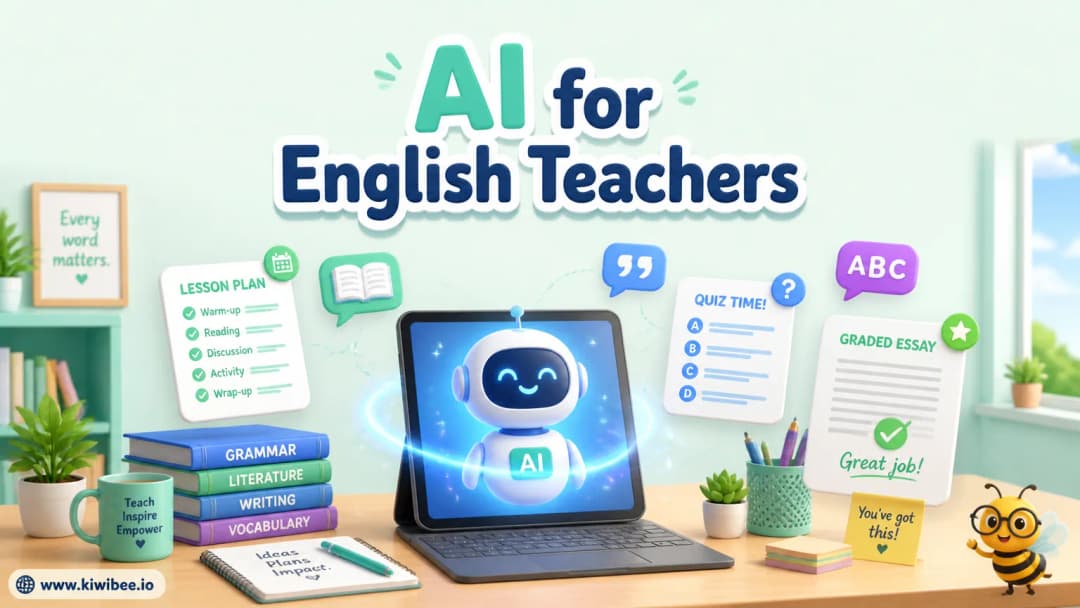
Seven ways I let AI do the boring parts of English teaching
AI will not teach your class for you, but it will quietly hand back hours of your week. As an English teacher I have tested it on the jobs I used to dread, and these are the seven uses that actually stuck.
1. Generate lesson ideas
The fastest win. Tell the AI your topic and level and ask for a few lesson angles — you will get interesting starting points in seconds. I never use them word-for-word, but they break the blank-page paralysis.
2. Draft student reports
This one takes some trial and error. You have to keep refining your prompt until the tone and detail come out right, but once you land on a prompt that works, you can reuse it for the whole class.
3. Write quiz questions for Kahoot, Blooket, Baamboozle, and Quizizz
Tell the AI exactly how you want the questions structured — for example, question, then four options, then the answer — so the output drops straight into a spreadsheet. From there it is a quick copy-paste into your game of choice.
4. Assess students' writing
Still early, and you may need a paid plan, but promising. I have tested it: upload a student's writing alongside your rubric and the AI grades it against your criteria. Treat it as a first opinion, not the final mark.
5. Generate MATs for pair work
My favourite for K-2. Ask the AI to create a 4x4 grid on a topic, with a piece of clipart in each square. Print it, and students use it as a pair-work mat — asking and answering questions about each picture. It saves the hours I used to spend building these one square at a time.
6. Make colouring books from new vocabulary
Learning classroom objects? Paste the word list and ask the AI to turn it into a colouring book, mixing in a few extra images to make it more challenging. Early finishers love them and the vocabulary sticks.
7. Turn a story into a colouring book
Same trick, applied to reading. Ask the AI to create colouring pages based on the story you have just taught. Students colour the scenes and revisit the story without realising they are reviewing it.
A quick word of caution
Everything here is a first draft, not a finished product. Check the AI's facts, edit its tone, and make sure the grading and reports reflect what you actually saw in class.
Explore the platform
Continue with KiwiBee
Choose the KiwiBee workspace or resource library that fits what you need next.
Get one practical teaching resource in your inbox each week.
Related posts
The Free AI Worksheet Generator That Saves Teachers 5 Hours a Week
A teacher's walkthrough of the free AI worksheet generator: 9 question types, 11 languages, instant PDF/DOCX. With classroom workflows and time-savings math.
The AI Teaching Assistant That Sits in Every Lesson
Most AI tools help before or after class. This one helps during. Voice recognition picks up my explanations and flags when students might be confused. It suggests real-time interventions I'd never think of mid-lesson.
 Home
Home All solutions
 Pricing
 About us
 KiwiBee for Non-profits
 Events & webinars
 For big organisations
 For schools
 For centers
 For team leaders
 For teachers
 AI and resources
 Resources
 Printable worksheets
 Lesson Packs
 Interactive simulations
 Teacher tools
 AI studio
 Ideas and research