
Free interactive simple machines simulation. Explore simple machines hands-on online — great for whole-class or independent practice.
—
KiwiBee uses optional Google Analytics, Google Ads, and Meta Pixel cookies to understand adult visitors, measure completed sign-ups, and improve campaigns. Essential cookies always stay on. OpenAI’s ChatGPT Ads Pixel also measures page views and completed enquiries after advertising consent, and may use hashed contact details for matching. Privacy policy
This simulation lets students try four classic simple machines in 3D. They choose the machine, set the load mass and their own effort, adjust the ratio setting, and optionally switch on friction. Readouts display the mechanical advantage, the effort needed to move the load, and the work in and work out. The central idea is that a machine trades force for distance but never creates energy. It suits physical science lessons where groups compare machines and explain why a smaller effort needs a longer push.
Yes, it is completely free. It runs in any modern browser, including whiteboards and tablets, with no sign-up.
Mechanical advantage is the load divided by the effort. A value of 3 means you push with one third of the load weight, but you must move your effort three times as far, so the work stays the same.
No. It makes the job easier by letting you use a smaller force over a longer distance. The work put in is the same as the work taken out, and with friction some is lost as heat.
Choose a machine from the Machine menu, then set Load mass, Your effort and Ratio setting. If your effort is greater than the Effort needed, the load moves.
Drop it into your LMS, blog, or class site — free.
<iframe src="https://kiwibee.io/en/simulations/simple-machines-3d-simulation/embed" title="Simple Machines | KiwiBee" loading="lazy" allowfullscreen style="width:100%;height:min(70vh,620px);min-height:420px;border:0;border-radius:16px"></iframe>Continue exploring
Free interactive simple machines simulation. Explore simple machines hands-on online — great for whole-class or independent practice.
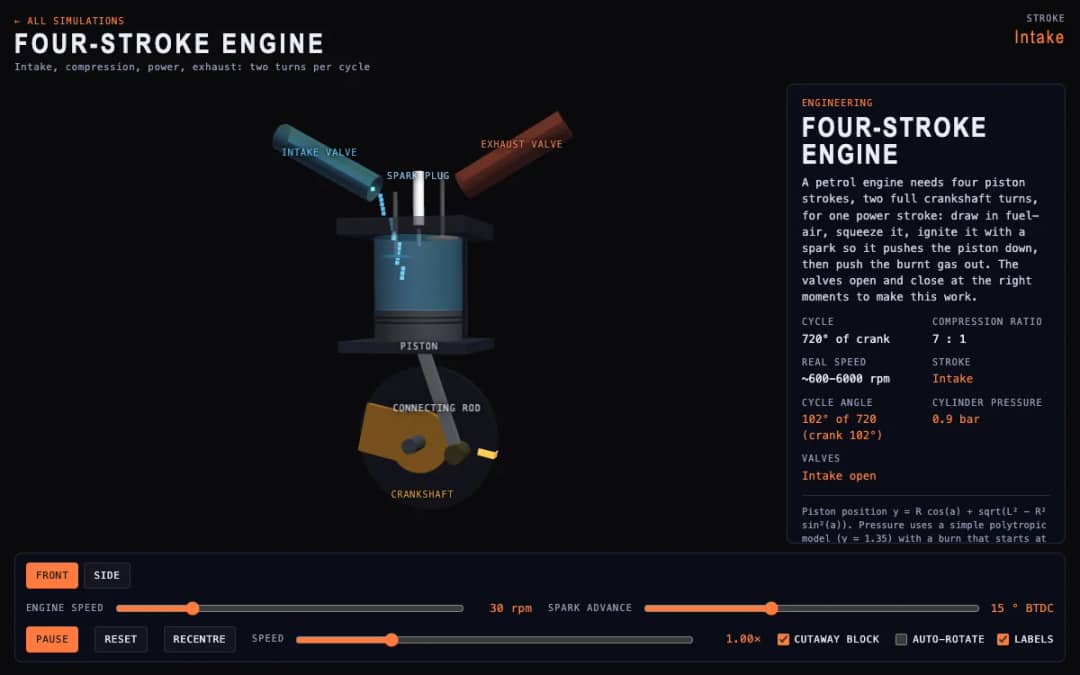
A cutaway engine cylinder shows the piston, valves and spark through the four strokes of the cycle. Students change engine speed and spark advance and watch the stroke, cycle angle, cylinder pressure and valve states update.
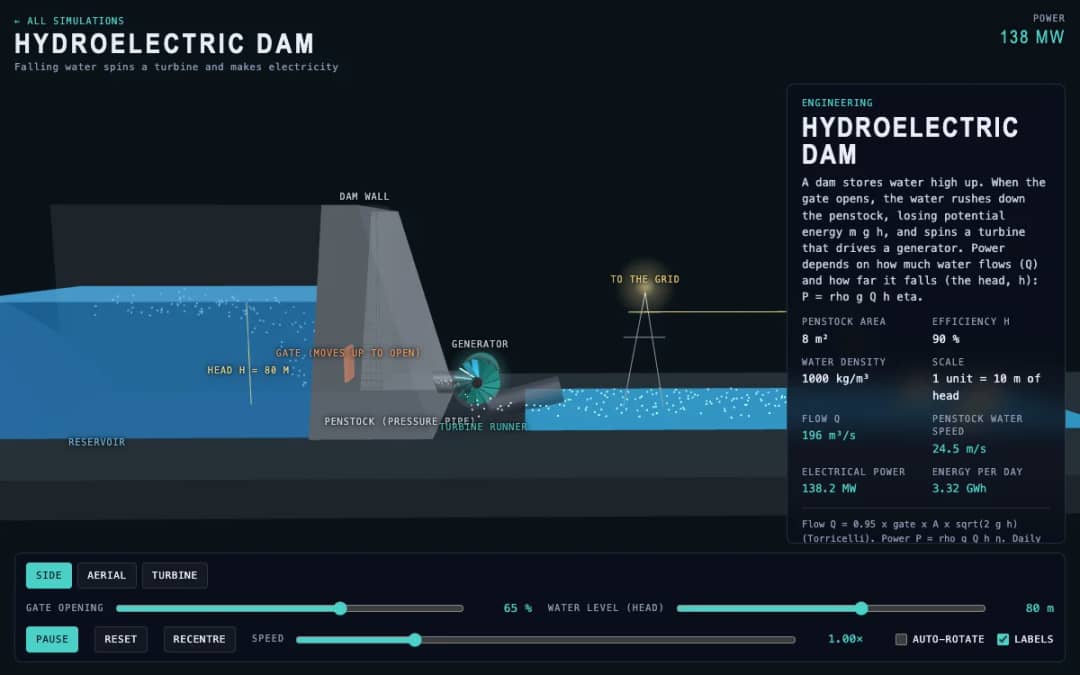
A dam, penstock and turbine are shown in 3D. Students change the gate opening and the water level, called the head, and read the water flow, penstock water speed, electrical power and energy per day.
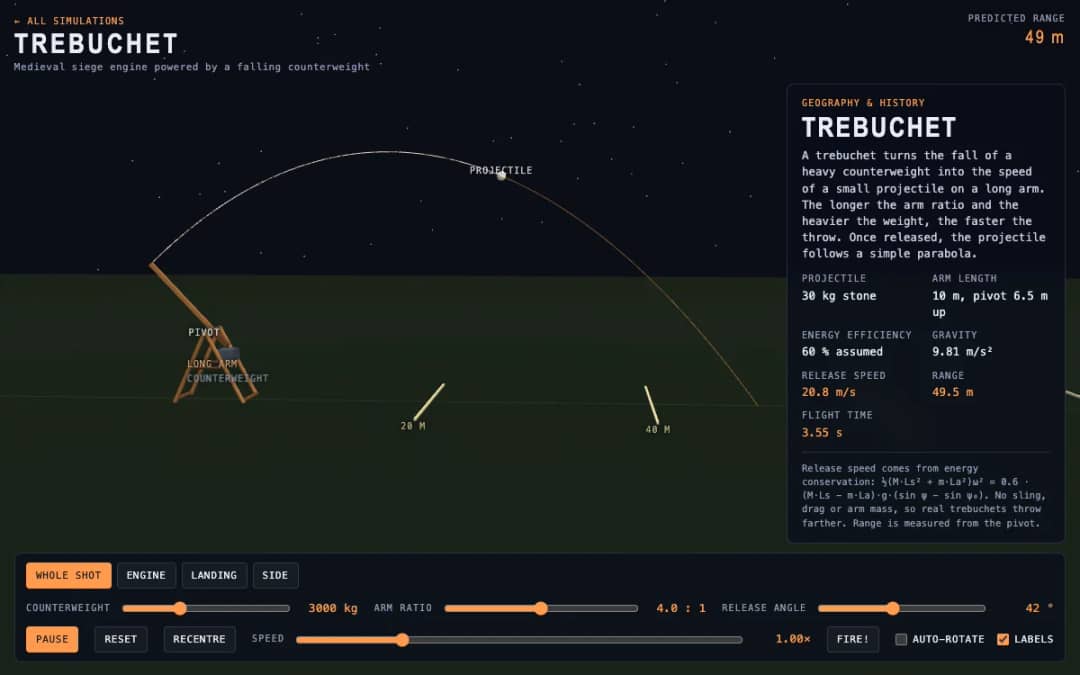
A medieval trebuchet swings its arm in 3D and throws a stone. Students change the counterweight mass, arm ratio and release angle, press Fire, and read the release speed, range and flight time.
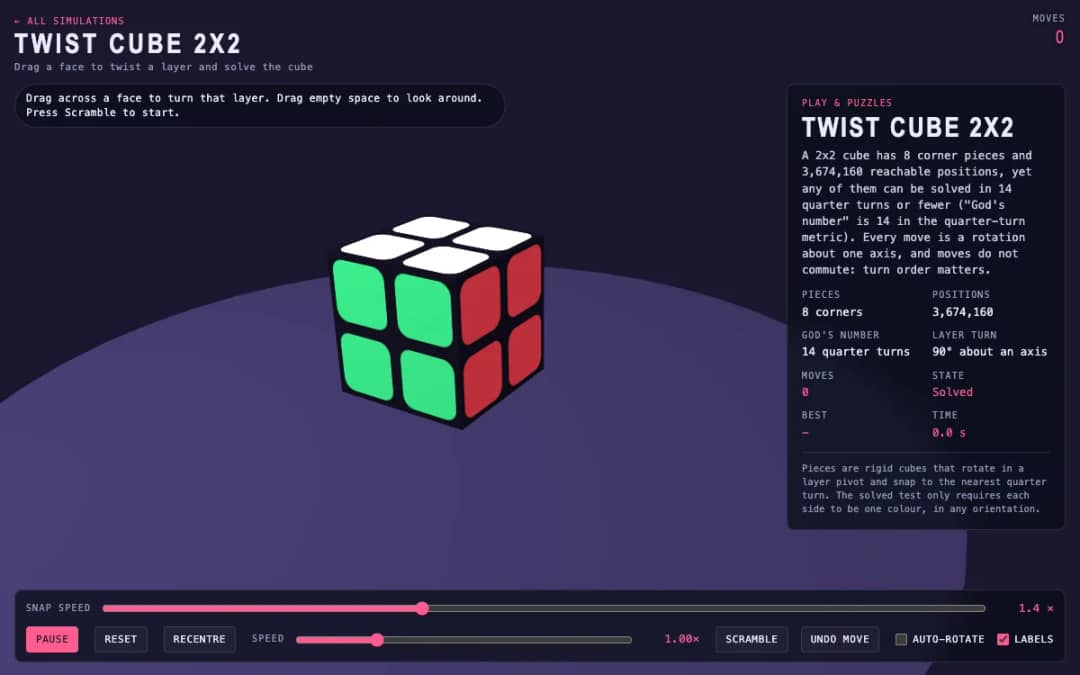
A 3D pocket cube with colored faces sits on screen. Students drag across a face to turn a layer, press Scramble to mix it, and try to solve it while the move counter and timer run.
KiwiBee's free teacher workspace brings lesson planning, worksheets, classroom tools, and gradebook together in one place.
Start free and create your first class Home
Home All solutions
 Pricing
 About us
 KiwiBee for Non-profits
 Events & webinars
 For big organisations
 For schools
 For centers
 For team leaders
 For teachers
 AI and resources
 Resources
 Printable worksheets
 Lesson Packs
 Interactive simulations
 Teacher tools
 AI studio
 Ideas and research