
Free interactive light and shadows simulation. Explore light and shadows hands-on online — great for whole-class or independent pr
—
KiwiBee uses optional Google Analytics, Google Ads, and Meta Pixel cookies to understand adult visitors, measure completed sign-ups, and improve campaigns. Essential cookies always stay on. OpenAI’s ChatGPT Ads Pixel also measures page views and completed enquiries after advertising consent, and may use hashed contact details for matching. Privacy policy
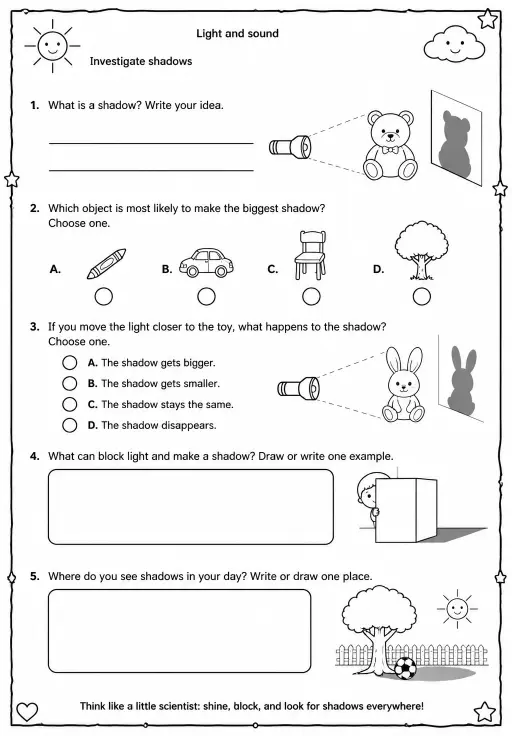
Shadows form when an opaque object blocks light. In this lamp–object–screen model, similar triangles give shadow height = object height × screen distance / object distance. Moving the object towards the lamp enlarges its shadow on the screen; moving it towards the screen shrinks it. A wider lamp produces a softer edge. Students can change distance from light and object height and compare what happens. Use it for physics inquiry with Grades 3–4, Middle School, and High School on a projector or student device.
Standards: NGSS MS-PS4-2
Yes. Open the Shadows simulation in a modern browser with no download or sign-up required.
The simulation includes learning-level presets spanning Grades 3–4, Middle School, and High School. Choose the level that matches your class, then use it on a projector or student devices.
Drop it into your LMS, blog, or class site — free.
<iframe src="https://kiwibee.io/en/simulations/shadows-simulation/embed" title="Shadows Interactive Simulation | KiwiBee" loading="lazy" allowfullscreen style="width:100%;height:min(70vh,620px);min-height:420px;border:0;border-radius:16px"></iframe>Continue exploring
Free interactive light and shadows simulation. Explore light and shadows hands-on online — great for whole-class or independent pr

Free interactive gravity simulation. Explore gravity hands-on online — great for whole-class or independent practice.

Free interactive friction simulation. Explore friction hands-on online — great for whole-class or independent practice.

Free interactive erosion simulation. Explore erosion hands-on online — great for whole-class or independent practice.

Free interactive pollination simulation. Explore pollination hands-on online — great for whole-class or independent practice.
From model to evidence
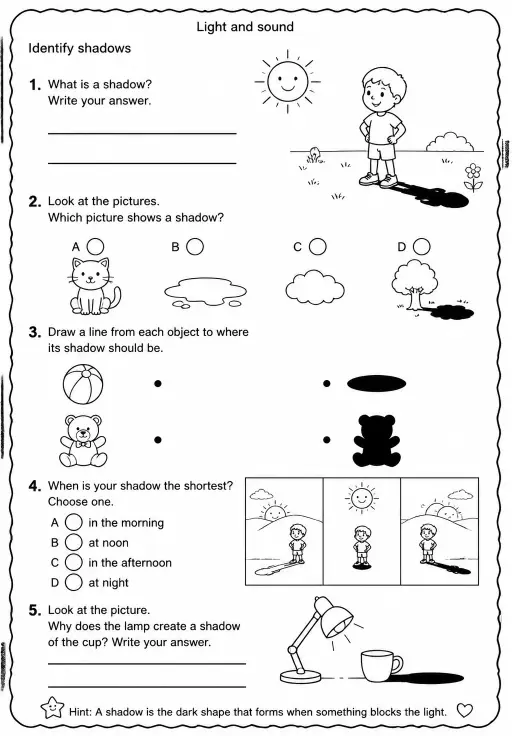
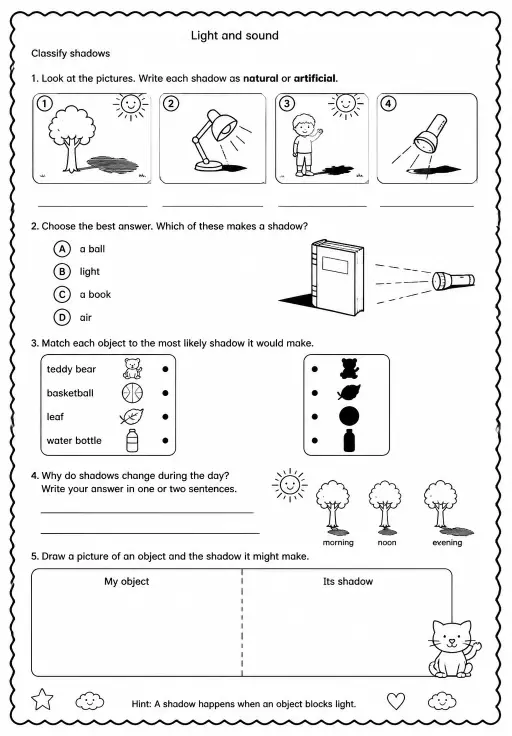
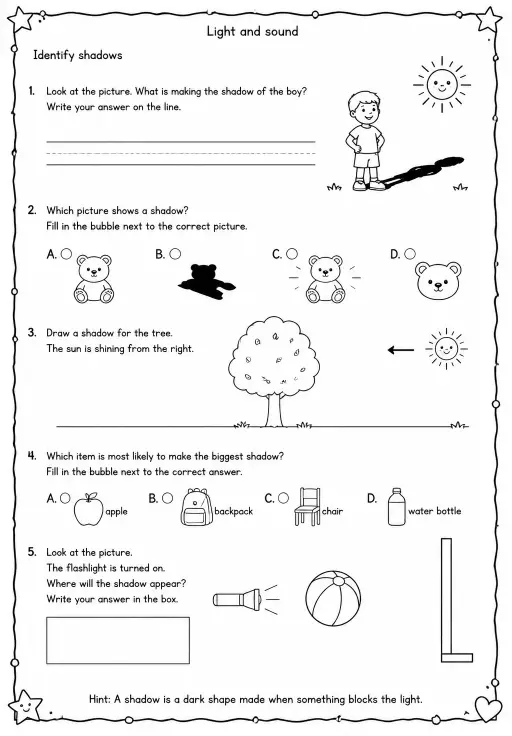
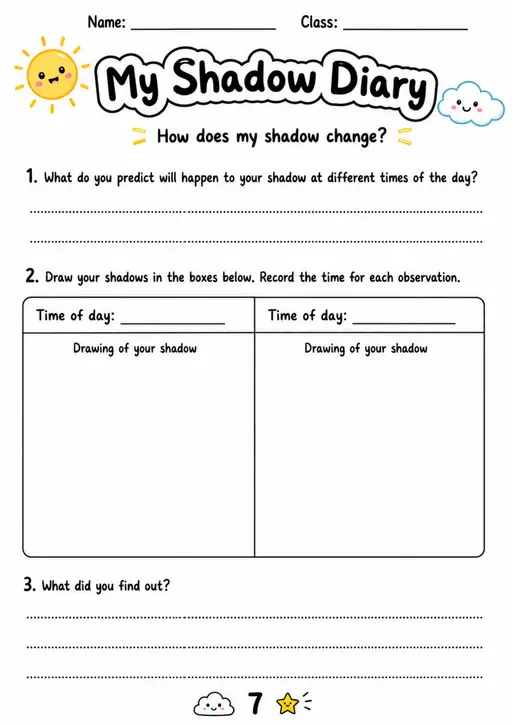
Use a worksheet to capture predictions, observations, and explanations after students explore.
KiwiBee's free teacher workspace brings lesson planning, worksheets, classroom tools, and gradebook together in one place.
Start free and create your first class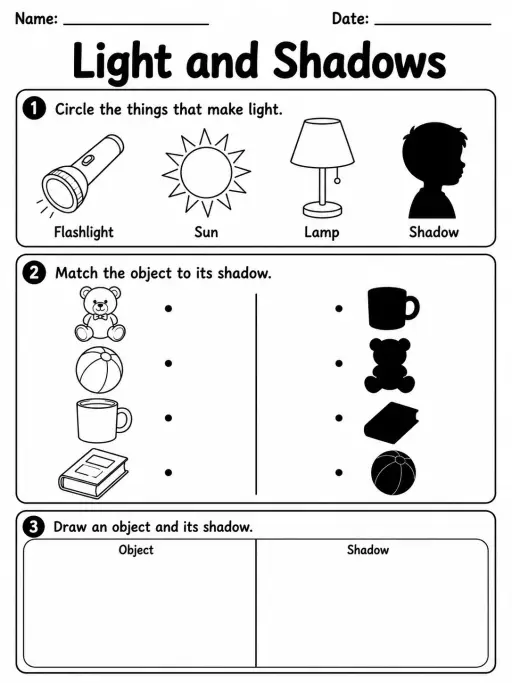
 Home
Home All solutions
 Pricing
 About us
 KiwiBee for Non-profits
 Events & webinars
 For big organisations
 For schools
 For centers
 For team leaders
 For teachers
 AI and resources
 Resources
 Printable worksheets
 Lesson Packs
 Interactive simulations
 Teacher tools
 AI studio
 Ideas and research