Your privacy choices

KiwiBee uses optional Google Analytics, Google Ads, and Meta Pixel cookies to understand adult visitors, measure completed sign-ups, and improve campaigns. Essential cookies always stay on. OpenAI’s ChatGPT Ads Pixel also measures page views and completed enquiries after advertising consent, and may use hashed contact details for matching. Privacy policy

Skip to main content

Vector Cross Product

About this simulation

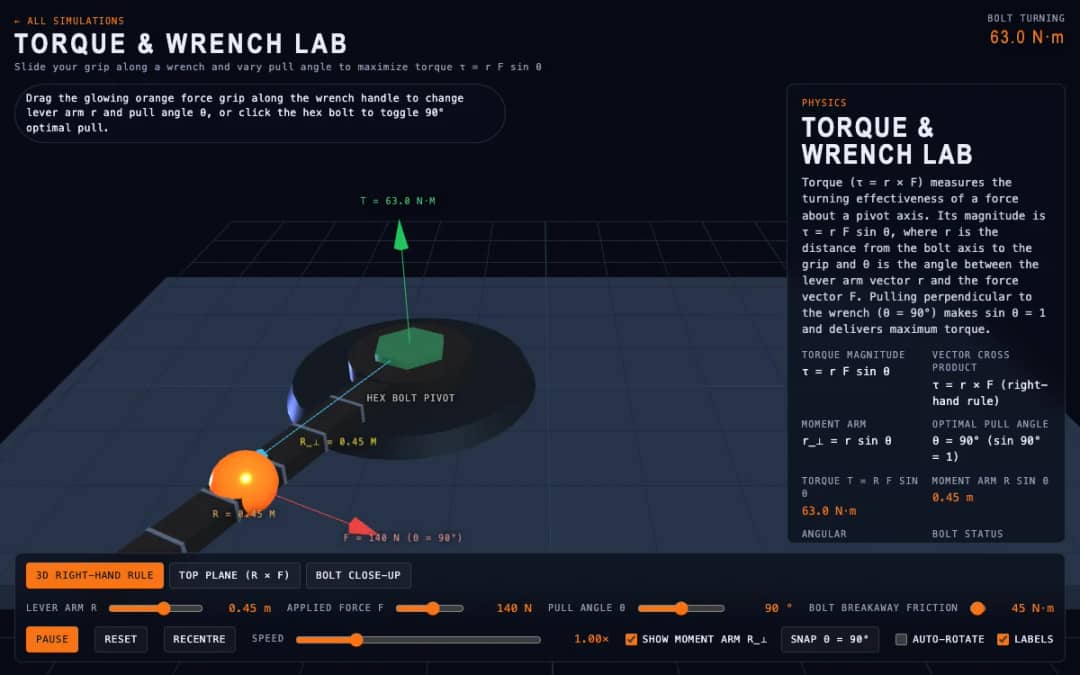
This simulation shows vectors a and b with their cross product a x b standing at right angles to both. The parallelogram spanned by a and b is shaded, and its area equals the length of the cross product. Students change the length of a, the length of b and the angle between them, auto-sweep the angle and spin the scene. Readouts give the angle, the dot product, the area and the components. Teachers can use it to teach the right-hand rule and to compare dot and cross products.

What students can explore

  • Move Angle from 0 to 180 degrees and watch |a x b| = area rise and fall.
  • Set Angle to 90 degrees and see that the area is largest and a . b is zero.
  • Raise |a| and |b| and check area equals |a||b| sin(theta).
  • Use the right-hand rule to predict the direction of a x b, then check it.
  • Turn on Auto-sweep angle to see the dot and cross values change together.

Learning objectives

  1. 1State that the cross product is perpendicular to both vectors.
  2. 2Use the right-hand rule to find its direction.
  3. 3Relate the length of the cross product to the area of a parallelogram.
  4. 4Distinguish the cross product from the dot product.

Questions teachers ask

Is the vector cross product simulation free to use?

Yes. It is completely free and runs in any modern web browser, including on interactive whiteboards, tablets, Chromebooks and phones. There is nothing to install and no sign-up or account is needed.

What does the length of a cross product mean?

Its length is |a||b| sin(theta), which equals the area of the parallelogram formed by the two vectors. It is zero when the vectors are parallel.

What is the difference between dot and cross products?

The dot product is a single number, |a||b| cos(theta), showing how much one vector lies along the other. The cross product is a new vector perpendicular to both.

How do I use the vector cross product simulation?

Set the lengths and angle, then read the area and dot product. Try 0, 90 and 180 degrees and use your right hand to check the direction of the result.

Embed this simulation

Drop it into your LMS, blog, or class site — free.

<iframe src="https://kiwibee.io/en/simulations/vector-cross-product-3d-simulation/embed" title="Vector Cross Product | KiwiBee" loading="lazy" allowfullscreen style="width:100%;height:min(70vh,620px);min-height:420px;border:0;border-radius:16px"></iframe>

Continue exploring

From model to evidence

Use a worksheet to capture predictions, observations, and explanations after students explore.

Bring interactive science into your classroom

KiwiBee's free teacher workspace brings lesson planning, worksheets, classroom tools, and gradebook together in one place.

Start free and create your first class

or explore the teacher workspace →