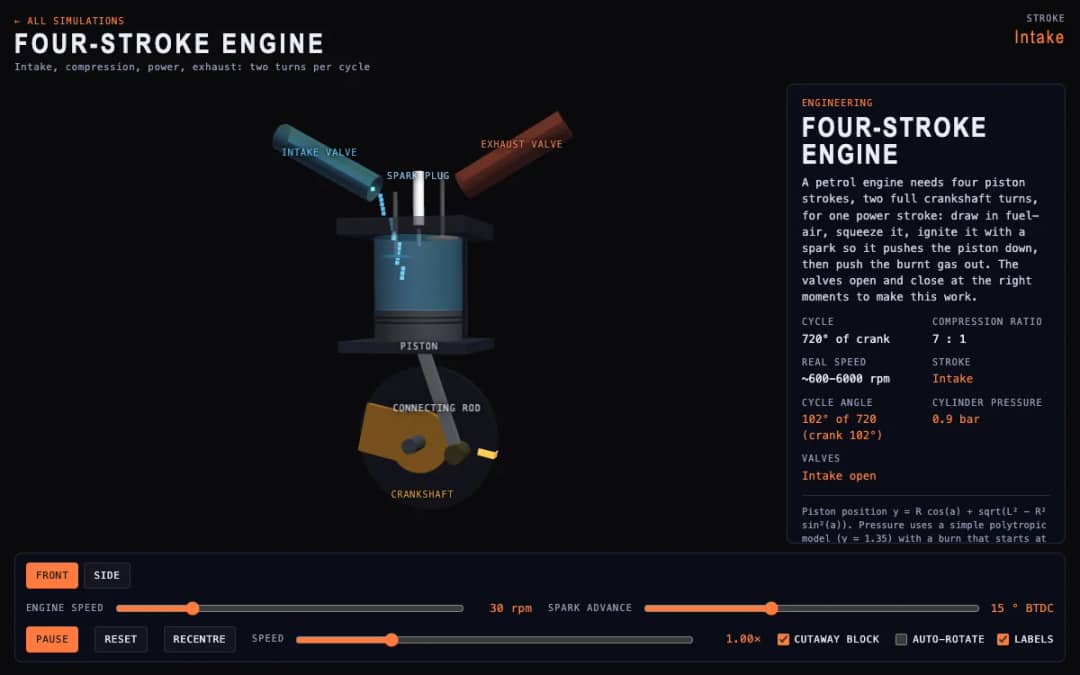
A cutaway engine cylinder shows the piston, valves and spark through the four strokes of the cycle. Students change engine speed and spark advance and watch the stroke, cycle angle, cylinder pressure and valve states update.
—
KiwiBee uses optional Google Analytics, Google Ads, and Meta Pixel cookies to understand adult visitors, measure completed sign-ups, and improve campaigns. Essential cookies always stay on. OpenAI’s ChatGPT Ads Pixel also measures page views and completed enquiries after advertising consent, and may use hashed contact details for matching. Privacy policy
This simulation shows how the angle of a solar panel changes the sunlight it catches. Sliders set the tilt and the compass direction of the panel, the time of day and the season, and the day can also run automatically. Readouts give the Sun elevation and azimuth, the incidence angle, the panel power and the energy collected so far. Students find that a panel works best when the Sun hits it head-on, and that the best tilt depends on the season. It is a practical activity for energy and Earth and space lessons.
Yes. It is free and runs in any modern browser, including whiteboards and tablets. There is no sign-up.
In the northern hemisphere the Sun is in the southern half of the sky for most of the day. A south-facing panel keeps the Sun closer to head-on, so the incidence angle stays small and more power is collected.
It is the angle between the Sun rays and a line sticking straight out of the panel. A smaller angle means more power, and at 0 degrees the Sun is exactly head-on.
Set Panel tilt, Panel azimuth and Season, then drag Time of day or switch on Run the day. Watch Panel power and Energy today to compare setups.
Drop it into your LMS, blog, or class site — free.
<iframe src="https://kiwibee.io/en/simulations/solar-panel-angle-3d-simulation/embed" title="Solar Panel Angle | KiwiBee" loading="lazy" allowfullscreen style="width:100%;height:min(70vh,620px);min-height:420px;border:0;border-radius:16px"></iframe>Continue exploring
A cutaway engine cylinder shows the piston, valves and spark through the four strokes of the cycle. Students change engine speed and spark advance and watch the stroke, cycle angle, cylinder pressure and valve states update.
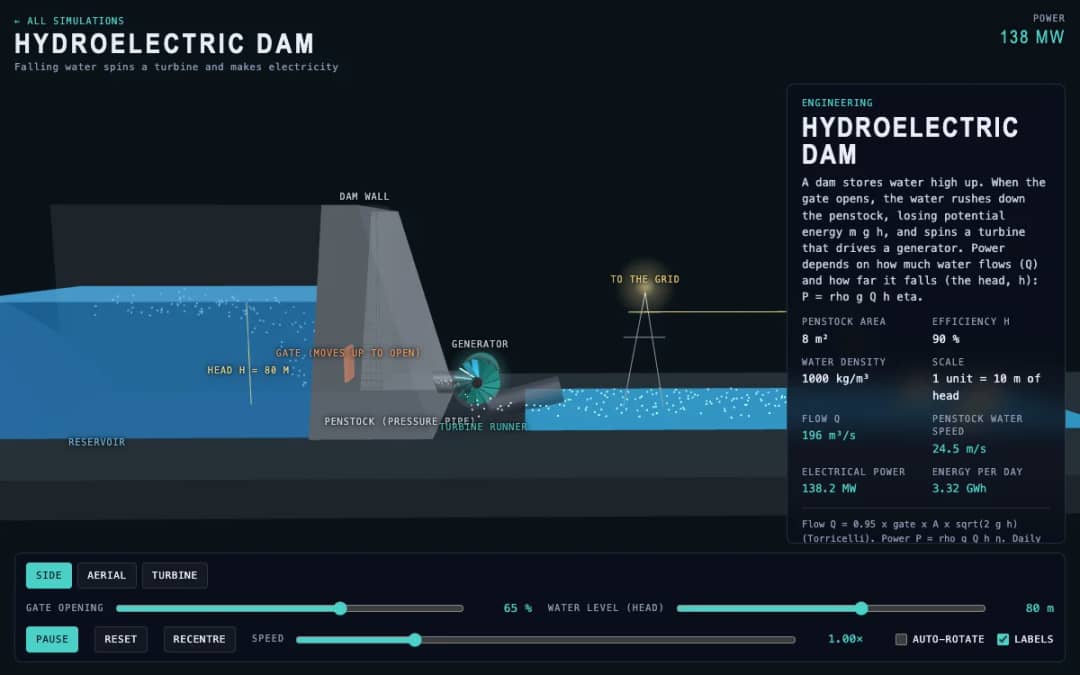
A dam, penstock and turbine are shown in 3D. Students change the gate opening and the water level, called the head, and read the water flow, penstock water speed, electrical power and energy per day.
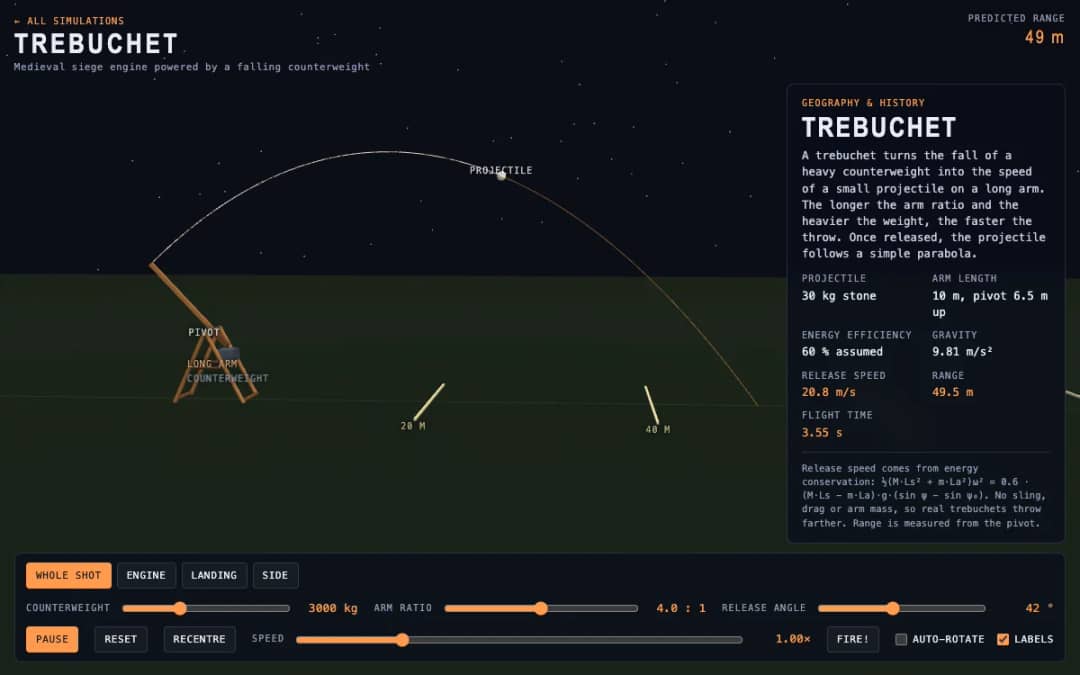
A medieval trebuchet swings its arm in 3D and throws a stone. Students change the counterweight mass, arm ratio and release angle, press Fire, and read the release speed, range and flight time.
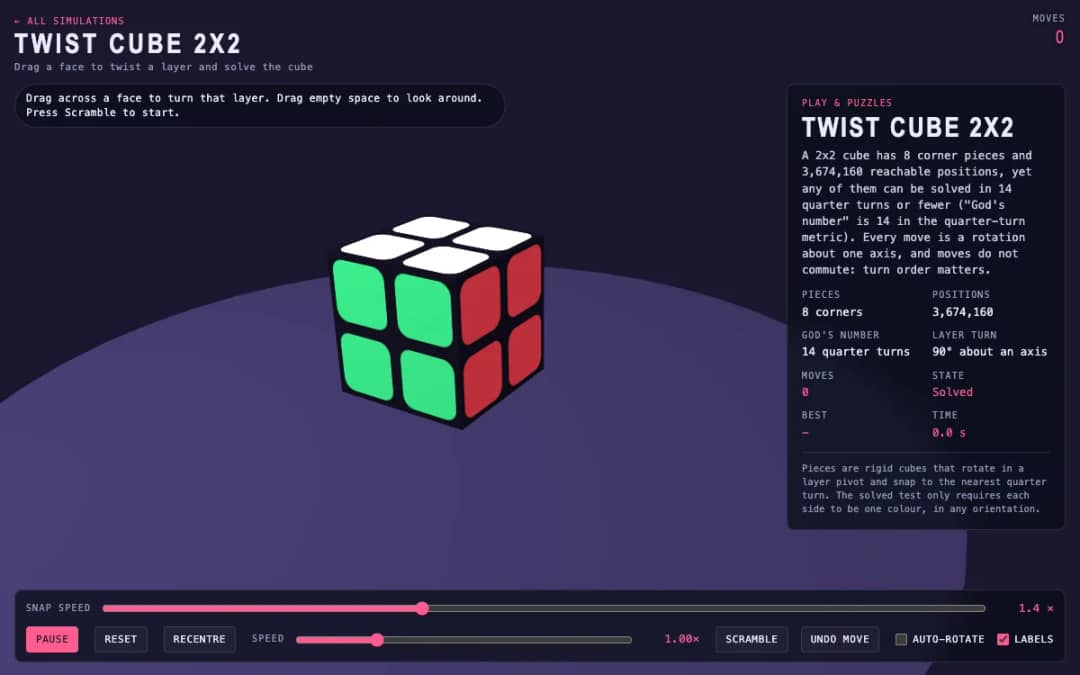
A 3D pocket cube with colored faces sits on screen. Students drag across a face to turn a layer, press Scramble to mix it, and try to solve it while the move counter and timer run.
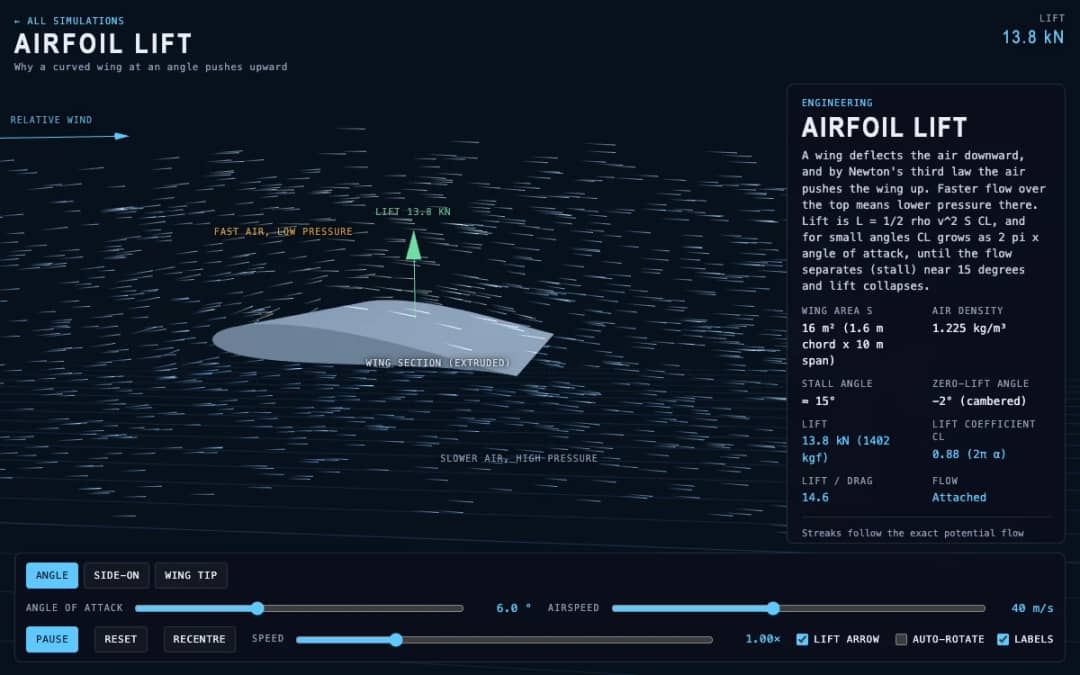
Streaks of air flow around a curved wing in 3D while students change the angle of attack and airspeed. Readouts show lift, the lift coefficient, lift to drag ratio and whether the flow is normal or stalled.
KiwiBee's free teacher workspace brings lesson planning, worksheets, classroom tools, and gradebook together in one place.
Start free and create your first class Home
Home All solutions
 Pricing
 About us
 KiwiBee for Non-profits
 Events & webinars
 For big organisations
 For schools
 For centers
 For team leaders
 For teachers
 AI and resources
 Resources
 Printable worksheets
 Lesson Packs
 Interactive simulations
 Teacher tools
 AI studio
 Ideas and research