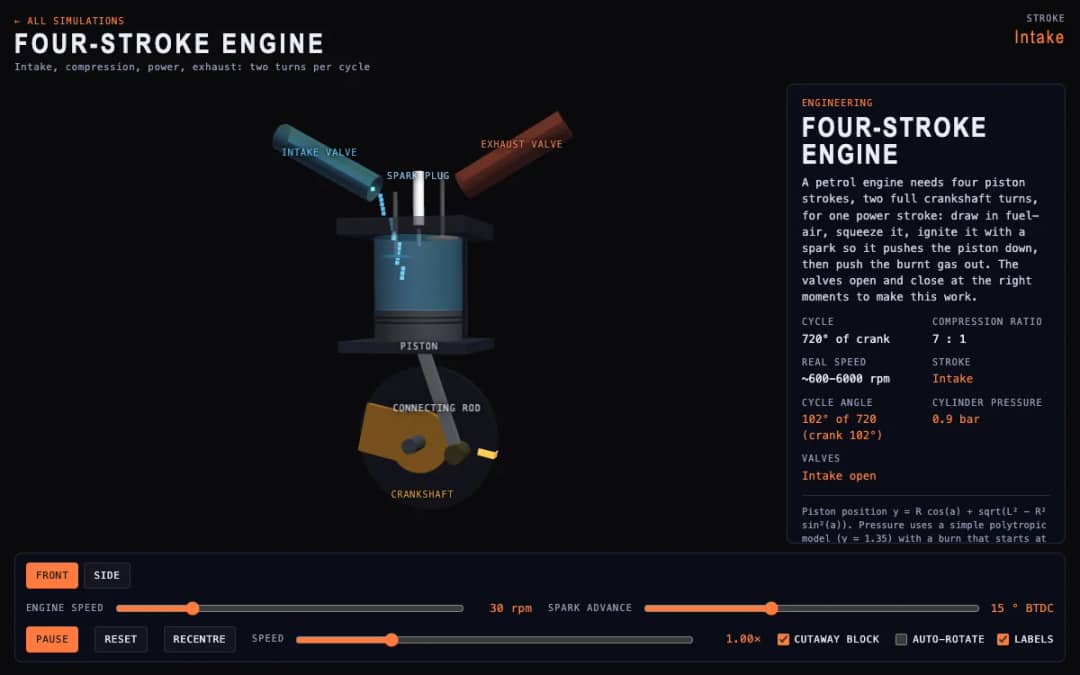
A cutaway engine cylinder shows the piston, valves and spark through the four strokes of the cycle. Students change engine speed and spark advance and watch the stroke, cycle angle, cylinder pressure and valve states update.
—
KiwiBee uses optional Google Analytics, Google Ads, and Meta Pixel cookies to understand adult visitors, measure completed sign-ups, and improve campaigns. Essential cookies always stay on. OpenAI’s ChatGPT Ads Pixel also measures page views and completed enquiries after advertising consent, and may use hashed contact details for matching. Privacy policy
PID Controller Balance Lab lets students experience closed-loop feedback control first-hand. A metallic ball rolls along a tilting beam driven by twin end thrusters while a real-time scrolling chart plots the target setpoint r(t) (green) against the actual ball position x(t) (gold). The controller continuously measures position error e(t) = r − x(t) and computes thruster command u(t) = Kp·e + Ki∫e dt + Kd(de/dt). By dragging the setpoint ring along the beam or kicking the ball, learners discover why pure Proportional control oscillates endlessly, how Derivative gain Kd acts as a predictive brake to damp overshoot, and how Integral gain Ki eliminates steady-state trim offset.
PID stands for Proportional–Integral–Derivative control. It is the most widely used feedback control algorithm in robotics, drones, cruise control, and industrial automation, combining present error (P), accumulated past error (I), and rate of change of error (D).
Proportional gain Kp acts like a spring pulling the ball toward the setpoint. Without damping (Kd = 0), the ball builds up speed as it approaches the target and shoots right past it, repeating the cycle back and forth.
The Derivative term measures how fast the ball is approaching the target (de/dt). Even while the ball is still short of the setpoint, Kd senses its high closing speed and tilts the beam the opposite way early to brake the ball smoothly.
If there is a constant disturbance such as a slight sensor tilt or wind bias, a PD controller settles slightly off-target where the small proportional push balances the bias. The Integral term accumulates that lingering error over time until the offset is driven to zero.
Drop it into your LMS, blog, or class site — free.
<iframe src="https://kiwibee.io/en/simulations/pid-controller-drone-balance-3d-simulation/embed" title="PID Controller Balance Lab | KiwiBee" loading="lazy" allowfullscreen style="width:100%;height:min(70vh,620px);min-height:420px;border:0;border-radius:16px"></iframe>Continue exploring
A cutaway engine cylinder shows the piston, valves and spark through the four strokes of the cycle. Students change engine speed and spark advance and watch the stroke, cycle angle, cylinder pressure and valve states update.
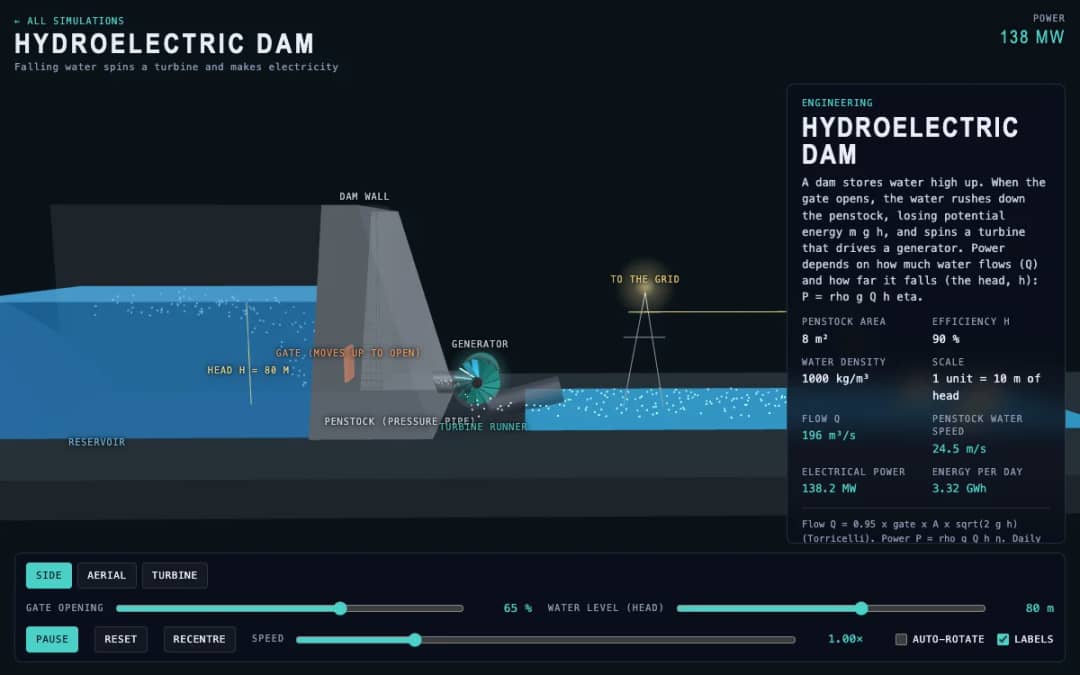
A dam, penstock and turbine are shown in 3D. Students change the gate opening and the water level, called the head, and read the water flow, penstock water speed, electrical power and energy per day.
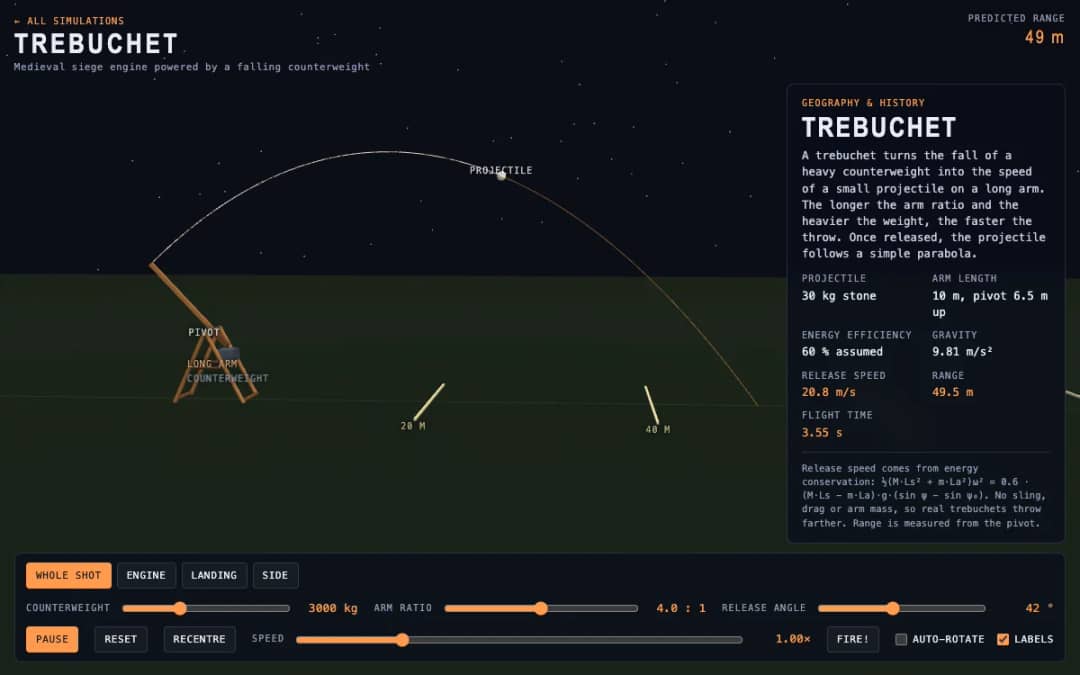
A medieval trebuchet swings its arm in 3D and throws a stone. Students change the counterweight mass, arm ratio and release angle, press Fire, and read the release speed, range and flight time.
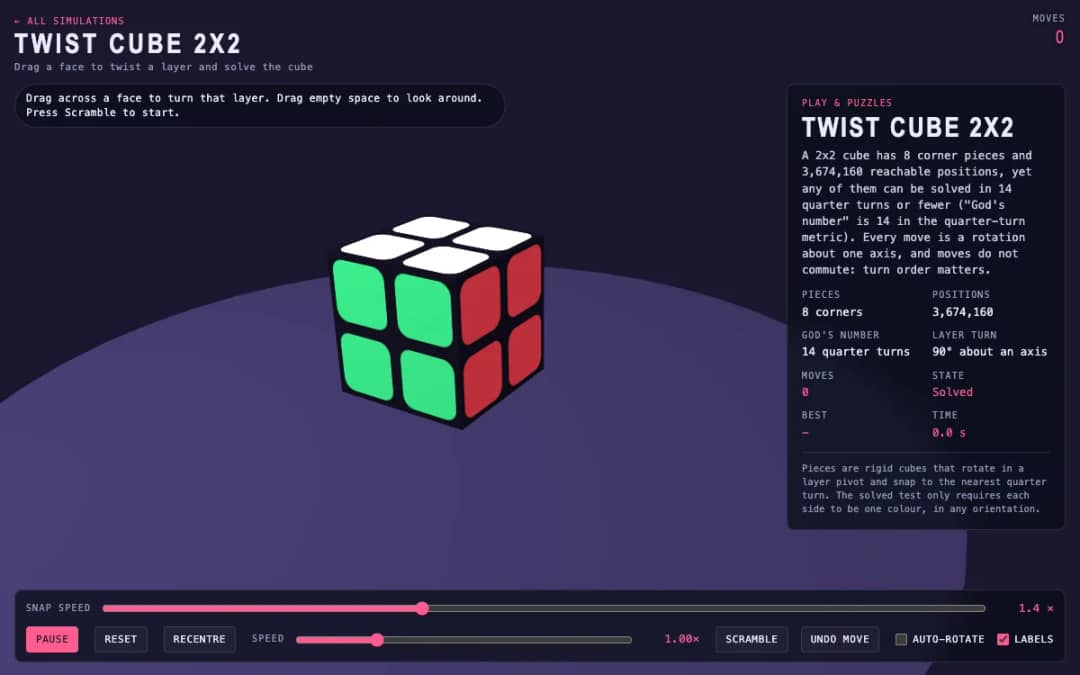
A 3D pocket cube with colored faces sits on screen. Students drag across a face to turn a layer, press Scramble to mix it, and try to solve it while the move counter and timer run.
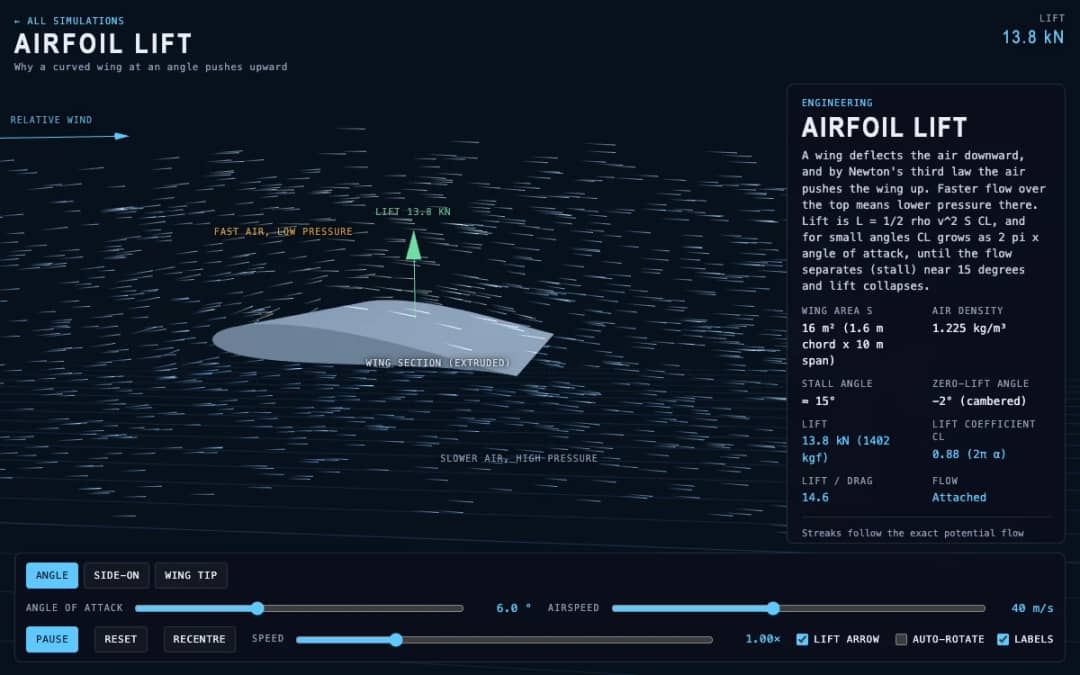
Streaks of air flow around a curved wing in 3D while students change the angle of attack and airspeed. Readouts show lift, the lift coefficient, lift to drag ratio and whether the flow is normal or stalled.
KiwiBee's free teacher workspace brings lesson planning, worksheets, classroom tools, and gradebook together in one place.
Start free and create your first class Home
Home All solutions
 Pricing
 About us
 KiwiBee for Non-profits
 Events & webinars
 For big organisations
 For schools
 For centers
 For team leaders
 For teachers
 AI and resources
 Resources
 Printable worksheets
 Lesson Packs
 Interactive simulations
 Teacher tools
 AI studio
 Ideas and research