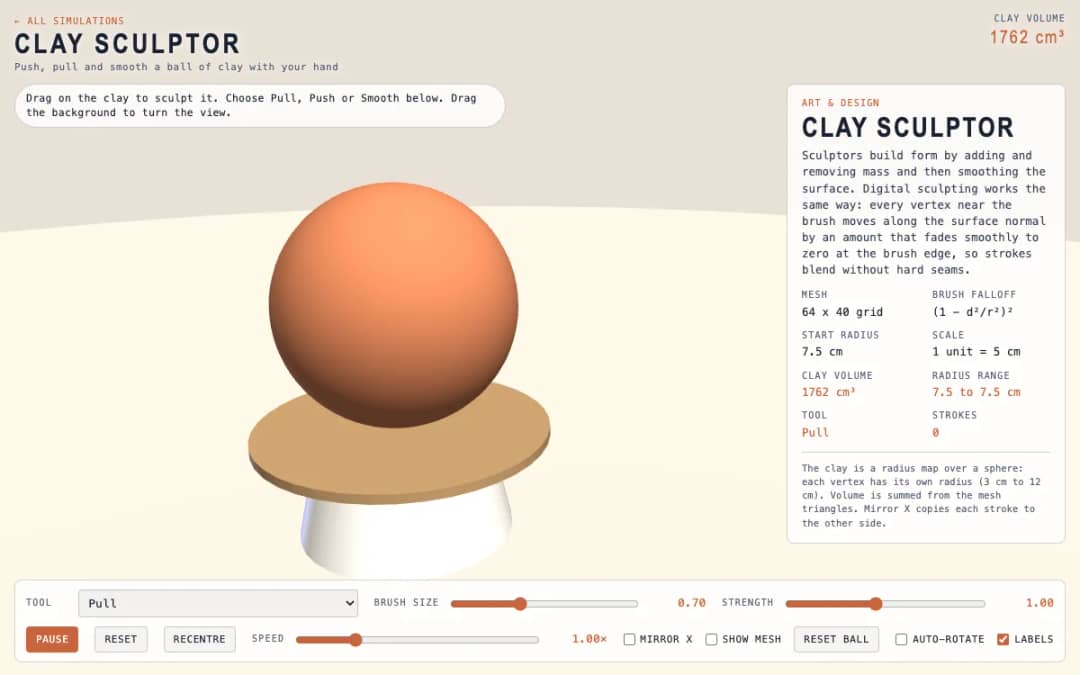
A virtual ball of clay that students sculpt by dragging. Pull, Push and Smooth tools, brush size, strength and a mirror option let them shape it, while a readout shows the clay volume.
—
KiwiBee uses optional Google Analytics, Google Ads, and Meta Pixel cookies to understand adult visitors, measure completed sign-ups, and improve campaigns. Essential cookies always stay on. OpenAI’s ChatGPT Ads Pixel also measures page views and completed enquiries after advertising consent, and may use hashed contact details for matching. Privacy policy
This simulation turns drawing into symmetry. Students draw on a glowing bowl with a finger or mouse, and each pen movement is stored once and copied around the center, with optional mirroring of each segment. A Segments selector offers 6, 8 or 12 repeats, so the pattern repeats every 60, 45 or 30 degrees. Lines change hue as they are drawn, can fade away after a set time, and the glow size is adjustable. Dragging the background, or turning Draw mode off, rotates the view, and Clear wipes the bowl. Readouts show the symmetry, lines on screen, strokes and pen position. It teaches rotational and reflection symmetry through art.
Yes. Kaleidoscope Draw is free, needs no sign-up and runs in any modern browser, including whiteboards, tablets and phones.
Press on the glowing bowl and drag with your finger or mouse. Each stroke is repeated around the center automatically. Press Clear to start again.
Drag the background, or untick Draw mode and drag anywhere to rotate the bowl.
Divide 360 degrees by the number of segments. Six segments repeat every 60 degrees, eight every 45 degrees and twelve every 30 degrees.
Drop it into your LMS, blog, or class site — free.
<iframe src="https://kiwibee.io/en/simulations/kaleidoscope-draw-3d-simulation/embed" title="Kaleidoscope Draw | KiwiBee" loading="lazy" allowfullscreen style="width:100%;height:min(70vh,620px);min-height:420px;border:0;border-radius:16px"></iframe>Continue exploring
A virtual ball of clay that students sculpt by dragging. Pull, Push and Smooth tools, brush size, strength and a mirror option let them shape it, while a readout shows the clay volume.
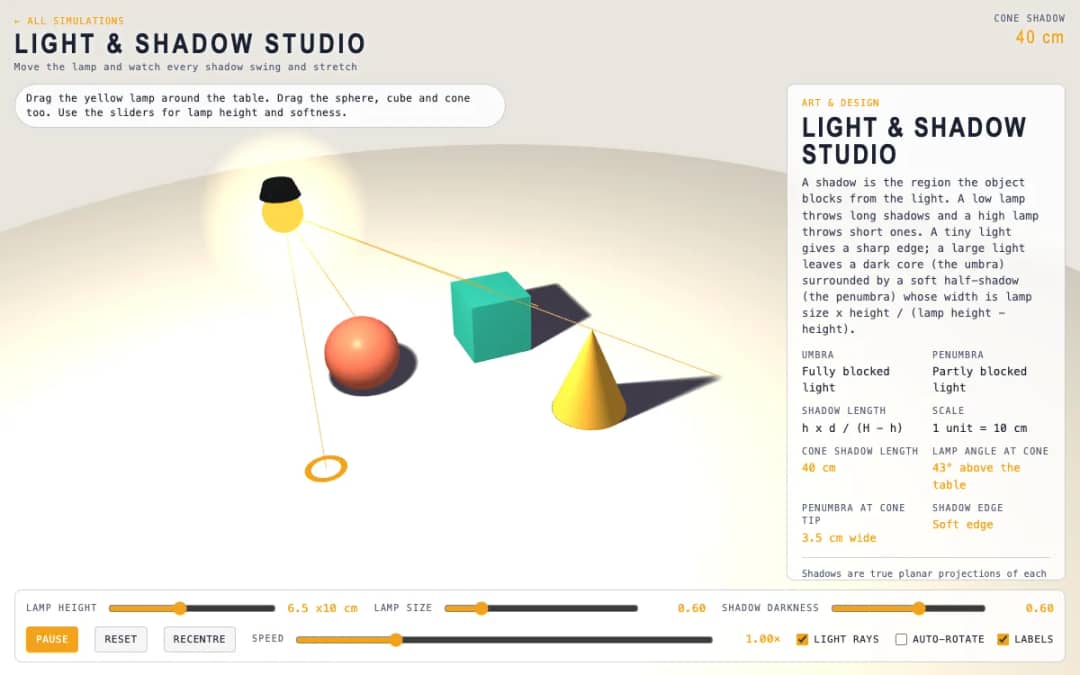
A tabletop scene with a lamp and a sphere, cube and cone. Students drag the lamp and the objects, change lamp height and size, and watch shadows swing, stretch and develop soft edges.
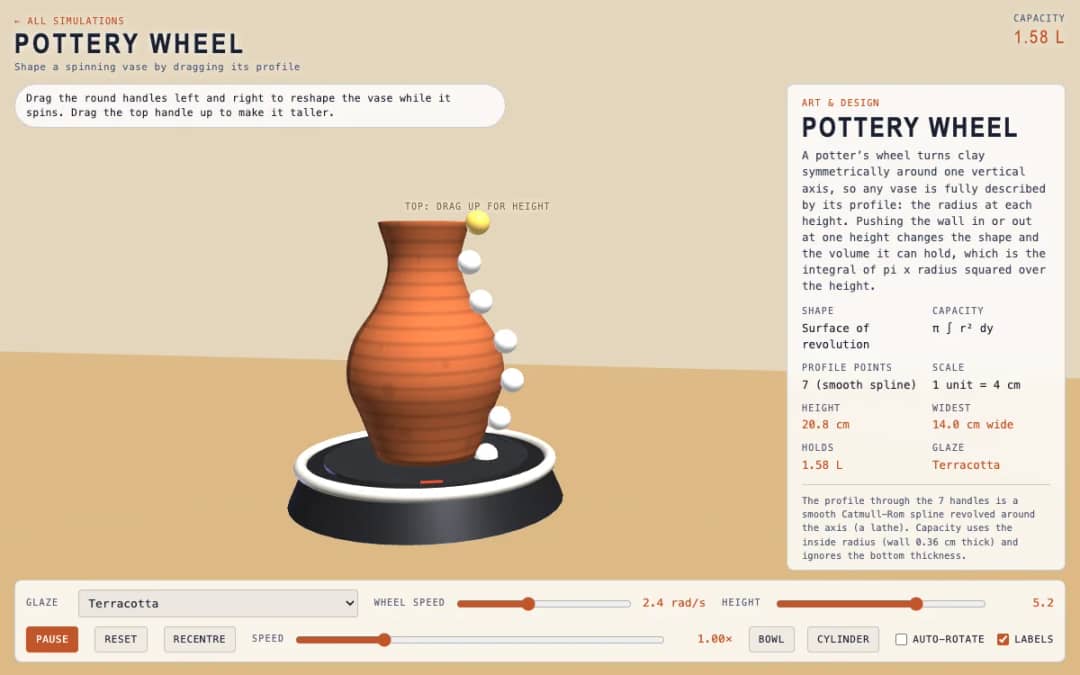
A spinning vase on a pottery wheel with seven round handles along its profile. Students drag the handles to reshape the vase, choose a glaze and read its height, widest point and capacity.
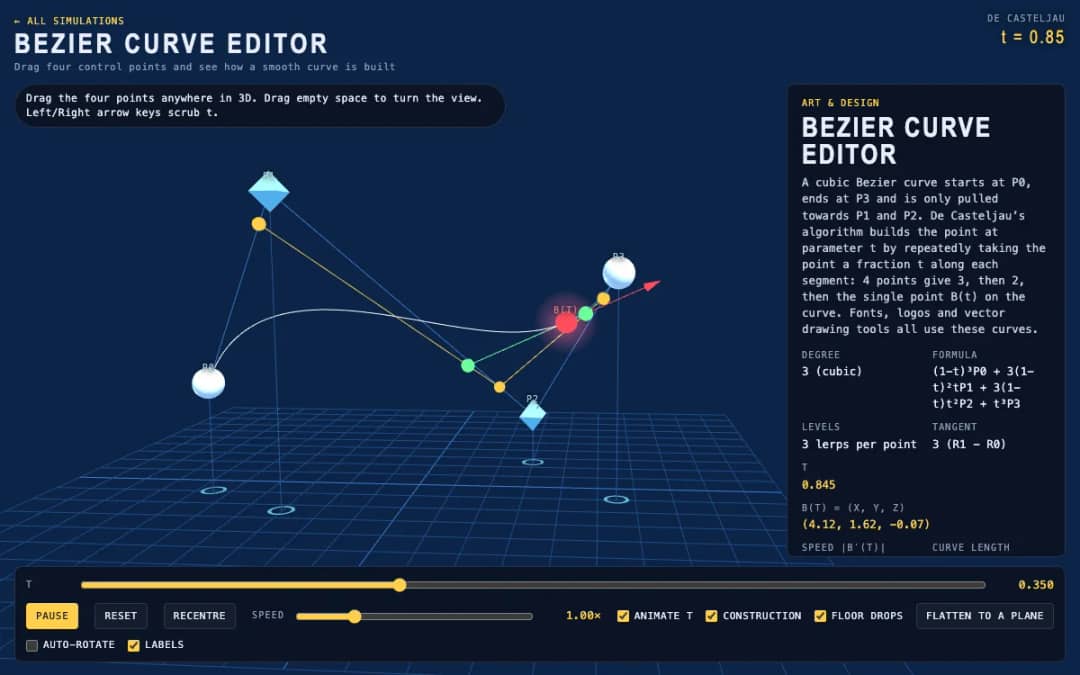
Four draggable control points shape a cubic Bezier curve in 3D. Students move the points, scrub or animate the parameter t, and see the construction lines that build the point on the curve.
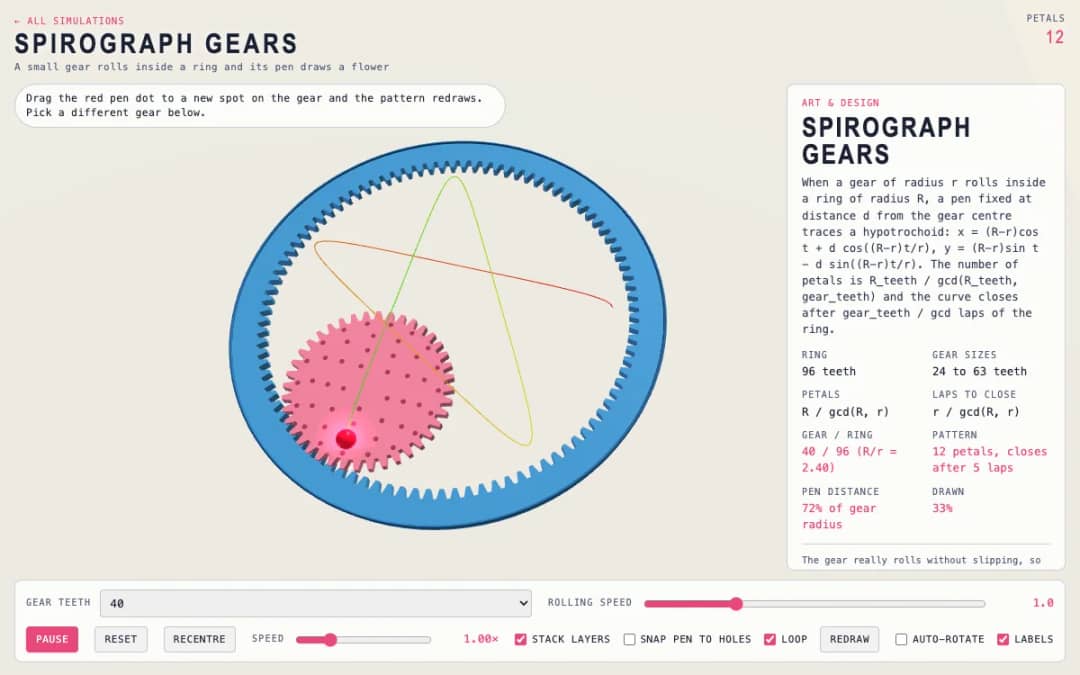
A small gear rolls inside a ring while a pen draws a flower pattern. Students choose the gear size, drag the pen dot to a new spot and see the number of petals and the drawing change.
From model to evidence
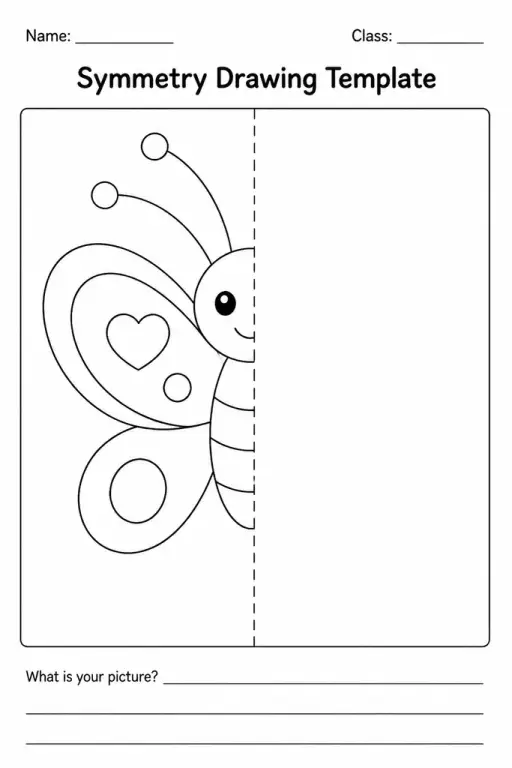
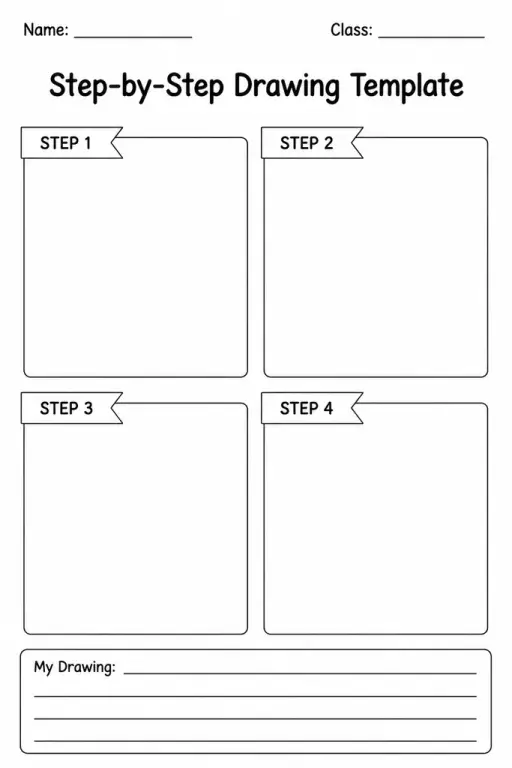
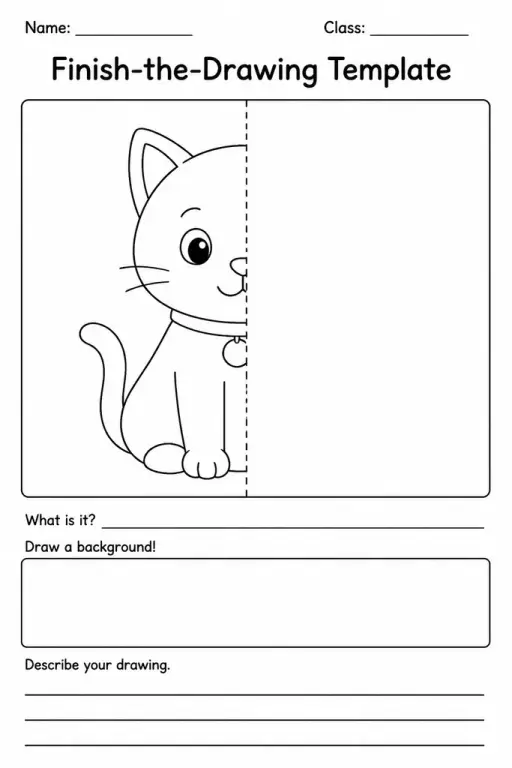
Use a worksheet to capture predictions, observations, and explanations after students explore.
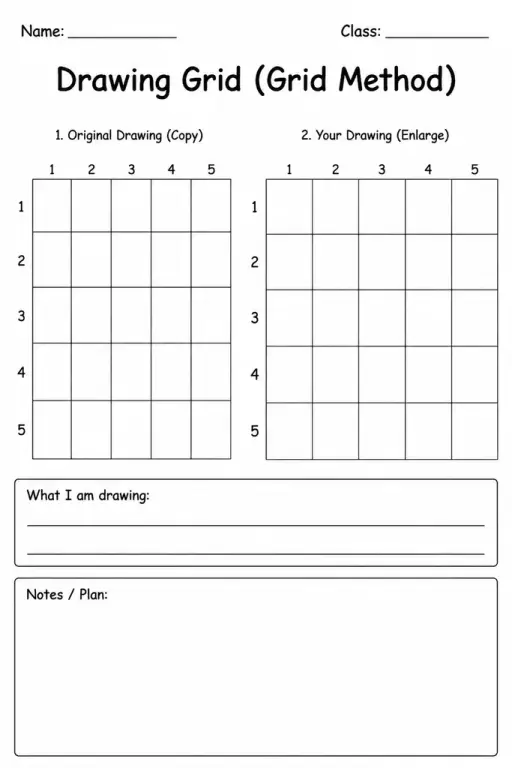
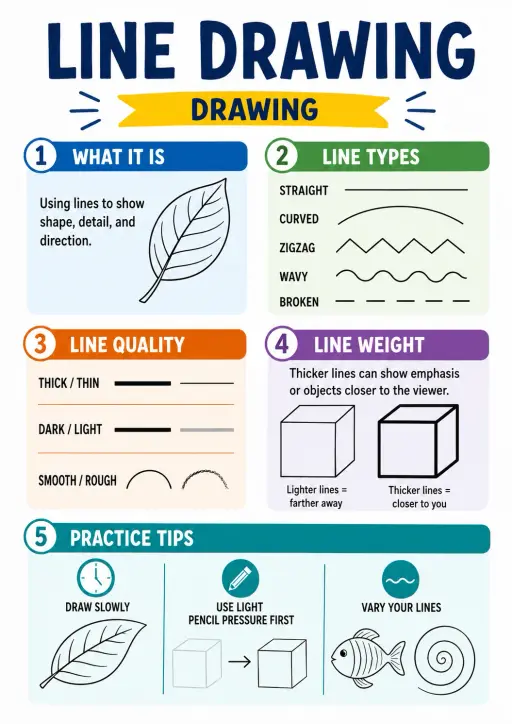
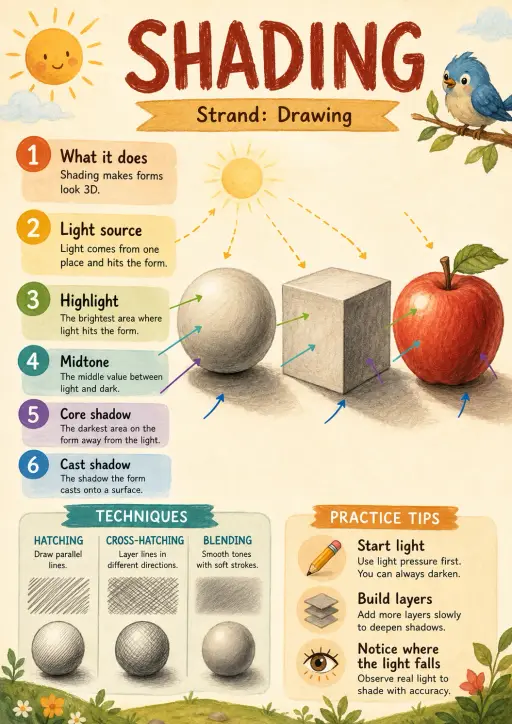
KiwiBee's free teacher workspace brings lesson planning, worksheets, classroom tools, and gradebook together in one place.
Start free and create your first class Home
Home All solutions
 Pricing
 About us
 KiwiBee for Non-profits
 Events & webinars
 For big organisations
 For schools
 For centers
 For team leaders
 For teachers
 AI and resources
 Resources
 Printable worksheets
 Lesson Packs
 Interactive simulations
 Teacher tools
 AI studio
 Ideas and research