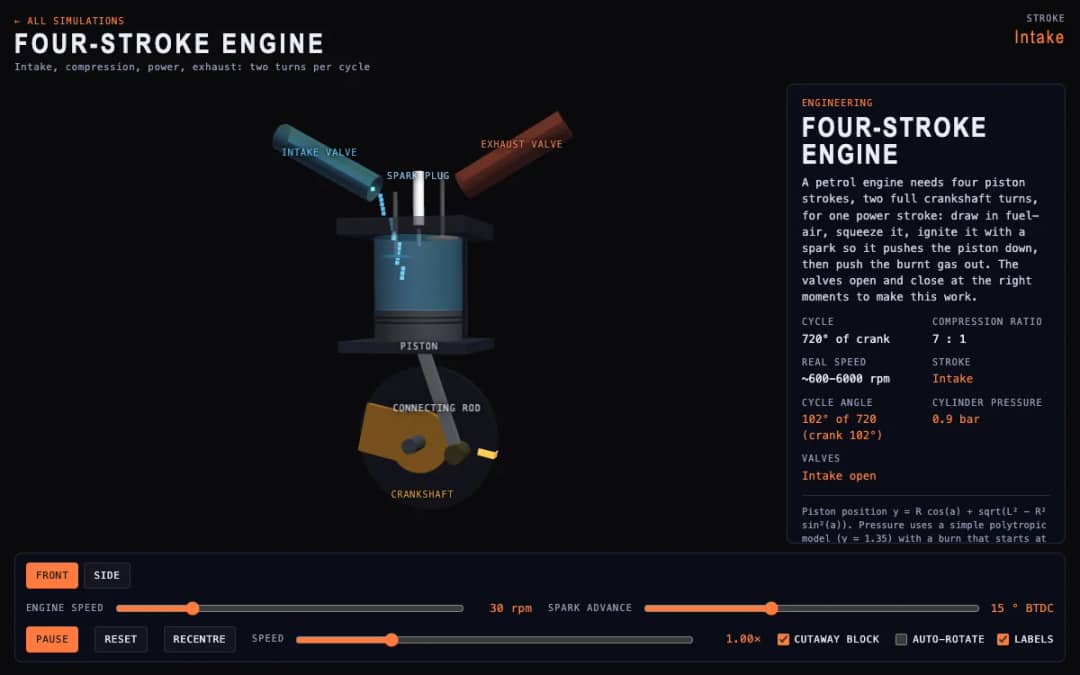
A cutaway engine cylinder shows the piston, valves and spark through the four strokes of the cycle. Students change engine speed and spark advance and watch the stroke, cycle angle, cylinder pressure and valve states update.
—
KiwiBee uses optional Google Analytics, Google Ads, and Meta Pixel cookies to understand adult visitors, measure completed sign-ups, and improve campaigns. Essential cookies always stay on. OpenAI’s ChatGPT Ads Pixel also measures page views and completed enquiries after advertising consent, and may use hashed contact details for matching. Privacy policy
This simulation shows how a computer explores a graph. Students choose breadth-first search (BFS) or depth-first search (DFS), pick the start node and set the speed, then watch nodes change color as they are waiting, processed or visited. Readouts show the number visited, the queue or stack size and the order of visits, and a button builds a new random graph. Running both methods from the same start shows that BFS spreads in rings while DFS dives deep. It supports computing lessons on data structures and algorithms.
Yes. It is free to use in any modern browser, including whiteboards and tablets, and needs no sign-up.
Breadth-first search uses a queue and visits all nodes one hop away, then two hops, and so on. Depth-first search uses a stack and follows one branch as far as it can before backing up.
Amber nodes are waiting in the queue or stack, white is the node being processed, and visited nodes are shaded from blue for the first to magenta for the last. Bright edges show how each node was reached.
Choose BFS or DFS, set the Start node and Steps/s, and watch the search run. Press Regenerate graph to try a different network.
Drop it into your LMS, blog, or class site — free.
<iframe src="https://kiwibee.io/en/simulations/graph-traversal-3d-simulation/embed" title="Graph Traversal | KiwiBee" loading="lazy" allowfullscreen style="width:100%;height:min(70vh,620px);min-height:420px;border:0;border-radius:16px"></iframe>Continue exploring
A cutaway engine cylinder shows the piston, valves and spark through the four strokes of the cycle. Students change engine speed and spark advance and watch the stroke, cycle angle, cylinder pressure and valve states update.
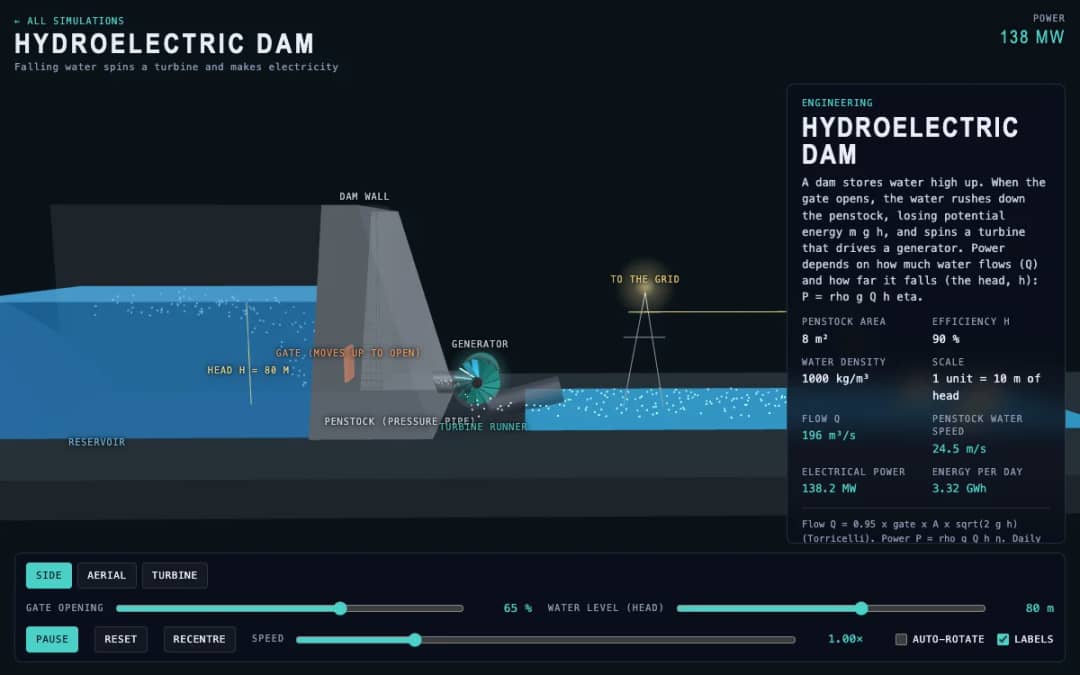
A dam, penstock and turbine are shown in 3D. Students change the gate opening and the water level, called the head, and read the water flow, penstock water speed, electrical power and energy per day.
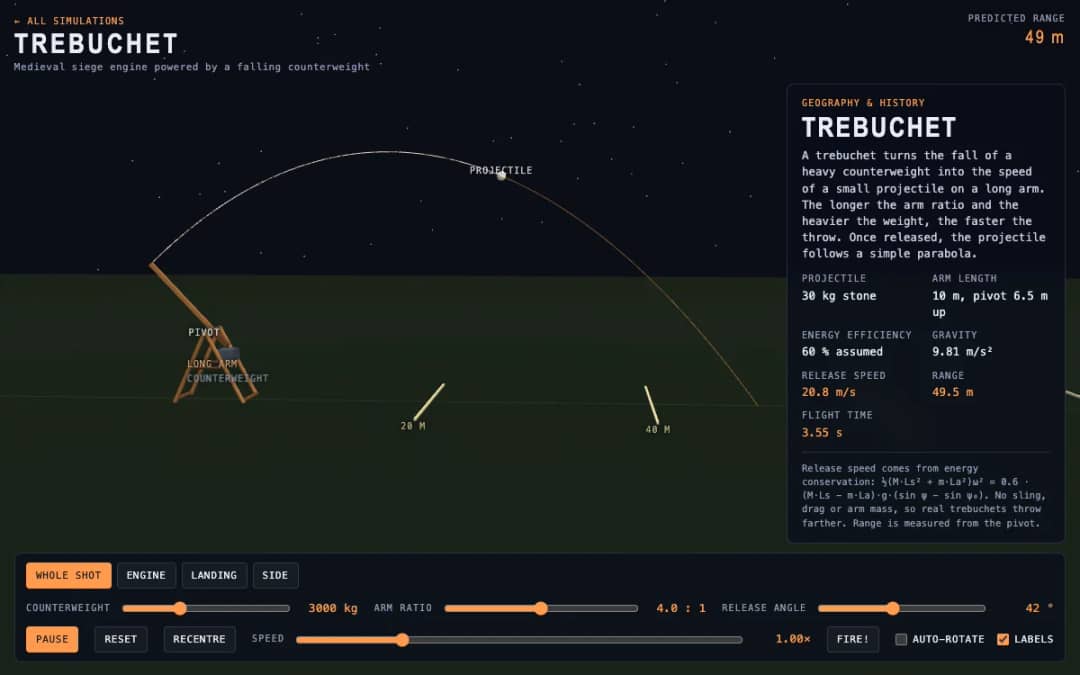
A medieval trebuchet swings its arm in 3D and throws a stone. Students change the counterweight mass, arm ratio and release angle, press Fire, and read the release speed, range and flight time.
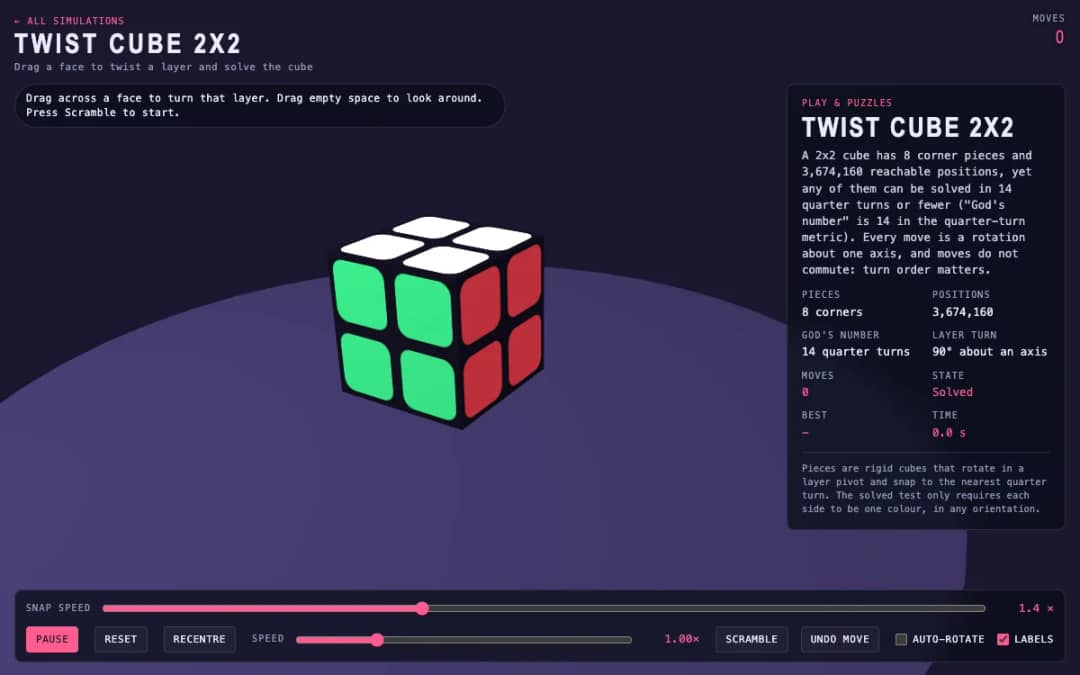
A 3D pocket cube with colored faces sits on screen. Students drag across a face to turn a layer, press Scramble to mix it, and try to solve it while the move counter and timer run.
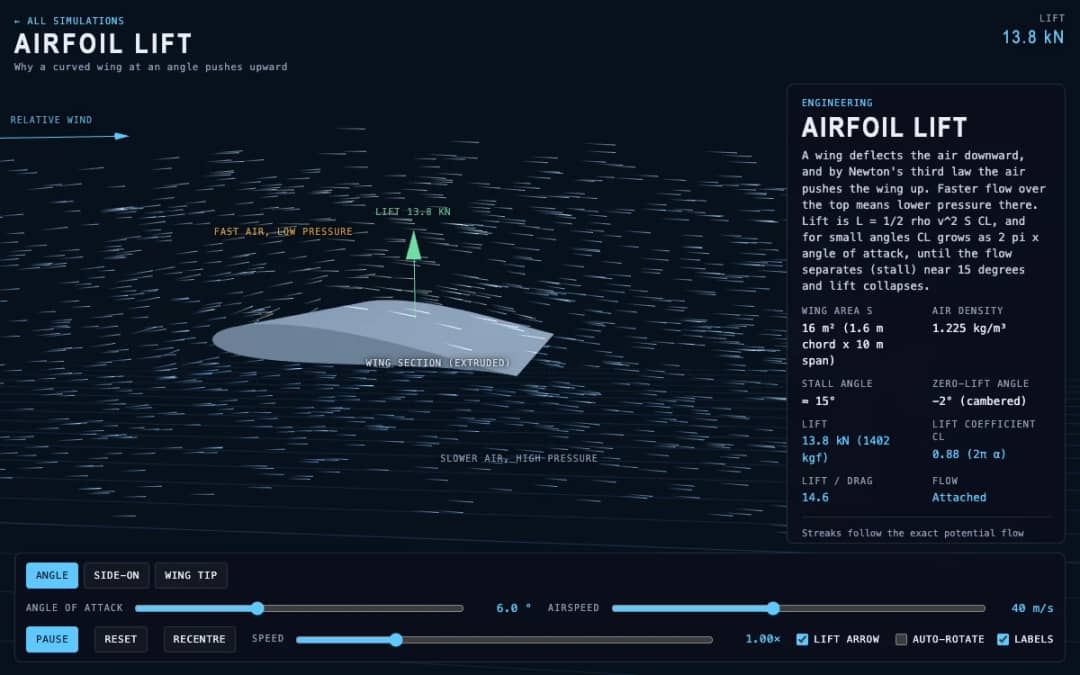
Streaks of air flow around a curved wing in 3D while students change the angle of attack and airspeed. Readouts show lift, the lift coefficient, lift to drag ratio and whether the flow is normal or stalled.
KiwiBee's free teacher workspace brings lesson planning, worksheets, classroom tools, and gradebook together in one place.
Start free and create your first class Home
Home All solutions
 Pricing
 About us
 KiwiBee for Non-profits
 Events & webinars
 For big organisations
 For schools
 For centers
 For team leaders
 For teachers
 AI and resources
 Resources
 Printable worksheets
 Lesson Packs
 Interactive simulations
 Teacher tools
 AI studio
 Ideas and research