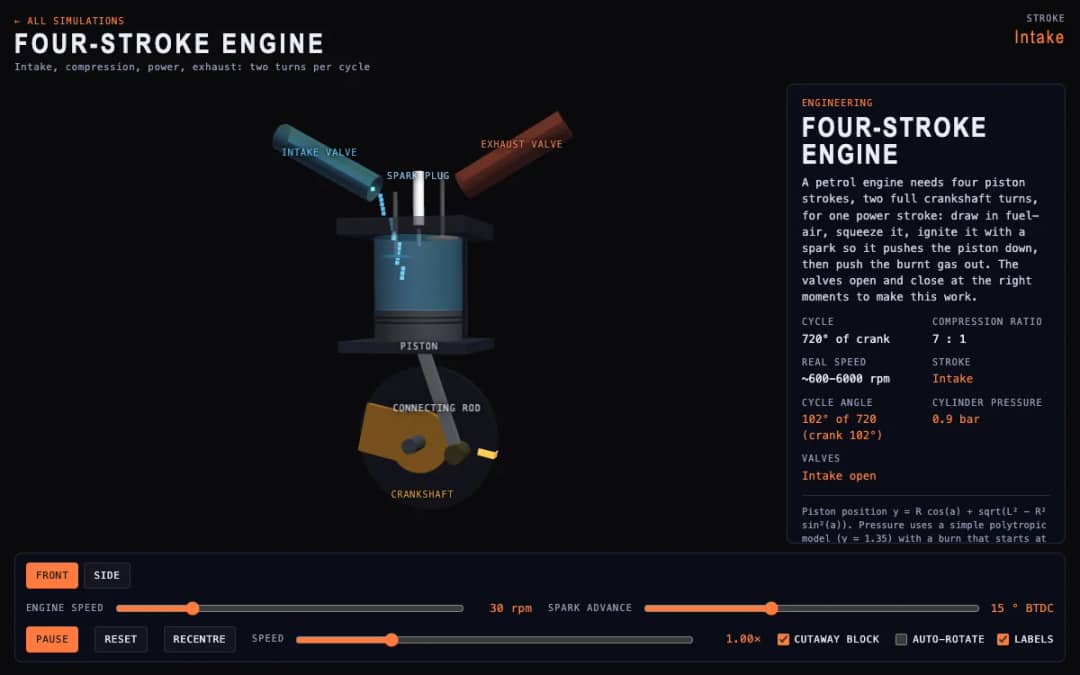
A cutaway engine cylinder shows the piston, valves and spark through the four strokes of the cycle. Students change engine speed and spark advance and watch the stroke, cycle angle, cylinder pressure and valve states update.
—
KiwiBee uses optional Google Analytics, Google Ads, and Meta Pixel cookies to understand adult visitors, measure completed sign-ups, and improve campaigns. Essential cookies always stay on. OpenAI’s ChatGPT Ads Pixel also measures page views and completed enquiries after advertising consent, and may use hashed contact details for matching. Privacy policy
This simulation shows a driver gear meshing with a driven gear, with an optional second pair on a shared shaft (a compound stage). Sliders set the teeth on each gear and the input speed, and live readouts report gear ratio, output speed, output torque and power. Students discover that a big gear driven by a small one turns slower but with more torque, and that compound stages multiply the ratios. Use it on a whiteboard for a mechanics lesson, or let pairs predict the ratio before checking the readout.
Yes. It is free and runs in any modern browser, including classroom whiteboards and tablets. There is no sign-up and nothing to install.
The gear ratio is the number of teeth on the driven gear divided by the teeth on the driver. A ratio above 1 slows the output down and increases its torque. In a compound train you multiply the ratio of each stage.
Drag the sliders for Driver teeth, Driven teeth, Output teeth and Input speed. Use the Compound stage switch to add the second pair, then read the ratio, speed, torque and power in the readouts.
A gear train transfers nearly the same power, and power is torque times rotation speed. If the output turns slower, the torque must be larger, apart from small losses at each mesh.
Drop it into your LMS, blog, or class site — free.
<iframe src="https://kiwibee.io/en/simulations/gear-train-3d-simulation/embed" title="Gear Train | KiwiBee" loading="lazy" allowfullscreen style="width:100%;height:min(70vh,620px);min-height:420px;border:0;border-radius:16px"></iframe>Continue exploring
A cutaway engine cylinder shows the piston, valves and spark through the four strokes of the cycle. Students change engine speed and spark advance and watch the stroke, cycle angle, cylinder pressure and valve states update.
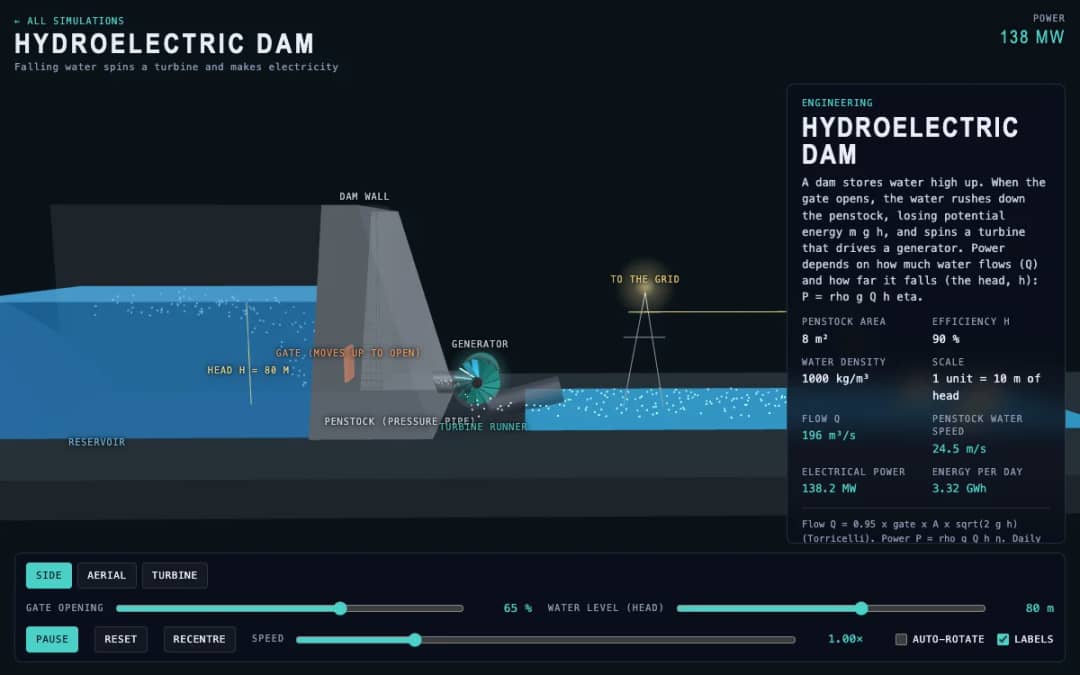
A dam, penstock and turbine are shown in 3D. Students change the gate opening and the water level, called the head, and read the water flow, penstock water speed, electrical power and energy per day.
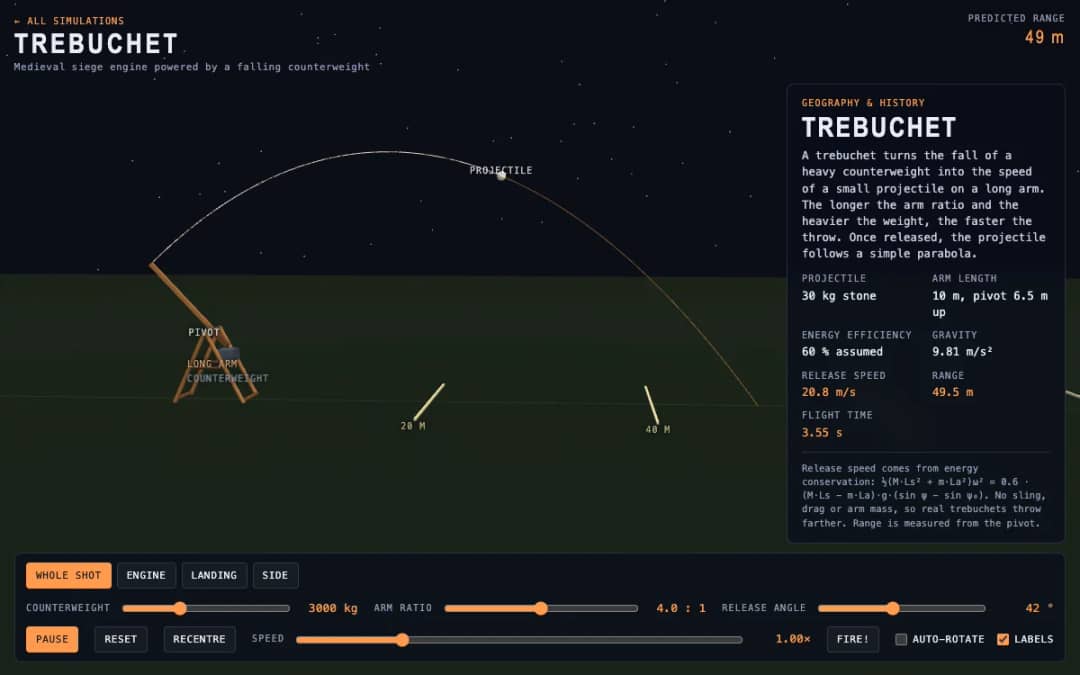
A medieval trebuchet swings its arm in 3D and throws a stone. Students change the counterweight mass, arm ratio and release angle, press Fire, and read the release speed, range and flight time.
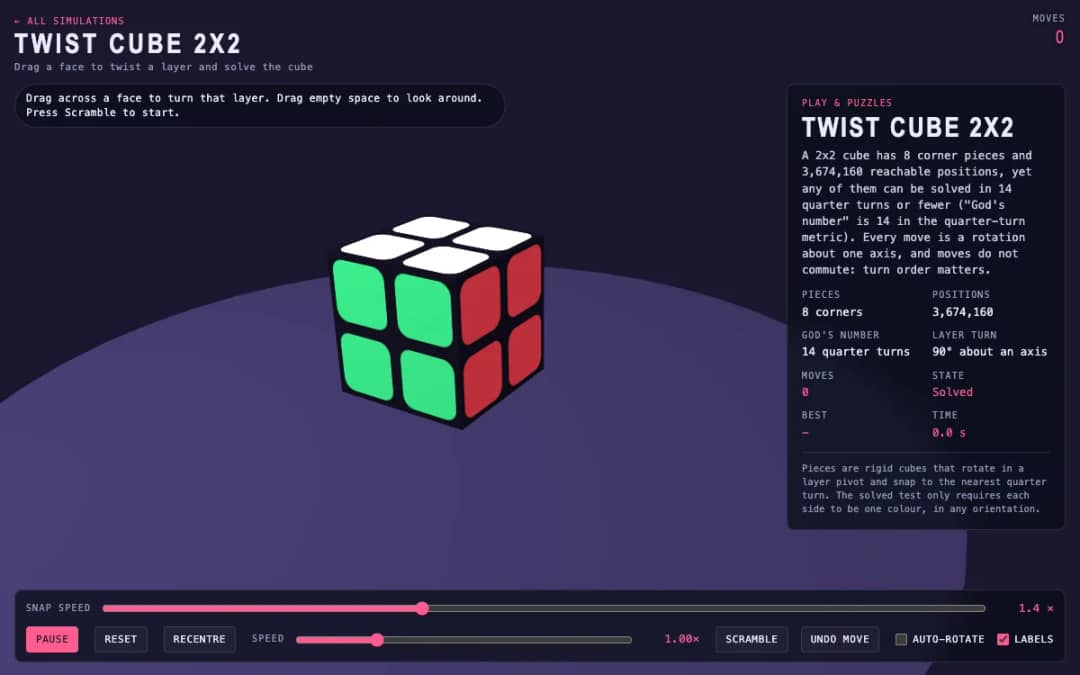
A 3D pocket cube with colored faces sits on screen. Students drag across a face to turn a layer, press Scramble to mix it, and try to solve it while the move counter and timer run.
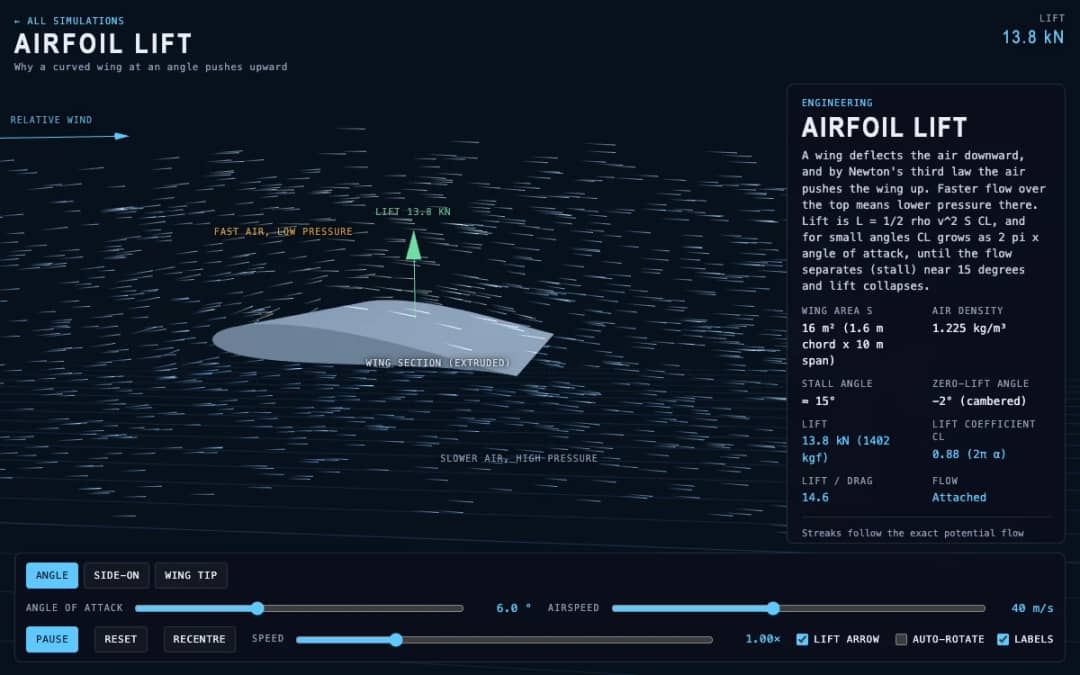
Streaks of air flow around a curved wing in 3D while students change the angle of attack and airspeed. Readouts show lift, the lift coefficient, lift to drag ratio and whether the flow is normal or stalled.
KiwiBee's free teacher workspace brings lesson planning, worksheets, classroom tools, and gradebook together in one place.
Start free and create your first class Home
Home All solutions
 Pricing
 About us
 KiwiBee for Non-profits
 Events & webinars
 For big organisations
 For schools
 For centers
 For team leaders
 For teachers
 AI and resources
 Resources
 Printable worksheets
 Lesson Packs
 Interactive simulations
 Teacher tools
 AI studio
 Ideas and research