
Printable worksheet
Computer hardware and software Quiz for Grade 5
QuizICTGrade 5English

Practise more with these
Picked by meaning from games, worksheets, simulations, teacher tools and videos.
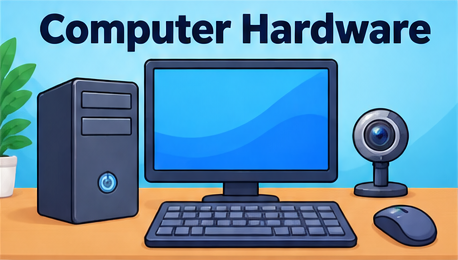 GameComputer hardware and peripherals Quiz for Grade 7
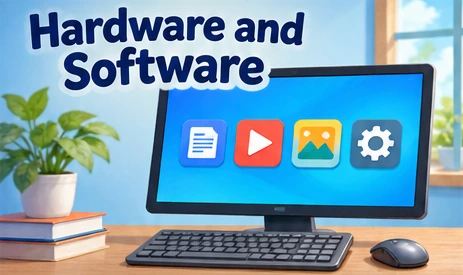 GameHardware and Software Quiz for Grade 3
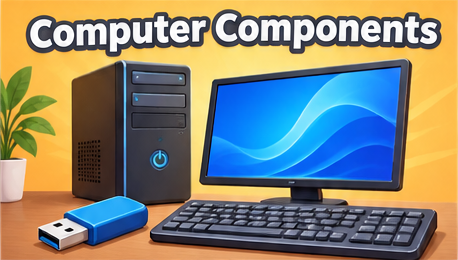 GameComputer components and storage Quiz for Grade 6
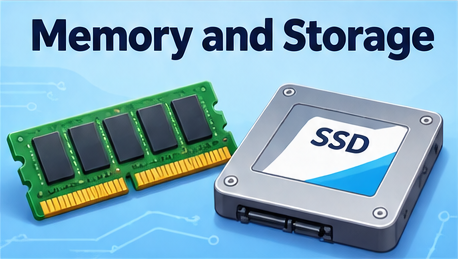 GameComputer memory and storage Quiz for Grade 8
 WorksheetHardware Computer Basics Infographic
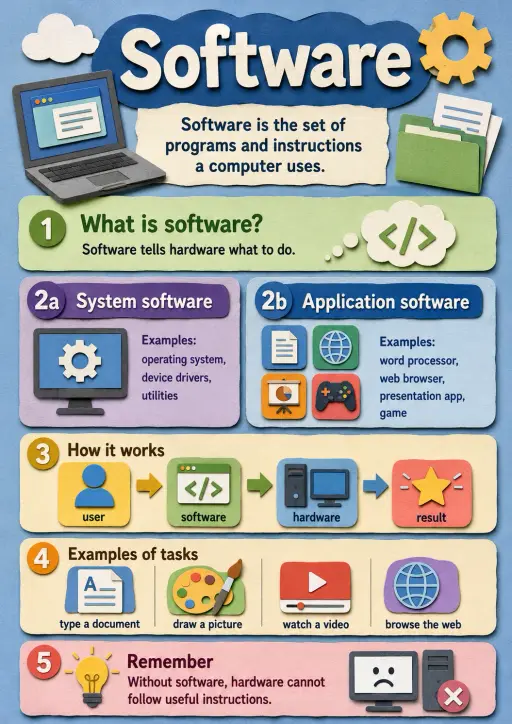 WorksheetSoftware Computer Basics Infographic
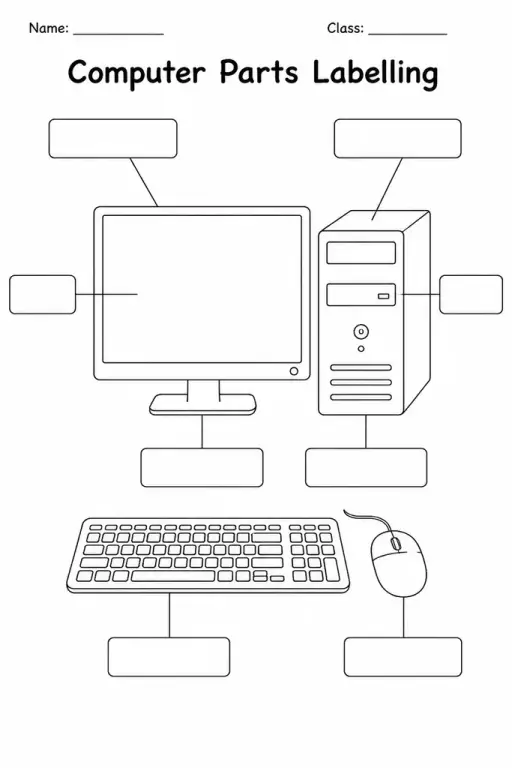 WorksheetComputer Parts Labelling
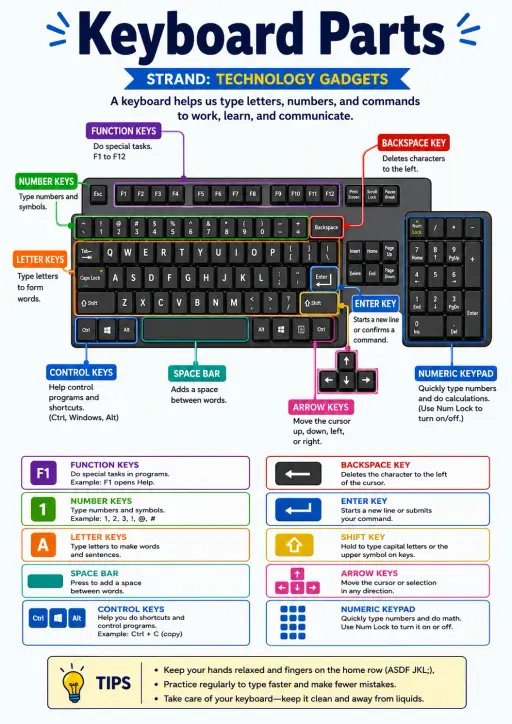 WorksheetKeyboard Parts Technology Gadgets Infographic
On this sheet
The words and questions from the game
- 1Which pictured device lets a user type letters into a computer?
- 2Which pictured device can produce a paper copy of a document?
- 3What does the pictured device primarily show?Paper documents · A typed password stored forever · Visual output · Sounds from a speaker
- 4What is the main use of the pictured pointing device?Print pages · Store electricity for a building · Display an image · Move a pointer and select items
- 5Which is an example of software rather than hardware?A drawing application · A physical keyboard · A monitor · A printer cable
- 6To see a document on screen and produce a paper copy using the pictured device, which pair of devices is needed?Keyboard and cable only · Monitor and printer · Mouse and keyboard only · Printer and microphone only
- 7What does an operating system help do?Print without any printer · Turn a computer into a human · Manage hardware and run applications · Replace every physical component
- 8A computer mouse is a physical piece of hardware.True · False
- 9A word-processing application is a physical piece of hardware.True · False
- 10What common device is used to type on a desktop computer?
- 11A monitor is an ___ device because it displays information from the computer.
- 12Put these steps for printing a finished document in order.
- 13Which device projects a computer image onto a wall?Projector · Scanner · Web browser · Game app
- 14Which device can turn a paper photo into a digital image?Projector · Scanner · Web browser · Game app
- 15Which program can open websites?Projector · Scanner · Web browser · Game app
- 16Which program can be used to play a computer game?Projector · Scanner · Web browser · Game app
About this worksheet
A printable worksheet made from the KiwiBee game “Computer hardware and software Quiz for Grade 5”. Open it in the free Worksheet Studio to choose the design and the sheet type, then print it or save a PDF.
Explore computer hardware and software through visual questions and practical examples in this Grade 5 learning quiz with helpful explanations.
- computer hardware and software
- technology quiz
- grade 5
- visual learning
- educational questions
- classroom practice
 Home
 All solutions
 Pricing
 About us
 KiwiBee for Non-profits
 Events & webinars
 For big organisations
 For schools
 For centers
 For team leaders
 For teachers
 Resources
 Printable worksheets
 Interactive simulations
 Teacher tools
 Ideas and research


Comments