ICTGrades 3–8
KiwiBee uses optional Google Analytics, Google Ads, and Meta Pixel cookies to understand adult visitors, measure completed sign-ups, and improve campaigns. Essential cookies always stay on. OpenAI’s ChatGPT Ads Pixel also measures page views and completed enquiries after advertising consent, and may use hashed contact details for matching. Privacy policy

Picked by meaning from games, worksheets, simulations, teacher tools and videos.
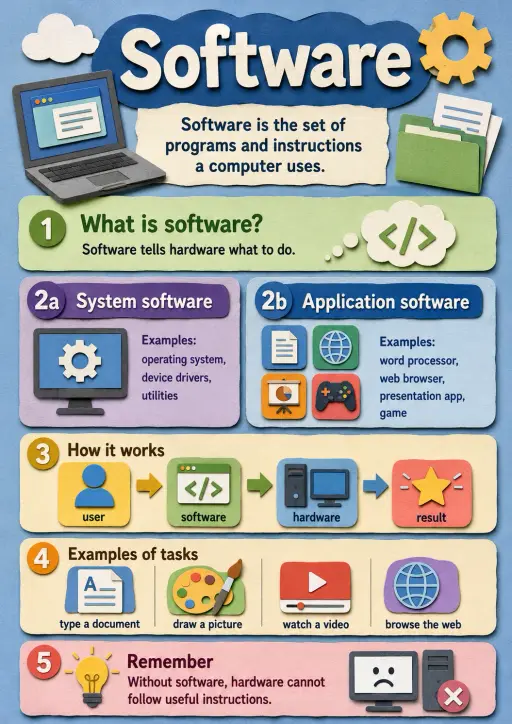 WorksheetSoftware Computer Basics Infographic
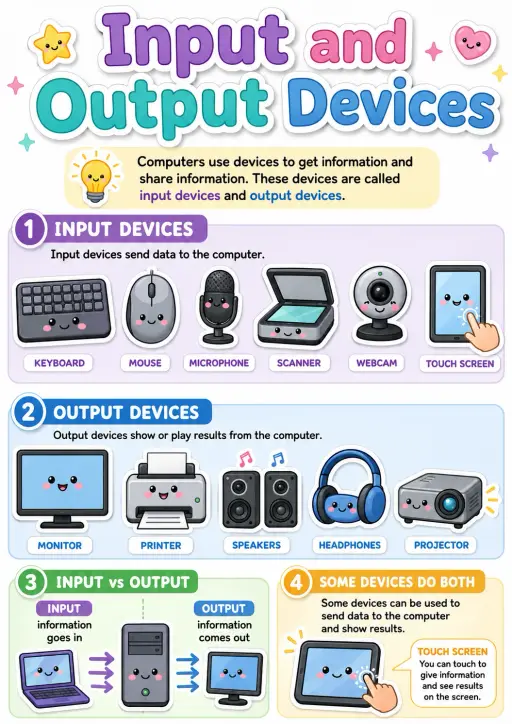 WorksheetInput and Computer Basics Infographic
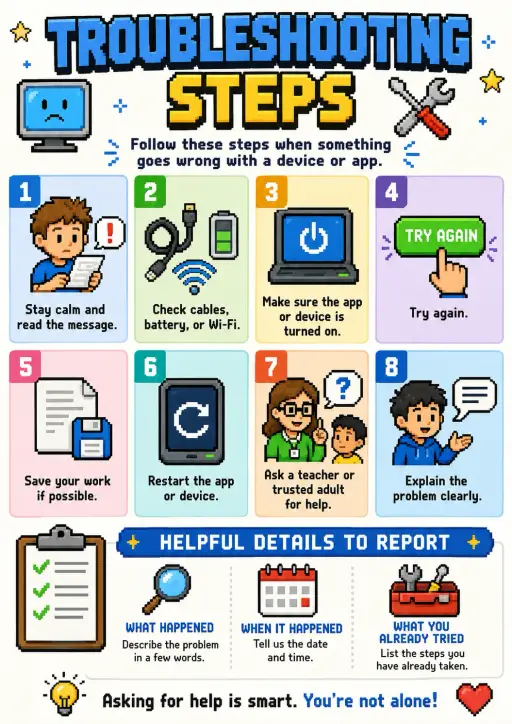 WorksheetTroubleshooting Computer Basics Infographic
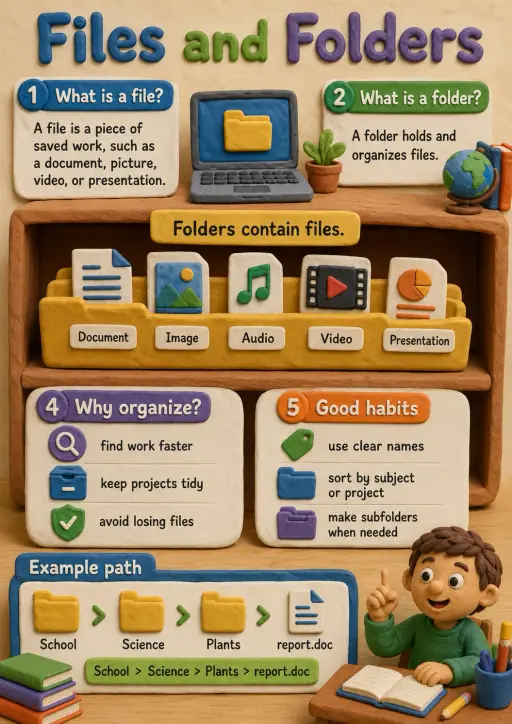 WorksheetFiles and Folders: What They Are and How to Organize Them
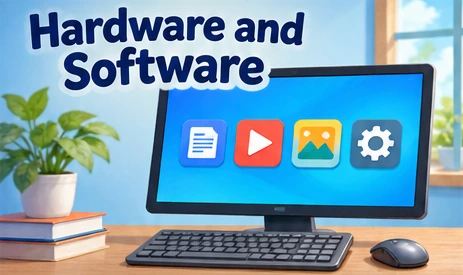 GameHardware and Software Quiz for Grade 3
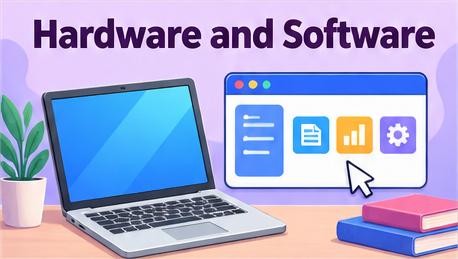 GameComputer hardware and software Quiz for Grade 5
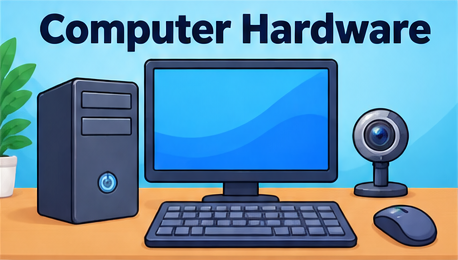 GameComputer hardware and peripherals Quiz for Grade 7
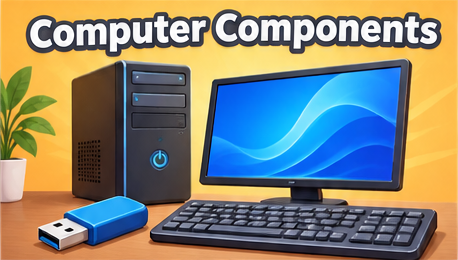 GameComputer components and storage Quiz for Grade 6
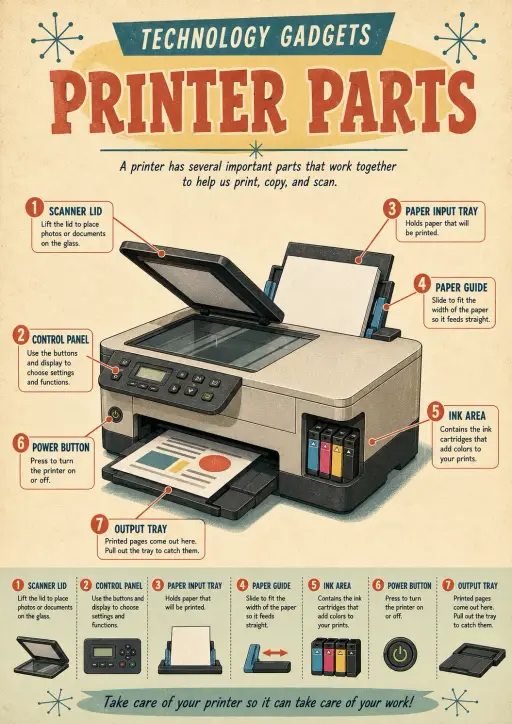
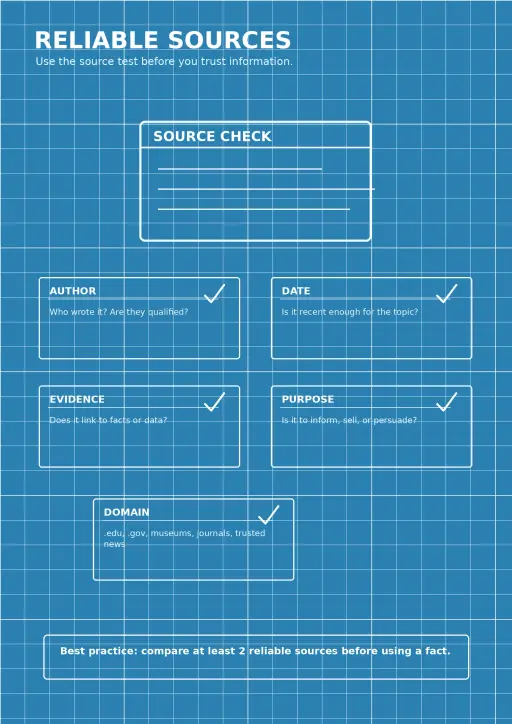
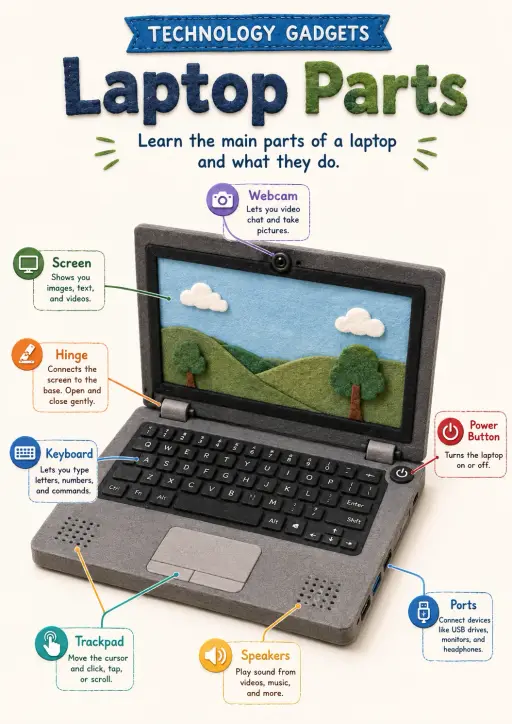
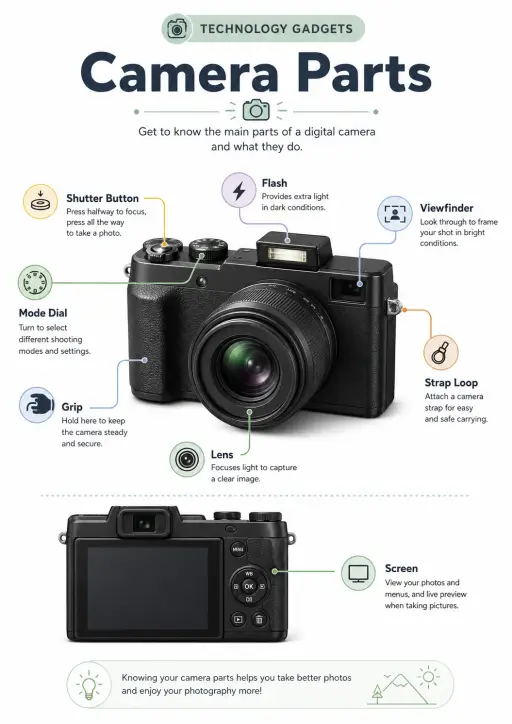
This Hardware infographic for Computer Basics focuses on Hardware. The image uses short OCR-extracted labels and reference text from the poster itself, making it ready for classroom display, quick review, learning centers, and independent student study. OCR content highlights: Hardware. Visual style: chalkboard classroom diagram with chalk texture, simple drawings, and readable text.
Learning objectives © UCLES (Cambridge University Press & Assessment), quoted with attribution.

See what other teachers think and share a helpful note.
Generate a fresh worksheet for any grade, topic and language. Free.
 Home
 All solutions
 Pricing
 About us
 KiwiBee for Non-profits
 Events & webinars
 For big organisations
 For schools
 For centers
 For team leaders
 For teachers
 Resources
 Printable worksheets
 Interactive simulations
 Teacher tools
 Ideas and research


