Back to Blog
AI For Teachers
chatgpt
ai for teachers
lesson planning
ai tools
2026

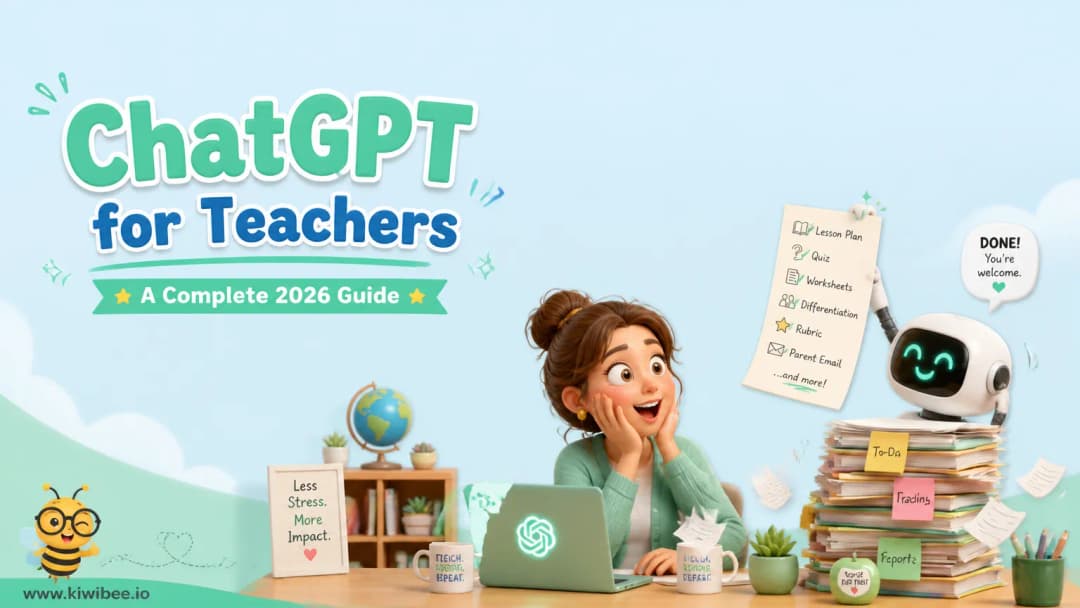
ChatGPT for Teachers: A Complete 2026 Guide

Prompts, workflows, risks, and the honest comparison to teacher-specific AI tools

KiwiBeeKiwiBee
May 28, 2026
16 min read

If you teach, you've already heard ChatGPT will save you hours every week. You've also heard it will cheat your students, leak your data, and probably take your job. The reality is somewhere in the middle — and this guide is the honest version a colleague would actually give you.

We cover what ChatGPT is in 2026, the prompt patterns teachers actually use, the risks nobody puts in a Twitter thread, and an honest comparison to the teacher-specific AI tools (Magic School, Diffit, Brisk, Eduaide) that have eaten ChatGPT's lunch for many classroom tasks. By the end you'll know exactly when to reach for ChatGPT, when to reach for a teacher-specific tool, and when to skip AI entirely.

What ChatGPT is in 2026 (the short version)

ChatGPT is OpenAI's general-purpose conversational AI. You type a question or instruction, it writes a response — anything from a haiku to a 12-page lesson plan to a Python script. As of mid-2026 it runs on the GPT-4o family of models, with the o1 reasoning models available for harder, multi-step tasks.

Three things changed between 2023 and 2026 that matter for teachers:

  • Multimodal input. You can upload a worksheet photo, a student's handwriting sample, a chart, or a PDF and ask ChatGPT to analyze it.
  • Longer memory. ChatGPT now remembers facts about you across sessions (your grade level, your school, your subject) so you stop re-explaining context every time.
  • Voice mode. You can have a back-and-forth conversation with ChatGPT in natural voice — useful for brainstorming on a commute or working through a lesson script.

None of those features are unique to ChatGPT anymore — Google's Gemini, Anthropic's Claude, and Microsoft's Copilot offer similar — but ChatGPT is still the brand teachers reach for first. That's why this guide focuses on ChatGPT specifically.

Free vs Plus vs ChatGPT Edu — which tier do you need?

Most teachers don't need to pay. Here's the honest breakdown:

TierCostBest forLimits
Free$0Quick prompts, drafting, occasional useLower message cap, slower at peak times, no image generation
Plus$20/moDaily heavy use, image generation, voice modeStill a personal account — no district data protections
Teams$25/user/moSmall private group (a grade-level team)Shared chats, admin controls, no training on your data
ChatGPT EduVolume pricingDistrict-wide deploymentRequires school IT to enroll; gives FERPA-compatible data handling

If you're a single teacher, free is the right place to start. Most teachers we talk to don't outgrow it. If you find yourself hitting the daily message cap or wanting image generation for visual aids, Plus is worth it. ChatGPT Edu only makes sense if your district is doing the deployment — you can't self-enroll.

How teachers actually use ChatGPT (the 8 jobs)

Across hundreds of conversations with teachers, the same eight use cases come up over and over. In rough order of how much time they save:

1. Lesson planning (the biggest time-saver)

The single biggest win. ChatGPT can produce a serviceable lesson plan — objectives, materials, opening hook, guided practice, independent practice, exit ticket — in 30 seconds. The catch: you'll spend another 5-10 minutes editing it to match your students, your standards, and your style. Net savings: 30-45 minutes per lesson. We walk through this in detail in our ChatGPT for lesson plans guide. For a faster path that doesn't require iterating on prompts, KiwiBee's free lesson plan generator is pre-prompted for the standard teacher format.

2. Worksheet and quiz generation

Generating practice problems, comprehension questions, multiple-choice items, and short-answer prompts. ChatGPT is good at this; teacher-specific tools are often better because they handle formatting (answer keys, page layouts) automatically. KiwiBee has a free worksheet generator and quiz generator that produce print-ready PDFs.

3. Differentiation

Take a single lesson and ask ChatGPT to rewrite it at three reading levels, or to add three modifications for ELL students. This is where ChatGPT genuinely outshines most teacher-specific tools — its flexibility lets you specify exact accommodations a rigid template can't.

4. Parent communication

Drafting emails for tough situations (a behavior incident, a missing-work pattern, a meeting request). ChatGPT excels at softening the tone, suggesting next steps, and producing a professional draft you'd otherwise spend 20 minutes second-guessing. Always read and edit before sending — it occasionally adds claims you didn't make.

5. Rubric building

Give ChatGPT the assignment description and the grade level, ask for a 4-point rubric with descriptors, and you'll get one in 10 seconds. Then iterate: 'Tighten the difference between 3 and 4,' 'Add a row for citations,' 'Make the language student-facing.' This is where the iteration is fast and the output reliable.

6. Grading feedback (templates only)

Generating templated feedback comments you can adapt — 'Strong thesis, but evidence in paragraph 3 feels thin' — that you then attach to actual student work after reading it yourself. ChatGPT should NOT be assigning grades or analyzing student work it hasn't seen. We cover the exact line in our ChatGPT for grading guide.

7. IEP and 504 paraphrasing

Taking dense legal/educational accommodation language and paraphrasing it in teacher-facing language. 'What does "extended time as needed" mean in practice for a 30-minute quiz?' — ChatGPT will give you 5 reasonable interpretations. Useful as a brainstorming partner; not a substitute for talking to your case manager.

8. Admin junk

Writing the back-to-school welcome letter. Drafting the field-trip permission slip. Summarizing a 90-minute department meeting from your bullet-point notes. This is the boring, time-sucking stuff that ChatGPT just disposes of.

Prompt patterns that actually work for teachers

For a deep-dive into 25 specific prompts you can copy-paste, see our 25 ChatGPT teacher prompts post. The shorthand version: most teacher prompts that fail share the same mistakes. Most that succeed share the same shape.

The 4-part teacher prompt formula

Across thousands of teacher prompts that produce useful output, the structure is consistent:

  1. Role: 'You are a 4th-grade ELA teacher in a Title I school.'
  2. Task: 'Write a 45-minute lesson on figurative language.'
  3. Constraints: 'Common Core RL.4.4 aligned. Include a 5-minute warm-up, 15 minutes of direct instruction, 15 minutes of partner work, 10 minutes of independent practice. Reading level: 4th-grade midyear.'
  4. Output format: 'Return as a table with columns: Time | Activity | Materials | Differentiation.'

Skip the role and you get generic. Skip the constraints and you get something you'll heavily edit. Skip the format and you'll spend 5 minutes reformatting.

Risks teachers actually need to know

Most listicles on ChatGPT risks are wrong about which ones matter. The big three:

Student data and FERPA

This is the one your district will (rightly) worry about. The free and Plus tiers of ChatGPT log every prompt, may use it for training, and store the data on OpenAI's servers. Pasting an IEP, a behavior incident with a student name, a roster of struggling readers, or any photo of identifiable student work into the free tier is a FERPA-grey-area at best and a violation at worst.

Practical rule: strip names, replace with 'Student A', 'Student B'. For anything involving the actual student record, either use ChatGPT Edu (with a signed district agreement) or don't use ChatGPT.

Hallucination

ChatGPT will, with full confidence, invent: a state standard that doesn't exist, a citation to a paper that doesn't exist, a quote a famous author never said, a historical event that didn't happen on the date it claims. The model has no idea when it doesn't know — it just generates plausible-sounding text.

Practical rule: anything ChatGPT outputs that's factual (dates, citations, standards, statistics) needs a 30-second sanity check before you use it with students. If you're generating creative or instructional content, hallucination matters less. If you're generating reference content, it matters a lot.

Intellectual property and academic integrity

Two layers: (1) ChatGPT was trained on copyrighted material — outputs occasionally regurgitate verbatim or near-verbatim text from published sources. (2) Students using ChatGPT to write their own work raises an academic-integrity question your school probably has a policy on (and if it doesn't, it should).

We cover the student-facing side in our ChatGPT for students guide and the safety angle in Is ChatGPT safe for students?.

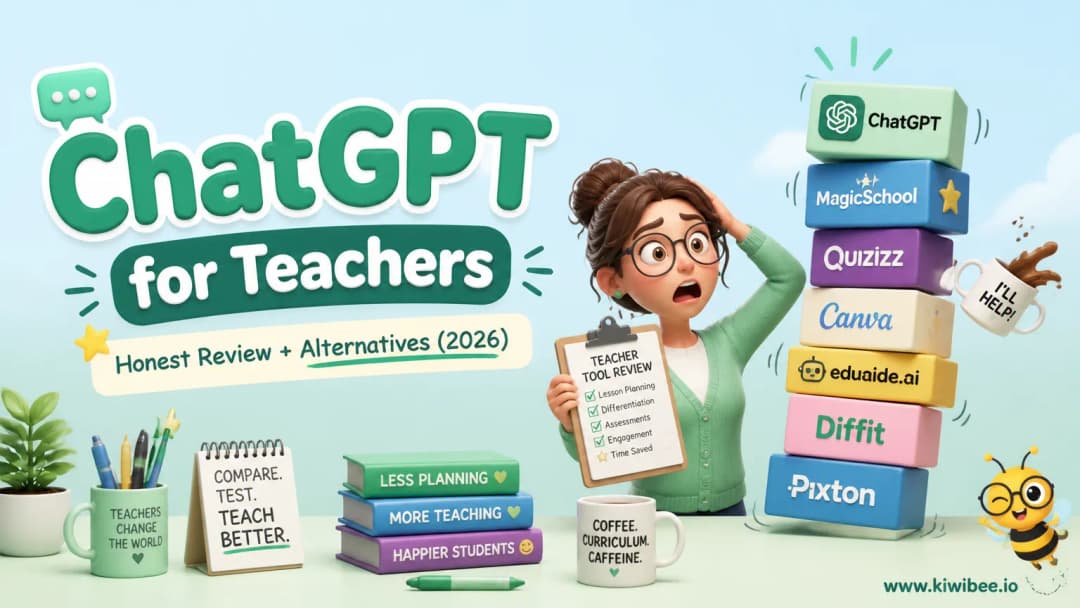
ChatGPT vs Magic School, Diffit, Brisk, Eduaide — honest comparison

In 2024, ChatGPT was the only game in town. In 2026, a wave of teacher-specific AI tools have built better interfaces, classroom-ready outputs, and (in some cases) school-friendly data handling. Honest assessment of the main four:

Magic School AI

Strengths: 80+ pre-built teacher tools (lesson planner, rubric generator, IEP writer, sub plan, etc.). Each tool is a guided form — fill in 4-5 fields, get a finished output. Free tier is generous. School/district plans with admin controls.

Weaknesses: Each tool is a thin wrapper around GPT-4 with a fixed prompt. You can't easily customize beyond what the form exposes. Output quality is solid but rarely exceptional.

When it wins: You want fast, classroom-ready output without learning prompt engineering. Especially good for teachers who don't want to think about AI as a tool — they want output.

Diffit

Strengths: Specifically for differentiation. Paste a text (or URL), and it produces reading-level-adjusted versions plus comprehension questions, vocabulary lists, and summary frames. The differentiation outputs are genuinely better than what generic ChatGPT produces.

Weaknesses: Narrower scope than Magic School. The free tier limits how many activities per week.

When it wins: You teach mixed-ability classes and routinely produce 2-3 reading-level versions of the same text. Diffit is the right tool. Don't ask ChatGPT to do this — Diffit is meaningfully better.

Brisk Teaching

Strengths: Chrome extension that lives in Google Docs, Slides, and Classroom. Generate lesson materials, give feedback on student work, change reading levels — all without leaving the document. Workflow advantage is massive if you live in Google Workspace.

Weaknesses: Locked to Chrome + Google. If your school is Microsoft-first, it's a non-starter.

When it wins: You're a Google Workspace teacher who wants AI features inline in your existing docs. The friction reduction is real.

Eduaide.ai

Strengths: Strong on assessment generation (multiple choice, short answer, performance tasks) and rubric building. Free tier covers most teachers.

Weaknesses: Less polish than Magic School. Smaller tool library.

When it wins: Heavy assessment workflow — generating quizzes, rubrics, performance tasks. Eduaide's assessment outputs are stronger than generic ChatGPT.

When ChatGPT wins, and when it doesn't

JobBest toolWhy
Quick lesson plan, standard formatMagic School or KiwiBeePre-prompted, faster than ChatGPT
Highly custom lesson plan with weird constraintsChatGPTOnly ChatGPT is flexible enough
Reading-level differentiationDiffitPurpose-built; better output
Worksheets + answer keysKiwiBee or Magic SchoolFormatted for print
Quiz generation with answer keyKiwiBee or EduaideBuilt-in answer key formatting
Rubric buildingChatGPT or EduaideBoth work; ChatGPT is more flexible
Parent emails (tough situations)ChatGPTTone-control is its sweet spot
IEP paraphrasingChatGPT (carefully)Flexibility wins, but strip identifiers
Working inside Google DocsBriskInline workflow saves real time
Sub plansMagic SchoolDedicated tool, classroom-format
Generic admin writingChatGPTFast, flexible, no setup
Bilingual outputs (EN + ES)ChatGPT or KiwiBeeChatGPT for ad-hoc; KiwiBee for printables

KiwiBee — the free, no-account-needed AI tools

Full disclosure: we make KiwiBee, so what follows is biased toward our own tools. We're going to be honest about where they fit and don't.

KiwiBee's AI generators are deliberately narrow and deliberately free. There's no account, no email signup, no daily limit on the free tier, and the outputs are designed for the most common classroom formats. They're the right pick when:

  • You don't want another account.
  • You want a printable PDF immediately, not a chat thread.
  • You're a substitute, after-school program, or one-off user where setting up Magic School isn't worth the friction.
  • You're at a school where ChatGPT is blocked but you still need AI-generated practice materials.

They're the wrong pick when:

  • You need deep customization beyond the form fields — ChatGPT or Magic School wins.
  • You want a long-running conversational thread — that's literally what ChatGPT is for.
  • You need features outside our four current generators (lesson plans, worksheets, quizzes, phonics writing) — Magic School's wider library wins.

Going deeper — the rest of this guide

ChatGPT is too big a topic for one post. Five companion guides go deeper on the parts that matter most:

Free classroom tools that pair well with ChatGPT

ChatGPT handles planning. Once you're in the classroom, the friction shifts — you need a timer, a random student picker, a behavior tracker. KiwiBee has 28 free interactive tools for the in-class moment:

Setting up ChatGPT for daily teacher use

Three setup steps that take 5 minutes and pay off for the rest of the year.

Step 1: Custom Instructions

Settings → Personalization → Custom Instructions. Two boxes. In the first, describe yourself: "I am a [grade] [subject] teacher at a [public/private/charter] school. My students are [demographic detail relevant to your context]. State standards: [yours]. Reading level baseline: [grade equivalent]." In the second, describe how you want responses: "Default to teacher-facing output. Return tables for structured content. Use plain language; avoid jargon. Always include differentiation considerations."

Every prompt you write from then on inherits this context. You stop re-explaining yourself, and ChatGPT outputs are immediately more targeted.

Step 2: Memory

Memory is on by default — toggle it in Settings → Personalization → Memory. Once on, ChatGPT will remember facts you mention ("I teach 4th grade ELA at a Title I school") across sessions. The first week of use, periodically tell ChatGPT to "remember" things that should persist (your grade, your unit, your students' reading levels). After that, it builds context organically.

Privacy note: memory can be turned off, individual memories can be deleted, and you can ask ChatGPT what it remembers ("What do you remember about me?"). Worth doing once a month to keep it accurate.

Step 3: Data controls

Settings → Data Controls → Improve the Model for Everyone. If this is on, your prompts may be used to train future models. For teacher use, turn it OFF — especially before you try to use ChatGPT for anything that touches student data. This does not retroactively scrub past prompts; it only affects future ones.

A realistic weekly workflow

What does using ChatGPT actually look like in a teacher's week? Here's the pattern we hear most often from teachers who genuinely save time with it.

  • Sunday afternoon (15 min): Use ChatGPT or a teacher-specific tool to generate the skeleton for the upcoming week's lesson plans. Save as drafts you'll edit Monday morning.
  • Monday morning (30 min): Edit Sunday's drafts with specifics — your standards, your students, your local references. Print materials, queue up the day.
  • During lessons (zero): No ChatGPT use during class. The tool is for prep, not for live teaching.
  • Wednesday during prep (15 min): Generate differentiation passes for upcoming lessons, draft any parent emails the week has surfaced, paraphrase any rough feedback you noted on student work.
  • Friday afternoon (10 min): Generate a quick recap email home if you do those, paraphrase grading feedback into rubric-aligned comments, plan next week's skeleton.

Total weekly time investment: ~70 minutes. Time saved vs not using AI: typically 3-5 hours, mostly on the planning and grading-feedback layers. The compounding effect over a school year is significant.

The bottom line

ChatGPT is the most flexible tool in the teacher AI stack. It's not the best at every job, but it's the best at the long tail of weird, one-off, custom requests that teacher-specific tools can't handle. Keep it as your go-to brainstorming partner, your tone-shifter for tough emails, and your last-mile editor.

For the common, repeatable jobs — lesson plans in your district's format, worksheets that print cleanly, quizzes with answer keys, reading-level differentiation — reach for a teacher-specific tool first. Magic School, Diffit, Brisk, Eduaide, or KiwiBee are all faster and produce cleaner output for those jobs. ChatGPT is the swiss army knife. The teacher-specific tools are the right knife for the right cut.

Most teachers we know land on a 2-tool stack: ChatGPT (free) for brainstorming and edge cases, plus one teacher-specific tool (whichever fits their main workflow) for the bulk of weekly work. That combination genuinely saves hours every week. And you don't need to pay for either of them.

ChatGPT for Teachers: Complete 2026 Guide | KiwiBee