ChatGPT for grading: where it helps, where it hurts
A practical guide to using AI in assessment without handing over professional judgment.
Last updated July 11, 2026
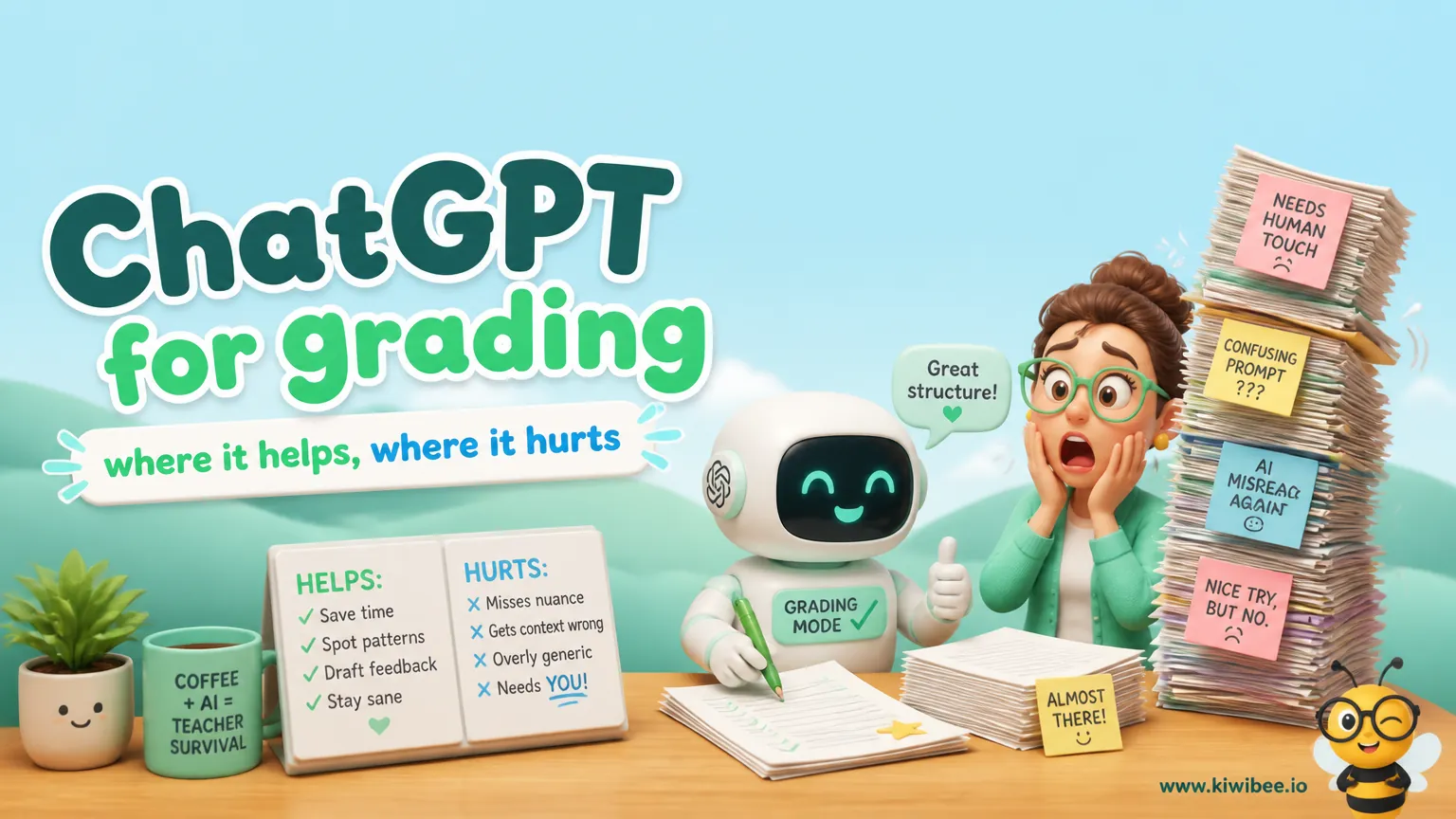
Using AI during grading is tempting because feedback writing is repetitive and time-consuming. The useful question is not whether a model can comment on student work, but which parts of the process should remain fully in teacher hands.
Current educator guidance is clear on one point: model output may be incorrect, it is only a starting point, and it must be reviewed by the teacher who knows the class. That makes AI best suited to drafting and organizing, not deciding.
A careful grading workflow can still be worthwhile. The strongest uses focus on rubric design, feedback drafting, class-wide planning, and consistent language, while the teacher remains responsible for reading work, applying the rubric, assigning grades, checking feedback, and following school rules for student data.
Start with the boundary: AI can assist, but it should not be the grader
Grading is not just scoring. It involves interpreting a rubric, weighing evidence in context, recognizing what was taught, and explaining decisions in a way that can be defended to students, families, and school leaders. Those are professional responsibilities, not just text-generation tasks.
Because model output may be wrong, a teacher should not treat an AI response as an authoritative score or final evaluation. If a comment, score suggestion, or summary appears useful, it still needs human checking before it reaches a student or affects a gradebook.
A defensible workflow keeps the teacher in charge of the parts that matter most: reading the student’s work, deciding how the rubric applies, assigning the grade, reviewing any drafted feedback, and following the school’s rules for approved tools and student information.
- Use AI as a drafting assistant, not as the final evaluator.
- Assume any output may contain errors or poor judgment.
- Keep final decisions and final wording under teacher review.
Where ChatGPT can help most: before and after the actual grading decision
The strongest classroom uses are the ones that reduce repetitive writing without outsourcing judgment. In practice, that usually means using AI before grading begins to prepare materials, or after grading to organize patterns you have already noticed.
One useful example is building a rubric-linked feedback bank. If you already have a rubric, a model can help draft short student-facing comments for each criterion and performance level. This gives you a starting set of phrases that you can later adapt to specific students.
Another useful use is revising tone. After a long grading session, comments can become flat, vague, or overly abrupt. A model can help rephrase a comment to sound more encouraging, more precise, or more action-focused while keeping your meaning intact. The key is that the underlying judgment still came from you, not from the tool.
- Draft feedback-bank comments for each rubric criterion and level.
- Rewrite a teacher-written comment in a clearer or more supportive tone.
- Turn teacher-observed class-wide weaknesses into a mini-lesson outline or reteach plan.
A practical workflow for rubric-based feedback
A reliable approach begins with the rubric. Before grading, tighten the language of each criterion so that performance levels are concrete and observable. Clear descriptors make both human grading and AI-assisted feedback more consistent.
Next, create a feedback bank tied to the rubric. For each criterion and level, draft a short comment that names what the student did, what still needs work, and one next step. AI can help produce first drafts of these comments, but you should edit them so they match your subject, age group, and classroom expectations.
During grading, read each piece of student work yourself. Decide the level for each criterion, make brief notes on evidence from the work, and assign the grade yourself. Then use your feedback bank as a starting point and customize it with specific references to the student’s response. This keeps comments efficient without making them generic.
- Write rubric descriptors that are specific enough to observe in student work.
- Prepare short feedback stems linked to each rubric level.
- Read the work first, then choose or adapt feedback.
- Add concrete evidence from the student’s response before returning comments.
Where ChatGPT can hurt grading quality
Problems start when a model is asked to replace reading, interpretation, or subject expertise. A score suggestion can sound polished and still be weakly grounded. That becomes especially risky when the rubric is nuanced, the student response is unconventional, or the assignment depends on accuracy.
The same caution applies to technical or factual evaluation. If a task depends on correctness in reasoning, evidence, computation, coding, or content knowledge, the teacher still needs to verify the work directly. A model may produce a confident explanation that does not actually match the student’s answer or your criteria.
There is also a risk of flattening student voice. Feedback should help students develop clarity, evidence use, and control of conventions without treating every difference in style or language pattern as a defect. Teachers need to review drafted comments carefully so they support growth rather than pushing all writing toward one narrow model of expression.
- Do not rely on AI to assign final grades.
- Do not assume a polished explanation is an accurate one.
- Check that drafted comments support the rubric rather than a generic writing style.
- Review comments for fairness, clarity, and fit with the assignment.
Data minimization matters more than convenience
Even when a teacher can change consumer Data Controls, that setting alone does not turn a personal account into an approved school system. Consumer users can disable model training in Data Controls, but schools still need to follow their own policies, approved-tool lists, and local legal requirements.
For that reason, many teachers should prefer workflows that minimize student data sharing. Instead of pasting full identifiable work into a tool, it is often safer to work from your rubric, your own notes, anonymized excerpts if permitted, or class-wide patterns that do not identify a student.
If your school provides a version designed for education use, re-check what protections and eligibility actually apply. Current verified guidance states that ChatGPT for Teachers offers education-grade protections and admin controls for verified U.S. K-12 educators, is not a student plan, and does not use workspace information for model training by default. Even so, teachers should still follow local rules before using any system with student work.
- Do not assume a personal privacy setting equals school approval.
- Share the minimum information needed for the task.
- Prefer anonymized, rubric-based, or class-level inputs when possible.
- Follow school policy on approved platforms and student data handling.
Make grading decisions appealable and explainable
One useful test for any AI-assisted grading process is appealability. If a student or family asks why a grade was given, the teacher should be able to point to the rubric, the student’s actual work, and the evidence used to make the decision.
That means comments should be traceable. A note such as “needs stronger evidence” is less helpful than a comment that identifies where the evidence was thin and what kind of revision would strengthen it. AI can help draft that language, but the teacher needs to verify that the comment is accurate and tied to the work.
Explainable grading also benefits students. When feedback names a clear strength, one priority area, and an actionable next step, it is easier to use for revision or future assignments. This is another reason to keep AI in a supporting role rather than allowing it to generate unchecked evaluations.
- Link feedback to a criterion and to evidence in the work.
- Prefer comments that students can act on in revision.
- Keep records that show how the rubric was applied.
- Review drafted comments before release so they remain accurate and defensible.
A cautious template for classroom use
If you want to use AI in grading without giving it control of the evaluation, a simple routine works well. First, prepare your rubric and feedback bank before student work is in front of you. Second, read and score each submission yourself. Third, use AI only to help polish wording or organize class-wide next steps after your own analysis.
This structure keeps the efficiency gains in the drafting stage while protecting the parts of assessment that rely on professional judgment. It also reduces the chance that a model’s mistake becomes a student-facing error or an unfair score.
Most importantly, this routine reflects current educator guidance: the model provides a starting point, and the teacher who knows the class is responsible for review and final decisions.
- Before grading: refine the rubric and draft feedback stems.
- While grading: read, evaluate, and score the work yourself.
- After grading: use your own notes to plan reteaching or whole-class feedback.
- At every stage: check school rules before entering any student information.
Use AI to support judgment, not replace it
ChatGPT can be useful in grading when the task is language support: drafting rubric comments, improving tone, and organizing patterns you have already identified. It becomes much less reliable when asked to decide what a student’s work means, how a rubric applies, or what final grade belongs in the record.
The safest current approach is straightforward: keep teachers responsible for reading work, applying the rubric, assigning grades, reviewing feedback, and following school rules for student data. Use AI as a starting point where it saves repetition, then check every output before it affects students.
Sources and further reading
Explore the platform
Continue with KiwiBee
Choose the KiwiBee workspace or resource library that fits what you need next.
Related posts
ChatGPT for Teachers: Honest Review + Alternatives (2026)
Honest review of ChatGPT for teachers — what it does well, where it falls short for classroom work, and three alternatives worth trying.
ChatGPT for students: a teacher's classroom guide
A teacher's classroom strategy guide for ChatGPT — AI literacy as a curriculum thread, prompt-design as a 21st-century skill, citation conventions, and assignment design that actually works in an AI-saturated world.
ChatGPT for Teachers: A Complete 2026 Guide
Everything a teacher needs to know about ChatGPT in 2026 — the prompts that actually save time, the risks no one warns you about, and an honest comparison to Magic School, Diffit, Brisk, and Eduaide.
 For big organisations
 For schools
 For centers
 For team leaders
 For teachers
 AI and resources
 Printable worksheets
 Teacher tools
 Live games
 Learning simulations
 AI studio
 Ideas and research