ChatGPT for Students: A Practical Classroom Guide
How to set clear boundaries, teach verification, and use AI as supervised support rather than substitute thinking.
Last updated July 11, 2026
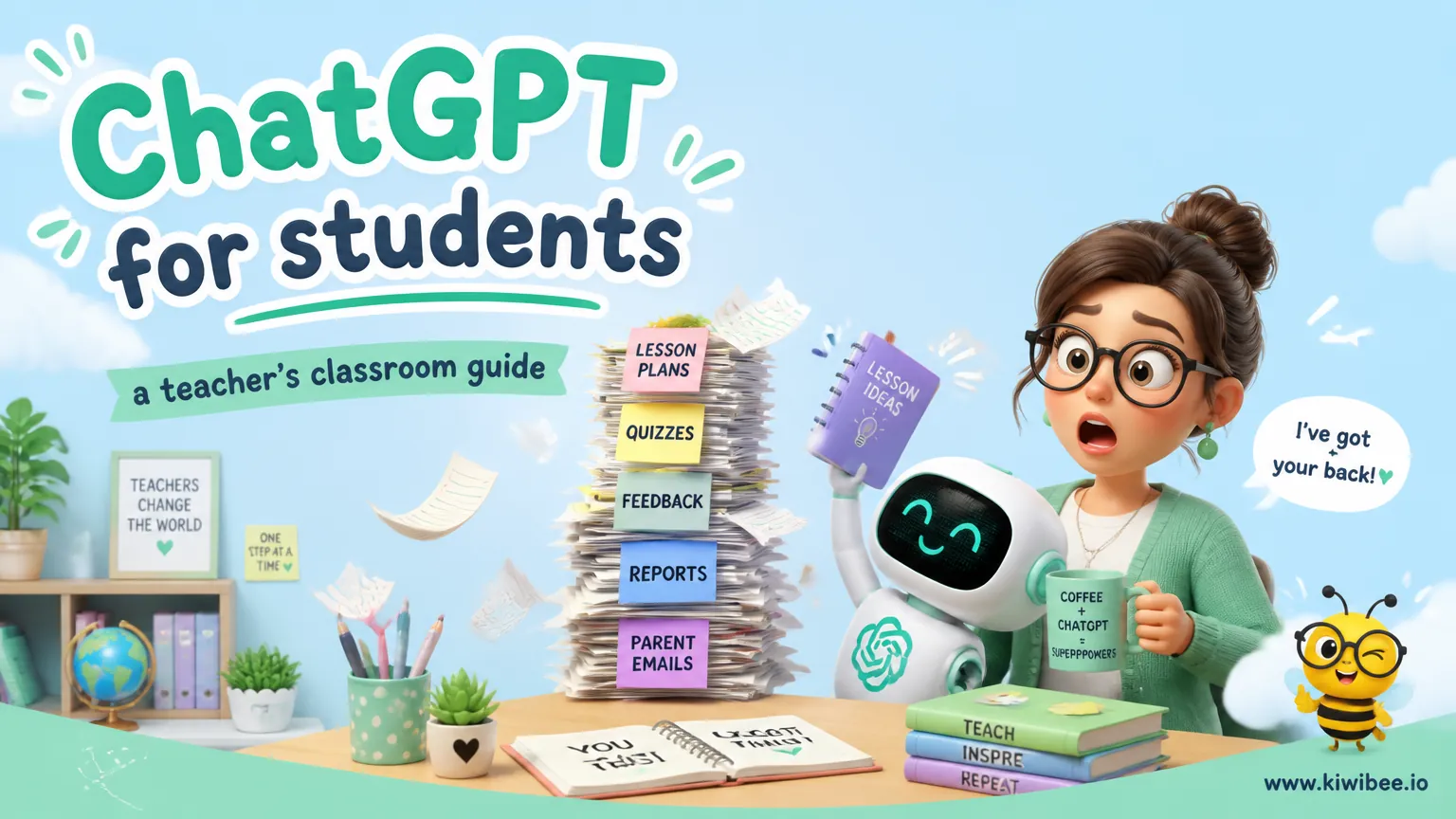
Students may use generative AI for very different purposes, from brainstorming to tutoring to prohibited authorship. A useful classroom response is to separate these uses instead of treating them all the same.
Current educator guidance from OpenAI emphasizes two points that matter in schools: outputs may be incorrect, and AI should be treated as a starting point reviewed by the teacher. That makes supervision, verification, and clear assignment rules essential.
This guide offers a cautious classroom approach built around assignment-level expectations, prompt habits, and activities that keep student thinking visible.
Start with assignment-level rules, not blanket statements
School policies work better when they distinguish between acceptable support and prohibited substitution. Rather than saying students may or may not use AI in general, publish rules on each assignment.
The most helpful categories are brainstorming, tutoring, editing, disclosed assistance, and prohibited authorship. Students are more likely to follow boundaries they can understand and apply.
For example, a teacher might allow idea generation and question-based study support on one task, allow light editing with disclosure on another, and prohibit any AI-written sentences on a timed in-class assessment. The key is to say this in advance and in plain English.
- Brainstorming: generating topics, questions, examples, or possible approaches
- Tutoring: asking for explanations, guided practice, or step-by-step clarification
- Editing: improving clarity, grammar, or structure without changing ownership of ideas
- Disclosed assistance: any allowed use that students must acknowledge according to school or course rules
- Prohibited authorship: asking AI to produce work that is meant to show the student’s own independent thinking
Teach what ChatGPT is good for, and what it is not
Students often need explicit help understanding the difference between support and replacement. One practical way to frame this is: use AI to help you think, not to do the thinking for you.
OpenAI states that Study Mode can ask questions, guide thinking, explain concepts in stages, and work with uploaded study materials. It also states that it does not replace teachers, course materials, or academic requirements.
That makes AI most defensible as a study support tool when the goal is practice, review, planning, or clarification. It is less appropriate when the assignment is specifically designed to assess independent writing, unaided problem solving, or mastery under supervised conditions.
- Usually lower-risk uses: brainstorming, revising a study plan, asking for staged explanations, summarising teacher-provided notes for review
- Higher-risk uses: producing a full essay, answering take-home work without showing process, generating citations to paste into assignments, completing work the student has not understood
Make verification a routine classroom habit
Students should be told directly that model output may be wrong. This is not a small caution to mention once; it should become a repeated classroom routine.
A simple rule helps: any factual claim from AI needs checking before it is used in classwork. If students cannot verify a claim, they should not rely on it.
Verification can be taught in short, repeatable moves. Ask students to compare the AI response with class materials, teacher notes, assigned readings, or trusted sources required by the assignment. If the wording sounds confident but the evidence is unclear, that is a reason to slow down, not to trust it more.
- Check whether the answer matches the assigned text, notes, data, or worked examples
- Look for missing specifics, vague claims, or invented-looking details
- Ask students to explain which part they verified and how
- Require corrections when students find an error rather than treating the first output as final
Use prompt habits that support learning
Prompting is most useful in school when it makes student thinking more precise. A weak prompt usually gets a generic answer; a specific prompt can produce a more useful explanation or study pathway.
Teachers can model prompts that name the goal, the level of explanation, and the materials to use. This helps students ask better academic questions and notice when they have not yet defined what they need.
For classroom use, it is safer to teach prompt patterns than to give fixed scripts for every subject. That keeps the focus on judgment.
- State the task clearly: 'Explain this concept in stages' or 'Quiz me on these notes one question at a time'
- Set boundaries: 'Do not write the answer for me; help me plan it'
- Use class materials: 'Work only from these uploaded notes or this excerpt'
- Ask for reasoning support: 'Show the steps' or 'Ask me questions before giving hints'
Age and supervision need careful handling
OpenAI’s current minimum age is 13, or the minimum local age of digital consent, with parent or guardian permission required for users under 18. Schools should reflect that baseline in local guidance and check whether additional school rules apply.
For younger students, AI literacy may be better taught as a teacher-led concept rather than direct student account use. For older students, supervised use may be appropriate when it aligns with school policy and the assignment’s purpose.
Whatever the age group, direct instruction matters. Students need explicit teaching on what is allowed, how to verify output, and when independent work is required.
- Use teacher-led demonstrations when direct student access is not appropriate
- Explain age-related account expectations clearly to families and students
- Avoid assuming that what is suitable in one year group or school is suitable in another
Design assignments that keep student thinking visible
Some tasks are easy for AI to imitate, especially generic summaries and formulaic writing. That does not make those tasks useless, but it does mean they should not be the only evidence of learning.
When the goal is authentic student thinking, design tasks that depend on classroom context, process, and explanation. This reduces overreliance on AI and gives teachers better evidence of what students understand.
The aim is not to create 'AI-proof' work in an absolute sense. It is to make the learning process visible enough that authorship and understanding are easier to assess.
- Require planning notes, checkpoints, or draft history
- Use in-class writing tied to recent discussion or teacher-provided materials
- Ask for short oral explanations of choices, evidence, or method
- Build tasks around local data, class experiments, or shared observations
- Separate practice work from final evidence of independent understanding
Study Mode can support tutoring-style classroom workflows
Where permitted by school policy, Study Mode can be used for guided review rather than answer generation. OpenAI says it can ask questions, guide thinking, explain concepts in stages, and work with uploaded study materials.
That makes it suitable for structured uses such as revision sessions, retrieval practice, and stepwise explanation. Teachers can frame it as a study partner that asks and responds, not as an authority to trust automatically.
A classroom workflow might include a teacher-provided set of notes, a short prompt asking for one-question-at-a-time review, and a follow-up requirement that students verify or correct anything unclear using course materials.
- Revision check-ins: students upload notes and ask for question-by-question review
- Staged explanations: students ask for simpler or more detailed explanations of a concept
- Gap finding: students identify what they still cannot explain after a Study Mode exchange
- Reflection: students record one mistake they found and how they corrected it
Handle writing support with disclosure and boundaries
Writing support is often where confusion appears. Students may see brainstorming, feedback, and drafting as one continuous activity, while teachers may draw sharper distinctions.
A workable approach is to name which support is allowed at each stage. For example, a teacher might allow topic ideas and outline questions, allow grammar-focused editing with disclosure, but prohibit AI-written paragraphs in a final submission.
This preserves useful support while protecting the purpose of the assignment. It also gives students a fairer standard than an unstated expectation.
- Allowed on some tasks: generating possible angles, clarifying an argument, identifying unclear sentences
- Often needs disclosure if permitted: editing suggestions, reorganising structure, support refining wording
- Usually prohibited when independent writing is being assessed: asking AI to draft the submission or rewrite it substantially
A clear, supervised approach is more useful than a vague one
Student AI use is easier to manage when teachers define categories of use, set assignment-level boundaries, and teach verification as a daily habit. That keeps the focus on learning rather than on guessing what counts as acceptable.
The most durable classroom approach is to use AI for questioning, clarification, and guided practice while preserving spaces where students must think, write, and explain independently. In that model, AI can support study without replacing the work school is meant to assess.
Sources and further reading
Explore the platform
Continue with KiwiBee
Choose the KiwiBee workspace or resource library that fits what you need next.
Related posts
ChatGPT for Teachers: A Complete 2026 Guide
Everything a teacher needs to know about ChatGPT in 2026 — the prompts that actually save time, the risks no one warns you about, and an honest comparison to Magic School, Diffit, Brisk, and Eduaide.
Using ChatGPT as a Teacher's Assistant: A Comprehensive Guide
ChatGPT can save teachers hours every week when used strategically. This comprehensive guide covers seven high-impact use cases with example prompts you can copy and adapt today.
ChatGPT for lesson plans: a teacher's honest workflow
An honest, teacher-tested workflow for writing lesson plans with ChatGPT — what to prompt for, how to iterate, and what to never trust ChatGPT to handle. Plus the line where a teacher-specific tool wins.
 For big organisations
 For schools
 For centers
 For team leaders
 For teachers
 AI and resources
 Printable worksheets
 Teacher tools
 Live games
 Learning simulations
 AI studio
 Ideas and research