
Transformations Lab
- Math
Comments
Related to this simulation
Picked by meaning from games, worksheets, simulations, teacher tools and videos.
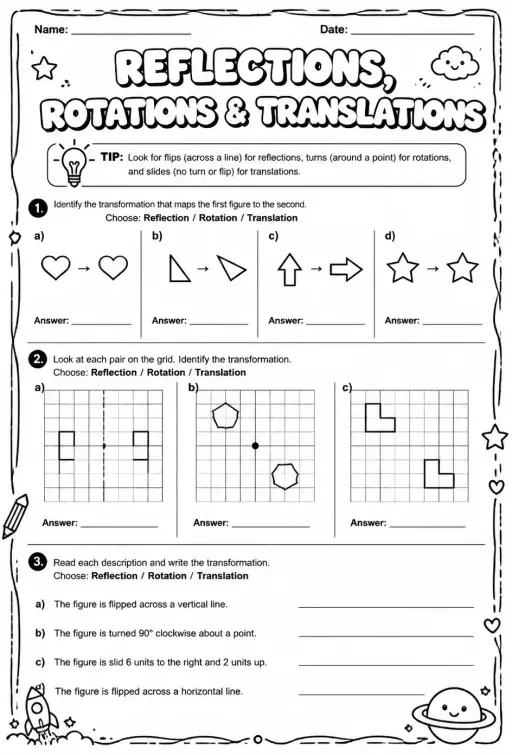 WorksheetIdentify reflections, rotations, and translations
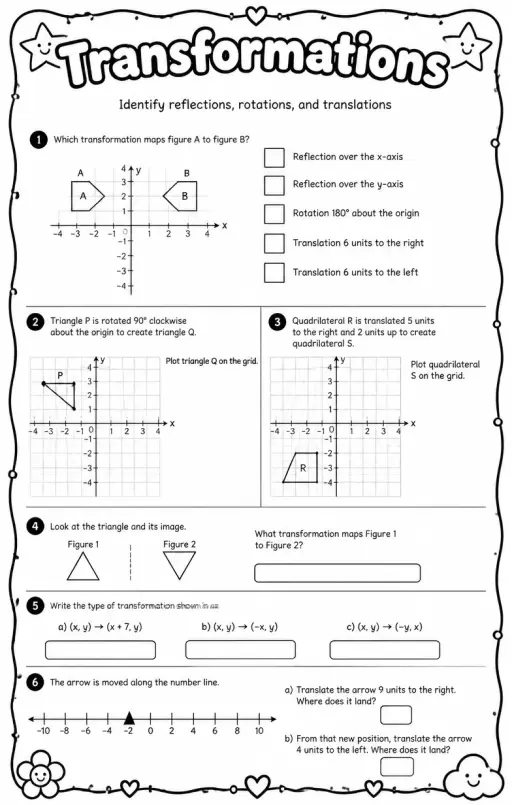 WorksheetIdentify reflections, rotations, and translations
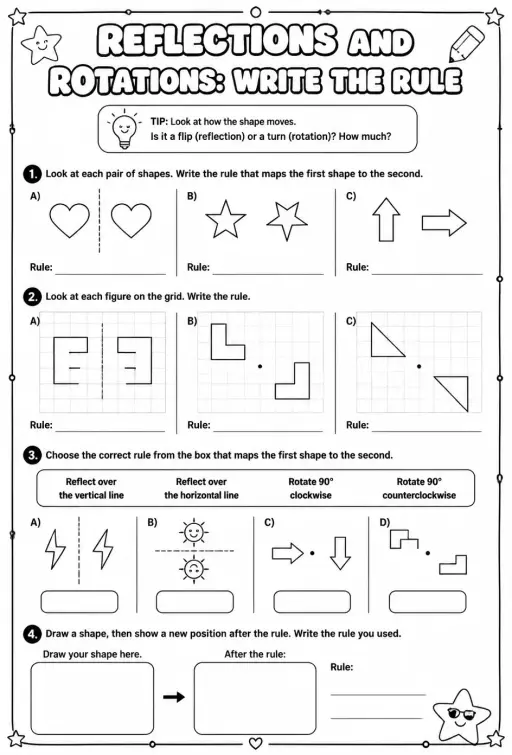 WorksheetReflections and rotations: write the rule
 WorksheetTranslations: graph the image
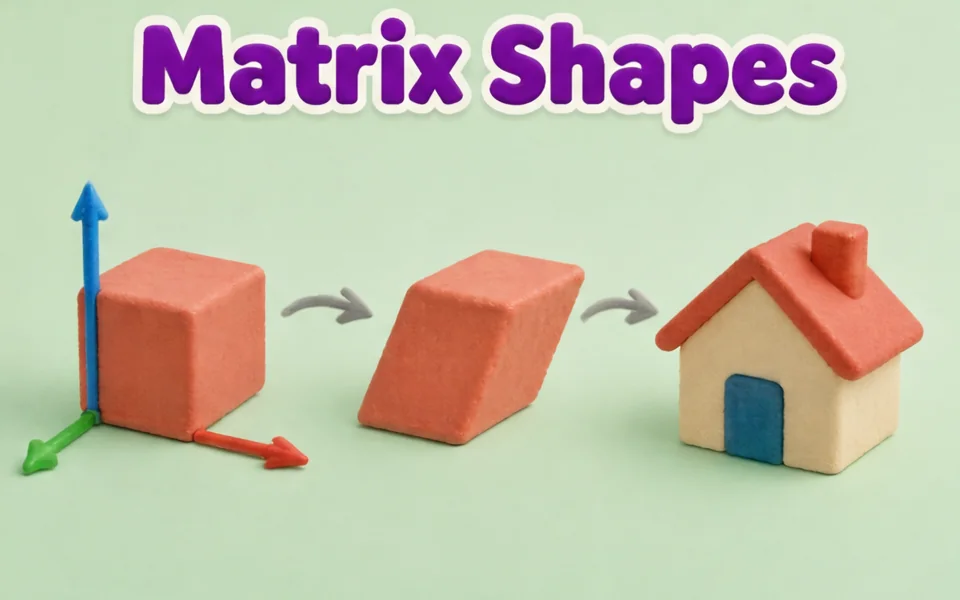 SimulationMatrix Transformations 3D
 SimulationTessellation Tiles
 Simulation3D Shapes Explorer
 SimulationPythagoras Squares
About this simulation
Transformations Lab shows a shape with corners A, B, C and D on a grid and its image after a reflection, rotation or translation. Students pick the transformation from a menu, drag the shape or its corner dots, move the mirror handles, the rotation centre or the vector tip, and set a rotation angle in 15 degree steps. Readouts list the transformation and each corner mapping such as A to A prime. The image stays congruent but reflections reverse the lettering. Use it to teach congruence, coordinate rules and orientation.
What students can explore
- Choose Reflect and drag the mirror handles to put the mirror line in different places.
- Choose Rotate, drag the centre, and set Rotation to 90 then -90 degrees to compare directions.
- Choose Translate and drag the vector tip to slide the shape, then read the A to A prime readout.
- Drag a corner dot to change the shape and check the image still matches it in size.
- Turn Show guide lines off and predict the image coordinates before turning it back on.
Learning objectives
- 1Perform and describe a reflection, rotation and translation on a coordinate grid.
- 2Identify that these transformations preserve side lengths and angles.
- 3Apply coordinate rules such as (x, y) to (-x, y) for a reflection in the y axis.
- 4Explain that a reflection reverses orientation while a translation does not.
Questions teachers ask
Is it free?
Yes. Students can use it without creating an account, on any modern browser and on whiteboards, tablets or phones.
Which transformations keep the shape the same size?
Reflections, rotations and translations all keep side lengths and angles, so the image is congruent to the original. Only the position or orientation changes.
Why does the letter order reverse in a reflection?
A mirror flips the shape over, so going A, B, C, D around the shape runs the opposite way in the image. Rotations and translations keep the same direction.
How do I change the rotation?
Select Rotate, drag the rotation centre to where you want it, and use the Rotation slider from -180 to 180 degrees. Positive angles turn anticlockwise.
Embed this simulation
Drop it into your LMS, blog, or class site — free.
<iframe src="https://kiwibee.io/en/simulations/transformations-shape-3d-simulation/embed" title="Transformations Lab | KiwiBee" loading="lazy" allowfullscreen style="width:100%;height:min(70vh,620px);min-height:420px;border:0;border-radius:16px"></iframe>Curriculum standards
Cambridge
- 7Gp.03Use knowledge of translation of 2D shapes to identify the corresponding points between the original and the translated image, without the use of a grid.Cambridge Lower Secondary Mathematics (0862) — Stage 7 › Geometry and Measure › Position and transformation
- 7Gp.04Reflect 2D shapes on coordinate grids, in a given mirror line (x- or y-axis), recognising that the image is congruent to the object after a reflection.Cambridge Lower Secondary Mathematics (0862) — Stage 7 › Geometry and Measure › Position and transformation
- 7Gp.05Rotate shapes 90° and 180° around a centre of rotation, recognising that the image is congruent to the object after a rotation.Cambridge Lower Secondary Mathematics (0862) — Stage 7 › Geometry and Measure › Position and transformation
Learning objectives © UCLES (Cambridge University Press & Assessment), quoted with attribution.
Bring interactive science into your classroom
KiwiBee's free teacher workspace brings lesson planning, worksheets, classroom tools, and gradebook together in one place.
Start free and create your first classWatch KiwiBee on YouTube
Short KiwiBee videos for teachers and schools. Subscribe, or follow KiwiBee wherever you are.
 Home
 All solutions
 Pricing
 About us
 KiwiBee for Non-profits
 Events & webinars
 For big organisations
 For schools
 For centers
 For team leaders
 For teachers
 Resources
 Printable worksheets
 Interactive simulations
 Teacher tools
 Ideas and research


