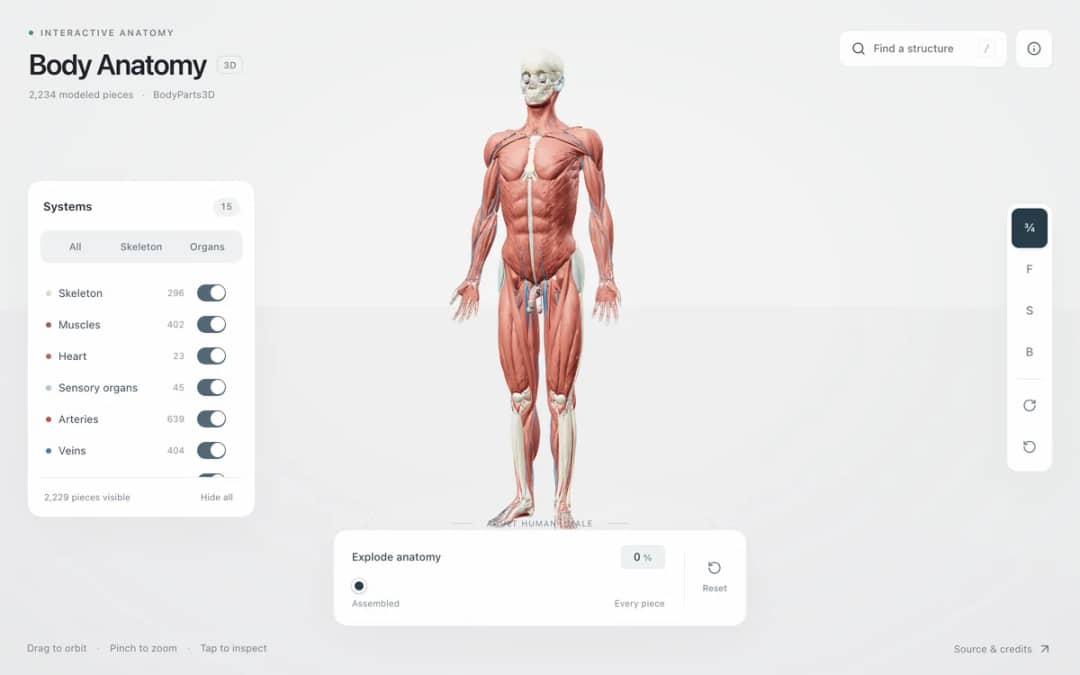
Explore an adult male reference body in 3D. Reveal 14 anatomical systems, search thousands of named structures, isolate organs, and pull 2,209 modeled pieces apart to see how the body is organized.
—
KiwiBee uses optional Google Analytics, Google Ads, and Meta Pixel cookies to understand adult visitors, measure completed sign-ups, and improve campaigns. Essential cookies always stay on. OpenAI’s ChatGPT Ads Pixel also measures page views and completed enquiries after advertising consent, and may use hashed contact details for matching. Privacy policy
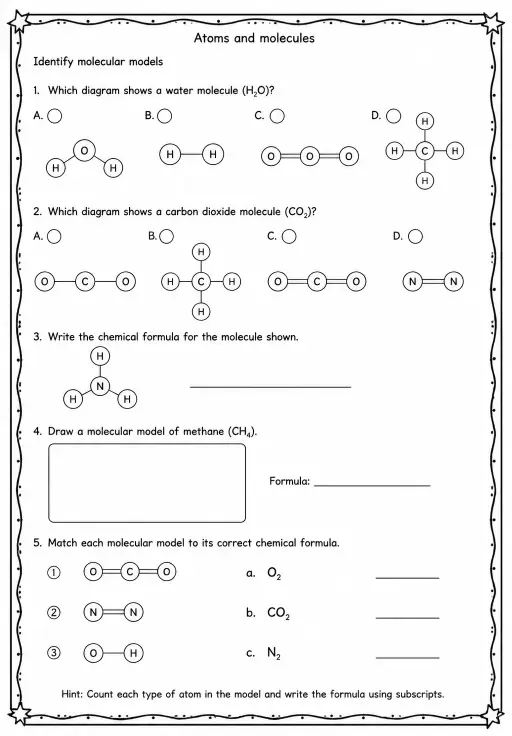
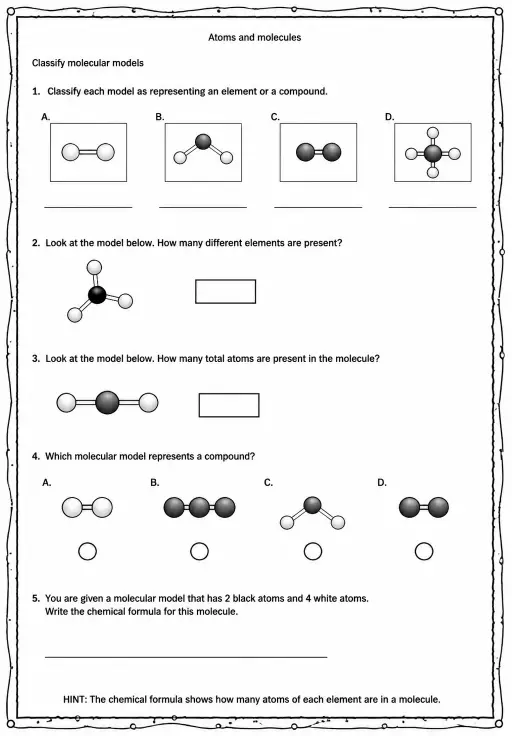
This gallery presents water, carbon dioxide, methane, ammonia, ethanol and benzene as 3D models built from measured bond lengths and angles. Atoms use the usual colours, with carbon grey, hydrogen white, nitrogen blue and oxygen red. Students can change the spin speed, turn on a space-filling view and show or hide atom symbols. Readouts give the formula, shape, bond angle and molar mass. It is helpful for teaching molecular shape, covalent bonding and why bent water differs from linear carbon dioxide.
Yes. It is free, runs in any modern browser including interactive whiteboards and tablets, and has no sign-up.
Oxygen in water has two bonds and two lone pairs of electrons, and all four electron groups repel each other, giving a bent shape. Carbon dioxide has no lone pairs on carbon, so its two double bonds point in opposite directions.
It draws each atom at a size related to its real extent so you can see how the atoms fill the space of the molecule. The ball-and-stick view makes the atoms smaller so the bonds are easy to see.
Pick a molecule from the drop-down, set the Spin speed, and use the toggles for Space-filling and Atom symbols. Drag to rotate the model and read the formula, shape and angle.
Drop it into your LMS, blog, or class site — free.
<iframe src="https://kiwibee.io/en/simulations/molecule-gallery-3d-simulation/embed" title="Molecule Gallery | KiwiBee" loading="lazy" allowfullscreen style="width:100%;height:min(70vh,620px);min-height:420px;border:0;border-radius:16px"></iframe>Continue exploring
Explore an adult male reference body in 3D. Reveal 14 anatomical systems, search thousands of named structures, isolate organs, and pull 2,209 modeled pieces apart to see how the body is organized.
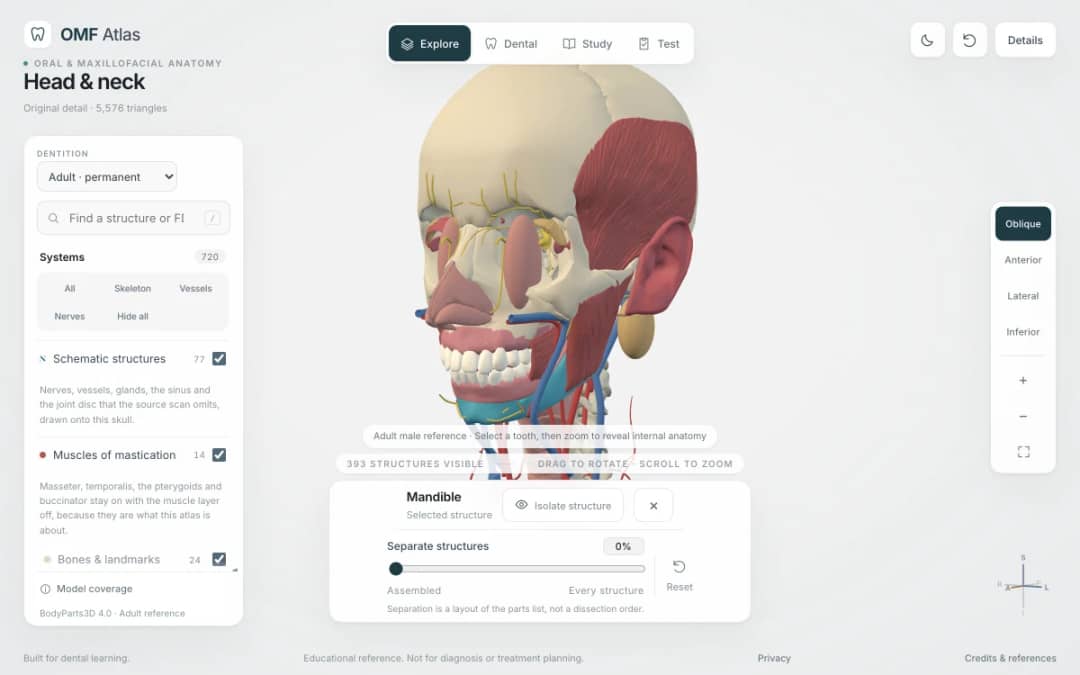
Explore the head and neck in 3D: 643 source meshes across 14 layers, 47 facial and masticatory muscles, and 77 drawn nerves, vessels and glands the source scan omits. Open any tooth onto its own pulp canal, and follow the seven stages of tooth development.

Free interactive photosynthesis simulation. Explore photosynthesis hands-on online — great for whole-class or independent practice.

Free interactive states of matter simulation. Explore states of matter hands-on online — great for whole-class or independent practice.

Free interactive shadows simulation. Explore shadows hands-on online — great for whole-class or independent practice.
From model to evidence
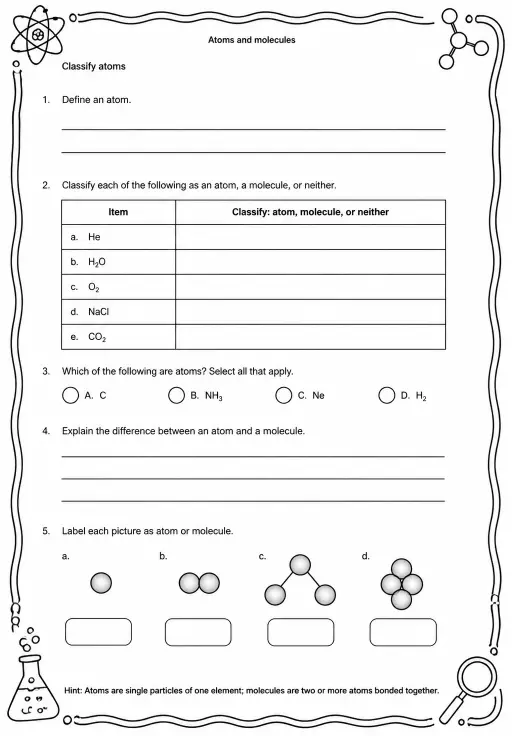
Use a worksheet to capture predictions, observations, and explanations after students explore.
KiwiBee's free teacher workspace brings lesson planning, worksheets, classroom tools, and gradebook together in one place.
Start free and create your first class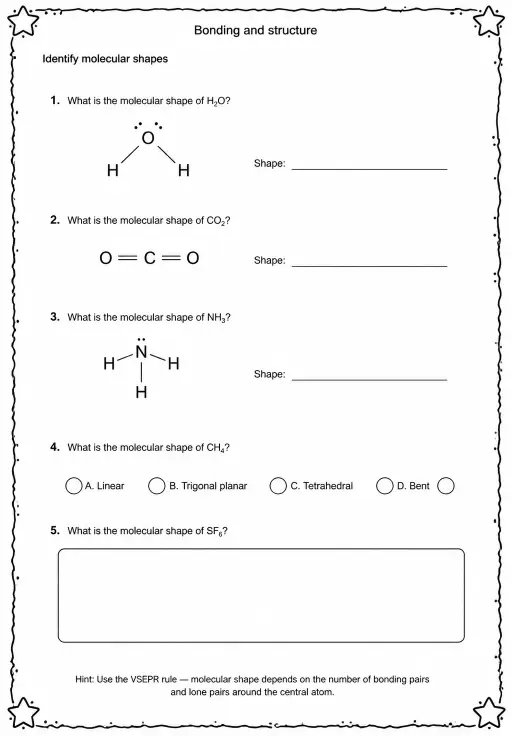

 Home
Home All solutions
 Pricing
 About us
 KiwiBee for Non-profits
 Events & webinars
 For big organisations
 For schools
 For centers
 For team leaders
 For teachers
 AI and resources
 Resources
 Printable worksheets
 Lesson Packs
 Interactive simulations
 Teacher tools
 AI studio
 Ideas and research