
About this simulation
Materials 3D Lab is an interactive 3D science lab about the properties of everyday materials. Seven materials (wood, wool, plastic, glass, metal, fabric and clear plastic) are each clamped as a strip in a lab stand. Children choose a material, guess what will happen, then run five experiments: a magnet, a 1 kg weight, a candle flame, a rain cloud, and a torch shone through the strip in front of a picture of a bee. What happens is set by the properties of each material, so only the steel strip is pulled by the magnet, glass snaps instead of bending, cotton burns while wool only smoulders, wool and fabric soak up water, and glass and clear plastic are transparent. A notebook gathers the results into a table for comparing materials, and a short quiz asks which material is best for jobs such as a window, a towel or a campfire blanket.
What students can explore
- Hold the magnet over every material. Which one jumps up and sticks?
- Hang the weight on each strip. Which stay stiff, which bend and spring back, and which flop over?
- Watch a pretend candle flame. Which materials burn, which melt, and which stay safe?
- Pour rain on each strip. Which soak up water and go dark, and which stay dry?
- Hang each strip in front of the bee picture. Which can you see through, and which make a shadow?
Learning objectives
- 1Name common materials and describe them with words such as hard, flexible, waterproof, magnetic and transparent.
- 2Compare materials by running the same test on each one and recording what happens.
- 3Choose the best material for a job and explain why, using what the tests showed.
Questions teachers ask
Is Materials 3D Lab free to use?
Yes. It runs in any modern browser with no sign-up or download.
Is the burning experiment safe?
The fire is only a picture on the screen. The simulation reminds children never to try it themselves, and a real flame test should only ever be done by a teacher or another grown-up.
Do all metals stick to a magnet?
No. Iron and steel are magnetic, so the steel ruler sticks to the magnet. Copper, aluminium and gold are not magnetic.
What age is it for?
It suits ages 5 to 10, from Kindergarten to Grade 4, as an introduction to everyday materials and their properties. It works on phones, tablets and computers.
Embed this simulation
Drop it into your LMS, blog, or class site — free.
<iframe src="https://kiwibee.io/en/simulations/materials-3d-simulation/embed" title="Materials 3D Lab | KiwiBee" loading="lazy" allowfullscreen style="width:100%;height:min(70vh,620px);min-height:420px;border:0;border-radius:16px"></iframe>Continue exploring
More interactive science models
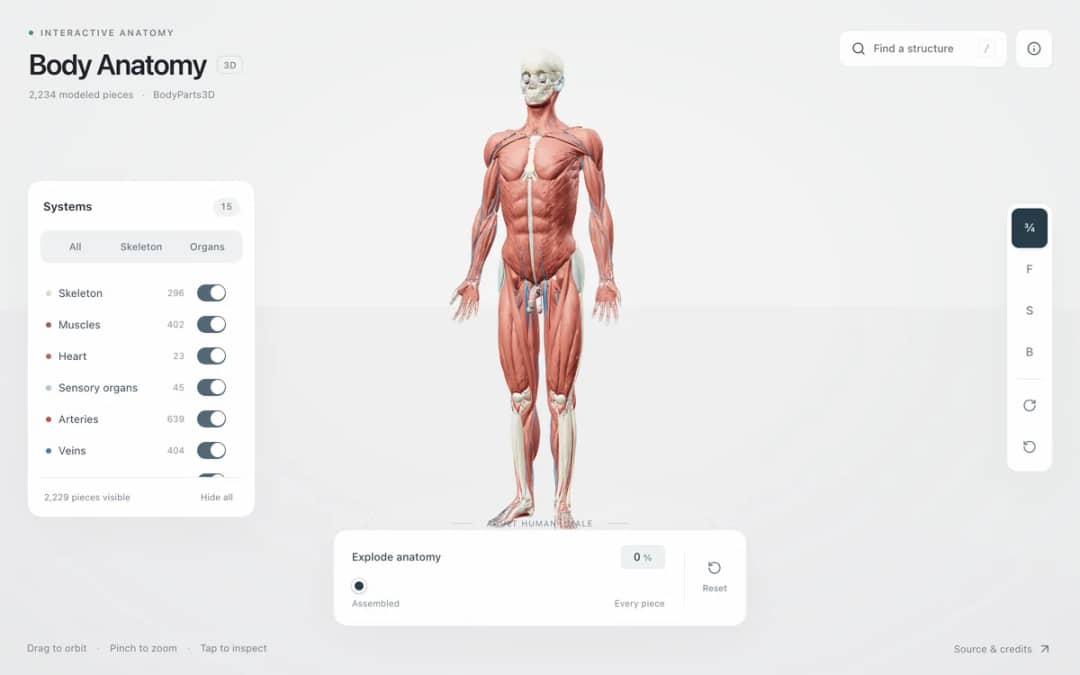
Explore an adult male reference body in 3D. Reveal 14 anatomical systems, search thousands of named structures, isolate organs, and pull 2,209 modeled pieces apart to see how the body is organized.
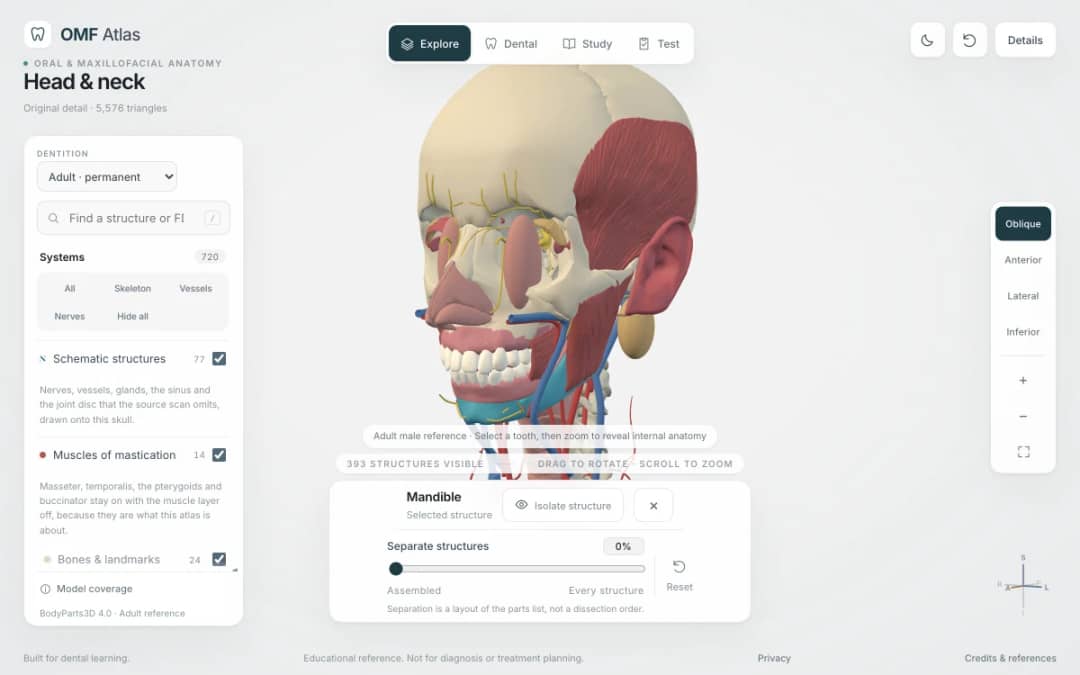
Explore the head and neck in 3D: 643 source meshes across 14 layers, 47 facial and masticatory muscles, and 77 drawn nerves, vessels and glands the source scan omits. Open any tooth onto its own pulp canal, and follow the seven stages of tooth development.

Free interactive photosynthesis simulation. Explore photosynthesis hands-on online — great for whole-class or independent practice.

Free interactive states of matter simulation. Explore states of matter hands-on online — great for whole-class or independent practice.

Free interactive shadows simulation. Explore shadows hands-on online — great for whole-class or independent practice.
From model to evidence
Pair this simulation with a printable
Use a worksheet to capture predictions, observations, and explanations after students explore.
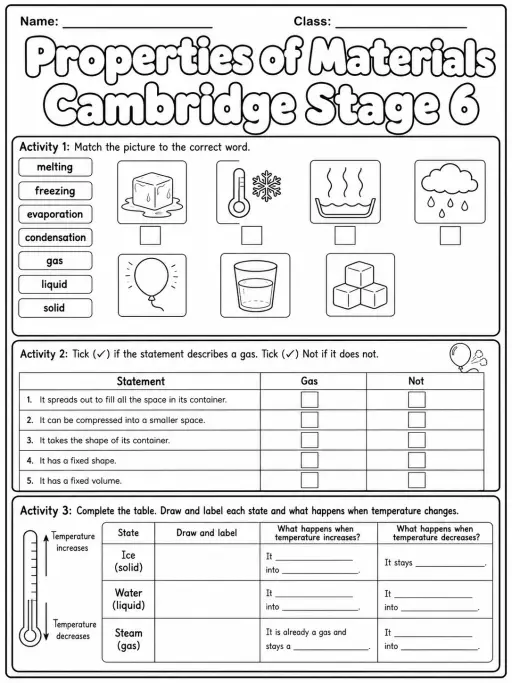
Properties of Materials Cambridge Stage 6
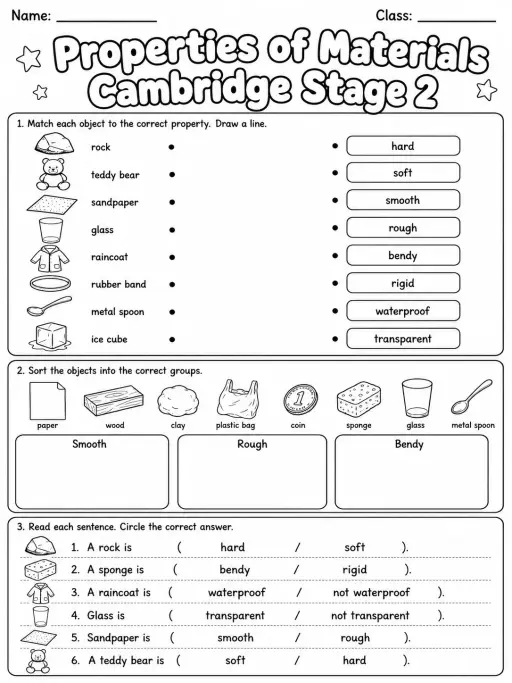
Properties of Materials Cambridge Stage 2
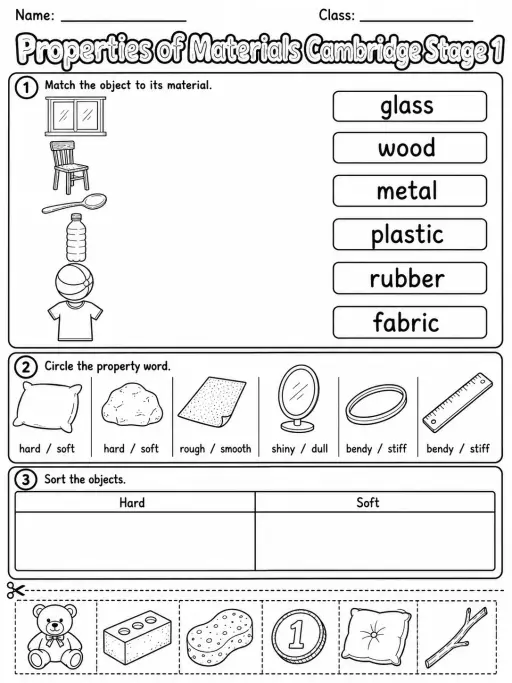
Properties of Materials Cambridge Stage 1
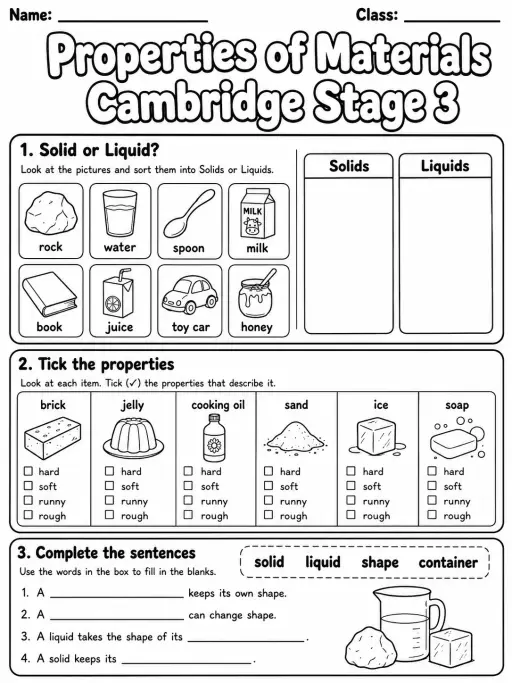
Properties of Materials Cambridge Stage 3
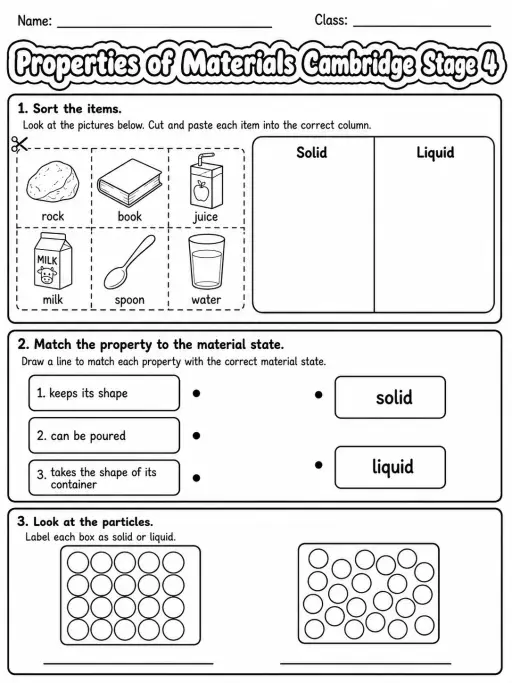
Properties of Materials Cambridge Stage 4
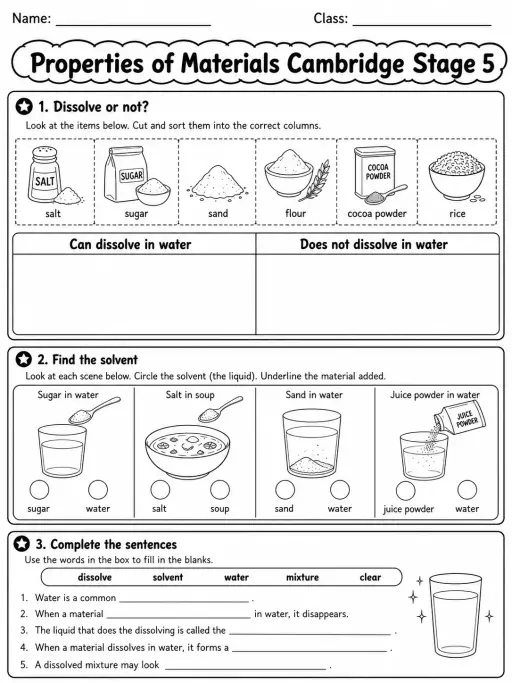
Properties of Materials Cambridge Stage 5
Bring interactive science into your classroom
KiwiBee's free teacher workspace brings lesson planning, worksheets, classroom tools, and gradebook together in one place.
Start free and create your first class For big organisations
 For schools
 For centers
 For team leaders
 For teachers
 AI and resources
 Printable worksheets
 Lesson Packs
 Interactive simulations
 Teacher tools
 AI studio
 Ideas and research