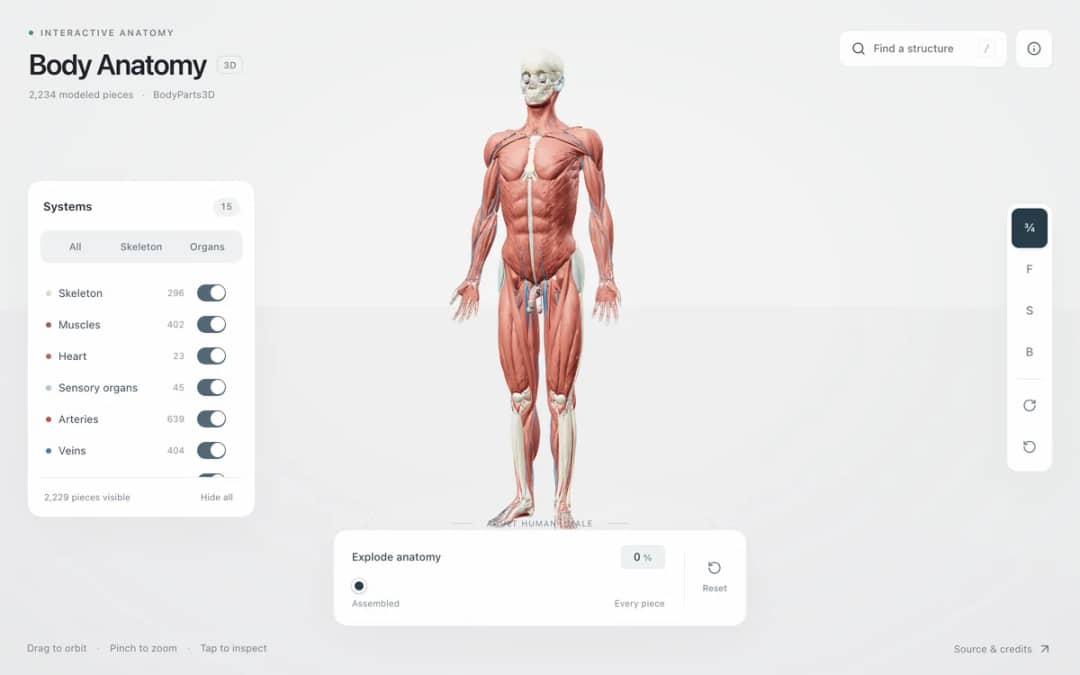
Explore an adult male reference body in 3D. Reveal 14 anatomical systems, search thousands of named structures, isolate organs, and pull 2,209 modeled pieces apart to see how the body is organized.
—
KiwiBee uses optional Google Analytics, Google Ads, and Meta Pixel cookies to understand adult visitors, measure completed sign-ups, and improve campaigns. Essential cookies always stay on. OpenAI’s ChatGPT Ads Pixel also measures page views and completed enquiries after advertising consent, and may use hashed contact details for matching. Privacy policy
Explore Fish body parts in an interactive 3D model. Rotate, select labels, learn each part’s role, and play a matching game for primary science. Head: The head holds the brain and important sense organs. The mouth is at the front. Eyes: Eyes on the sides of the head help the fish see food, obstacles, and other animals. Mouth: The mouth takes in food. Water also enters here on its way to the gills. Gills: Gills take oxygen from water. In a goldfish, protective gill covers sit behind the eyes. Body: The streamlined body helps the fish move through water. Scales and a slippery coating protect its skin. Fins: Fins help the fish balance, steer, and slow down in the water. Tail: The tail fin moves from side to side, helping push the fish forward.
Drag to rotate, scroll or pinch to zoom, and select a body part to read its name and function. The labelled list also supports keyboard navigation.
Choose Match labels. Connect each label to its matching dot on the model. Drag a line, or tap a label and then a dot. Correct connections stay visible until every label is matched.
This is a simplified model for learning the main external parts. It does not show every structure, internal anatomy, or natural variation.
Drop it into your LMS, blog, or class site — free.
<iframe src="https://kiwibee.io/en/simulations/fish-body-parts-3d-simulation/embed" title="Fish: body parts in 3D | KiwiBee" loading="lazy" allowfullscreen style="width:100%;height:min(70vh,620px);min-height:420px;border:0;border-radius:16px"></iframe>Continue exploring
Explore an adult male reference body in 3D. Reveal 14 anatomical systems, search thousands of named structures, isolate organs, and pull 2,209 modeled pieces apart to see how the body is organized.
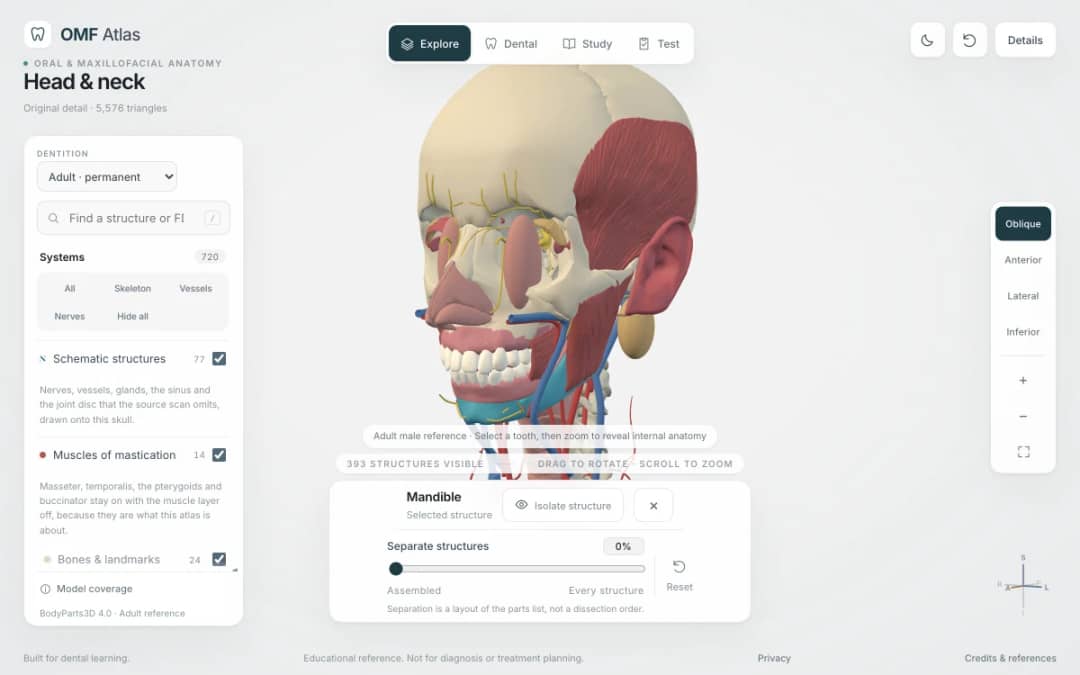
Explore the head and neck in 3D: 643 source meshes across 14 layers, 47 facial and masticatory muscles, and 77 drawn nerves, vessels and glands the source scan omits. Open any tooth onto its own pulp canal, and follow the seven stages of tooth development.

Free interactive photosynthesis simulation. Explore photosynthesis hands-on online — great for whole-class or independent practice.

Free interactive states of matter simulation. Explore states of matter hands-on online — great for whole-class or independent practice.

Free interactive shadows simulation. Explore shadows hands-on online — great for whole-class or independent practice.
From model to evidence
Use a worksheet to capture predictions, observations, and explanations after students explore.
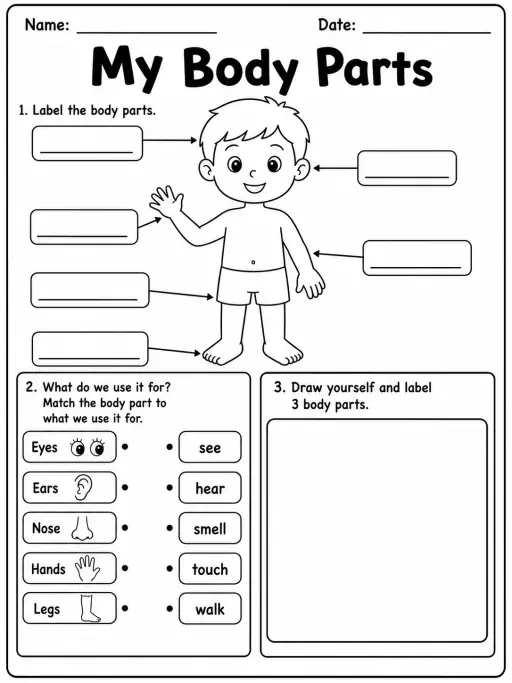
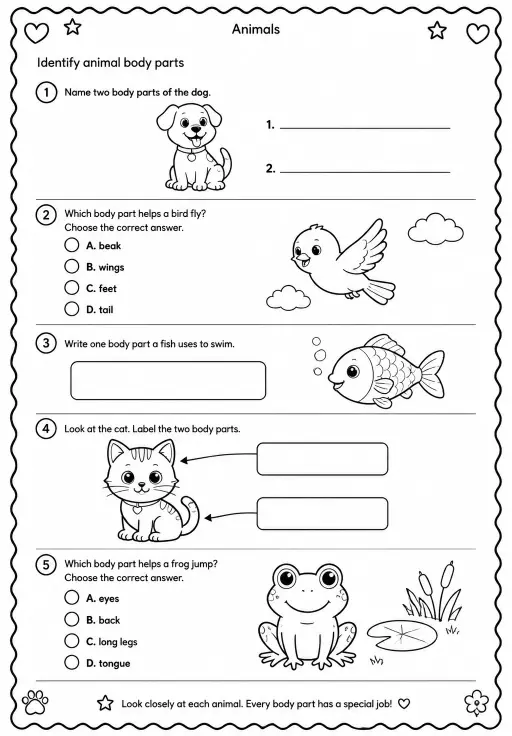
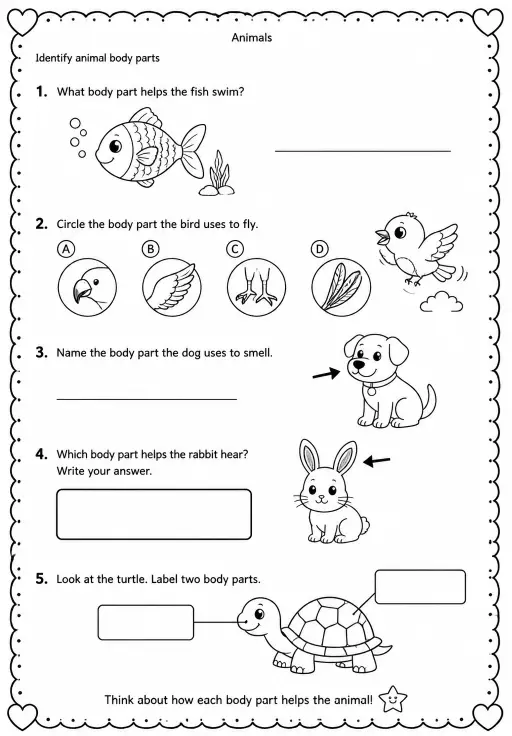
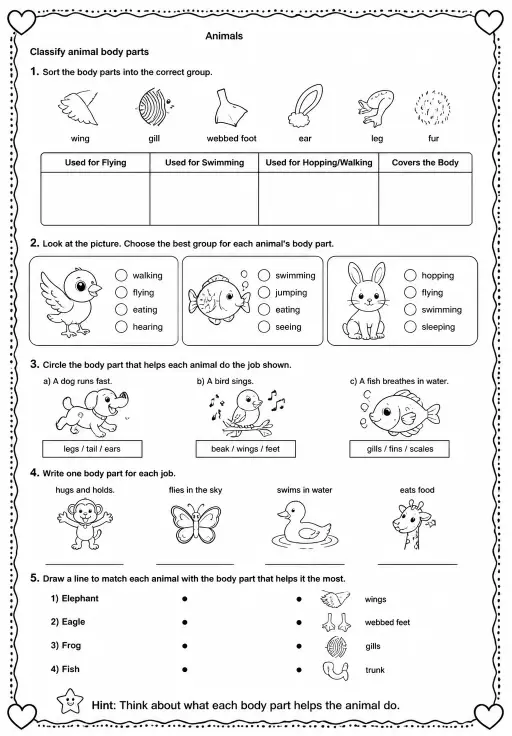
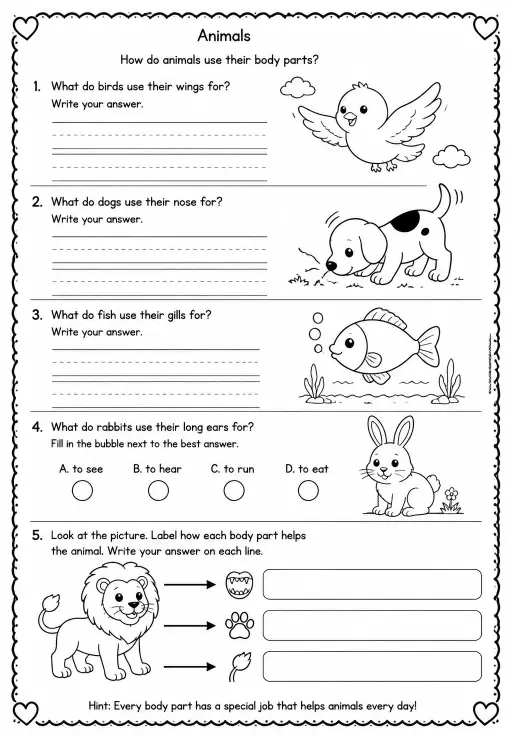
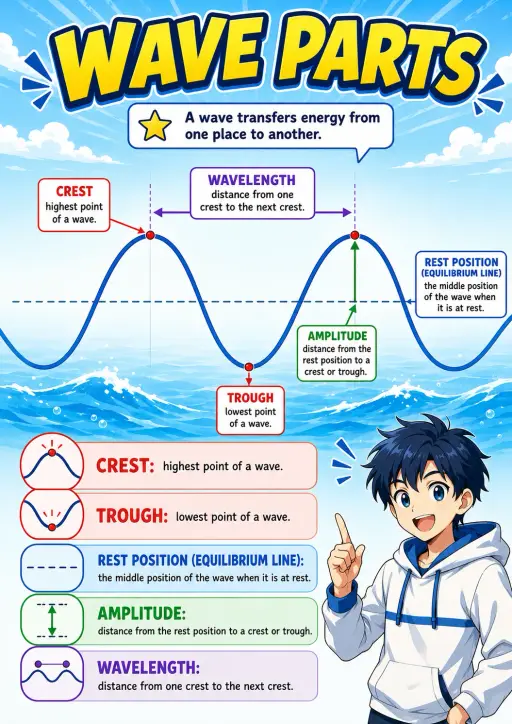
KiwiBee's free teacher workspace brings lesson planning, worksheets, classroom tools, and gradebook together in one place.
Start free and create your first class Home
Home All solutions
 Pricing
 About us
 KiwiBee for Non-profits
 Events & webinars
 For big organisations
 For schools
 For centers
 For team leaders
 For teachers
 AI and resources
 Resources
 Printable worksheets
 Lesson Packs
 Interactive simulations
 Teacher tools
 AI studio
 Ideas and research