ICTGrades 3–8
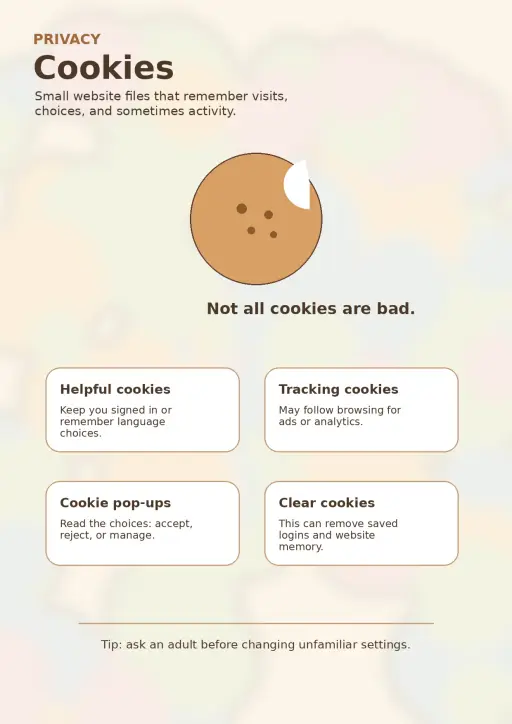
KiwiBee uses optional Google Analytics, Google Ads, and Meta Pixel cookies to understand adult visitors, measure completed sign-ups, and improve campaigns. Essential cookies always stay on. OpenAI’s ChatGPT Ads Pixel also measures page views and completed enquiries after advertising consent, and may use hashed contact details for matching. Privacy policy

Picked by meaning from games, worksheets, simulations, teacher tools and videos.
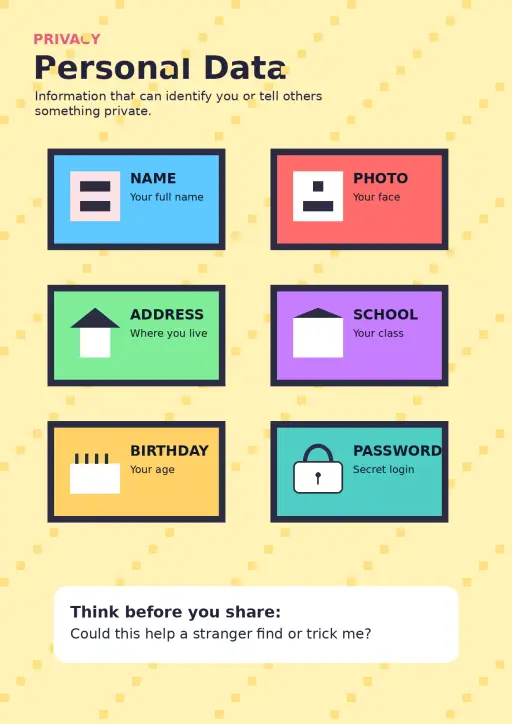 WorksheetPrivacy: Personal Data, Six Things Not to Share Carelessly
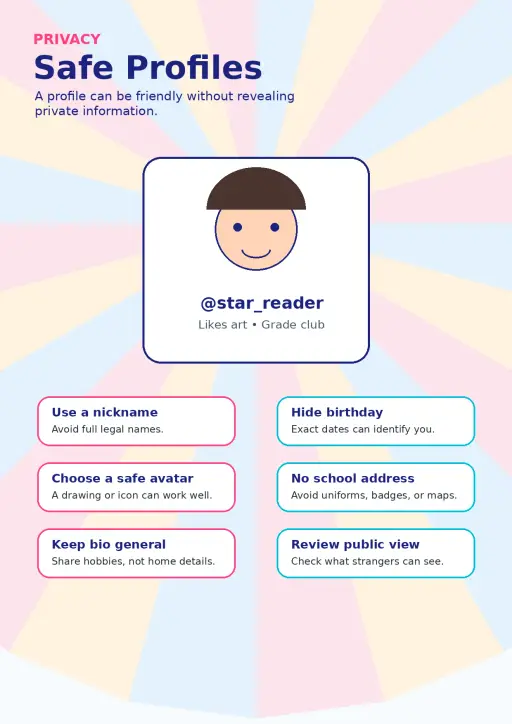 WorksheetPrivacy: Safe Profiles, Six Tips for a Private Online Profile
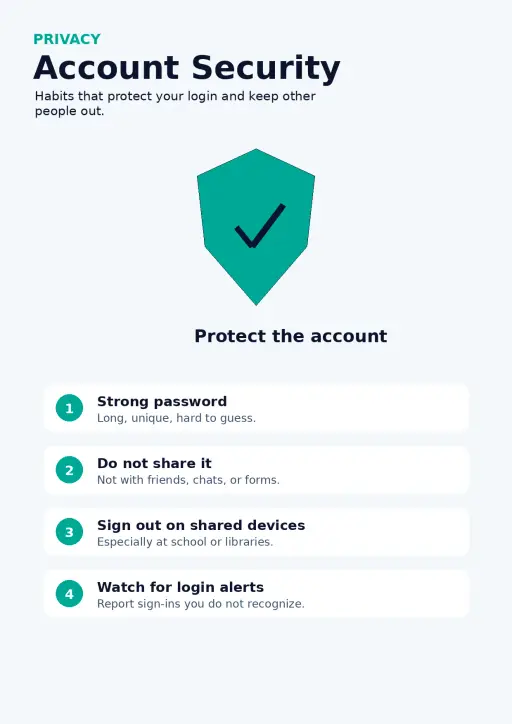 WorksheetPrivacy: Account Security, Four Habits to Protect a Login
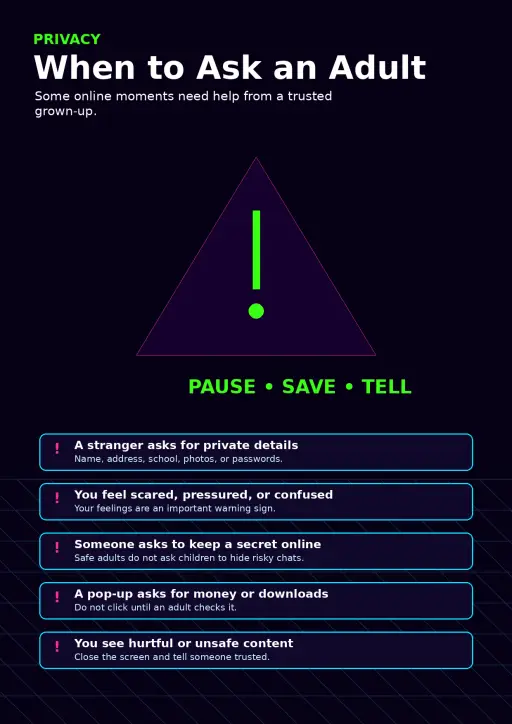 WorksheetPrivacy: When to Ask an Adult for Help Online
 GameA Kind and Private Digital Choice
 GameA Digital Footprint Case Study
 GamePasswords, Permissions and Help
 GameCybersecurity Risk Assessment Quiz
This Grades 3-8 ICT infographic is headed Privacy Settings. Six cards each give a setting and a short tip: Who can see? (friends, class or private), Who can message? (block strangers and spam), Tag review, Ad choices, Search visibility and Review often. A closing box says tiny setting changes can make a big safety difference.
Learning objectives © UCLES (Cambridge University Press & Assessment), quoted with attribution.
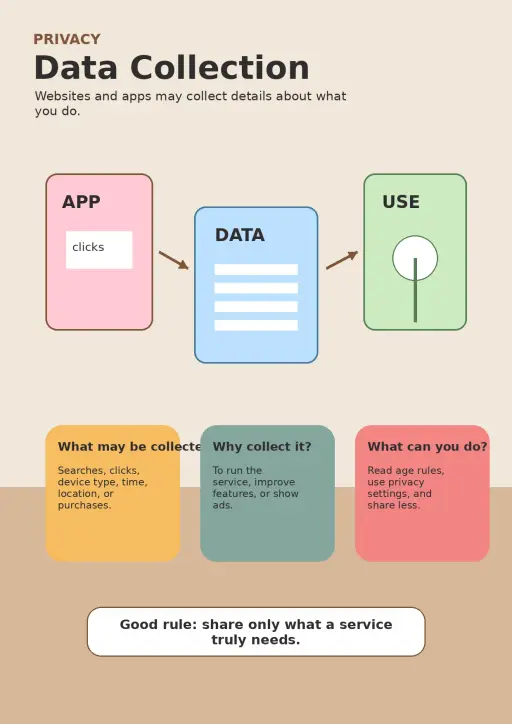
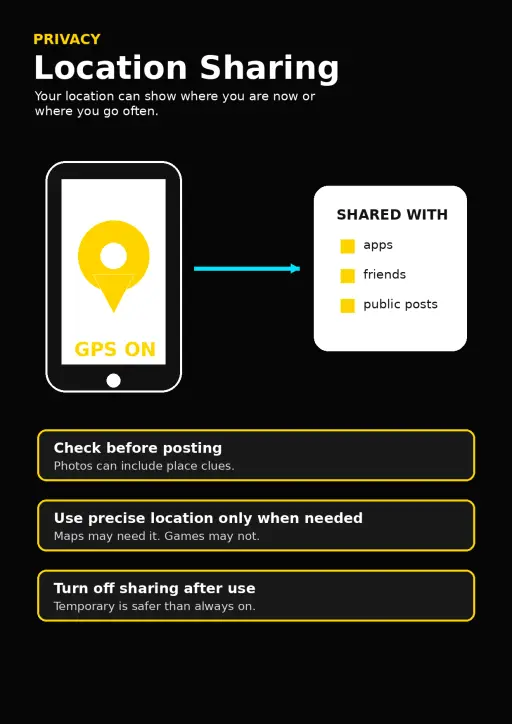
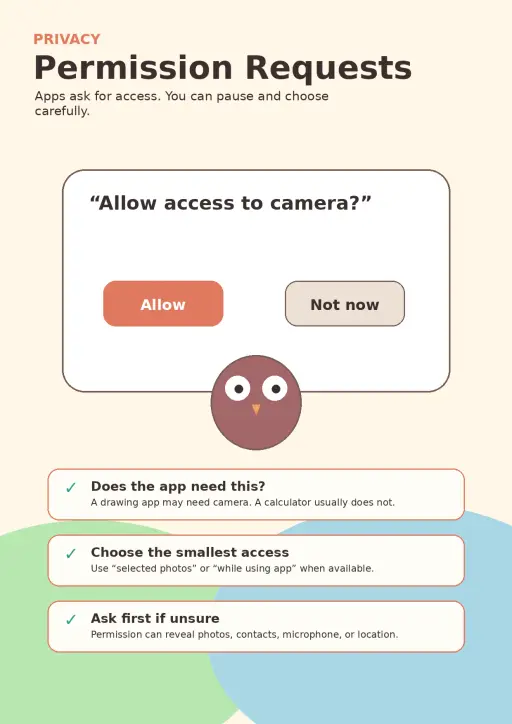
See what other teachers think and share a helpful note.
Generate a fresh worksheet for any grade, topic and language. Free.
 Home
 All solutions
 Pricing
 About us
 KiwiBee for Non-profits
 Events & webinars
 For big organisations
 For schools
 For centers
 For team leaders
 For teachers
 Resources
 Printable worksheets
 Interactive simulations
 Teacher tools
 Ideas and research


