Toddle Alternative With AI Lesson Planning and Classroom Management
Toddle has powerful AI. KiwiBee’s alternative angle is how planning connects to the live classroom after the lesson is written.
 By KiwiBee Team· Education Team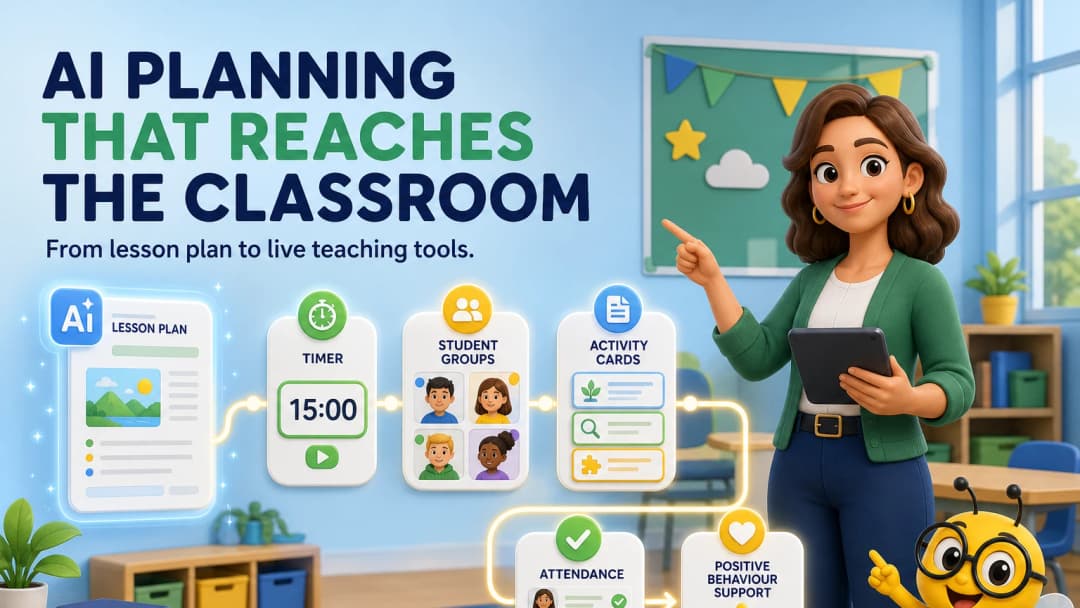
Toddle already has strong AI—so what should an alternative improve?
Toddle’s current AI suite supports curriculum design, assessment creation, feedback, progress reports and writing. An honest alternative article must start there. The opportunity is not to claim that Toddle forgot AI; it is to ask whether the planning assistant stays connected to the live classroom.
Teachers do not finish work when the lesson plan is saved. They still need to assign practice, run a warm-up, take attendance, group students, respond to behaviour, adapt the task and capture evidence.
The planning-to-classroom gap
Many school platforms are excellent before or after the lesson: curriculum mapping, unit documentation, grade entry and reports. During the lesson, teachers often open a timer, random picker, game site, behaviour app and AI chat in separate tabs.
That fragmentation is the pain KiwiBee is designed to reduce.
What KiwiBee connects
The live KiwiBee teacher workspace reviewed for this campaign showed:
- an AI-assisted lesson workspace with an editable DOCX template;
- an assignment builder with multiple activity formats;
- a game maker that opens with a game type ready to configure;
- ClassSpark with the class roster, points, attendance, timer, picker, formations, wellbeing and behaviour tools;
- reporting controls for daily, weekly and termly summaries;
- curriculum units, weeks, lessons, skills and rubrics alongside Curriculum AI.
The same persistent teacher navigation connects these areas, and the selected class remains visible through the core teaching flow.
Explore AI lesson plans and ClassSpark classroom management.
Which platform is the better fit?
Choose Toddle when the school’s main priority is broad AI assistance across curriculum, assessment, portfolio, communications, accreditation and reports. Choose KiwiBee when the teaching team wants planning to sit closer to the live work of running a lesson.
The right answer may also be neither. A school already standardized on another SIS may prefer a specialist AI tool with clear integrations. Compare the whole workflow, not the most impressive demo.
A useful pilot activity
Ask teachers to prepare and teach one real 45-minute lesson. Track:
- time to create a usable plan;
- time to create student practice;
- number of extra tabs used during teaching;
- ease of changing the activity mid-lesson;
- how evidence reaches the next report or planning cycle.
Run the same test with a new teacher and an experienced coordinator. Their needs will expose different strengths.
FAQ
Does Toddle support classroom management?
Toddle’s current platform includes behaviour management, attendance, timetable and calendar modules. The comparison here is about how immediately those tools fit the teacher’s live lesson flow.
Is KiwiBee only an AI lesson planner?
No. The teacher workspace also includes assignments, games, ClassSpark, reports, gradebook, curriculum, students, teams and communication.
Should AI make all lesson decisions?
No. Teachers should verify alignment, accuracy, accessibility and suitability. The best assistant reduces preparation work while preserving teacher judgment.
Sources
Explore the platform
Continue with KiwiBee
Choose the KiwiBee workspace or resource library that fits what you need next.
 For big organisations
 For schools
 For centers
 For team leaders
 For teachers
 AI and resources
 Printable worksheets
 Interactive simulations
 Teacher tools
 AI studio
 Ideas and research