Schoology Alternative With Built-In AI Lesson Plans and Homework
AI is most useful when a lesson idea can become student work without copying content between an LMS and a separate chatbot.
 By KiwiBee Team· Education Team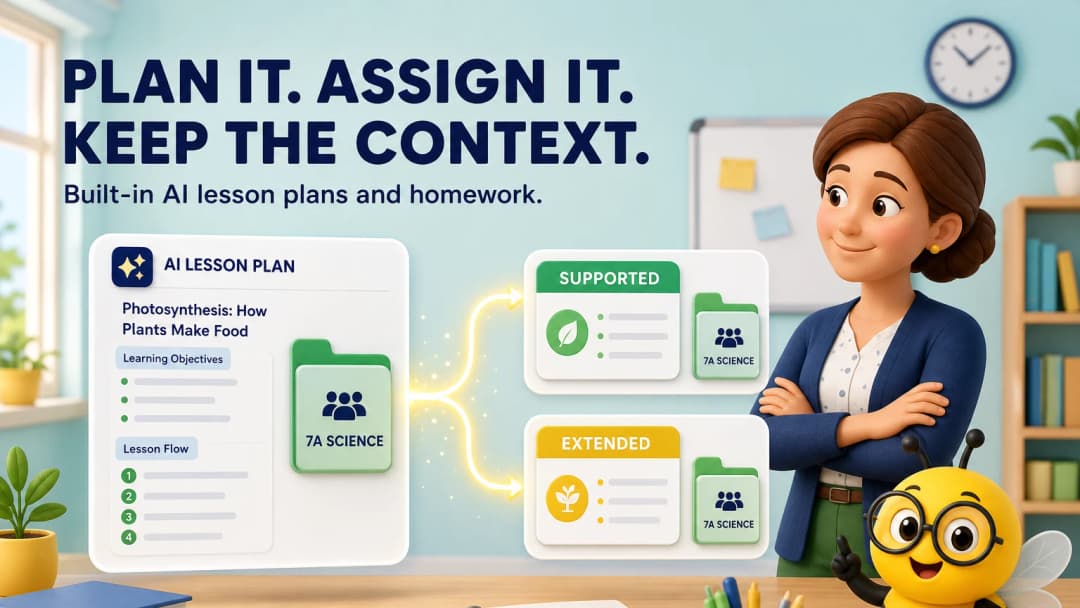
The hidden cost of a separate AI tab
A teacher can use any chatbot to draft a lesson or worksheet. The time loss often comes next: explain the class again, paste curriculum standards, remove generic text, reformat the activity, upload it to the LMS and recreate due-date or student settings.
An AI-enabled Schoology alternative should reduce that handoff, not merely add a chat window.
What a connected workflow should preserve
Useful embedded AI should know or retain the teacher-selected:
- class;
- lesson or curriculum context;
- activity format;
- available source materials;
- previous conversation or revision history;
- destination for the finished work.
Teachers should still approve every output. Context makes AI more useful; it does not make it automatically correct.
How KiwiBee starts the work
In the live KiwiBee workspace, the Lessons area opened with the class visible, an editable DOCX lesson template selected, materials available and an AI composer ready. One persistent-navigation action opened Assignments with the same class visible, multiple activity types and a selected starting format.
This supports a simple sequence: draft the lesson, create the homework, choose the activity format and assign it without rebuilding the teacher’s mental context.
The platform also places Games, Reports, Gradebook and Curriculum nearby, so the same learning goal can continue through practice and evidence.
See AI lesson plans and homework.
Where Schoology remains valuable
Schoology is an established LMS with broad K–12 adoption, course organization, assessment, communication and integrations. If your school has strong course templates and PowerSchool connections, adding or improving an AI integration may be safer than replacing the platform.
A good AI comparison prompt
Use the same real source pack in each platform: one curriculum standard, one existing worksheet, a reading-level constraint and a class profile. Ask for:
- a 45-minute lesson;
- a supported and extended homework version;
- a short retrieval game;
- a rubric;
- a parent-friendly summary.
Score factual accuracy, adaptation quality, formatting effort and how easily each artifact reaches students.
Watch for AI that creates more cleanup
The fastest-looking demo can hide the most editing. Check whether generated questions repeat the same skill, whether reading levels genuinely change, whether answer keys match the task and whether imported materials keep their meaning. Ask teachers to mark every manual correction during the pilot. Also verify what class or student data enters the AI system, how long it is retained and whether school administrators can set boundaries. A connected assistant is valuable only when output quality, privacy and teacher control improve together.
FAQ
Does built-in AI remove teacher review?
No. Teachers remain responsible for accuracy, curriculum fit, accessibility and appropriate use of student data.
What homework formats are visible in KiwiBee?
The reviewed workspace displayed options including code worksheet, image worksheet, multiple choice, true/false and additional activities.
Is a separate AI tool always worse?
No. Specialist tools can be powerful. Compare whether the extra capability outweighs repeated context entry and transfer work.
Sources
Explore the platform
Continue with KiwiBee
Choose the KiwiBee workspace or resource library that fits what you need next.
 For big organisations
 For schools
 For centers
 For team leaders
 For teachers
 AI and resources
 Printable worksheets
 Interactive simulations
 Teacher tools
 AI studio
 Ideas and research