Organize Reusable Lesson Files in the Materials Workspace
 By KiwiBee Team
Last updated September 1, 2026
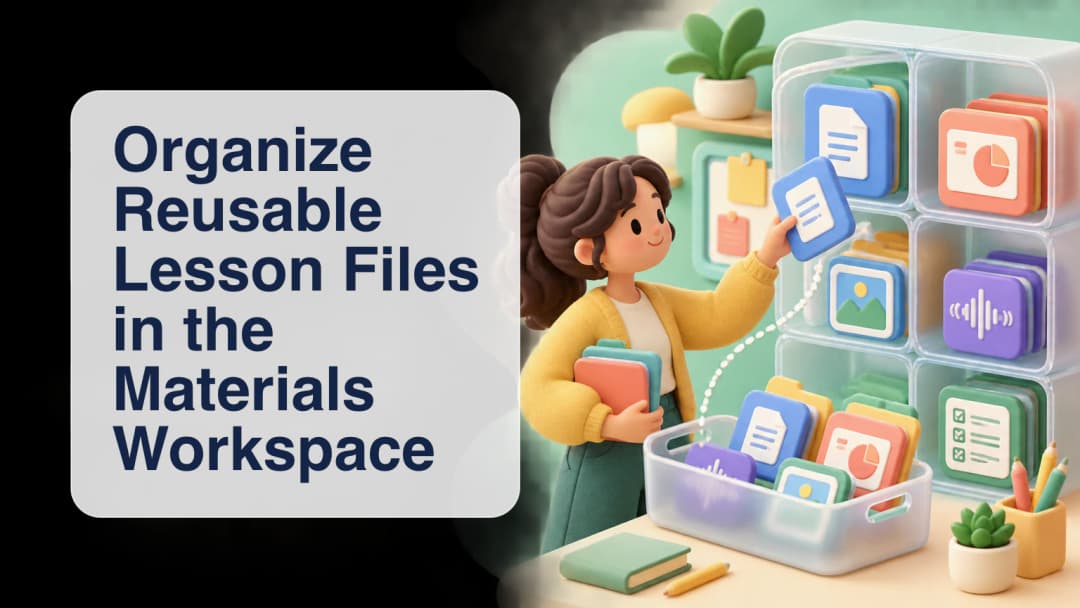
Reusable files are most helpful when a teacher can find the right source, understand who owns it, and decide when it should influence new work. KiwiBee's Materials workspace brings teacher uploads, shared core materials, lesson-plan sources, attachments, and selected page captures into the broader Teacher Lab flow. It is not a public drive or an automatic knowledge base. Availability depends on the active role, organization, curriculum, class links, enabled modules, and the teacher's permitted owner scope.
Build a scoped library of lesson sources
Teacher uploads are stored privately under an organization, teacher, and curriculum path. The list is bounded to the current teacher and permitted assigned-teacher owners inside the same organization; rows identify whether a file is the teacher's own or belongs to an assigned teacher. Shared core materials are resolved separately from organization curriculum materials and active class presets. They stay curriculum-scoped, incomplete rows are filtered out, and duplicate material records are removed before the list is shown.
Explore class materials in KiwiBee.
Choose the exact material context for each request
A file does not enter every AI request just because it appears in Materials. The teacher includes or excludes sources for the next turn. Selected whole files become bounded summaries within the route's shared context budget. For a large PDF or image-rich source, the teacher can capture exact pages instead. Up to ten page captures may accompany one message, and the platform reads their rendered pixels through its OCR path before assembling the request. Removing a pending capture excludes it.
Do not assume that every visible assigned-owner file supplies whole-file AI context. The current generic hydration path rechecks ownership and may omit an assigned teacher's whole-file summary even when the file appears in the panel. Exact captures have their own bounded extraction. Treat the selection indicator and runtime trace as evidence of requested context, not proof that a generated answer is accurate or suitable.
See how AI worksheets use lesson context.
Reuse sources without confusing their destination
The source library and the generated destination are intentionally different. Teacher uploads remain reusable source files. When generated content supports Add to Materials, that action writes through the lesson-material flow and requires an accessible lesson destination; it does not write the result back into teacher uploads. A detached project or exam conversation identifier is not a valid lesson destination by itself. The teacher should verify the selected class, curriculum, lesson, source files, and page range before generating or saving anything.
- Open Materials within an authorized teacher workspace.
- Choose the curriculum or lesson scope that matches the intended class.
- Review file ownership and distinguish teacher uploads from shared core materials.
- Select only the sources or exact pages needed for the next request.
- Generate or discuss the lesson task, then review the output against the original source.
- Save an approved artifact only to an accessible lesson destination when that action is available.
A dependable materials workflow is deliberate: scope the library, select the smallest useful evidence, review the result, and save it to the correct lesson. That keeps reuse practical without turning every stored file into invisible context.
Explore the platform
Continue with KiwiBee
Choose the KiwiBee workspace or resource library that fits what you need next.
 For big organisations
 For schools
 For centers
 For team leaders
 For teachers
 AI and resources
 Printable worksheets
 Interactive simulations
 Teacher tools
 AI studio
 Ideas and research