When an Interactive Practice Tool Is Worth Using
A practical way to judge whether one-content-many-formats tools fit your teaching workflow
 By KiwiBee· KiwiBee
Last updated July 11, 2026

Some classroom tools earn their place not because they do everything, but because they reduce repetitive preparation. In the case of interactive practice platforms, the main attraction is often simple: enter one set of content once, then reuse it across several activity types.
That can be genuinely useful. A short vocabulary list can become a matching task, a quiz, a word-based puzzle, or a review game without rebuilding the material from scratch each time. For busy teachers, that changes the planning equation.
At the same time, usefulness in class does not automatically mean usefulness across a whole teaching workflow. A tool may be excellent for student practice yet awkward for tracking results, connecting work to a unit, or sharing information beyond the activity itself. That is where a more careful evaluation helps.
Start with the real benefit: variation without rebuilding content
The strongest case for this kind of tool is not novelty on its own. It is efficient variation. When the same content can be presented in multiple formats, teachers can give students repeated exposure without making every review session feel identical.
That matters in everyday teaching. A single set of questions or terms can support a warm-up, a mid-lesson check, a short homework task, or a plenary review. Students experience different activity structures, while the teacher works from one prepared content set.
This is especially helpful when you want to revisit material over several days. Instead of writing fresh tasks for each lesson, you can keep the focus on the same learning point and change the mode of practice.
- Use one content set for spaced review across several lessons instead of creating separate practice materials each day.
- Turn the same questions into a short starter, a paired activity, and a homework task so students meet the material in different formats.
- Choose format changes to support attention and repetition, not just entertainment.
- Keep the learning objective constant when reusing content so the activity variation does not blur what students are meant to learn.
Where these tools fit best in the lesson cycle
Interactive practice tools are often most useful in the small but frequent moments of teaching: settling the class, checking understanding, revisiting prior learning, or filling a short transition with purposeful review.
They can work well for warm-ups, quick quizzes, matching tasks, board-based whole-class activities, and reinforcement tasks prepared for the next lesson. In many classrooms, that covers a surprisingly large share of routine practice.
They are less suited to every teaching purpose. An activity generator can help students rehearse knowledge and patterns, but it does not replace careful explanation, extended writing, rich discussion, or deeper assessment.
- Use a short interactive task at the start of class to reactivate prior knowledge before new teaching begins.
- Insert a quick mid-lesson check when you need a low-prep way to see whether students can identify, sort, or recall key content.
- Project an activity for whole-class review when you want to discuss answers aloud and address misconceptions in the moment.
- Convert the same material into a printable or offline reinforcement task if students need extra practice beyond the screen.
- Avoid using fast-paced game formats when the learning goal requires slow reasoning, explanation, or extended composition.
The decision point most teachers miss: what happens after students finish?
A classroom activity can run smoothly and still create administrative friction afterward. This is the part many evaluations overlook. If scores, completion records, or student performance sit in a separate dashboard, the teacher may end up checking results manually and transferring information elsewhere.
That may be manageable for occasional use. It becomes more burdensome when the tool is used regularly across several classes. What feels efficient during planning can become inefficient during follow-up.
For school leaders, this distinction matters. A tool that improves lesson variety but fragments assessment records may still be useful, yet it should be adopted with clear expectations about how evidence of learning will be captured and where it will live.
- Check whether student results remain inside the activity tool or whether you must manually copy them into your existing records.
- Decide in advance whether you need scores for formative insight only or for reporting and ongoing tracking.
- Treat separate dashboards as a routine workload issue, not a minor inconvenience, if multiple classes will use the tool every week.
- Ask whether the activity can be linked clearly to a lesson, topic, or unit so the results still make sense later.
A balanced way to decide whether it is worth paying for
An interactive practice tool is often worth it when it replaces repeated manual preparation. If you currently build quizzes, matching cards, board tasks, and simple worksheets separately, then one-content-many-formats functionality can save substantial time.
It is less clearly worth it when your school already uses a platform that covers the same classroom functions inside a wider teaching system. In that case, the issue is not whether the standalone tool is good. It is whether duplicating content across systems makes sense.
The best decision usually depends on your current workflow, not on a universal verdict. For some teachers, a standalone activity tool fills a real gap. For others, it becomes a useful legacy library while new content is built in the system that already holds lesson plans, assessment records, or parent communication.
- Choose a standalone tool when it meaningfully reduces planning time and you do not already have an equivalent system in daily use.
- Be cautious about paying for overlapping tools if staff must recreate the same content in more than one place.
- Keep older resources in the tool that already houses them if rebuilding everything would take more time than it saves.
- Create new materials in the platform that best fits your broader workflow if integration matters more than isolated activity quality.
A simple evaluation checklist for teachers and leaders
Before adopting or renewing any interactive practice platform, it helps to evaluate it against routine teaching demands rather than isolated demos. A short checklist can reveal whether the tool genuinely earns a place in your week.
The most useful questions are concrete. How quickly can staff build an activity? How many lesson uses can come from one content set? How easily can students access it? What evidence, if any, is produced afterward? How much manual handling follows?
These questions work at both classroom and school level. Teachers can use them to judge personal efficiency. Leaders can use them to avoid adding tools that create hidden workload.
- Test whether a single content set can realistically produce several useful activity formats for your subject and age group.
- Check how well the tool supports common classroom moments such as starters, retrieval practice, and brief review tasks.
- Review the reporting view and decide whether the information shown is enough for your actual follow-up needs.
- Map the post-activity workflow step by step so hidden tasks, such as screenshots or manual data entry, are visible before adoption.
- Verify current plan details and feature limits directly before making a budget decision, because tool offers can change over time.
Hypothetical examples of sensible use
Hypothetical example: A language teacher has a short list of phrasal verbs to revisit across the week. On Monday, students complete a matching activity. Midweek, the same content appears as a quick quiz. Later, it becomes a puzzle-style homework task. The teacher gets variety from one preparation effort, and students meet the same material several times.
Hypothetical example: A primary teacher uses a quick board-based activity at the end of a lesson to review number facts. The task works well in the room, but the scores are not central to formal assessment. In this case, a standalone practice tool may be sufficient because the main goal is rehearsal, not record-keeping.
Hypothetical example: A department wants every short practice task linked clearly to the taught unit and visible in existing records. Here, a separate activity tool may still be useful, but only if staff agree when to use it and how results will be captured consistently.
- Use the tool for repeated practice when the same content benefits from multiple short encounters.
- Rely on it more heavily for low-stakes review than for tasks that must feed directly into formal tracking.
- Set department expectations for when standalone activity results matter and when they are simply part of classroom practice.
- Separate the question of student engagement from the question of administrative usefulness so adoption decisions stay clear.
The most useful verdict is a practical one
Interactive practice tools are often worth using when they reduce repetitive lesson preparation and make it easy to present the same material in different ways. That is a real classroom benefit, not a minor convenience.
Their main limitation is usually not the activity quality but the disconnect that can follow: separate records, extra manual handling, and weaker links to the rest of teaching and reporting. For some teachers, that trade-off is acceptable. For others, it becomes the deciding factor against regular use or paid renewal.
Explore the platform
Continue with KiwiBee
Choose the KiwiBee workspace or resource library that fits what you need next.
Related posts
Is wordwall enough for all my subjects?
Wordwall for teachers — what it does well, where it falls short, and three alternatives worth trying.
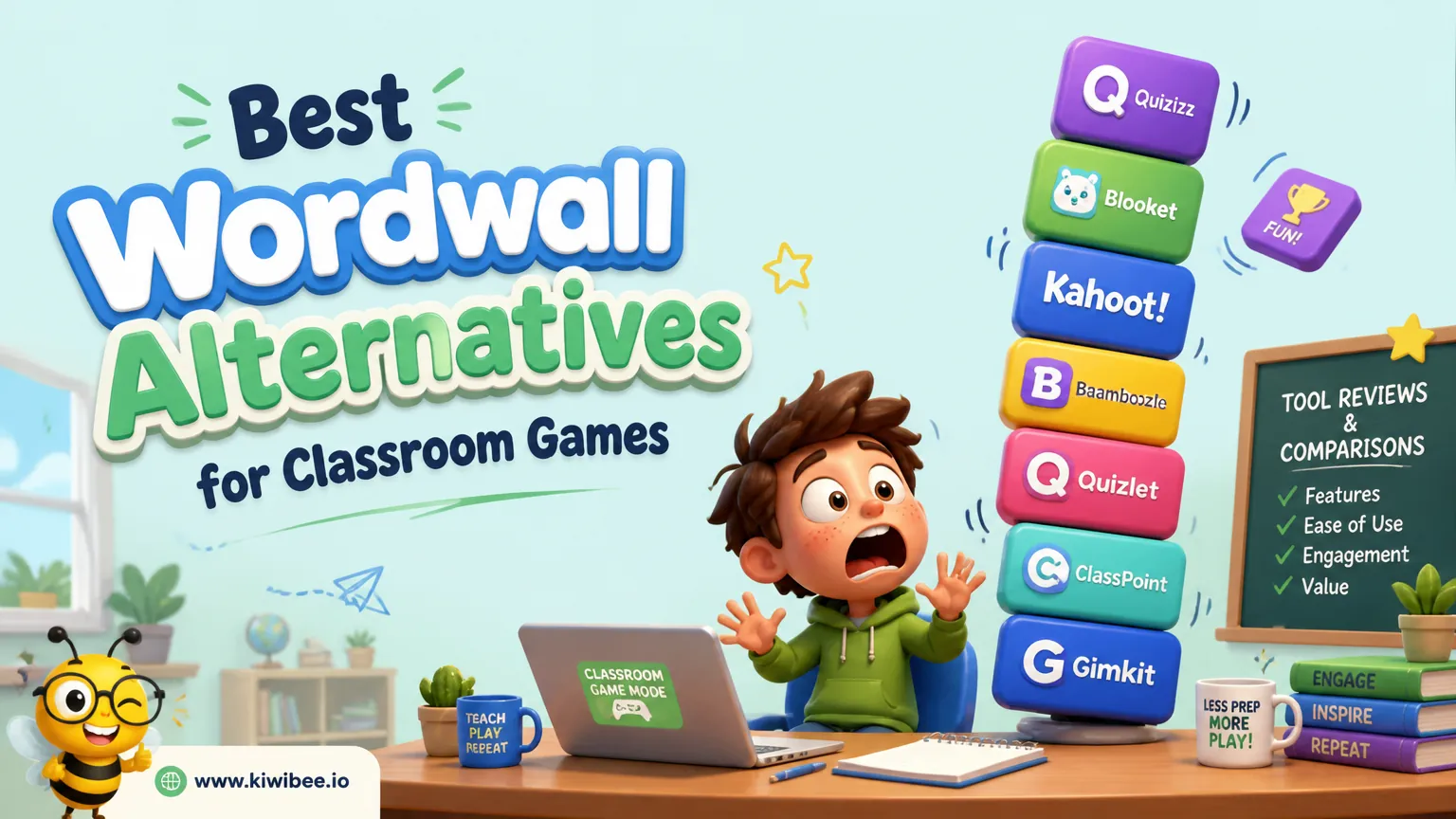
Best Wordwall Alternatives for Classroom Games in 2026
Best Wordwall Alternatives for Classroom Games in 2026. An honest review of the leading classroom tools with strengths, weaknesses, and how to pick the right one for your context.
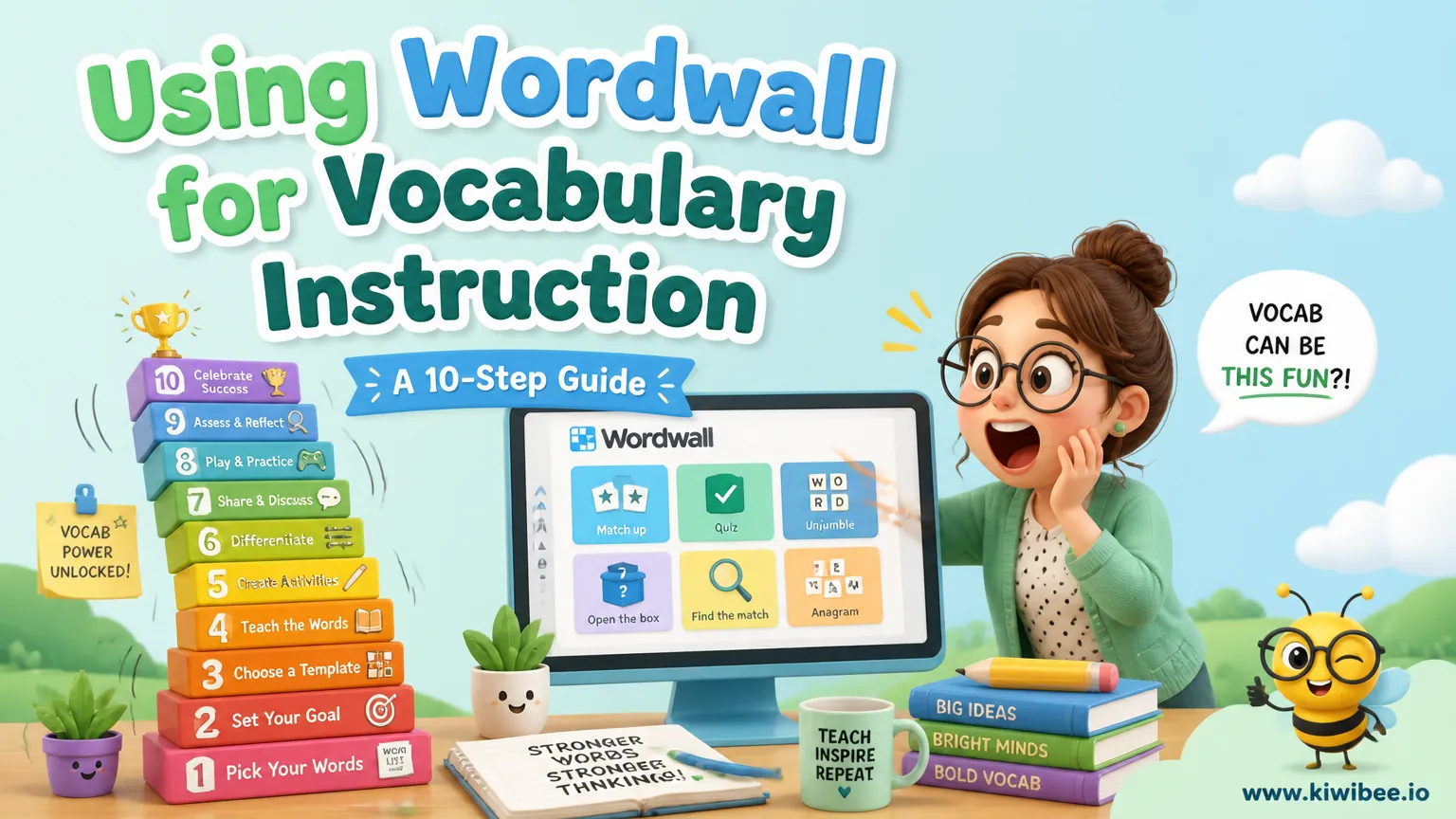
Using Wordwall for Vocabulary Instruction: A 10-Step Guide
Transform vocabulary instruction with this 10-step Wordwall workflow. Each step uses a different activity type to build recognition, comprehension, and retention systematically.
 For big organisations
 For schools
 For centers
 For team leaders
 For teachers
 AI and resources
 Printable worksheets
 Teacher tools
 AI studio
 Ideas and research