How to Use Augmented Reality (AR) as a Teacher
Simple, low-cost ways to bring augmented reality into your lessons.
Last updated July 18, 2026
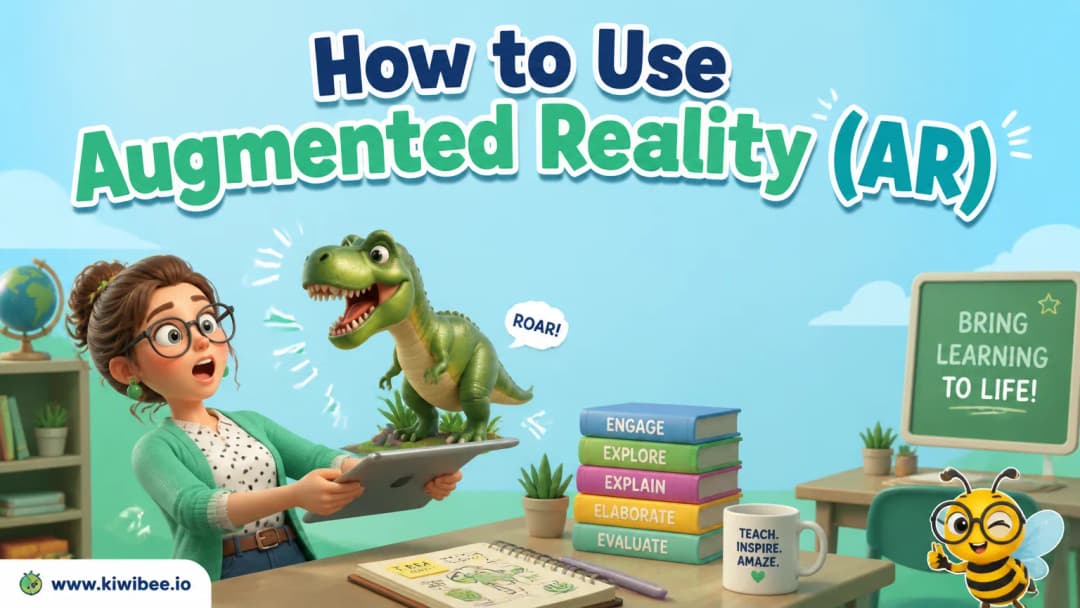
Augmented reality is the most underused tool in my classroom
Augmented reality sounds futuristic and expensive, but the best classroom uses are simple, cheap, and genuinely magic for kids. AR drops 3D objects and places into the room through a tablet or phone screen, and the engagement is instant. Here are the tools and ideas I keep coming back to.
Merge EDU and the Merge Cube
The Merge Cube is fantastic. Kids hold a small foam cube, point a device at it, and suddenly they are turning a beating heart, a volcano, or the solar system over in their hands. Merge EDU has objects across a huge range of topics, and children love being able to explore them from every angle. Visit the official Merge Cube website to learn more, or download the free printable Merge Cube PDF to make a paper version for your classroom.
360-degree virtual travel
A virtual field trip costs nothing and goes anywhere. With 360-degree experiences, students can walk through ancient ruins like Machu Picchu or the pyramids without leaving the classroom. It is the closest most classes will get to standing inside the places they are studying.
The camera measuring tool
Use your device's AR measuring feature to teach measurement. Let students point the camera and measure real objects around the room, then ask them to estimate first and check afterwards. The "guess, then measure" loop makes a dry topic genuinely playful.
Start small
You do not need a class set of headsets to begin. One tablet, a Merge Cube, and a free 360 app are enough to test whether AR clicks with your students — and in my experience, it does.
Explore the platform
Continue with KiwiBee
Choose the KiwiBee workspace or resource library that fits what you need next.
 Home
Home All solutions
 Pricing
 About us
 KiwiBee for Non-profits
 Events & webinars
 For big organisations
 For schools
 For centers
 For team leaders
 For teachers
 AI and resources
 Resources
 Printable worksheets
 Lesson Packs
 Interactive simulations
 Teacher tools
 AI studio
 Ideas and research