Using ClassDojo Data to Support Student Reports
A cautious workflow for turning classroom observations and formative evidence into clearer report comments
 By KiwiBee· KiwiBee
Last updated July 11, 2026
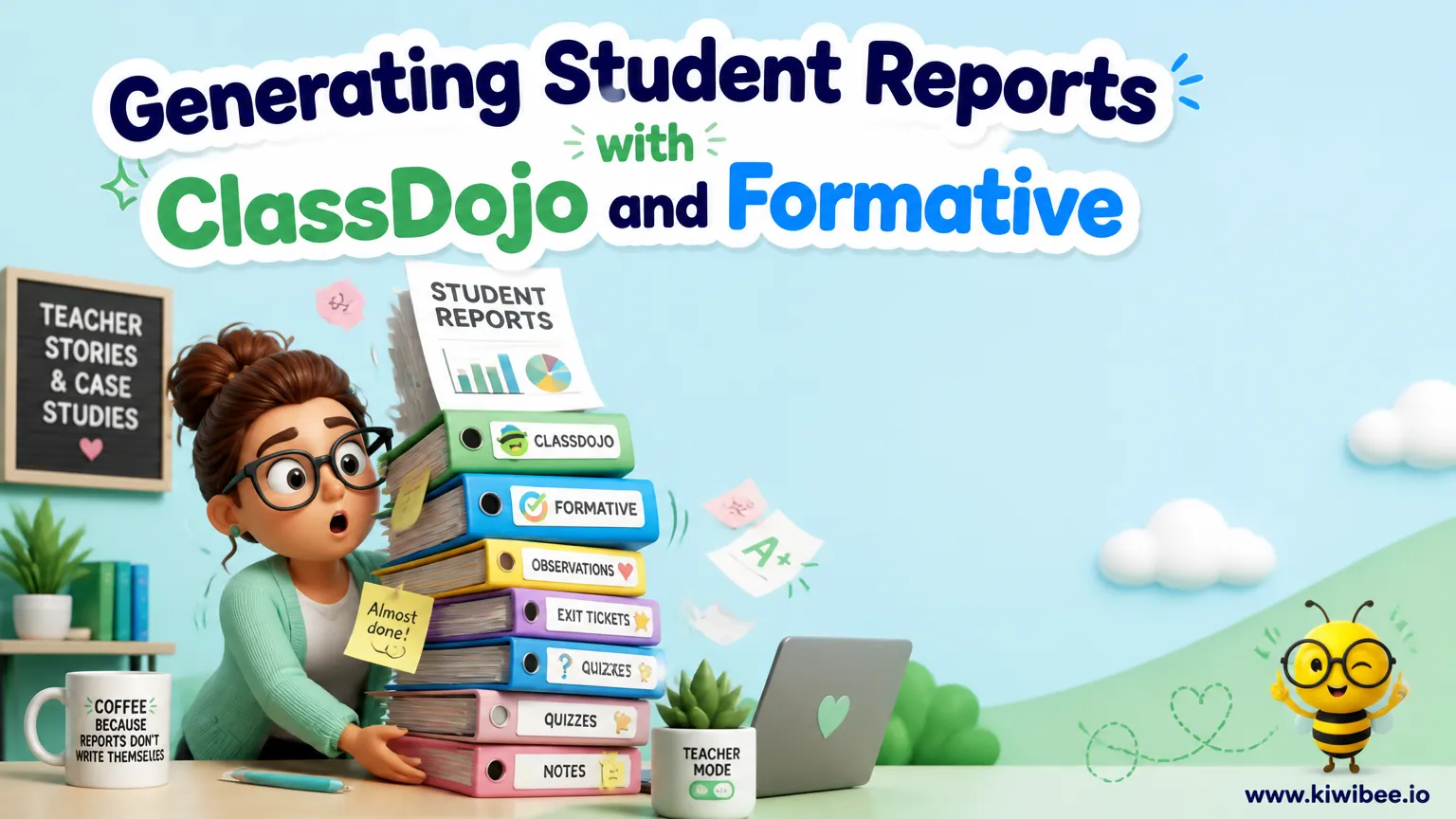
Student reports are stronger when they are based on clear observations, examples of student work, and professional judgment rather than memory alone.
ClassDojo can help teachers organise observation data because it supports custom skills or points, class point reports, PDF student reports, organised spreadsheets, and CSV export for schoolwide point reports. That makes it useful as one part of a reporting workflow.
The key limitation matters just as much as the convenience: point data are observations recorded through a configured system, not a complete or objective measure of learning. Report comments still need teacher interpretation and evidence from student work.
Start with reporting categories you can observe
If you want ClassDojo data to be useful at reporting time, begin by deciding which skills or learning behaviours you actually need to describe. Generic categories can be too broad for a specific report comment. A more useful setup is a short set of custom skills linked to the kinds of evidence you already collect in class.
For example, a speaking unit might use categories such as clear articulation, active listening, presents ideas clearly, or responds to feedback. A writing unit might use uses evidence, explains reasoning, revises after feedback, or organises ideas logically. The exact wording should match your curriculum, year level, and school expectations.
Keep the list short enough that you can apply it consistently. If a skill is vague, the data will be vague too. Before using a category, write a simple working definition for yourself: what would you need to see or hear in order to record that point?
- Choose a small number of custom skills for each reporting focus.
- Use wording that matches observable classroom performance.
- Write a brief definition or example for each skill so you apply points consistently.
- Check that the categories align with your school’s reporting format and approved assessment approach.
Collect evidence during learning, not from memory later
A reporting workflow is more dependable when observations are recorded as close as possible to the learning activity. If points are added long after the lesson, they are more likely to reflect memory, impression, or recency rather than what students actually demonstrated.
That does not mean every lesson needs constant point tracking. It is usually better to identify a few key moments when a skill is visible: a discussion, presentation, peer review, drafting conference, practical task, or group problem-solving activity. Record observations at those moments, then pair them with samples of student work or brief teacher notes.
Consistency matters more than volume. A smaller number of well-defined observations connected to real tasks is often more useful than a large total of loosely awarded points.
- Decide in advance which lesson or task will provide evidence for each skill.
- Record points during or immediately after the relevant activity.
- Keep a parallel note of the task, date, or evidence source.
- Retain student work samples that help explain the point pattern later.
Separate observation types so reports are easier to interpret
One useful organisational idea is to avoid mixing every kind of classroom observation into one reporting view. If one class setup combines routine behaviour reminders, participation points, academic discussion skills, and task-specific success criteria, the resulting data can be harder to interpret when you sit down to write reports.
Instead of relying on a single crowded set of categories, organise your observation system so the points you review for a report relate to that report section. The exact setup may vary by school and teacher preference, but the principle is simple: keep the evidence for a reporting strand distinct enough that you can explain what the points refer to.
This can be done by planning separate reporting windows, using clearly named custom skills, or keeping supplementary notes alongside the point data. The goal is not to generate more data. It is to make the data easier to read responsibly.
- Avoid combining unrelated observation types if you need report-ready summaries later.
- Use clear naming so each custom skill points to one kind of evidence.
- Group observations by unit, strand, or reporting period in a way your school can follow.
- Re-check that any class or schoolwide export you plan to use contains only the information you need.
Export reports and spreadsheets for review, not for automatic conclusions
ClassDojo currently supports class point reports, PDF student reports, organised spreadsheets, and CSV export for schoolwide point reports. These exports can help you review patterns across a class or look closely at one student’s recorded observations.
Once exported, review the data as a prompt for professional judgment. Look for patterns such as repeated strengths, uneven performance across skills, or a mismatch between point data and the student work in front of you. A spreadsheet can help you sort or group observations, but it should not be treated as a final verdict on student attainment.
If you use tables or charts for your own analysis or for family conversations, present them carefully. A graph can make weak or limited data look more precise than it really is. It is better to say that the chart summarises recorded observations for a defined period than to imply it measures the whole of a student’s learning.
- Use PDF student reports when you need a readable summary.
- Use spreadsheets or CSV exports when you need to sort, filter, or compare observations.
- Label any summary by time period, task type, or reporting strand.
- Treat patterns in the export as prompts for review alongside student work, not as stand-alone judgments.
Check data quality before writing report comments
Before drafting any comment, pause to test whether the underlying observations are good enough to support what you plan to say. This is especially important when points have been gathered over several weeks by more than one adult, across different task types, or with categories that changed during the term.
A simple data-quality check can prevent overconfident reporting. Ask whether each student had a fair chance to demonstrate the skill, whether the category meant the same thing each time it was used, and whether the point record matches the student’s actual work. If the answer is no, revise the interpretation rather than forcing a precise conclusion from weak data.
This step is where teacher judgment matters most. If a student has very few observations, say less. If a student’s portfolio or written work tells a more nuanced story than the points alone, let the fuller evidence lead.
- Check the number and spread of observations for each student.
- Confirm that the same skill label was used consistently.
- Compare the point pattern with student work samples, rubric results, and conference notes.
- Watch for missing data caused by absence, timetable changes, or limited observation opportunities.
- Avoid ranking students or making broad claims from sparse evidence.
Write comments from evidence, not from the numbers alone
A strong report comment usually does three things: names a demonstrated strength, describes the learning evidence behind that strength, and identifies a realistic next step. Point data can help you notice the pattern, but the wording of the comment should come from your interpretation of the student’s learning.
For example, instead of writing that a student 'scored highly in speaking,' write that the student 'usually presents ideas clearly in class discussion and can respond to others’ comments with relevant examples.' That phrasing is more meaningful because it explains what the student actually does.
Where growth is needed, stay specific and teachable. A comment such as 'is developing confidence' is less useful than 'benefits from rehearsal and prompting before sharing ideas with the whole class.' Families can understand that kind of description, and it connects better to classroom practice.
- Use points to identify patterns, then describe the observed behaviour or work sample.
- Include at least one concrete strength tied to a task or routine.
- Name one next step that is realistic for the coming term or unit.
- Avoid language that implies total mastery or fixed ability when the evidence is limited.
Protect privacy when handling report data
Reporting workflows often involve moving information between platforms, files, and devices. That creates privacy risks if teachers are not careful about where student information goes and which tools are approved by the school or district.
Do not move identifiable student information into an unapproved public AI service. If your school permits any digital drafting or analysis workflow, follow its approved-tool list, data-handling procedures, and local requirements. If approval is unclear, use school-approved systems only and keep drafting within those boundaries.
Schools and districts that use ClassDojo may wish to review the available Student Data Privacy Addendum, including options for international schools. That review should sit alongside your own organisation’s policies rather than replace them.
- Follow your school or district approved-tool list before exporting or sharing data.
- Do not place identifiable student information into an unapproved public AI service.
- Store exports only in approved locations and limit access to staff who need it.
- Follow local law, school policy, and safeguarding requirements for all student data handling.
A careful system is more useful than a fast one
ClassDojo can support report writing when it is used as an organised record of classroom observations linked to clear skills and real student work. Its reports, PDFs, spreadsheets, and exports can make patterns easier to review, but they do not remove the need for teacher judgment.
The most reliable approach is straightforward: define observable skills, collect evidence during meaningful tasks, keep categories clear, review exports critically, and write comments that explain what the student actually demonstrates. That gives families a report that is more specific than memory alone and more trustworthy than numbers without context.
Sources and further reading
Explore the platform
Continue with KiwiBee
Choose the KiwiBee workspace or resource library that fits what you need next.
Related posts

Leveraging ClassDojo Data for Enhanced Classroom Decision-Making
ClassDojo generates valuable data every day, but most teachers barely scratch the surface. Learn how to use behavior analytics for student reports, data-driven rewards, and intelligent team formation.
Mastering ClassDojo: Smart Strategies for Engagement and Classroom Management
Go beyond the basics with advanced ClassDojo strategies including avatar customization as rewards, the Challenge Character concept for class-wide goals, and strategic attendance features that drive real behavior change.
ClassDojo for students: how it actually works (2026 guide)
An honest, parent-and-teacher-friendly walkthrough of how ClassDojo works for students — dojo points, monsters, Class Story, parent invites, and what's free vs paid in 2026.
 For big organisations
 For schools
 For centers
 For team leaders
 For teachers
 AI and resources
 Printable worksheets
 Teacher tools
 AI studio
 Ideas and research