Best Liveworksheets Alternative for Teachers: Why KiwiBee Is the Better All-in-One Choice
Liveworksheets is a useful interactive worksheet tool. KiwiBee goes further by connecting AI worksheet creation, homework, grading, and the gradebook in one teacher workspace.
 By KiwiBee· KiwiBee
Last updated July 19, 2026
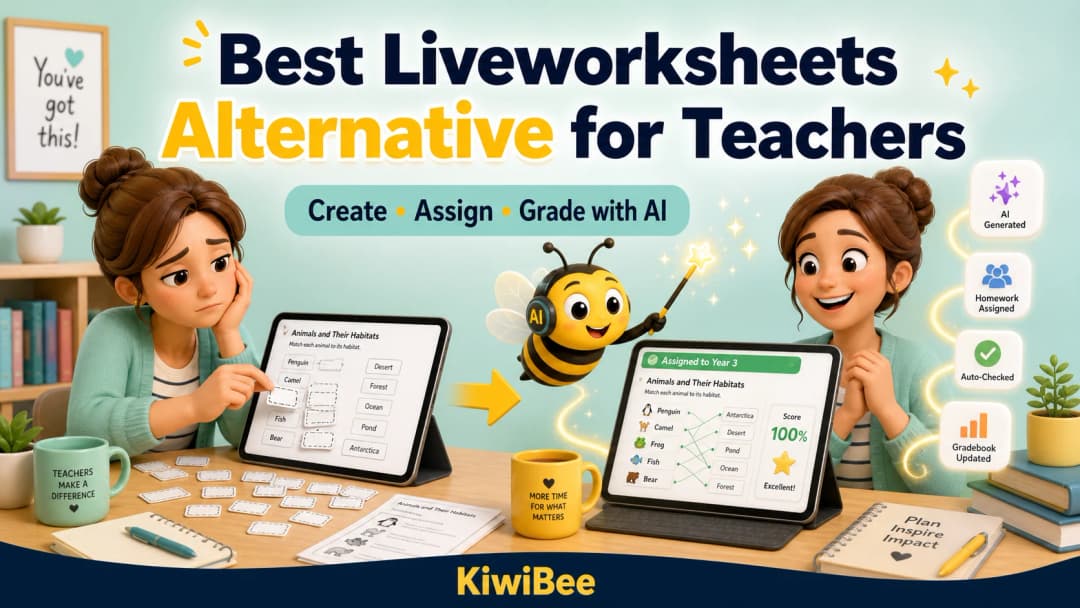
Liveworksheets is good at what it was designed to do: turn a printable worksheet into an online activity that students can complete and submit. It has a large shared library, supports interactive question types, can assign homework, and can automatically check many answers. For teachers who only need a digital worksheet tool, it remains a practical option.
But many teachers now want more than a standalone worksheet website. They want AI to help create and digitise the activity, an easy way to assign it from the same class workspace, help with grading, and results that stay connected to the gradebook. That is where KiwiBee becomes a stronger all-in-one alternative.
What Liveworksheets does well
- A large public library of teacher-made worksheets across many subjects and languages.
- Interactive elements such as typed answers, multiple choice, drag and drop, matching, audio, and video.
- Homework assignment, student workbooks, auto-graded results, and basic progress tracking.
- A familiar workflow for teachers who already have PDFs or images they want to make interactive.
Liveworksheets also offers an AI chat assistant for paid teacher accounts. Its published purpose is to help teachers discover worksheets and get answers about the platform. That is useful, but it is different from placing AI inside the worksheet creation, homework, grading, and gradebook workflow.
Why teachers look for a Liveworksheets alternative
Liveworksheets' official creation guide asks teachers to upload a PDF or image and configure the interactive elements. The tool handles worksheets well, but teachers may still need separate systems for lessons, broader assignments, skills, behaviour, family communication, and the gradebook. Open responses can also need more context than automatic answer checking provides.
Why KiwiBee is the better all-in-one choice
KiwiBee is designed around the full teaching flow, not only the final worksheet. It can help a teacher move from an idea or an existing page to an assigned activity, review the results, and keep those results connected to the class record.
- AI creation: generate a new worksheet or let AI suggest interactive regions on an authorised PDF or image, then review the result.
- Connected homework: link the activity to a lesson and skills, then publish it from the class workspace.
- Smarter grading: automatically check objective answers and use AI assistance for eligible responses, with teacher review where judgement is needed.
- One student record: sync the final homework result to the KiwiBee gradebook instead of copying scores between tools.
KiwiBee vs Liveworksheets: quick comparison
| Teacher need | Liveworksheets | KiwiBee |
|---|---|---|
| Browse ready-made interactive worksheets | Major strength | Public worksheet catalogue plus creation tools |
| Turn a PDF or image into an activity | Upload, then configure interactive elements | AI-assisted region suggestions with teacher review |
| Create a new worksheet with AI | AI chat focuses on discovery and platform help | AI worksheet generation is part of the workflow |
| Assign homework | Yes, through worksheets and workbooks | Yes, from the connected class and lesson context |
| Grade student work | Auto-grading for configured answers | Automatic checks plus AI-assisted and teacher-reviewed grading paths |
| Connect results to a wider gradebook | Worksheet-focused tracking | Homework results can sync to the KiwiBee gradebook |
Which platform should you choose?
Stay with Liveworksheets if you already have a successful worksheet-only routine, rely heavily on its public library, and do not need the activity to connect to a wider classroom system.
Try KiwiBee if you want AI to help with creation, want to assign homework without moving between platforms, or want results to stay connected to lessons, skills, and the gradebook. It is especially useful for teachers trying to reduce the number of disconnected tools they open every day.
See what KiwiBee can do
Explore the KiwiBee website to see the connected classroom, AI worksheet, homework, and school-management workflows. If your current worksheet tool solves only one part of the job, KiwiBee is worth a closer look.
Explore the platform
Continue with KiwiBee
Choose the KiwiBee workspace or resource library that fits what you need next.
 Home
Home All solutions
 Pricing
 About us
 KiwiBee for Non-profits
 Events & webinars
 For big organisations
 For schools
 For centers
 For team leaders
 For teachers
 AI and resources
 Resources
 Printable worksheets
 Lesson Packs
 Interactive simulations
 Teacher tools
 AI studio
 Ideas and research