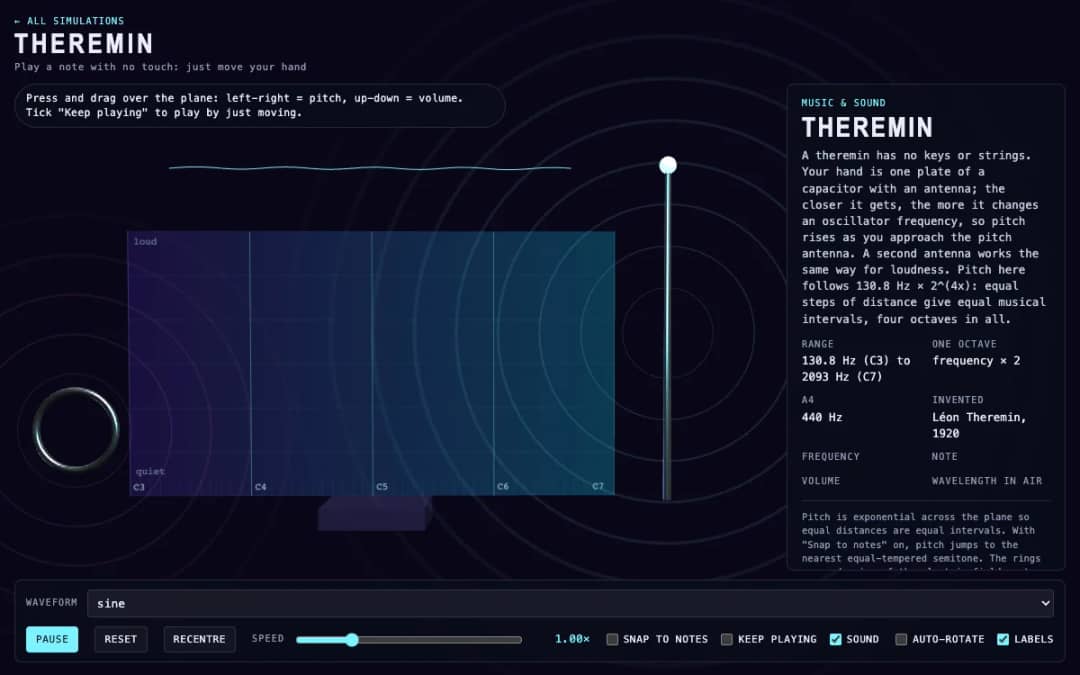
A virtual theremin where students press and drag over a plane. Moving left and right changes pitch, moving up and down changes volume, and readouts show frequency, note, volume and wavelength.
—
KiwiBee uses optional Google Analytics, Google Ads, and Meta Pixel cookies to understand adult visitors, measure completed sign-ups, and improve campaigns. Essential cookies always stay on. OpenAI’s ChatGPT Ads Pixel also measures page views and completed enquiries after advertising consent, and may use hashed contact details for matching. Privacy policy
In this simulation students draw one cycle of a sound wave on a grid with the pointer, and the browser loops it as a continuous tone. A frequency slider from 55 to 880 hertz sets the pitch, while presets load a sine, triangle, square or sawtooth shape to compare. Bars show how much of each harmonic the drawing contains, and readouts show the frequency, nearest note, strongest harmonic and wavelength. Sharp corners create many high harmonics and a bright sound, while smooth curves give a pure tone. It introduces timbre, harmonics and the idea that any repeating sound is a sum of sine waves.
Yes. Wave Drawing Synth is free, needs no sign-up and runs in any modern browser, including whiteboards, tablets and phones.
Press on the grid and drag the pointer to draw your curve. It is treated as one cycle and repeated at the chosen frequency. Sound starts once you draw.
Each bar shows how much a sine wave at a multiple of the base frequency contributes to your drawing. The mix of harmonics gives an instrument its timbre.
A square wave contains only odd harmonics, each weaker by one over its number, so it has many strong high-frequency parts that sound bright and buzzy.
Drop it into your LMS, blog, or class site — free.
<iframe src="https://kiwibee.io/en/simulations/wave-drawing-synth-3d-simulation/embed" title="Wave Drawing Synth | KiwiBee" loading="lazy" allowfullscreen style="width:100%;height:min(70vh,620px);min-height:420px;border:0;border-radius:16px"></iframe>Continue exploring
A virtual theremin where students press and drag over a plane. Moving left and right changes pitch, moving up and down changes volume, and readouts show frequency, note, volume and wavelength.
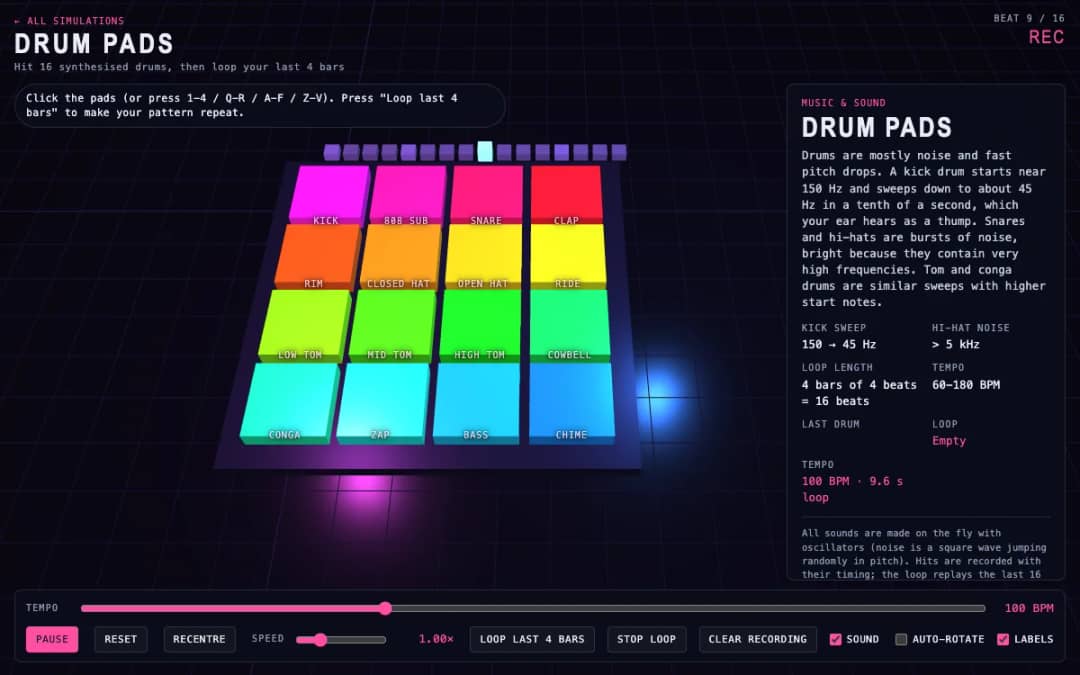
Sixteen 3D drum pads, from kick and snare to cowbell and chime, play synthesized sounds when students click them or press keys. A tempo slider sets the speed and a loop button repeats the last four bars they played.
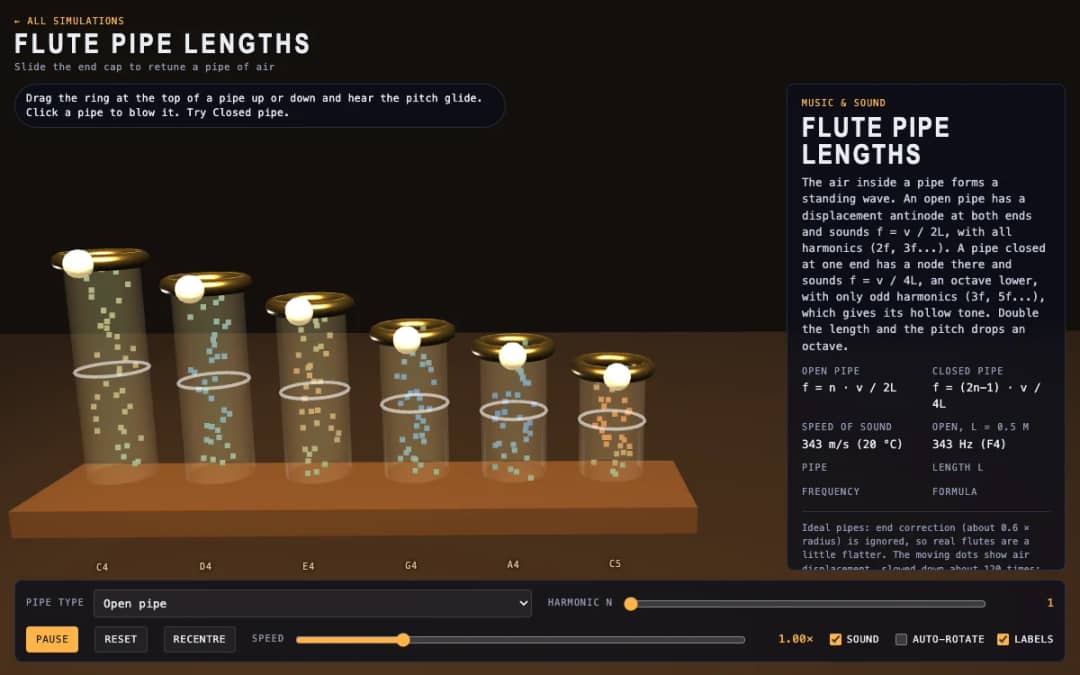
Six 3D flute pipes with a slider ring at the top of each. Students drag the ring to change the pipe length, click a pipe to blow it and switch between open and closed pipes to see air moving and hear the pitch.
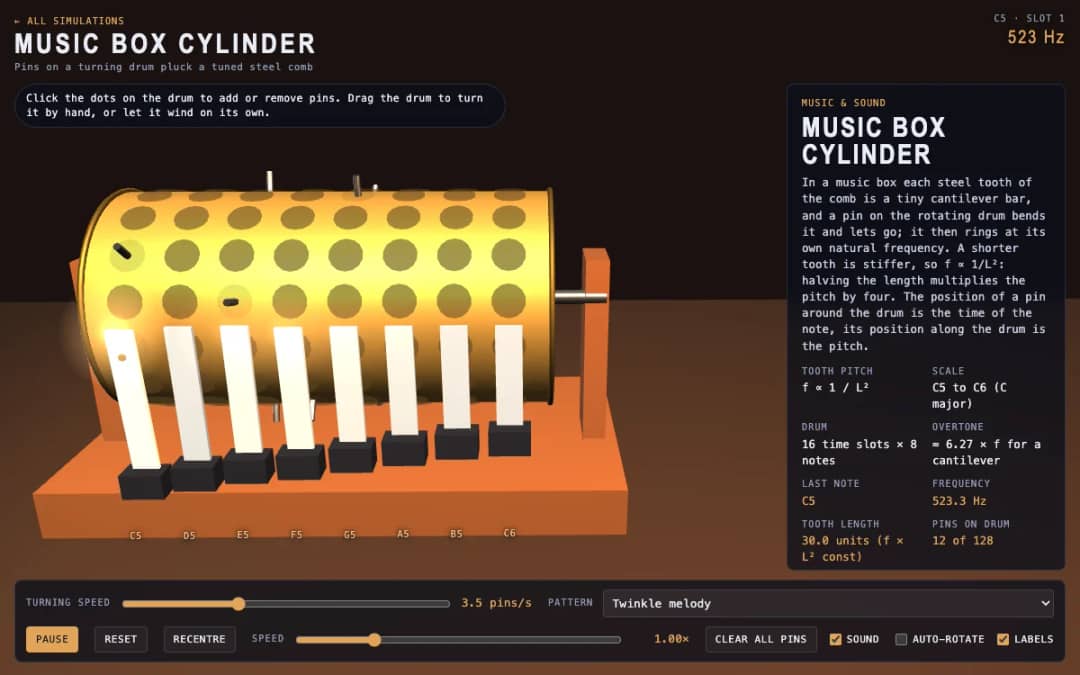
A 3D music box with a pinned drum and a steel comb. Students click dots to add or remove pins, drag the drum to turn it or let it wind itself, and see how tooth length sets each note.
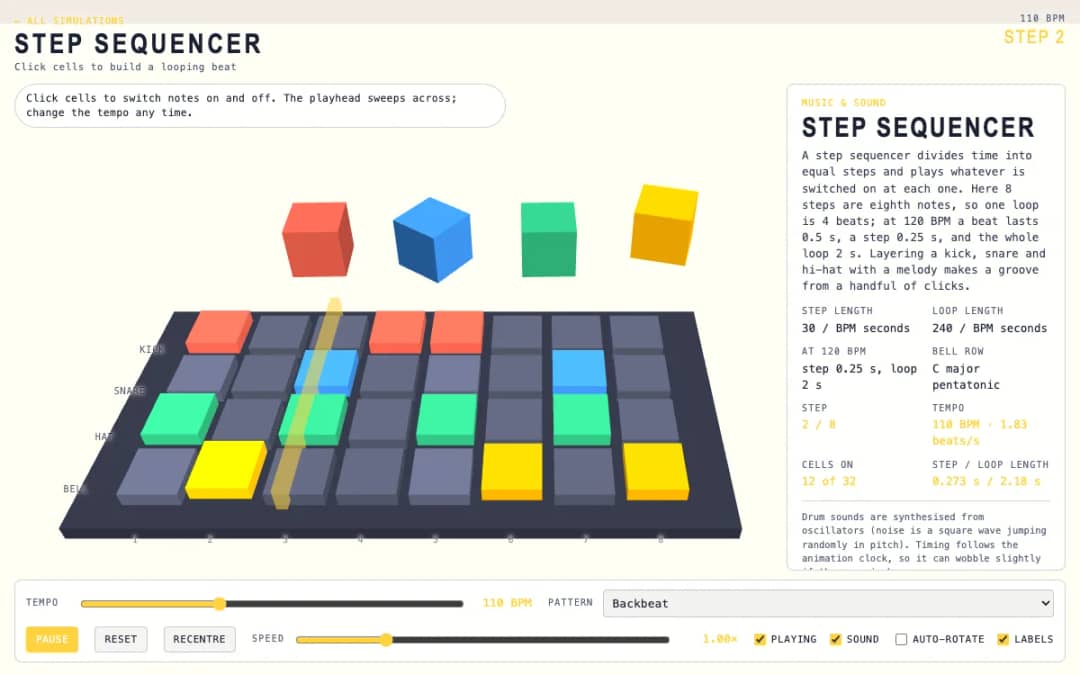
A 3D grid of 8 steps and 4 rows: kick, snare, hat and bell. Students click cells on and off while a playhead sweeps across, and a tempo slider and pattern presets change the groove.
KiwiBee's free teacher workspace brings lesson planning, worksheets, classroom tools, and gradebook together in one place.
Start free and create your first class Home
Home All solutions
 Pricing
 About us
 KiwiBee for Non-profits
 Events & webinars
 For big organisations
 For schools
 For centers
 For team leaders
 For teachers
 AI and resources
 Resources
 Printable worksheets
 Lesson Packs
 Interactive simulations
 Teacher tools
 AI studio
 Ideas and research