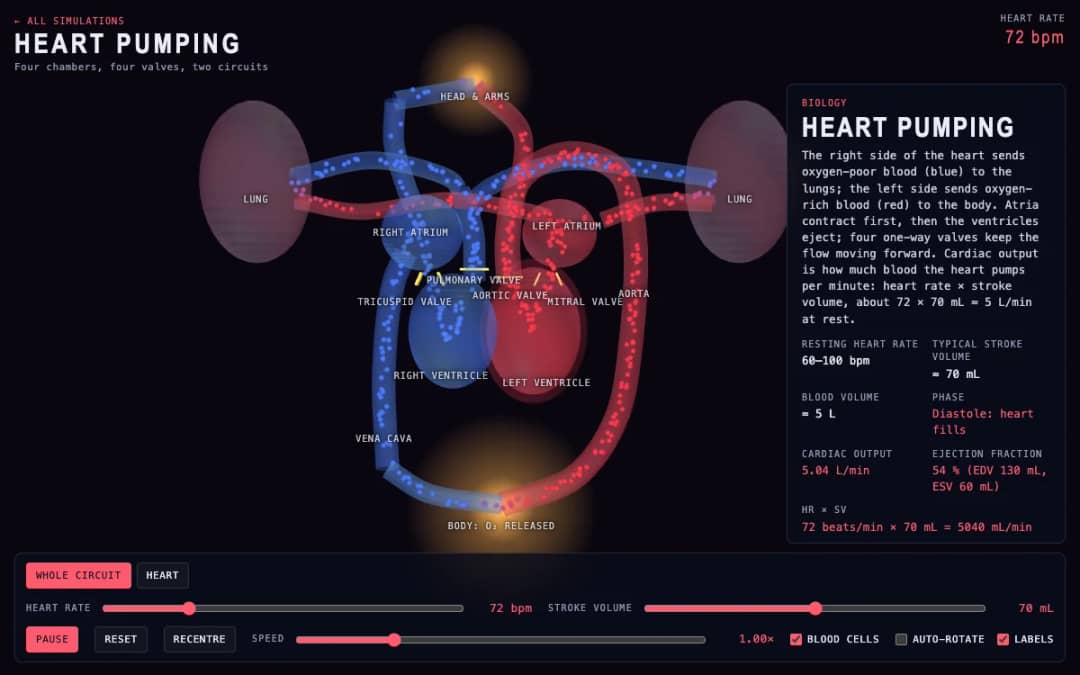
A 3D beating heart showing four chambers, four valves and blood moving around two circuits. Students change heart rate and stroke volume and read cardiac output and ejection fraction as they change.
—
KiwiBee uses optional Google Analytics, Google Ads, and Meta Pixel cookies to understand adult visitors, measure completed sign-ups, and improve campaigns. Essential cookies always stay on. OpenAI’s ChatGPT Ads Pixel also measures page views and completed enquiries after advertising consent, and may use hashed contact details for matching. Privacy policy
Beats adds two sine waves, f1 and f2, each adjustable from 8 to 24 hertz, across a time window of 1.5 seconds. The combined wave grows loud where the waves line up and nearly vanishes where they oppose, and an optional envelope outline shows the swell. Readouts give the beat frequency, the beat period and the average pitch heard. It explains how musicians tune instruments by listening for beats, and how the beat rate equals the difference between the two frequencies.
Yes. It is free, requires no sign-up and runs in any modern browser, including classroom whiteboards and tablets.
It is the absolute difference between the two frequencies. Waves of 12 and 14 hertz make 2 beats per second. Real sound works the same, so 440 and 444 hertz beat 4 times a second.
Adjust f1 and f2 with the sliders, switch the envelope on and compare the swelling outline with the Beat period readout. Time runs left to right across the graph.
Low frequencies make the waves slow enough to draw clearly. The physics is identical to audible sound, where closely spaced pitches produce a throbbing loudness.
Drop it into your LMS, blog, or class site — free.
<iframe src="https://kiwibee.io/en/simulations/beats-3d-simulation/embed" title="Beats | KiwiBee" loading="lazy" allowfullscreen style="width:100%;height:min(70vh,620px);min-height:420px;border:0;border-radius:16px"></iframe>Continue exploring
A 3D beating heart showing four chambers, four valves and blood moving around two circuits. Students change heart rate and stroke volume and read cardiac output and ejection fraction as they change.
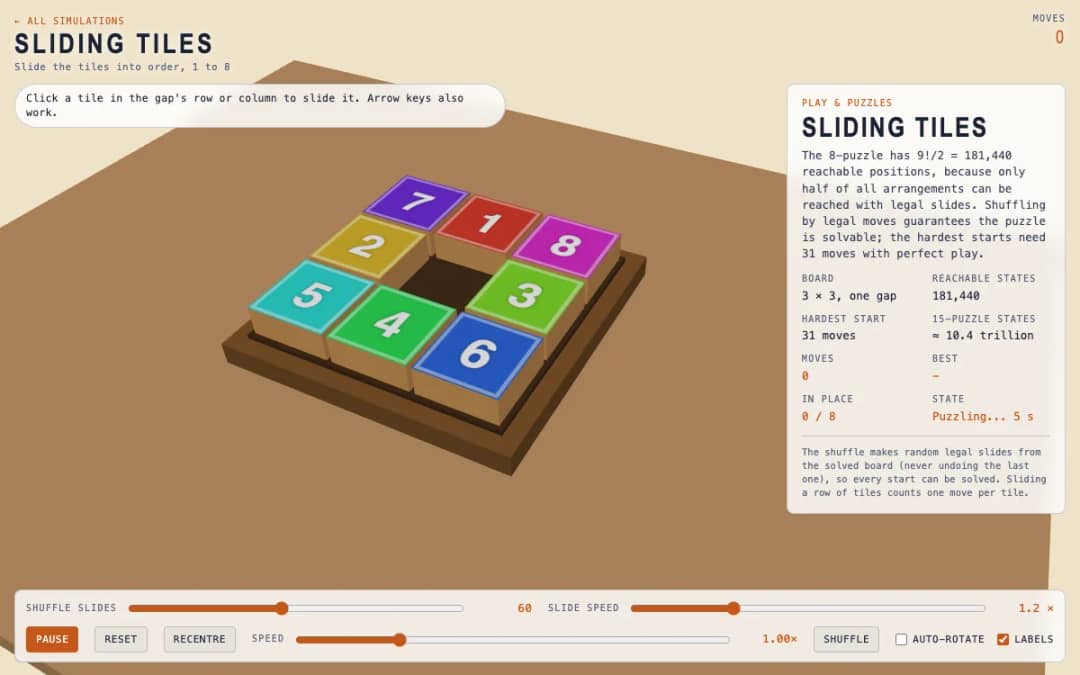
A 3 by 3 board holds eight numbered tiles and one gap. Students click a tile in the gap row or column, or press arrow keys, to slide tiles until the numbers run from 1 to 8.
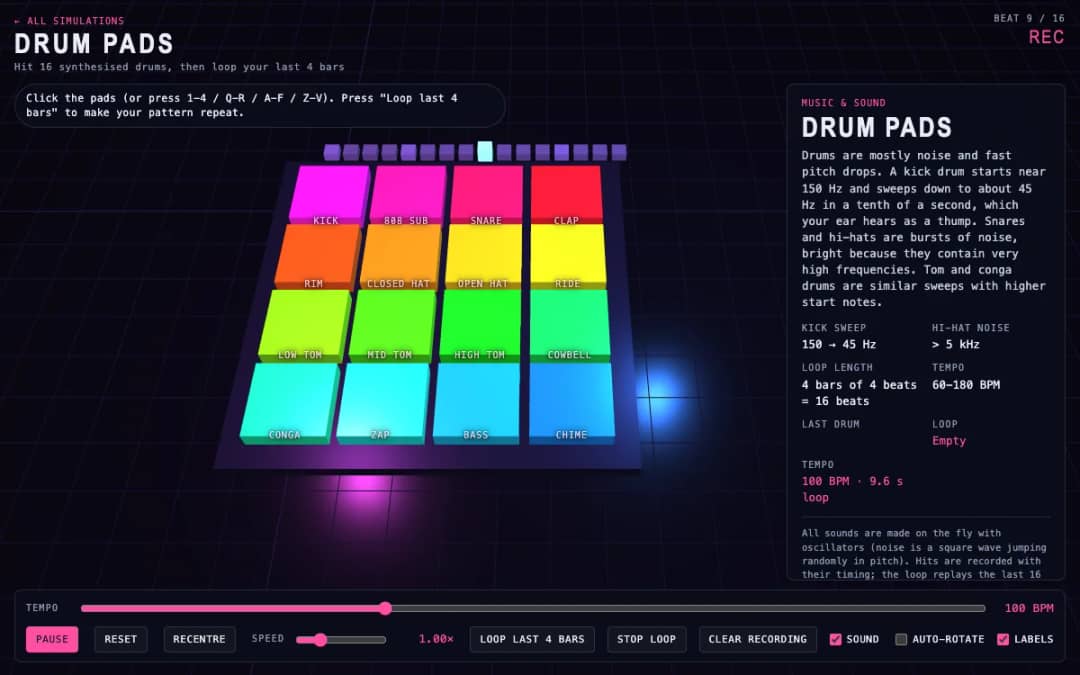
Sixteen 3D drum pads, from kick and snare to cowbell and chime, play synthesized sounds when students click them or press keys. A tempo slider sets the speed and a loop button repeats the last four bars they played.
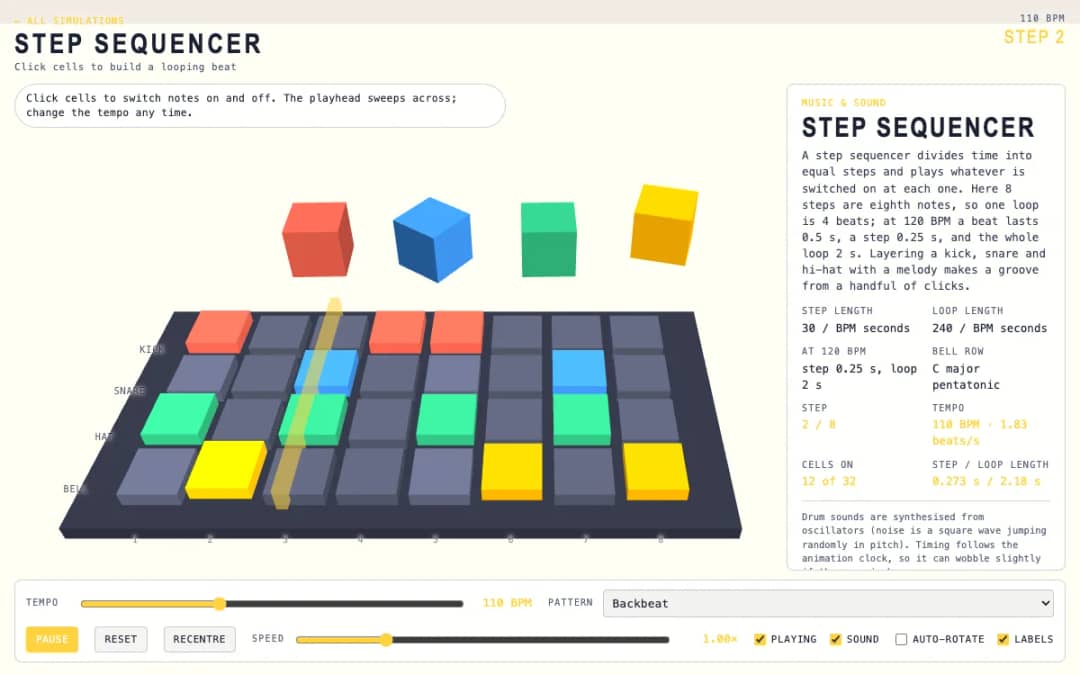
A 3D grid of 8 steps and 4 rows: kick, snare, hat and bell. Students click cells on and off while a playhead sweeps across, and a tempo slider and pattern presets change the groove.
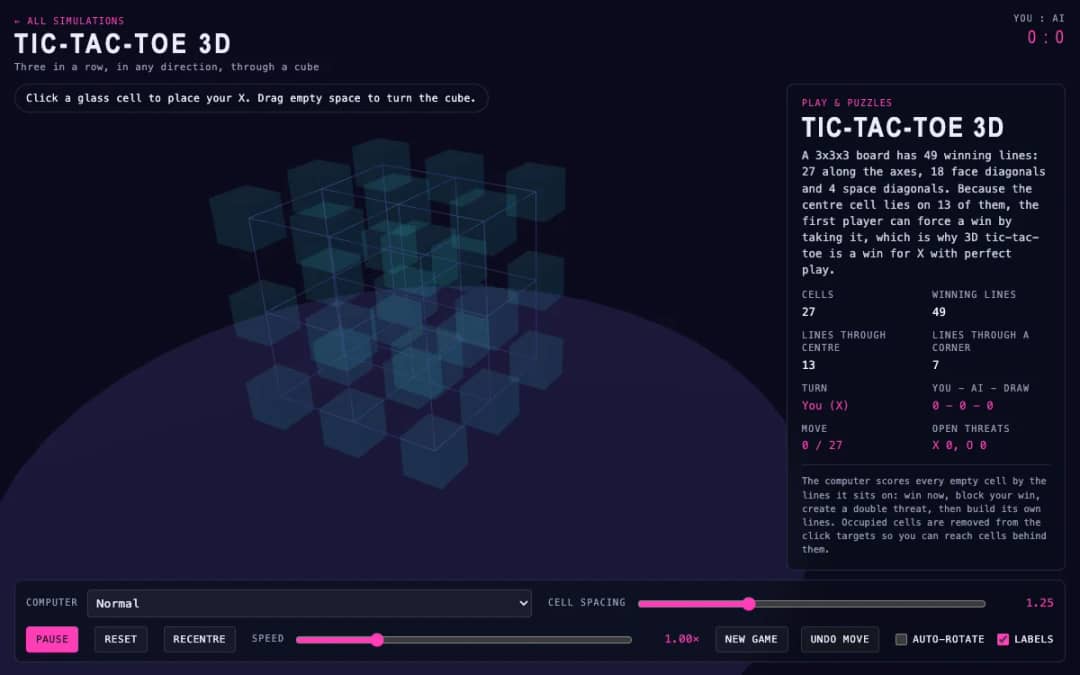
A 27-cell glass cube replaces the flat grid. Students click a cell to place an X, drag empty space to turn the cube, and try to line up three in any direction before the computer does.
KiwiBee's free teacher workspace brings lesson planning, worksheets, classroom tools, and gradebook together in one place.
Start free and create your first class Home
Home All solutions
 Pricing
 About us
 KiwiBee for Non-profits
 Events & webinars
 For big organisations
 For schools
 For centers
 For team leaders
 For teachers
 AI and resources
 Resources
 Printable worksheets
 Lesson Packs
 Interactive simulations
 Teacher tools
 AI studio
 Ideas and research