
KiwiBee printable
Tastet kryesore dhe navigimi në tekst
Nxënësit identifikojnë dhe përdorin tastet CapsLock, Enter, Backspace, Space dhe tastet me shigjeta për të lëvizur brenda një teksti digjital.
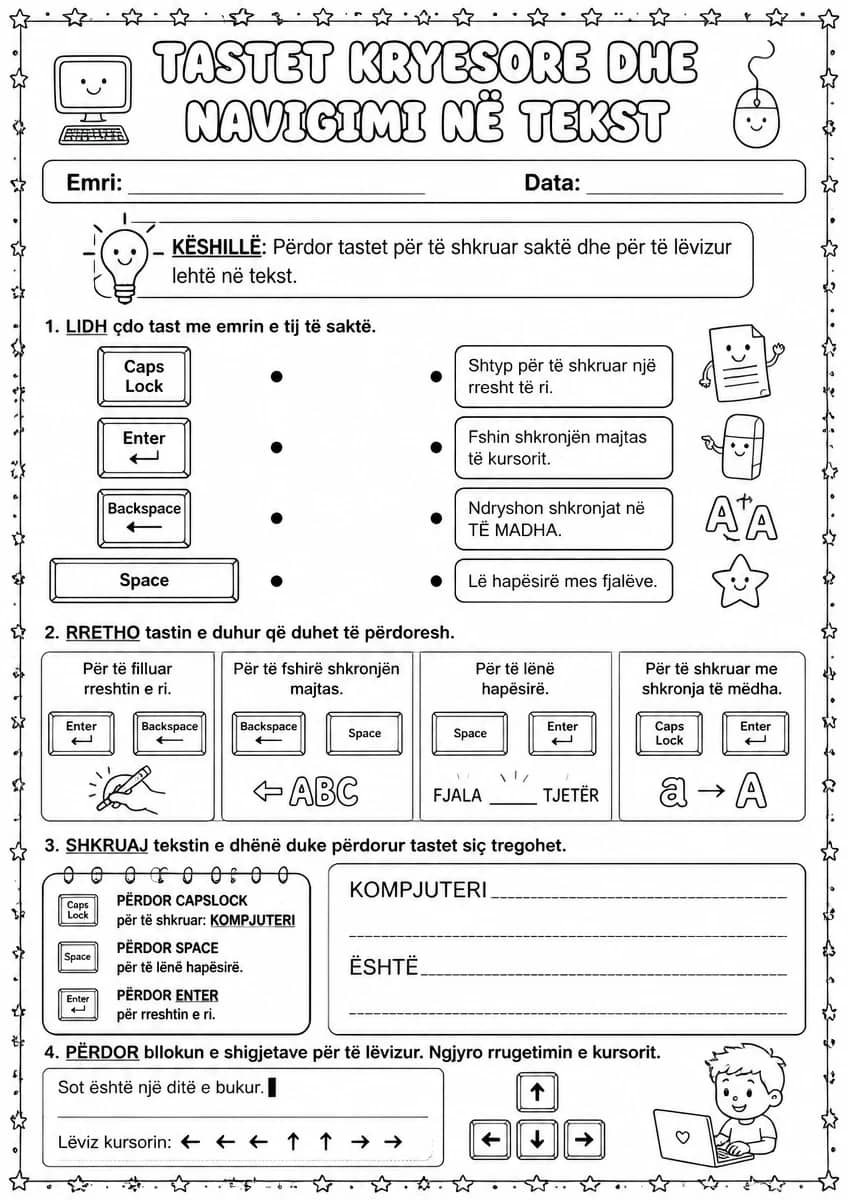
Kjo fletë pune e klasës së parë u mëson nxënësve të njohin dhe përdorin tastet kyçe të tastierës — CapsLock, Enter, Backspace dhe Space — gjatë shkrimit të një teksti të thjeshtë dixhital. Mësuesit mund ta përdorin si aktivitet praktik gjatë orëve të teknologjisë, duke udhëhequr nxënësit hap pas hapi ndërsa shkruajnë fjalët e para në kompjuter. Ajo i përket njësisë mbi tekstin dixhital dhe navigimin e tastierës.
Learning objectives
- Identifikon dhe tregon vendndodhjen e tasteve CapsLock, Enter, Backspace dhe Space
- Përdor tastet e navigimit gjatë shkrimit dhe redaktimit të një teksti të shkurtër
- Shkruan një tekst të thjeshtë duke zbatuar tastet kryesore me saktësi
How to use this worksheet
- Select “Sign in / Sign up to download”, then sign in with Google or email to get the PDF from KiwiBee Printables.
- Print at home or in class for Grade 1; it's no-prep, with no extra materials needed.
- Hand it out as classwork, homework, or a quick warm-up.
Likes & comments
See what other teachers think and share a helpful note.
Loading likes and comments…
Create more worksheets in our Worksheet Studio
Generate fresh worksheets for any grade, topic, and language — free.
Open the Worksheet StudioRelated worksheets
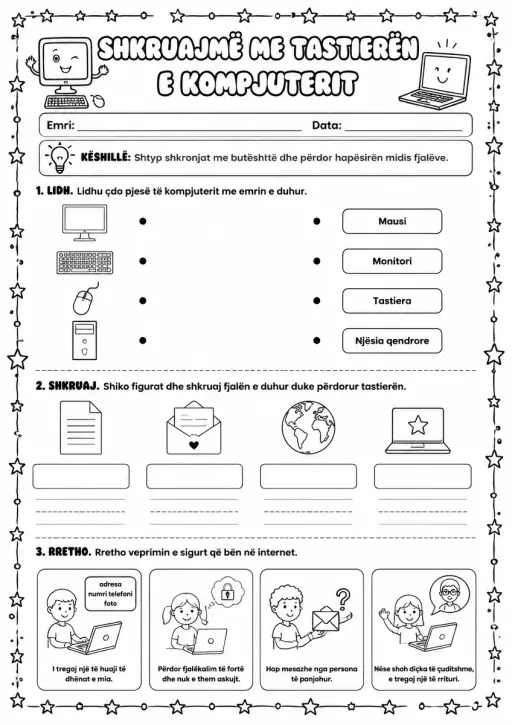
Shkruajmë me tastierën e kompjuterit
Worksheets
medium
Ages 6–7
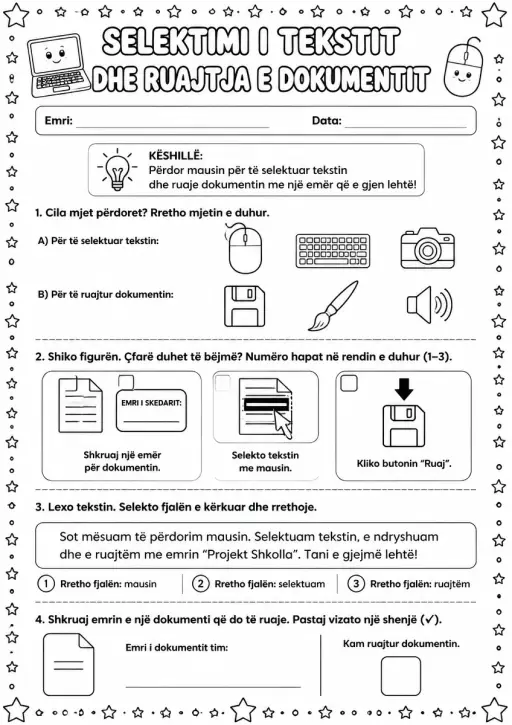
Selektimi i tekstit dhe ruajtja e dokumentit
Worksheets
medium
Ages 6–7
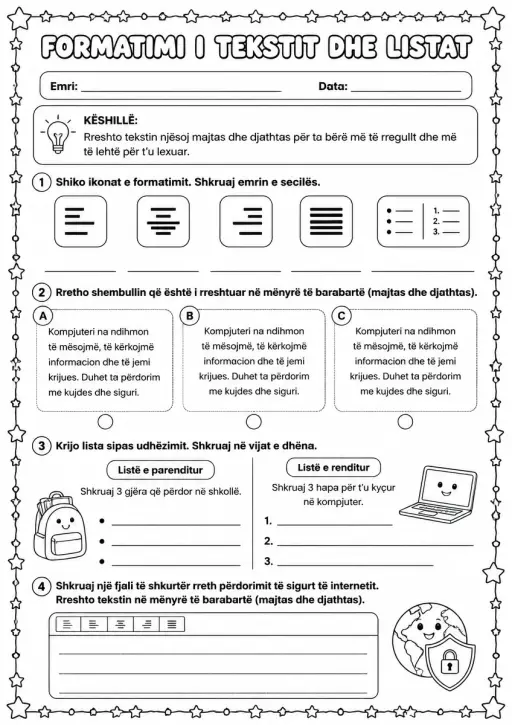
Formatimi i tekstit dhe listat
Worksheets
medium
Ages 8–9
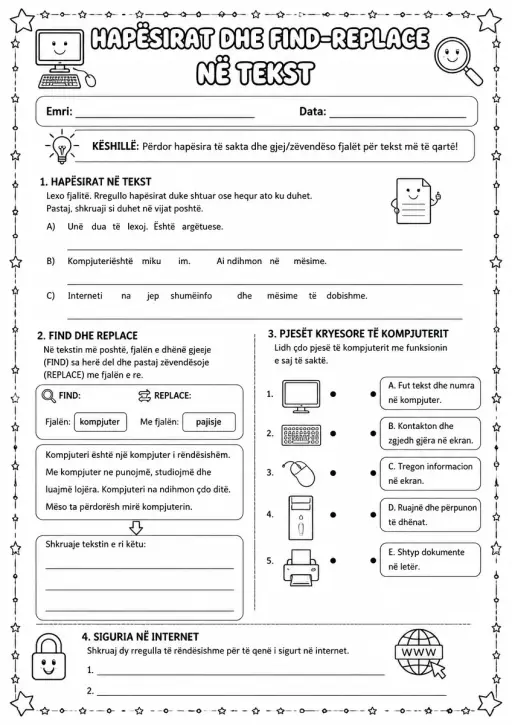
Hapësirat dhe Find-Replace në tekst
Worksheets
medium
Ages 8–9
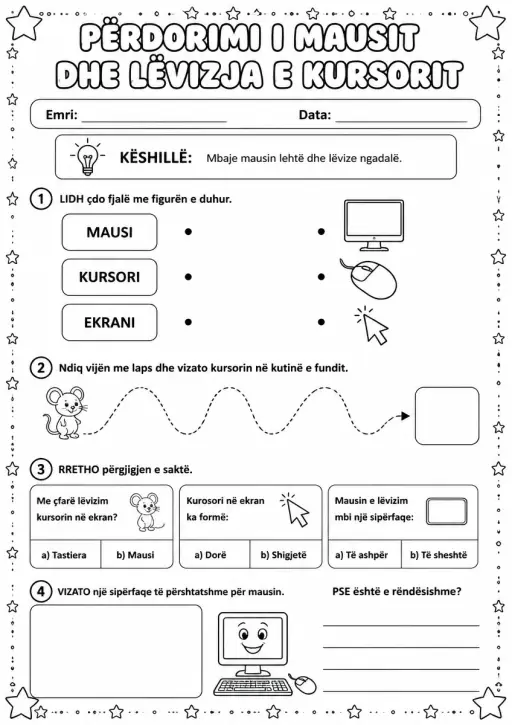
Përdorimi i mausit dhe lëvizja e kursorit
Worksheets
medium
Ages 6–7
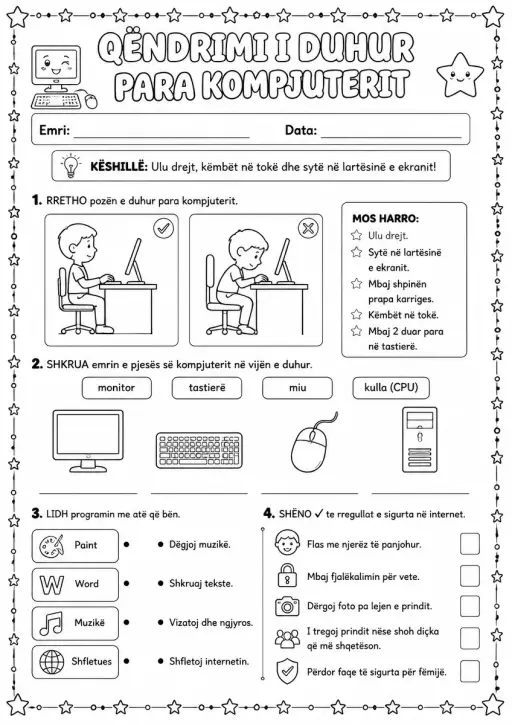
Qëndrimi i duhur para kompjuterit
Worksheets
medium
Ages 6–7
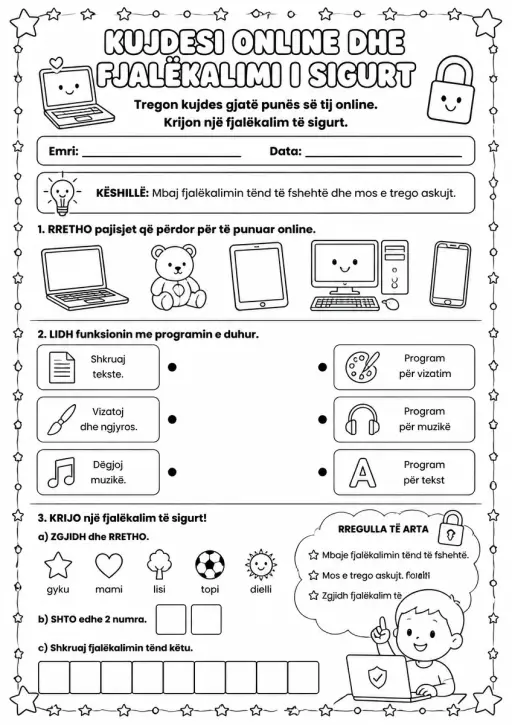
Kujdesi online dhe fjalëkalimi i sigurt
Worksheets
medium
Ages 6–7
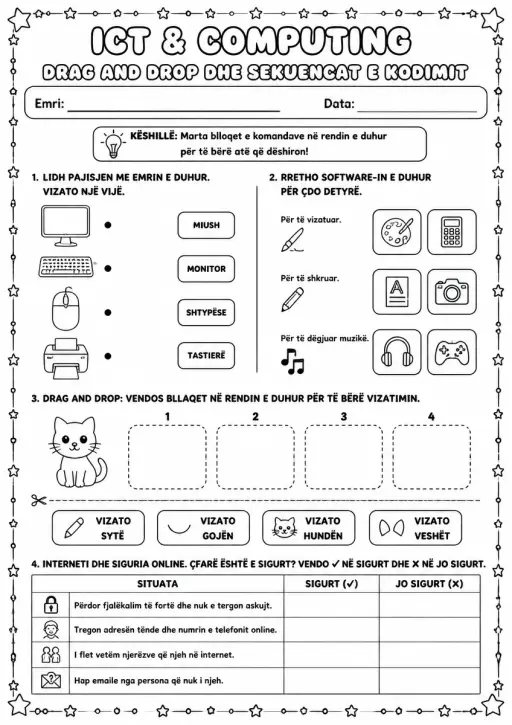
Drag and Drop dhe sekuencat e kodimit
Worksheets
medium
Ages 6–7
 Home
Home All solutions
 Pricing
 About us
 KiwiBee for Non-profits
 Events & webinars
 For big organisations
 For schools
 For centers
 For team leaders
 For teachers
 AI and resources
 Resources
 Printable worksheets
 Lesson Packs
 Interactive simulations
 Teacher tools
 AI studio
 Ideas and research