ICTGrades 3–8
KiwiBee uses optional Google Analytics, Google Ads, and Meta Pixel cookies to understand adult visitors, measure completed sign-ups, and improve campaigns. Essential cookies always stay on. OpenAI’s ChatGPT Ads Pixel also measures page views and completed enquiries after advertising consent, and may use hashed contact details for matching. Privacy policy

Picked by meaning from games, worksheets, simulations, teacher tools and videos.
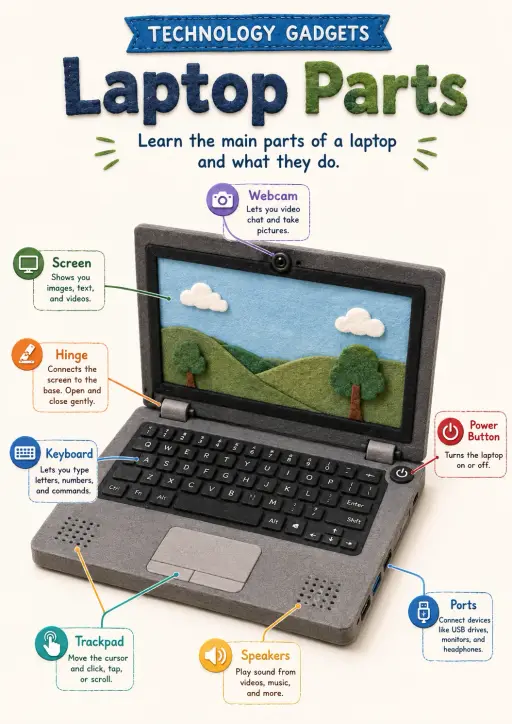 WorksheetLaptop Parts: Screen, Keyboard, Trackpad, Ports and More
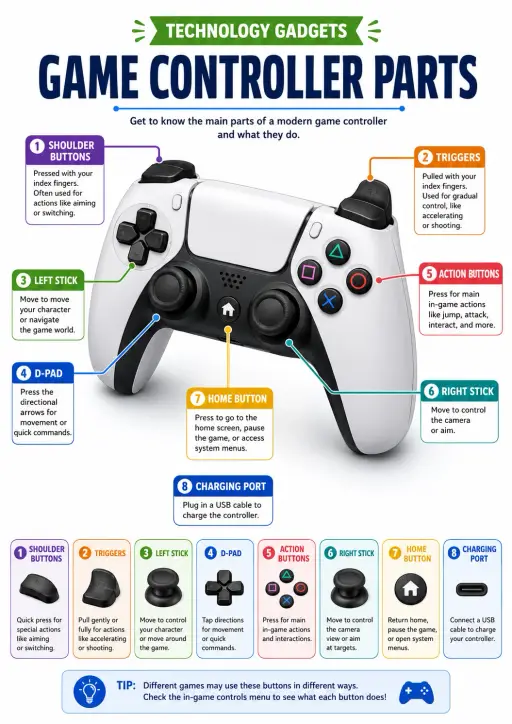 WorksheetGame Controller Parts: Sticks, Triggers, D-Pad and Buttons
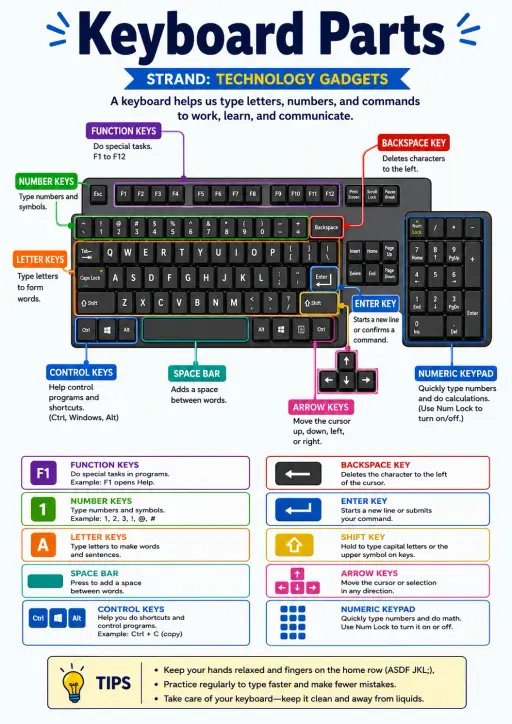 WorksheetKeyboard Parts Technology Gadgets Infographic
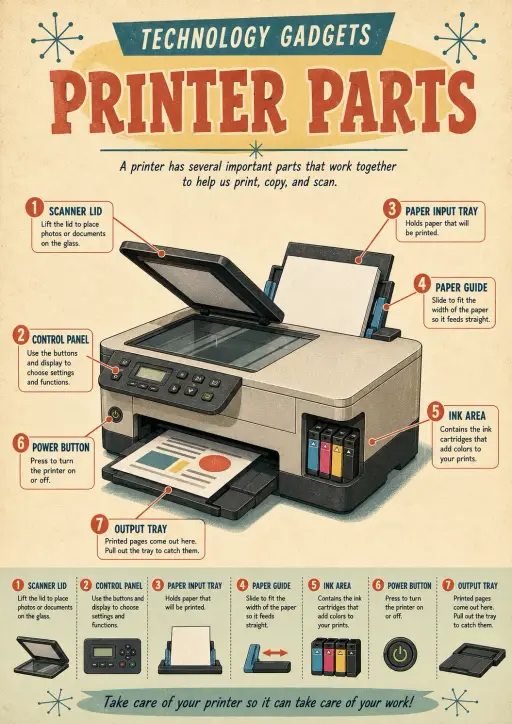 WorksheetPrinter Parts: Scanner Lid, Paper Tray, Ink Area and Output Tray
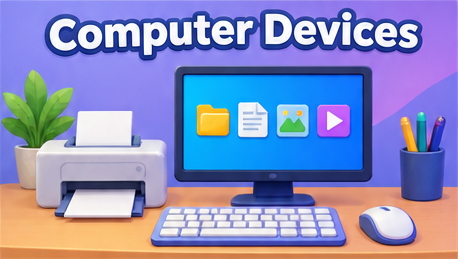 GameComputer Devices and Their Purposes Quiz for Grade 4
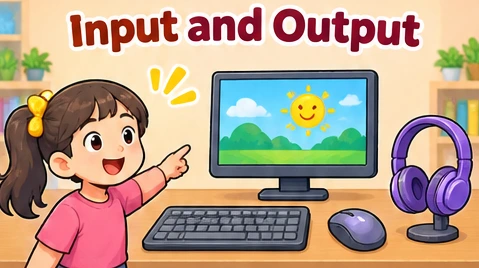 GameInput and Output Devices Quiz for Grade 2
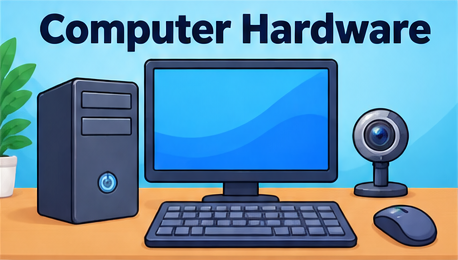 GameComputer hardware and peripherals Quiz for Grade 7
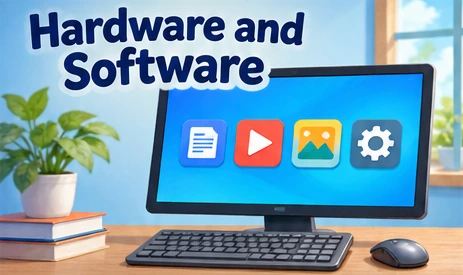 GameHardware and Software Quiz for Grade 3
This Grades 3-8 ICT infographic is headed Computer Mouse Parts, with a line about a handy gadget that helps us point, click and scroll. Seven numbered callouts name the left button, right button, scroll wheel, center button, thumb grip, mouse body and USB cable or wireless. Two small boxes show a wired mouse with a USB cable and a wireless mouse with a USB receiver, and a closing line says to keep the mouse clean and use it gently.
See what other teachers think and share a helpful note.
Generate a fresh worksheet for any grade, topic and language. Free.
 Home
 All solutions
 Pricing
 About us
 KiwiBee for Non-profits
 Events & webinars
 For big organisations
 For schools
 For centers
 For team leaders
 For teachers
 Resources
 Printable worksheets
 Interactive simulations
 Teacher tools
 Ideas and research


