
Your privacy choices

KiwiBee uses optional Google Analytics, Google Ads, and Meta Pixel cookies to understand adult visitors, measure completed sign-ups, and improve campaigns. Essential cookies always stay on. OpenAI’s ChatGPT Ads Pixel also measures page views and completed enquiries after advertising consent, and may use hashed contact details for matching. Privacy policy

Skip to main content

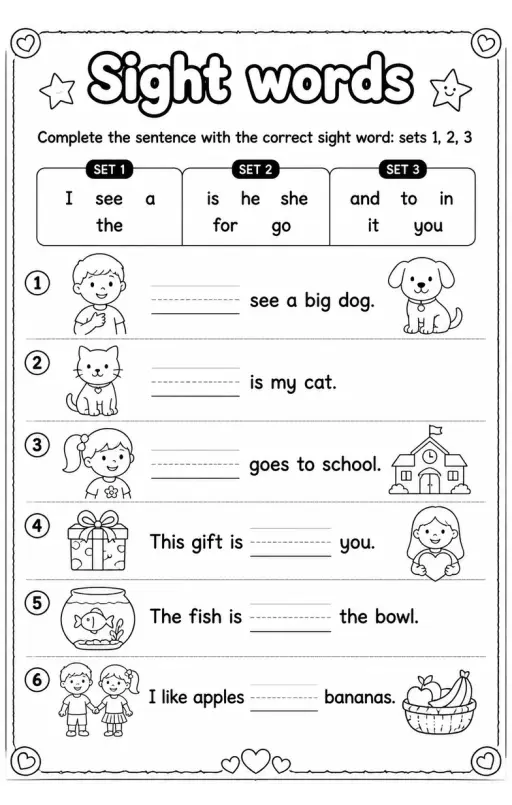
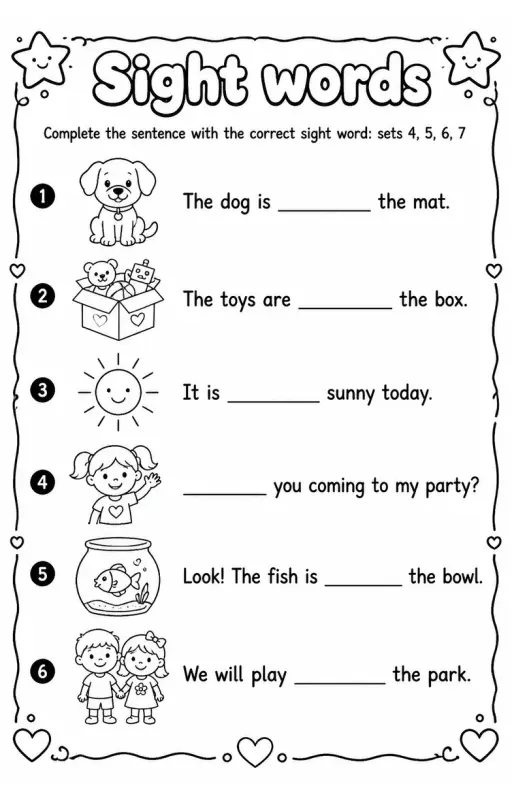
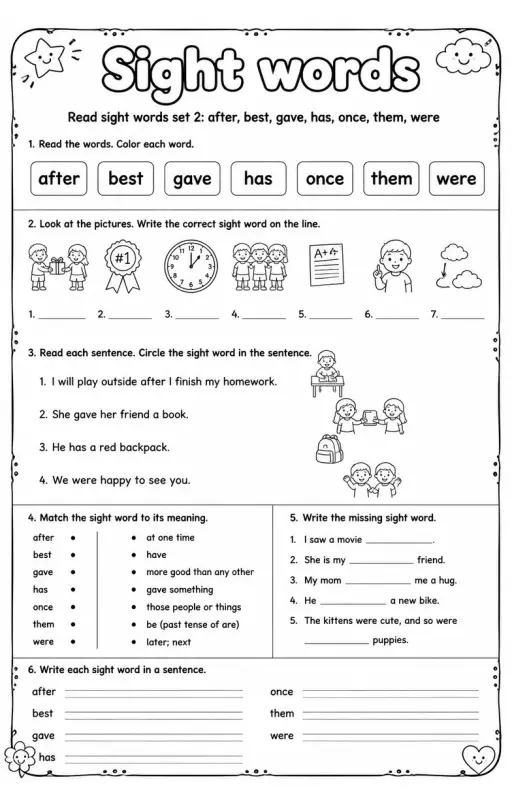
Complete the sentence with the correct sight word: review sets 1–7

Printable PDFScroll to explore
Complete the sentence with the correct sight word: review sets 1–7 — free printable Reading foundations English worksheet

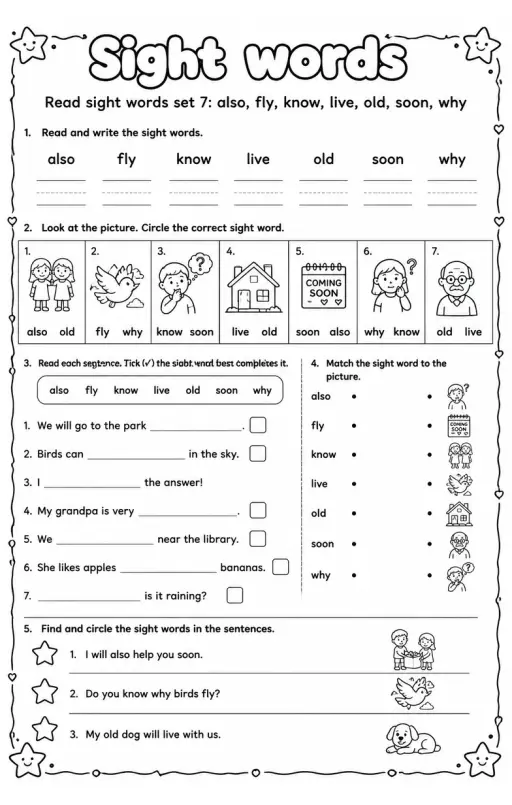
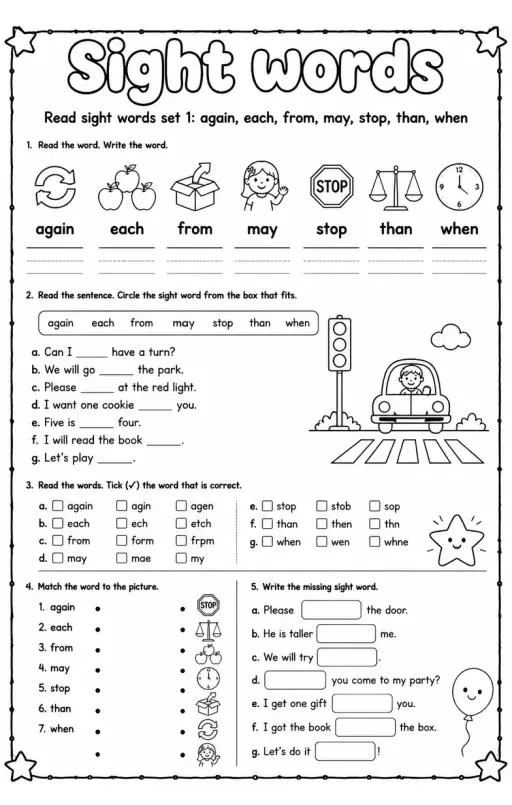
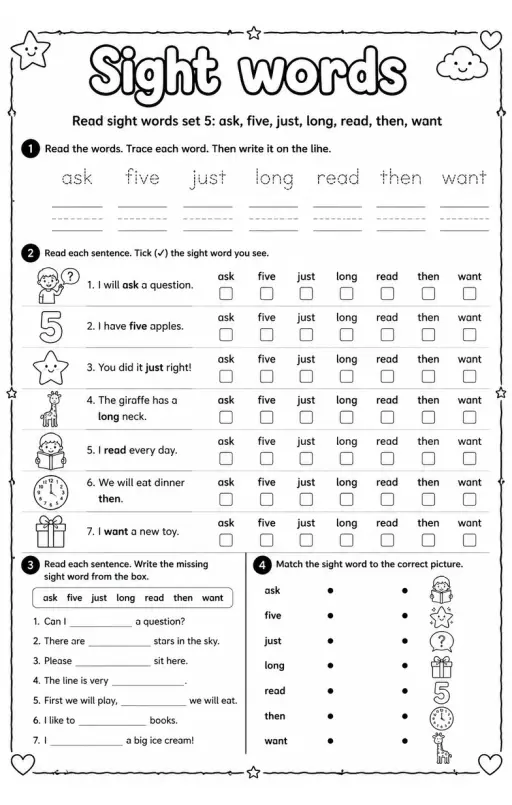
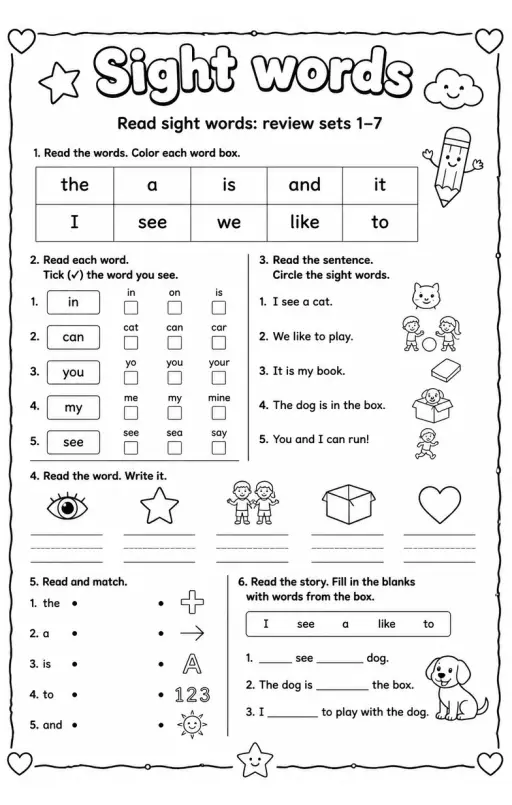
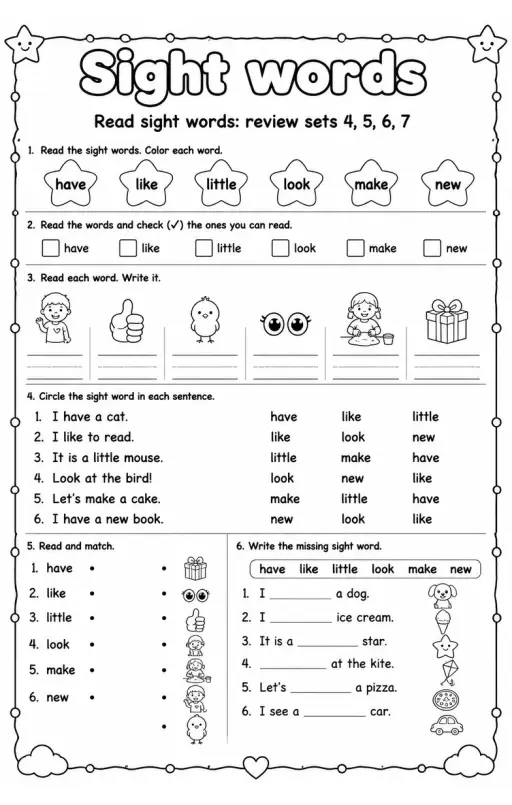
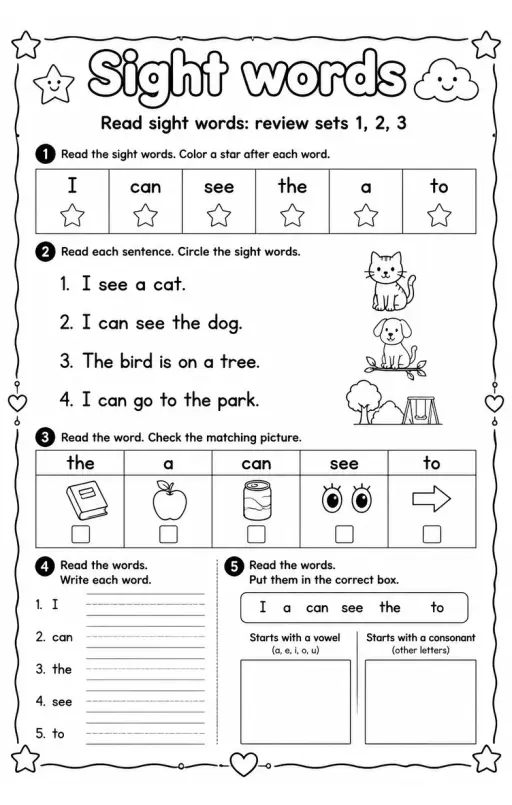
This worksheet helps students practice sight word recognition by completing sentences with the correct word from review sets 1 to 7. Teachers can use this resource to reinforce foundational reading skills and assess students' understanding of high-frequency words. It's ideal for supporting early readers in building confidence and improving reading accuracy.

Learning objectives

  • Identify and recognize common sight words from sets 1 to 7
  • Complete sentences by selecting the correct sight word
  • Improve reading fluency through practice with frequently used words

How to use this worksheet

  1. Select “Sign in / Sign up to download”, then sign in with Google or email to get the PDF from KiwiBee Printables.
  2. Print at home or in class for Grade 1; it's no-prep, with no extra materials needed.
  3. Use the included answer key to mark it in seconds.

Good for

ClassworkHomeworkWarm-upCentersSmall groups

Curriculum standards

Cambridge

Learning objectives © UCLES (Cambridge University Press & Assessment), quoted with attribution.

Answer Key

Answer key for Complete the sentence with the correct sight word: review sets 1–7 — free printable English & Reading worksheet

Likes & comments

See what other teachers think and share a helpful note.

Loading likes and comments…
Worksheet Studio

Need a different version? Make your own.

Generate a fresh worksheet for any grade, topic and language. Free.

Open Worksheet Studio