A Practical Parent-Email Workflow That Protects Teacher Time
Clear boundaries, predictable response windows, and simple triage can reduce after-hours stress without making families feel ignored.
 By KiwiBee· KiwiBee
Last updated July 11, 2026
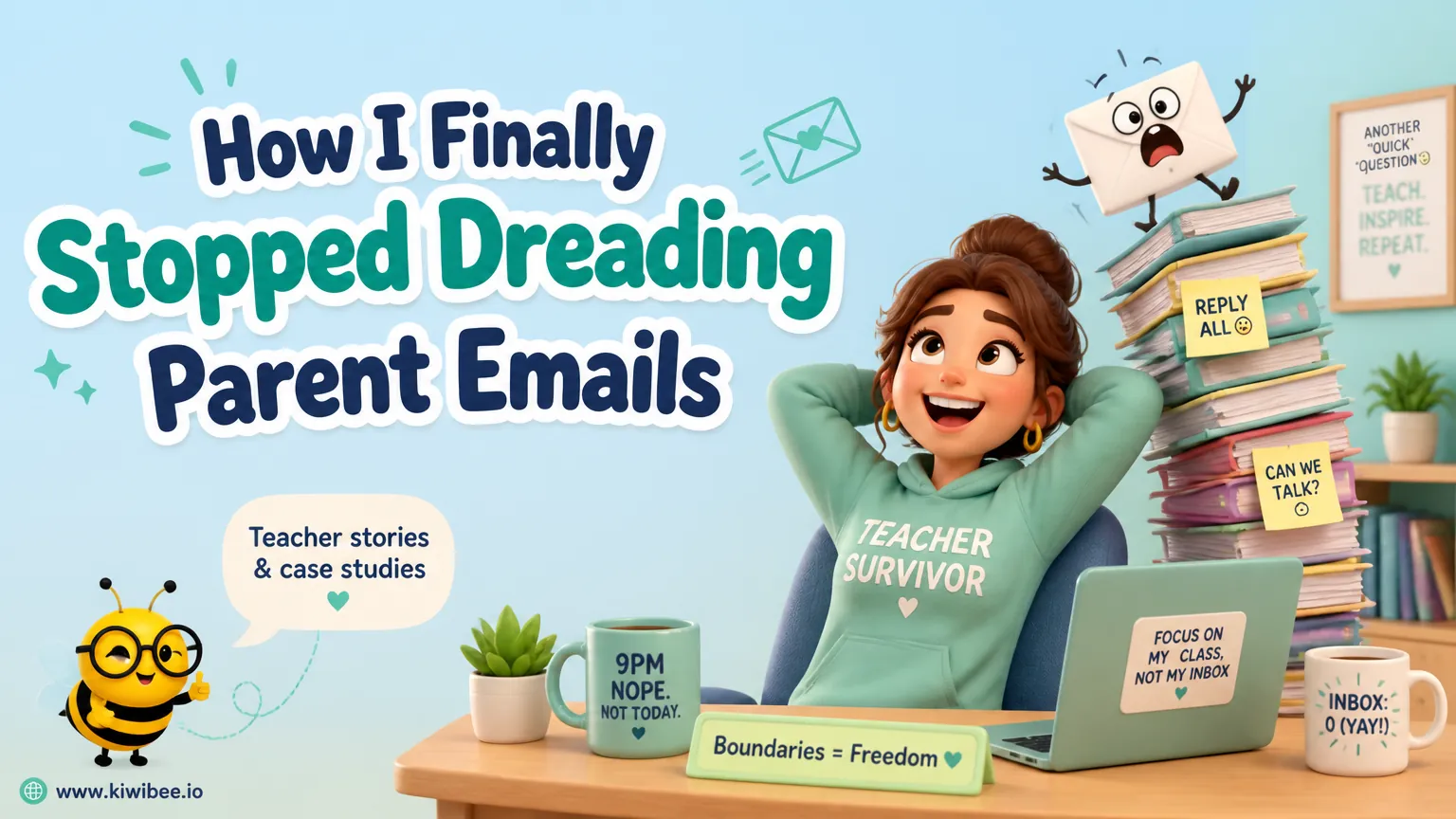
Parent communication matters, but constant availability is not the same as good communication.
One common source of stress is not the volume of messages alone. It is the combination of late-night checking, uncertainty about urgency, and the pressure to write careful replies when tired.
A better approach is to build a predictable workflow: acknowledge messages, define when responses will come, separate urgent issues from routine ones, and answer during working hours whenever possible. That structure protects teacher time and often improves the quality of communication.
Why evening email feels heavier than daytime email
A parent message read at 9 PM rarely stays a simple message. It can become a chain of second-guessing: Is this urgent? Does this need leadership copied in? Is the tone calm enough? Should the reply be longer? That decision-making load is often what makes the inbox feel draining.
When teachers reply while tired, they may overexplain, sound sharper than intended, or keep revising routine responses. Even when the message itself is straightforward, the timing makes it harder to respond clearly.
The goal is not to ignore families. The goal is to move most communication into a time and process that supports accurate, calm, professional responses.
- Notice whether stress comes from the content of messages or from reading them outside work hours.
- Treat tone-sensitive messages as work that deserves fresh attention, not late-night improvisation.
- Assume that many routine questions can wait until the next school day unless your school has defined otherwise.
Start with a clear response window
Families usually cope better with waiting when expectations are clear. A predictable response window is often more reassuring than inconsistent replies sent at all hours.
Schools can set a standard such as responding within the next school day or within a defined business-hours window. The exact timeframe may vary by setting, but it should be realistic enough to maintain consistently.
This boundary works best when it is stated plainly and repeated in the same places: welcome information, class communication guidance, and any automatic acknowledgment system the school uses.
- Choose a response window you can maintain regularly, such as by the next school day.
- State that messages sent in the evening will be reviewed during working hours unless they concern a genuine safeguarding or emergency route defined by the school.
- Use the same wording across staff guidance so families receive one consistent expectation.
Use acknowledgment without inviting a midnight conversation
An automatic acknowledgment can help families feel heard without requiring staff to begin a live exchange after hours. The message does not need to be elaborate. It only needs to confirm receipt, explain when a reply is likely, and direct urgent matters to the correct channel if necessary.
This is especially useful when parents send messages late in the evening. A short acknowledgment reduces uncertainty while reinforcing that substantive replies happen during the school day.
If your school uses a communication platform with built-in auto-replies, triage, or queueing, these features may support the workflow. If not, similar principles can often be applied through standard email settings and school office processes. Staff should verify what their existing systems can and cannot do.
- Write a short acknowledgment that confirms receipt and gives a realistic reply timeframe.
- Include a separate route for urgent or safeguarding concerns so families know email is not the place for emergencies.
- Avoid wording that sounds like a personal, ongoing after-hours conversation has started.
Triage messages before drafting replies
Not every parent email needs the same handling. A simple triage system helps teachers decide what to answer directly, what to defer, and what to escalate.
Routine practical questions may need a short factual response. Emotional or complaint-based messages may need more context, a phone call, or leadership awareness. Messages involving safety, wellbeing, or serious conflict may require immediate referral according to school policy.
The key is to decide the category first. Drafting before triage often leads to long, inefficient replies to issues that should have been redirected or discussed differently.
- Sort messages into categories such as routine, sensitive, urgent, and needs leadership input.
- Answer factual questions briefly and directly instead of writing long defensive explanations.
- Escalate safeguarding, serious welfare, or high-conflict concerns through the school’s established process before composing a full parent reply.
- Pause before replying to emotionally charged messages and decide whether email is the right format at all.
Draft in the morning, then personalize
Many parent queries are variations on familiar themes: homework confusion, absence reporting, event reminders, friendship worries, or clarification about classroom routines. Creating a calm response process for these common topics can save time and improve consistency.
Some schools use templates or AI-assisted drafting tools to generate a starting point. These can be useful for structure and tone, but they should not replace professional judgment. Teachers still need to check accuracy, remove generic phrasing, and ensure the reply fits the child and situation.
The strongest use of a draft is as a first version prepared during working hours, then reviewed with fresh eyes before sending.
- Keep short template starters for common situations, then adapt them to the actual message.
- If using AI drafting, verify every detail, check the tone, and remove anything vague, incorrect, or overly formal.
- Add one or two specific details so the message sounds attentive rather than automated.
- Do not send a drafted reply to a sensitive issue without reviewing school policy and the relevant facts first.
Choose consistency over perfect phrasing
Teachers often spend too long polishing routine emails because they fear sounding abrupt or creating conflict. In practice, clarity and steadiness matter more than elegant wording.
A good parent reply usually does four things: answers the question, states the next step if there is one, keeps the tone respectful, and stays within appropriate boundaries. It does not need to anticipate every possible objection.
When schools establish shared communication norms, teachers are less likely to feel that each message is a high-stakes personal performance.
- Aim to be clear, calm, and brief before trying to sound exceptionally polished.
- State the next step explicitly, such as when an item will be checked, who will follow up, or where information can be found.
- Reread for accidental defensiveness, sarcasm, or unnecessary detail before sending.
- Use school-agreed language for recurring issues so staff are not reinventing responses alone.
Decide when email is the wrong tool
Some issues become harder when handled only by email. Long back-and-forth threads can deepen misunderstanding, especially when emotions are high or several concerns are mixed together.
In those cases, it is often better to acknowledge the concern in writing and shift to a phone call, meeting, or leadership-managed conversation. This can reduce misinterpretation and help everyone focus on outcomes instead of wording.
The decision to move away from email should be guided by the nature of the issue, not by a desire to avoid communication.
- Move to a call or meeting when a thread becomes long, repetitive, or increasingly tense.
- Use email to confirm agreed next steps after a conversation rather than to replay the whole discussion.
- Involve a colleague or leader early if the issue concerns complaints, conflict, or possible policy breaches.
Build school-wide habits, not just personal coping strategies
Individual teachers can improve their own routines, but communication boundaries hold better when the whole school supports them. Mixed messages create pressure. If one staff member replies instantly at night, others may feel compelled to do the same.
Leaders can help by defining expected response times, escalation routes, documentation rules, and when staff should not be handling messages alone. They can also decide which communication channels are used for which purposes.
A school-wide workflow makes parent communication more reliable because it depends less on individual endurance.
- Publish shared guidance on response windows, urgent channels, and escalation responsibilities.
- Protect staff by making it clear that after-hours reading and replying are not the default expectation.
- Review whether office staff, pastoral teams, or leaders can absorb parts of the communication flow that do not need classroom-teacher handling.
- Check that families know where to send routine questions, absence messages, urgent concerns, and formal complaints.
Sustainable communication is still caring communication
Strong parent communication does not require teachers to monitor their inbox all evening. It requires a system families can understand and staff can sustain.
When routine messages are acknowledged, urgent matters are routed correctly, and most replies are written during the school day, teachers are more likely to respond with clarity and patience. That benefits relationships as much as it protects time. The point of a boundary is not distance. It is preserving enough capacity to communicate well, consistently, and professionally.
Explore the platform
Continue with KiwiBee
Choose the KiwiBee workspace or resource library that fits what you need next.
Related posts
Parent Engagement Jumped 340% When We Stopped Sending Letter Grades
Parents ignored our termly reports. Then we switched to real-time skill dashboards with specific practice suggestions. Suddenly they were logging in weekly and asking the right questions at parents' evening.

I Used to Spend My Entire December Writing Reports. Now It Takes a Weekend.
After 14 years of teaching, I thought report season exhaustion was just part of the job. Then I discovered what happens when AI knows your students as well as you do.
Why I Stopped Dreading Lesson Observations (A Principal's Confession)
After 20 years in education, I thought I knew what teacher observations had to be. Clipboard, checklist, anxiety. Then we discovered a better way.
 For big organisations
 For schools
 For centers
 For team leaders
 For teachers
 AI and resources
 Printable worksheets
 Teacher tools
 AI studio
 Ideas and research