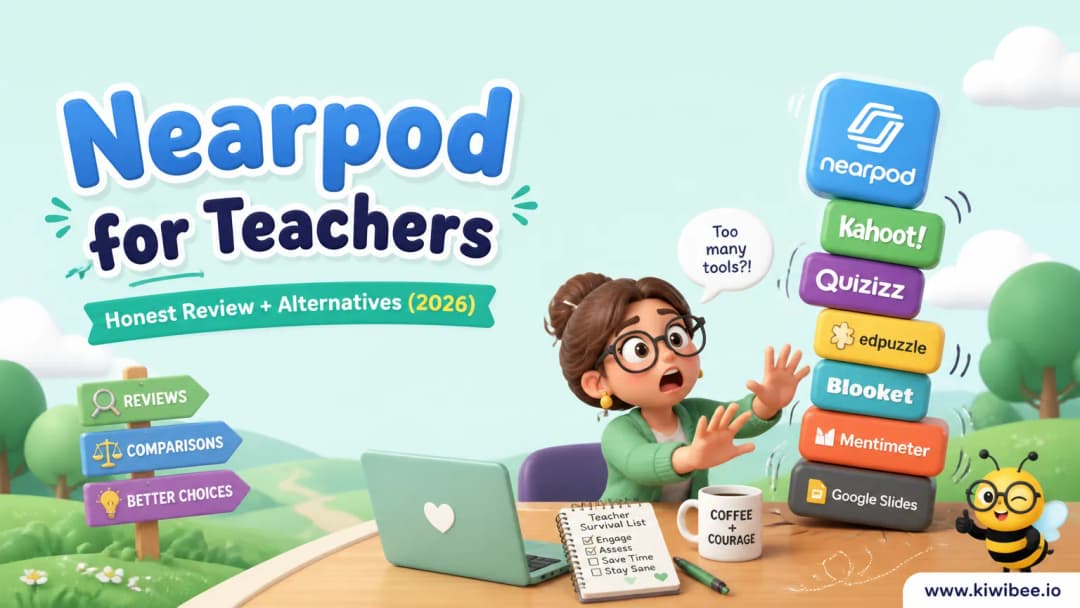
Nearpod for Teachers: Honest Review + Alternatives (2026)
Honest review of Nearpod for teachers — what it does well, where it falls short, and three alternatives worth trying.
 By KiwiBee· KiwiBee
Last updated June 1, 2026
What Nearpod does well
Nearpod is a real tool used by real teachers, and pretending it has no value would be dishonest. Where it shines: interactive lesson slides, formative checks, VR field trips, ready-made lesson library, and student-paced or live modes.
If your teaching workflow lines up with those strengths, Nearpod is a reasonable choice and you do not need to switch tools just because something newer exists.
Where Nearpod falls short for some teachers
Every tool has trade-offs. With Nearpod, the honest weaknesses are: the free tier is genuinely limited — most useful features (interactive videos, VR field trips, audio responses) require the paid Gold tier.
If any of those trade-offs are a deal-breaker for your context — a tight budget, a need for connected gradebook data, a different age group than Nearpod was built for — it is worth looking at alternatives before you commit.
Three alternatives worth trying
1. Edpuzzle
Edpuzzle is strong for video lessons with embedded questions, prevent-skipping controls, voiceover, AI-generated questions, and LMS gradebook sync.
2. Padlet
Padlet is strong for infinite collaborative walls, sandbox brainstorming, easy media embeds, AI image generation, and shareable links for any device.
3. KiwiBee
KiwiBee — free for individual teachers and built to connect lessons, classroom games, behaviour points (ClassSpark), the gradebook, and a parent portal in one platform. Worth a look if the standalone tool feels disconnected from the rest of your teaching. Try it free at app.kiwibee.io.
Feature comparison
KiwiBee vs Nearpod
- Live lesson-connected games — KiwiBee: ✓, Nearpod: –
- Interactive lesson slides — KiwiBee: ✓, Nearpod: –
- Formative checks — KiwiBee: ✓, Nearpod: –
- AI worksheet generator — KiwiBee: ✓, Nearpod: –
- Skills-based gradebook — KiwiBee: ✓, Nearpod: –
- ClassSpark behaviour and rewards — KiwiBee: ✓, Nearpod: –
- Personalized homework — KiwiBee: ✓, Nearpod: –
- Parent portal — KiwiBee: ✓, Nearpod: –
- Whole-class no-device gameplay — KiwiBee: ✓, Nearpod: –
- AI grading — KiwiBee: ✓, Nearpod: –
Pricing
Nearpod has a free tier and paid plans per teacher/school; KiwiBee's free tier covers the full daily teacher loop.
Which one is right for you?
- If you're a solo teacher: Choose KiwiBee when interactive lessons are one of many flows you want connected to gradebook and homework.
- If you're running a school: Choose KiwiBee for the whole stack; Nearpod is strong for content-rich interactive slides.
- If your budget is tight: KiwiBee's free tier is broader than Nearpod's free tier.
- If you have an international school: KiwiBee runs in 12 locales out of the box.
How to choose
If your priority is energy, novelty, or a familiar workflow you already use weekly, Nearpod is probably the right call. If your priority is having the activity connect to the rest of your teaching — lessons, gradebook, behaviour, parent communication — one of the three alternatives above is worth a trial week.
Frequently asked questions
Can KiwiBee replace Nearpod?
For most K-12 teachers, KiwiBee replaces Nearpod by combining interactive lessons with games, evidence, AI grading, and homework — all connected.
Does KiwiBee support VR field trips?
Not natively; for VR-only workflows, Nearpod's VR library is unique.
Is KiwiBee student-paced?
Yes — activities can be assigned student-paced or run live to the whole class.
Explore the platform
Continue with KiwiBee
Choose the KiwiBee workspace or resource library that fits what you need next.
Get one practical teaching resource in your inbox each week.
Related posts
Edmodo for Teachers: Honest Review + Alternatives (2026)
Honest review of Edmodo for teachers — what it does well, where it falls short, and three alternatives worth trying.
Padlet for Teachers: Honest Review + Alternatives (2026)
Honest review of Padlet for teachers — what it does well, where it falls short, and three alternatives worth trying.
Edpuzzle for Teachers: Honest Review + Alternatives (2026)
Honest review of Edpuzzle for teachers — what it does well, where it falls short, and three alternatives worth trying.
 Home
Home All solutions
 Pricing
 About us
 KiwiBee for Non-profits
 Events & webinars
 For big organisations
 For schools
 For centers
 For team leaders
 For teachers
 AI and resources
 Resources
 Printable worksheets
 Lesson Packs
 Interactive simulations
 Teacher tools
 AI studio
 Ideas and research