How to Teach Pixel Art to Kids (Free Grid Templates)
 By KiwiBee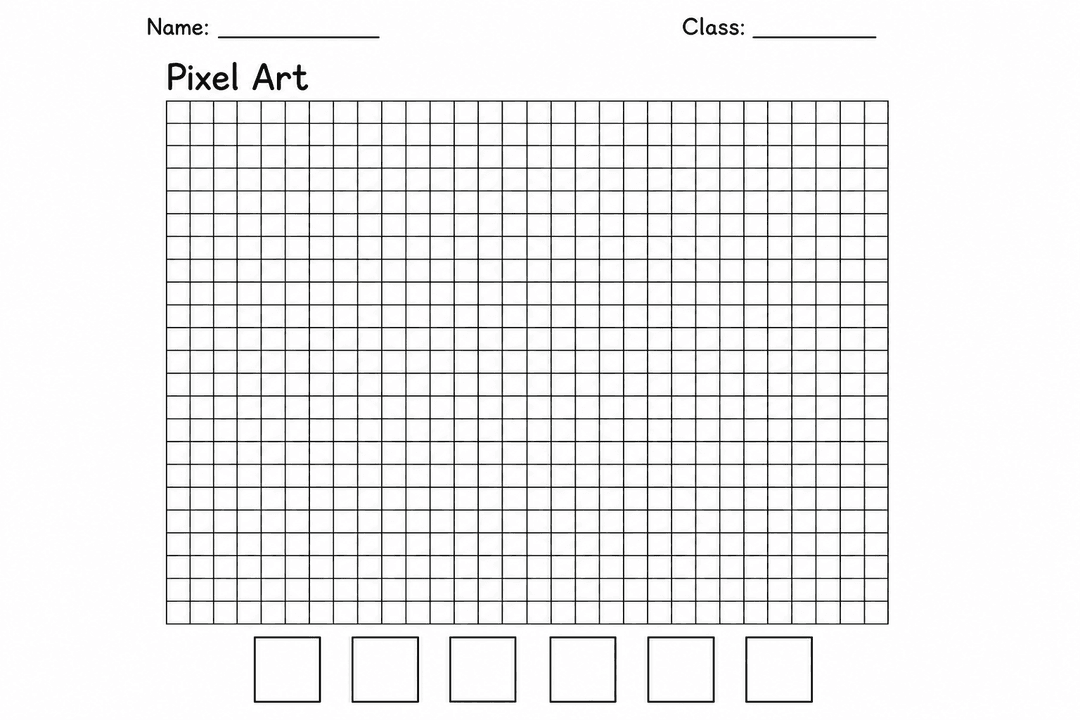
Pixel art is a sneaky way to teach coordinates, symmetry and planning — children think they're just making game sprites. All you need is a grid and a few colours.
How to teach pixel art
- Look at examples. Classic game sprites show how few squares make a recognisable shape.
- Start with symmetry. A butterfly or heart teaches mirroring across the grid.
- Plan before colouring. Outline the shape one square at a time.
- Fill solid blocks — no half-squares. This is the rule that makes it "pixel" art.
- Add a colour key so patterns are deliberate, not random.
- Display and compare finished pieces.
How to use the free pixel art grid
Print the blank grid and let children design directly on the squares, or use the key boxes to plan a colour-by-square pattern first. It's perfect for early finishers, transition times, or a full design-and-technology lesson.
Quick tips
- Bigger squares for younger children; finer grids for a challenge.
- Link it to coordinates — call out "B4, colour it blue".
Grab the free Pixel Art Grid template from the Assets box below.
Explore the platform
Continue with KiwiBee
Choose the KiwiBee workspace or resource library that fits what you need next.
 For big organisations
 For schools
 For centers
 For team leaders
 For teachers
 AI and resources
 Printable worksheets
 Interactive simulations
 Teacher tools
 AI studio
 Ideas and research