Give Whole-Class Feedback Without Repeating the Same Action 30 Times
 By KiwiBee Team
Last updated September 4, 2026
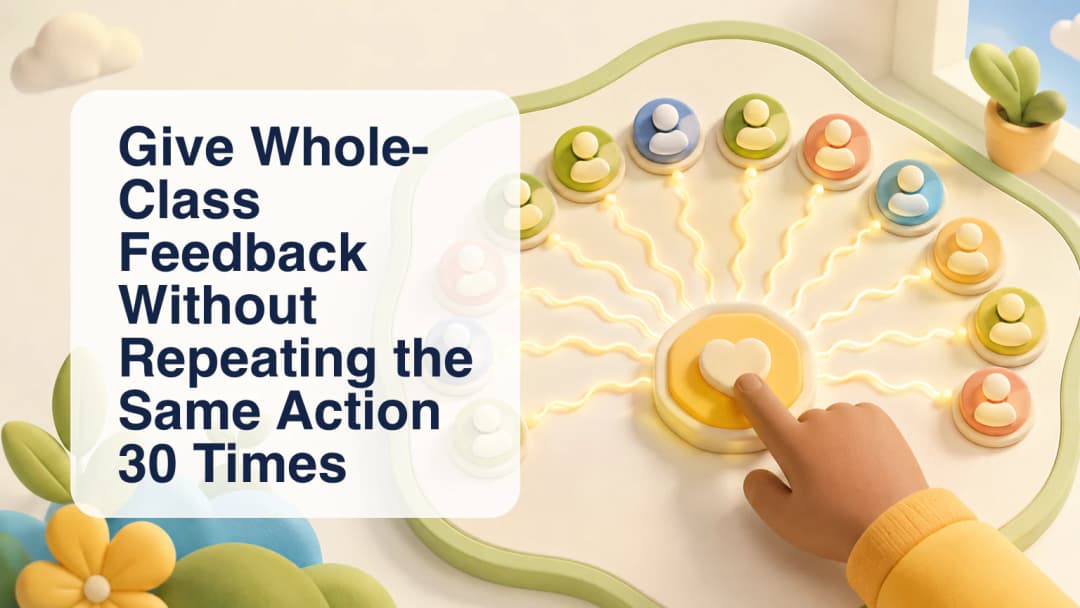
Whole-class behavior feedback is useful when one observable moment genuinely applies to everyone: a smooth transition, focused listening, a successful cleanup, or a class-wide reminder. In ClassSpark, the teacher can use the All Class control instead of opening every student card and repeating the same action. The shortcut saves taps, but it does not remove professional judgment. Confirm the active class, make sure the observation is truly shared, and choose a proportionate category before applying it.
Confirm the active roster first
The board is class-first. It loads enrolled students and any ClassSpark-only guests that belong to the current class. Students marked absent are excluded from the whole-class behavior action, while eligible guests can participate through their separate guest points ledger. Before opening the menu, scan the roster for an incorrect class, a late attendance change, or a participant who should not receive the same feedback. Whole-class should mean the eligible people visible in this session, not every learner attached to the school.
Review the active ClassSpark roster.
Choose one allowed class behavior
Open All Class and review the positive and needs-work choices. The menu uses the same merged behavior list available for individual feedback. If the class has configured live choices for a tone, those class choices are used; shipped defaults are only a fallback when that tone has none. Select the category that describes what was observed. The configured signed point value applies consistently across the eligible roster, so a small mistake can multiply quickly. Avoid using a broad class action when only a group or one learner was involved; Multi-select or an individual card is more accurate in those cases.
Use behavior feedback proportionately.
Wait for persistence, not just animation
ClassSpark updates the cards optimistically, plays the matching tone, and shows point bubbles immediately. Behind that response, academic students receive scoped behavior-incident rows and guests use the guest points service. The writes retain organization, class, reporter, date, and available lesson or session context. If persistence fails, the interface rolls back the optimistic totals, reports an error, and reloads the authoritative roster. A bubble proves the tap was received by the interface; it is not, by itself, proof that every row was saved.
- Open the intended class and verify the live roster.
- Check attendance so absent students are not treated as eligible.
- Select All Class from the ClassSpark controls.
- Review the class's positive and needs-work categories.
- Choose one category only when the observation applies to everyone eligible.
- Pause for the save outcome and let the roster reload if an error appears.
Use class-wide feedback sparingly enough that it remains meaningful. Describe a visible action rather than a personality, keep the point value proportionate, and avoid public ranking language. A saved negative event may enter configured parent-notification or escalation workflows for enrolled students, but those downstream settings vary by school and should not be promised as universal. Administrator and Team Leader analytics are separate surfaces and are not established by this teacher action. When the evidence is mixed, narrow the audience instead of forcing the entire class into one record.
Practical checks before one class-wide tap
Give whole-class feedback without repeating the same action 30 times
Explore the platform
Continue with KiwiBee
Choose the KiwiBee workspace or resource library that fits what you need next.
 Home
Home All solutions
 Pricing
 About us
 KiwiBee for Non-profits
 Events & webinars
 For big organisations
 For schools
 For centers
 For team leaders
 For teachers
 AI and resources
 Resources
 Printable worksheets
 Lesson Packs
 Interactive simulations
 Teacher tools
 AI studio
 Ideas and research