Confirm Exactly Which Students Receive Differentiated Homework
 By KiwiBee Team
Last updated September 3, 2026
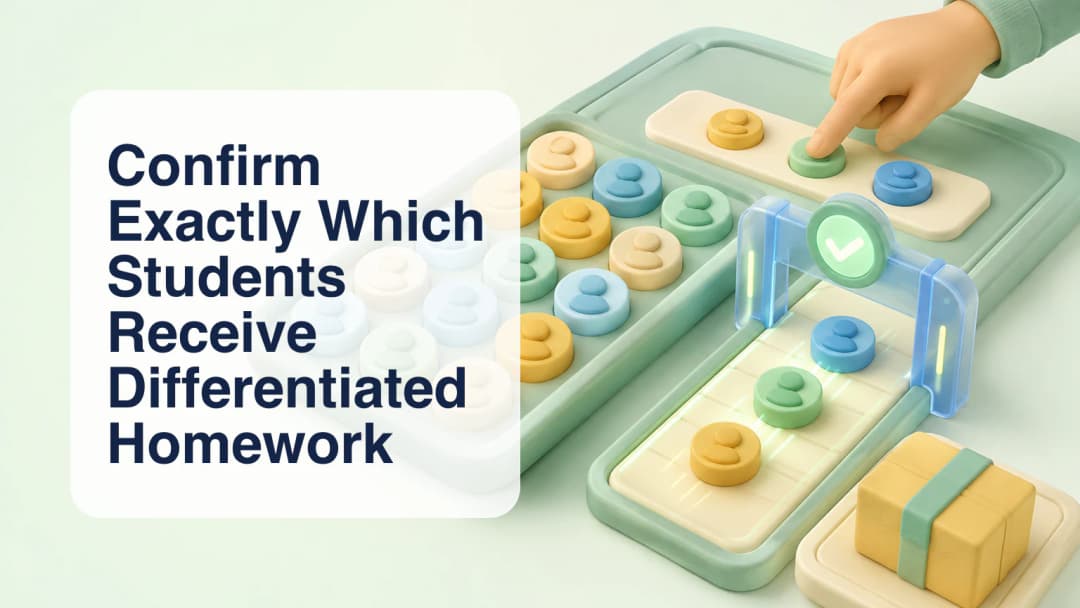
Differentiated homework should never be sent merely because a system identified a pattern. In KiwiBee, a teacher can use class performance evidence to investigate skill gaps and prepare a recipient proposal, but that proposal remains reviewable. The teacher decides which students receive the work, what the task contains, when it is due, and whether it should be published. The workflow does not promise automatic personalization, perfect targeting, guaranteed completion, or improved learning outcomes.
Review the proposed recipient group
The Homework AI assistant has separate read, draft, and write boundaries. Read tools can examine authorized class records and recent work. Draft tools can recommend homework or select possible recipients from a verified class using a skill focus and threshold. Their output includes recipient IDs, summaries, and a rationale so the interface can show a review card. A draft tool does not publish, notify students, or create authority. The selected class remains part of every scope check.
Review the proposed recipient group.
Confirm the names at the publish boundary
At publication, the interface opens a confirmation dialog that shows the student names. Only the teacher's click sets confirm=true for the publish action. If confirmation is absent, the write tool fails safely and asks the model to wait. The model cannot set that approval on the teacher's behalf. This is the moment to compare the visible names with the intended class, remove anyone included by mistake, add an omitted learner when appropriate, and check the due date and instructions.
Confirm the names at the publish boundary.
Follow the assignment without assuming outcomes
Once published, the assignment records the explicit recipient list. The Homework Tracker can then show per-student Done and Not done status for the selected homework without inventing a second score. Notifications may be sent through the approved delivery path, but delivery does not prove that a learner opened, understood, or completed the task. Teachers should use the tracker and subsequent classroom evidence to decide whether to adjust support.
- Open the intended class and verify its roster.
- Review the skill evidence or teaching reason for differentiated practice.
- Prepare or edit the homework before choosing recipients.
- Inspect every name in the recipient review card and confirmation dialog.
- Confirm the due date, instructions, accessibility, and workload.
- Publish only after the visible list matches the teacher's decision.
A threshold can support a conversation; it cannot replace professional judgment. Consider recent absences, incomplete evidence, accommodations, language needs, and whether the proposed task actually addresses the identified skill. Explain the purpose without labelling students, and offer an equivalent path when needed. The safest workflow makes recipient choice explicit, confirmation human, and follow-up evidence-based. Check the active class before reviewing names. Treat thresholds as signals, not verdicts. Look for missing or stale evidence. Avoid labels in student-facing instructions. Review accommodations before publishing. Check the task on a student-sized screen.
Confirm Exactly Which Students Receive Differentiated Homework
Explore the platform
Continue with KiwiBee
Choose the KiwiBee workspace or resource library that fits what you need next.
 For big organisations
 For schools
 For centers
 For team leaders
 For teachers
 AI and resources
 Printable worksheets
 Interactive simulations
 Teacher tools
 AI studio
 Ideas and research