Best Schoology Alternatives for K–12 Teachers in 2026
Schoology is a flexible K–12 LMS. These alternatives are worth testing when teachers want a more direct path from planning to classroom activity.
 By KiwiBee Team· Education Team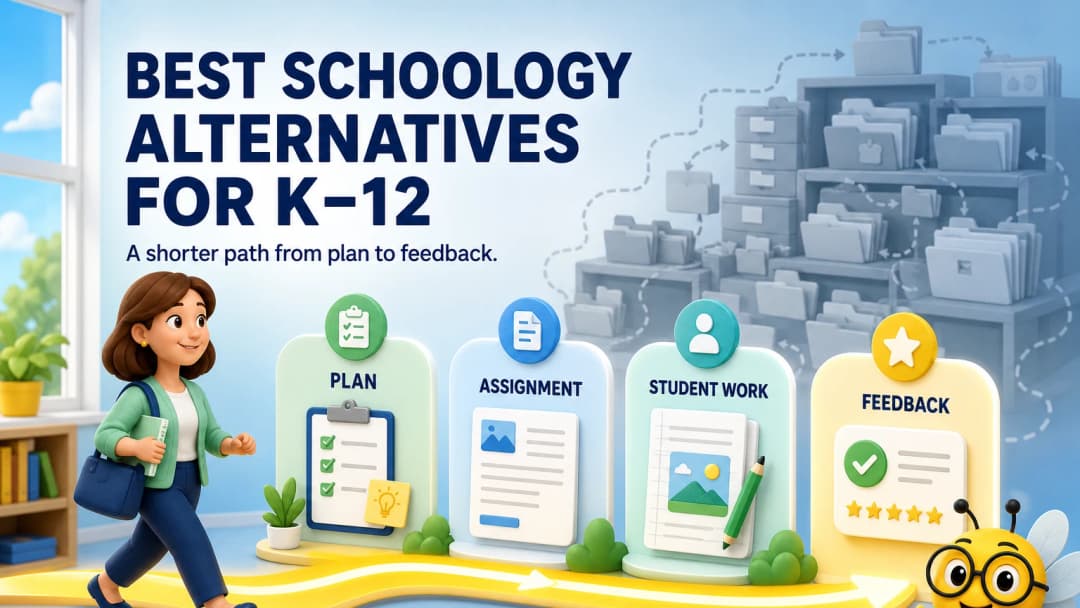
Quick answer
The best Schoology alternative depends on the centre of your workflow. Canvas offers deep course design, Google Classroom offers familiar simplicity, PowerSchool’s broader suite strengthens SIS connections, Moodle offers open flexibility, and KiwiBee connects planning with assignments, games, behaviour, curriculum and reports.
Schoology remains a widely used K–12 LMS for courses, assignments, communication, assessment and integrations. G2 reviewers frequently praise its organization, while some mention technical glitches or a lack of intuitiveness. Both can be true because local configuration matters.
What K–12 teachers usually want
Teachers rarely ask for “an LMS” in the abstract. They ask to:
- post tomorrow’s work quickly;
- reuse a lesson without rebuilding it;
- see who completed the task;
- give feedback without opening five screens;
- run an engaging activity;
- communicate progress to students and families.
Use those jobs as your selection criteria.
Alternatives to compare
Canvas
Canvas is strong for modules, course structure, integrations and assessment. Its depth can be an advantage for secondary or blended courses, but G2 reviewers also note that course-design choices may feel complex for new users.
Google Classroom
Google Classroom is easy to adopt inside Google Workspace and supports assignments, rubrics, feedback, analytics and SIS grade sync. More structured or school-wide workflows may require other products.
Moodle
Moodle offers extensive customization and community plugins. That flexibility also creates hosting, configuration and maintenance decisions.
KiwiBee
KiwiBee is the teacher-workflow alternative. The same live workspace opens Lessons, Assignments, Games, Reports, ClassSpark, Gradebook and Curriculums. Class context stays visible across the core areas examined, and common creation screens open with a useful starting format selected.
Explore homework, classroom activities, and classroom management.
Test one complete school day
Instead of creating a demonstration course, simulate a Tuesday:
- adjust the lesson after yesterday’s assessment;
- assign differentiated practice;
- run a retrieval game;
- take attendance and handle a behaviour event;
- update progress and contact a family.
Count re-entry of information, not just clicks. Re-selecting the same class or copying the same objective is often the more meaningful burden.
Migration and adoption matter as much as the demo
Before replacing Schoology, inventory course templates, rubrics, question banks, files, grade history, integrations and parent-facing links. Decide which items must migrate, which can remain in a read-only archive and which should be retired. Then plan teacher training around five common jobs rather than every menu. A platform that feels easier in a clean demo can become harder if staff lose trusted materials or must rebuild a semester of courses. A phased pilot with reversible data exports is safer than a big-bang switch.
FAQ
Is Schoology part of PowerSchool?
Yes. PowerSchool acquired Schoology and positions Schoology Learning within its K–12 classroom portfolio.
Is KiwiBee a traditional LMS?
KiwiBee includes LMS-like teaching and learning workflows while also bringing in curriculum, classroom management, games, reporting and school operations.
Which option is easiest for younger students?
Test the student experience directly. A platform that is efficient for course design may still require more navigation than a primary learner needs.
Sources
Explore the platform
Continue with KiwiBee
Choose the KiwiBee workspace or resource library that fits what you need next.
 For big organisations
 For schools
 For centers
 For team leaders
 For teachers
 AI and resources
 Printable worksheets
 Interactive simulations
 Teacher tools
 AI studio
 Ideas and research