Best PowerSchool Alternatives for Small Private Schools
PowerSchool is built for serious SIS operations. Small schools should compare whether they need that depth or a more teacher-centred all-in-one workflow.
 By KiwiBee Team· Education Team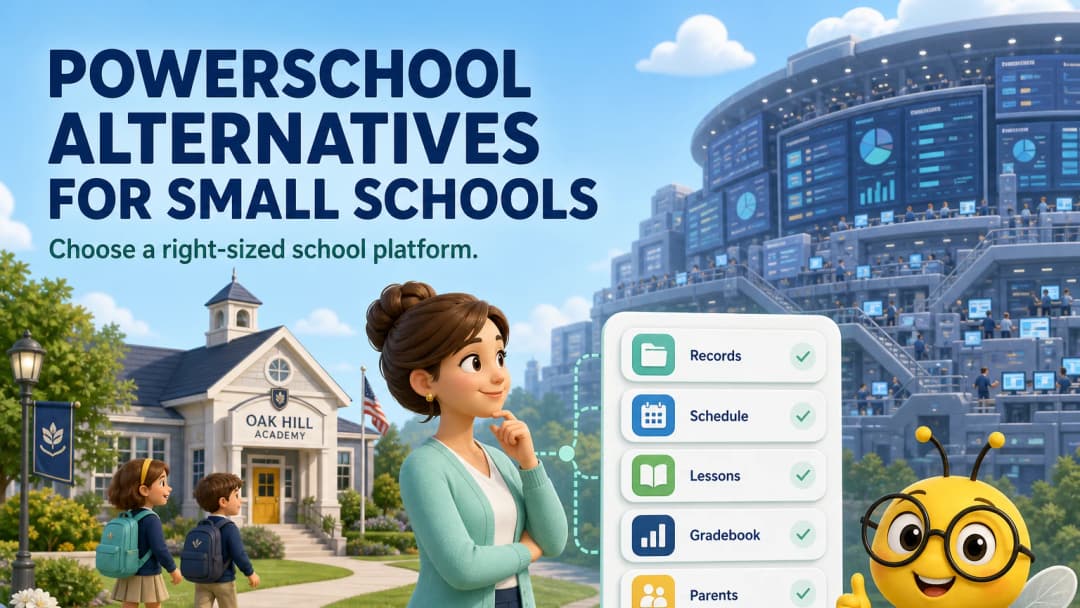
Start with the problem PowerSchool solves well
PowerSchool SIS is built around student records, scheduling, attendance, grading, reporting, compliance and family access. Its official product supports custom fields, flexible schedules, PowerTeacher Pro, parent and student portals and mobile access. For a school with complex regulatory and data requirements, that depth is an advantage.
A small private school may still search for an alternative because the buying question is different: “What is the simplest system that reliably runs our school and helps teachers teach?”
The shortlist
Gradelink or FACTS
These are established private-school options when SIS, tuition or school administration leads the decision. Evaluate local reporting, billing and support requirements carefully.
Google Classroom plus an SIS
This can be familiar and flexible for schools already using Google Workspace, but it may preserve the split between teaching and administration.
Canvas or Schoology
These are strong LMS candidates when online course delivery and integrations matter more than a single lightweight teacher workspace.
KiwiBee
KiwiBee is worth comparing when a small school wants school management and a daily teacher toolkit in the same product. The live teacher workspace includes schedule, lessons, assignments, games, reports, class story, gradebook, curriculum, students, teams and ClassSpark.
See school management, gradebook, and parent portal.
The small-school advantage of a teacher-centred system
In a small school, one person may teach, coordinate curriculum and communicate with families. A platform split into specialist products can create clean enterprise boundaries while increasing the number of contexts that person must manage.
KiwiBee’s design keeps the teacher’s selected class visible across several core workspaces. Lesson planning opens with a template ready; assignments and games open with useful starting formats; reports keep class and reporting-period controls together. That can matter more to a ten-teacher school than an enterprise feature used once a year.
What KiwiBee should not be assumed to replace
Do not assume any teacher-friendly platform automatically covers your country’s funding, state reporting, safeguarding, payroll, finance or admissions requirements. PowerSchool’s compliance and interoperability depth is a genuine strength. Build a mandatory-requirements list before choosing.
A five-part private-school pilot
Test:
- student and family records;
- timetable and attendance;
- lesson-to-assignment workflow;
- grading and progress reports;
- family communication and permissions.
Include the person who owns data protection and the teacher who is least enthusiastic about new software. If both can complete their real work, the pilot is useful.
FAQ
Is PowerSchool too large for every small school?
No. Some small schools need its SIS and compliance depth. The point is to match the product to required workflows, not student count alone.
Can KiwiBee replace a SIS?
It offers school-management capabilities, but the answer depends on regional reporting, migration, integrations and the exact records your school must hold.
What is the main KiwiBee advantage for small schools?
The teacher workspace connects planning, classroom activity, behaviour, curriculum, gradebook and reporting through one persistent navigation model.
Sources
Explore the platform
Continue with KiwiBee
Choose the KiwiBee workspace or resource library that fits what you need next.
 For big organisations
 For schools
 For centers
 For team leaders
 For teachers
 AI and resources
 Printable worksheets
 Interactive simulations
 Teacher tools
 AI studio
 Ideas and research