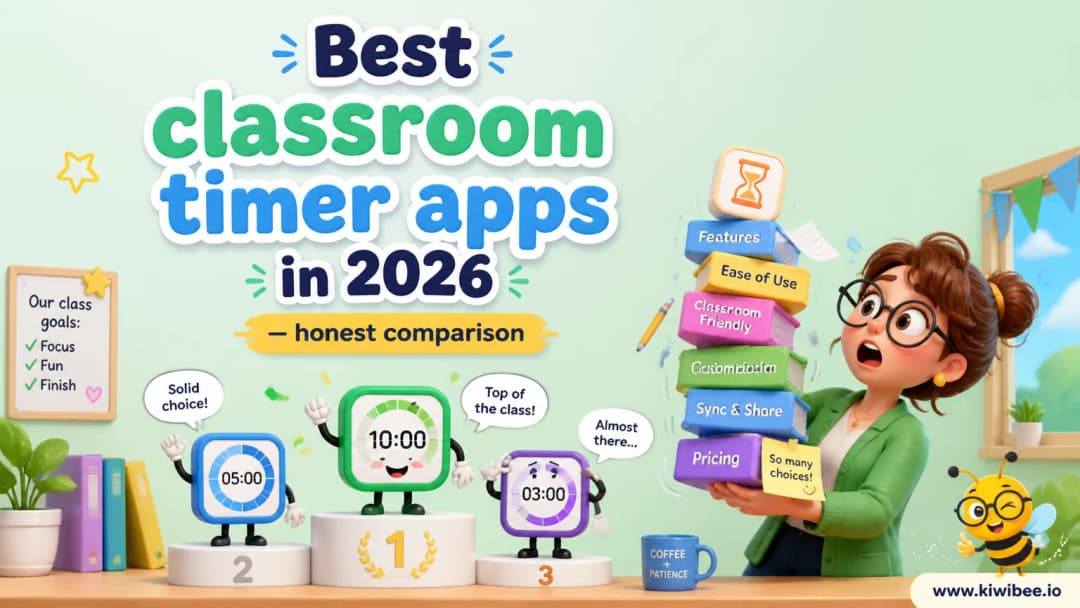
Best classroom timer apps in 2026 — honest comparison
We tested every timer app teachers actually use
Last updated June 1, 2026
What makes a good classroom timer?
A classroom timer needs three things: a large visible display, an audible end signal, and zero setup friction. Anything more is a bonus; anything less and you'll stop using it.
The timers we tested
We tested browser-based timers, mobile apps, and Chrome extensions. Here's what we found for each category.
KiwiBee (free)
9 timer styles in one place: classroom timer, visual timer, bomb, volcano, candle, sand, pomodoro, stopwatch, and interval. All free, no signup. Share to Google Classroom in one click.
Our recommendation
If you want a free, no-friction timer with variety, KiwiBee covers all the bases. If you're already paying for a platform with timers built in, use what you have. But don't pay for a standalone timer app — there's no reason to.
Explore the platform
Continue with KiwiBee
Choose the KiwiBee workspace or resource library that fits what you need next.
Get one practical teaching resource in your inbox each week.
Related posts
Best Flashcard Apps for Teachers in 2026
Best Flashcard Apps for Teachers in 2026. An honest review of the leading classroom tools with strengths, weaknesses, and how to pick the right one for your context.
Best Interactive Lesson Tools for Teachers in 2026
Best Interactive Lesson Tools for Teachers in 2026. An honest review of the leading classroom tools with strengths, weaknesses, and how to pick the right one for your context.
 Home
Home All solutions
 Pricing
 About us
 KiwiBee for Non-profits
 Events & webinars
 For big organisations
 For schools
 For centers
 For team leaders
 For teachers
 AI and resources
 Resources
 Printable worksheets
 Lesson Packs
 Interactive simulations
 Teacher tools
 AI studio
 Ideas and research