Best Canvas Alternatives for Primary and Middle Schools
Canvas is powerful and flexible. Younger learners and busy teachers may benefit from a platform organized around the school day rather than course construction.
 By KiwiBee Team· Education Team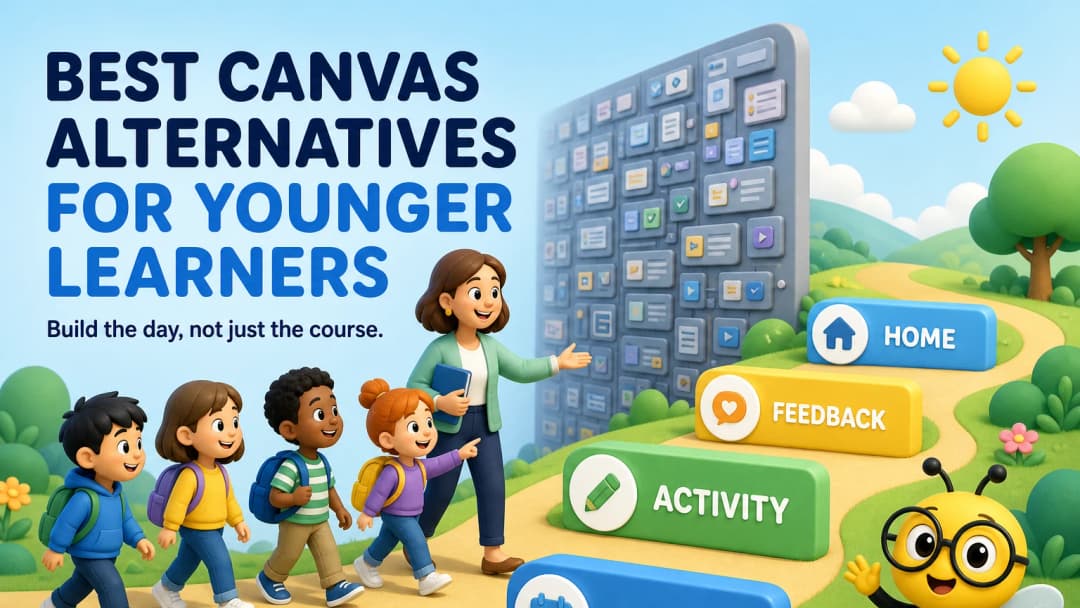
Canvas is powerful; younger grades may need a different centre
Canvas supports structured courses, modules, assignments, assessment, communication and integrations. Instructure positions it for K–12 as well as higher education. Many schools value its scale and flexibility.
The question for primary and middle schools is not whether Canvas can work. It is whether the course-and-module model matches how teachers and younger students understand the day.
What to prioritize for younger learners
- a clear “what do I do now?” path;
- fewer competing navigation choices;
- visible class identity and routines;
- easy multimedia and game-like practice;
- parent or family visibility;
- teacher tools for attendance, grouping and behaviour;
- progress views that make sense beyond assignment totals.
G2 reviews of Canvas praise its organization and capability, while some users describe the course-design interface and varying course structures as complex. That is a reason to test consistency, not proof that Canvas is unsuitable.
Alternatives to shortlist
Google Classroom
Familiar and relatively simple for assignments, particularly in Google Workspace schools.
Seesaw
Purpose-built for elementary learning, multimodal student work, portfolios and family communication.
Schoology
A K–12-focused LMS with broad course, assessment and communication tools.
KiwiBee
A connected teacher workspace with lesson planning, assignments, games, ClassSpark, reports, gradebook and curriculum. In the live ClassSpark view, the class roster appeared beside attendance, timer, picker, formation, wellbeing and behaviour tools—features that belong to the live classroom, not only the digital course.
Explore classroom management, classroom activities, and parent portal.
Run a student navigation test
Give three students age-appropriate tasks without verbal help:
- find today’s work;
- submit or complete an activity;
- find feedback;
- show what is due next;
- return to the class home.
Observe hesitation and wrong turns. Then repeat with a teacher creating the same work. The best interface must serve both sides.
Standardize without making every classroom identical
Younger learners benefit from consistent placement of today’s work, feedback and help. Teachers still need freedom to choose activities and respond to their class. During a pilot, define three navigation rules that every class follows, then let teachers design within them. Compare how much configuration is needed to maintain that consistency in Canvas and each alternative. The goal is not a rigid template; it is reducing the amount of interface knowledge a child must learn before they can learn the subject.
FAQ
Is Canvas only for universities?
No. Canvas has an official K–12 offering. Schools should still test how its course model fits their age group and teaching approach.
Which alternative is strongest for portfolios?
Seesaw is particularly strong for elementary portfolios and family visibility. KiwiBee should be considered when the need is broader daily teaching and school workflow integration.
Does KiwiBee include live classroom tools?
Yes. The reviewed ClassSpark workspace included attendance, timer, picker, formations, wellbeing and behaviour tools alongside the class roster.
Sources
Explore the platform
Continue with KiwiBee
Choose the KiwiBee workspace or resource library that fits what you need next.
 For big organisations
 For schools
 For centers
 For team leaders
 For teachers
 AI and resources
 Printable worksheets
 Interactive simulations
 Teacher tools
 AI studio
 Ideas and research