Add Wellbeing Check-Ins to the Same Live Class Routine
 By KiwiBee Team
Last updated September 6, 2026
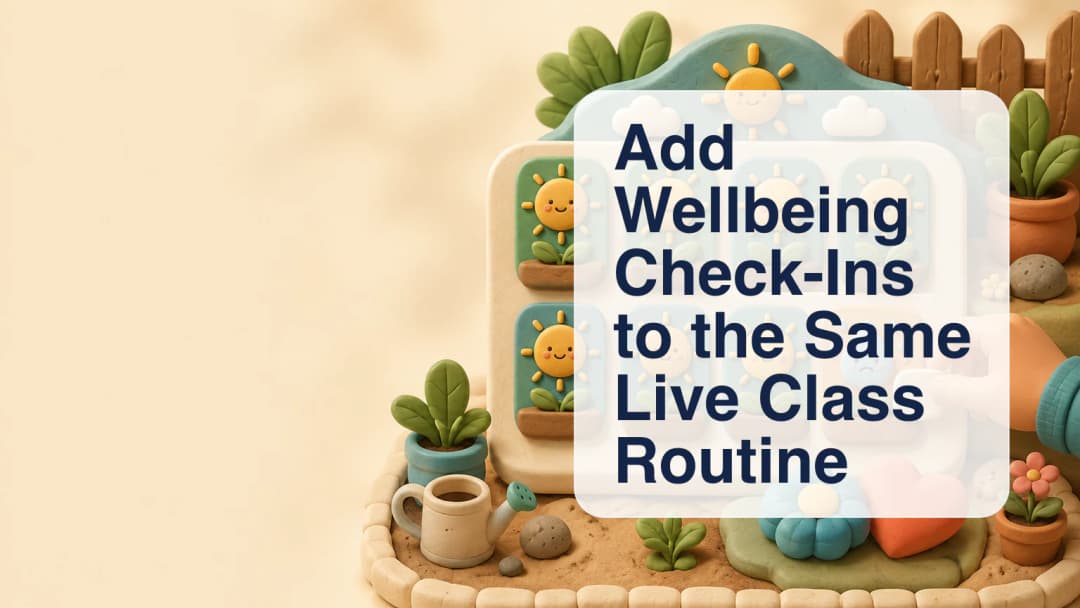
A teacher often notices how a class is settling before formal teaching begins. One learner may seem ready, while another may need a quiet follow-up. ClassSpark lets the teacher record that quick observation on the same live student-card board used during the lesson. The check-in remains a small, teacher-facing routine rather than a separate survey or a claim about diagnosis.
Open Wellbeing on the live board
Selecting Wellbeing changes the card interaction for the current scheduled class. The familiar monster artwork is temporarily replaced by a clear face disc: a happy signal appears on an emerald panel and a sad signal appears on an amber panel. The full-card color helps the teacher review the board from a distance. Attendance remains separate and keeps the learner’s monster, so the two routines do not pretend to record the same thing.
See the ClassSpark live-class workspace.
Add context when a learner may need attention
The teacher taps each relevant card to choose the quick signal. Selecting sad asks for a teacher note before that signal is persisted. The note action stays inside the card, close to the learner it describes. This is contextual information written by the teacher, not a medical label and not an automatic interpretation. Returning the card to happy removes the stashed sad note from the pending save, preventing outdated context from being copied forward.
- Start from the correct non-cancelled class in Today Schedule.
- Open Wellbeing on the ClassSpark board.
- Review the happy or sad signal shown for each enrolled learner.
- Add a concise teacher note when sad is selected.
- Use the same toolbar control, now labelled Save, to commit the board.
Explore connected classroom-management routines.
Save one coherent daily check-in
Saving writes one wellbeing row per non-guest student for the session date. The daily record is shared across that learner’s classes and with Student Affairs, so opening the mode first seeds the board from checks already saved that day. A later save updates the day in place instead of blindly replacing unseen information. Guests are excluded. An absent learner is skipped rather than being given a fabricated positive mood; a deliberate sad flag can still be saved with the learner’s absent state.
Keep the routine tied to a scheduled class
Wellbeing saves only when the selected class has a valid, non-cancelled occurrence for that date. Without one, ClassSpark closes the mode and directs the teacher to choose a scheduled class. Clicking outside the board cancels the mode without saving, while a successful save closes it. This makes an unfinished observation different from a committed daily record.
The sad note also follows its existing immediate path into a neutral, zero-point “Wellbeing Check” classroom note, while the final board save copies it into the day’s wellbeing row. Saved history can be reviewed and manually corrected in the Gradebook Wellbeing register, and Student Affairs reads the same rows. ClassSpark does not claim complete Admin or Team Leader wellbeing analytics here; this workflow describes the controls and records the teacher actually uses during the live session.
Used carefully, the check-in adds a repeatable moment of attention to an existing class routine. It gives teachers a consistent place to record a simple signal and relevant context without turning a brief classroom observation into a diagnosis or an automated judgment.
Explore the platform
Continue with KiwiBee
Choose the KiwiBee workspace or resource library that fits what you need next.
 Home
Home All solutions
 Pricing
 About us
 KiwiBee for Non-profits
 Events & webinars
 For big organisations
 For schools
 For centers
 For team leaders
 For teachers
 AI and resources
 Resources
 Printable worksheets
 Lesson Packs
 Interactive simulations
 Teacher tools
 AI studio
 Ideas and research