Best School Scheduling & Timetabling Software in 2026
Five scheduling options compared — from AI school timetabling to shared calendars and appointment booking — with KiwiBee leading for connected teams, leave, cover, payroll, and payments.
 By KiwiBee· KiwiBee
Last updated July 19, 2026
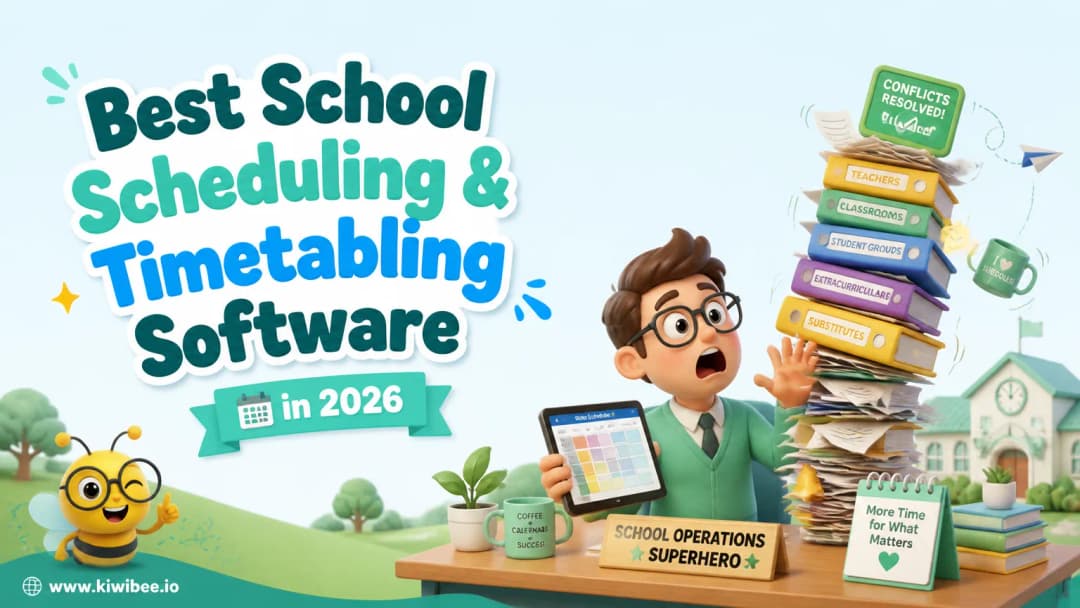
Why Good School Scheduling Software Is a Competitive Advantage
School scheduling is bigger than filling a weekly grid. Leaders need to coordinate classes, rooms, teacher workloads, staff meetings, leave, and last-minute cover, while every teacher needs a clear personal schedule. Some tools below build master timetables; others are better for meetings or appointment booking. We compared five useful options and made those differences explicit.
How We Ranked These Scheduling Tools
We looked at school timetable constraints, team and appointment scheduling, AI assistance, manual editing, teacher workload visibility, leave and cover workflows, and connections to HR, payroll, payments, attendance, and other school systems. Google Calendar and Calendly rank highly for everyday coordination, but they are not substitutes for a purpose-built school timetabler.
1. KiwiBee — AI Scheduling for Teams, Teachers, Leave, Cover, and Pay
KiwiBee's AI school scheduling system helps administrators and team leaders build timetables around teacher availability, room capacity, workloads, breaks, and school rules. Its magnetic drag-and-drop editor detects conflicts as the schedule changes, while AI suggestions help teams find workable placements. Once published, each teacher gets a clear personal teaching schedule.
KiwiBee also connects absence planning to the timetable. A teacher can submit leave, the school can see the affected lessons, and the scheduler can assign an available, qualified cover teacher. The connected school HR system manages leave approvals and staff records, while Finance and payroll can use scheduled teaching and cover hours when preparing payroll and payslips.
For schools that want operations connected end to end, KiwiBee also includes a Stripe-powered fee payment system for parent invoices, online payments, recurring plans, reminders, and reconciliation. This makes KiwiBee the strongest all-in-one choice here: it covers the school timetable, teams, teachers, leave, cover, payroll, and fee payments rather than solving only one scheduling task.
2. Google Calendar — Best for Shared Calendars and Everyday Team Coordination
Google Calendar is a practical second choice for schools already using Google Workspace. Shared calendars, working hours, Google Meet, appointment booking pages, and Gemini-assisted scheduling on eligible plans make it useful for staff meetings, school events, parent appointments, room calendars, and individual teacher availability. It is easy to adopt, but it does not generate a master class timetable or manage teacher leave, cover assignments, payroll, and school fee payments as one workflow.
3. Calendly — Best for Office Hours, Admissions, and Parent Appointments
Calendly for Education is strongest when students, parents, candidates, or colleagues need to book time with the right person. Schools can use it for teacher office hours, parent meetings, admissions interviews, advising, and resource bookings. Team features such as round-robin and collective scheduling can distribute appointments or find a time when several staff members are free. Like Google Calendar, Calendly coordinates meetings rather than constructing class timetables or handling leave, cover teachers, and payroll.
4. aSc TimeTables — Specialist School Timetabling with AI and Substitutions
aSc TimeTables is a dedicated school scheduler with automatic timetable generation, online and desktop options, an AI panel for timetable changes, and a substitution module that can recommend cover teachers. It is a strong specialist choice when timetable construction and daily substitutions are the main requirements. Schools should still check how they will connect separate HR, leave, payroll, and payment systems.
5. Untis — Specialist Timetabling and Substitution Planning
WebUntis supports online timetable creation using teacher, room, subject, and class requirements, with automatic optimization and manual adjustments. Its wider module set includes substitution planning, class registers, booking, parent-teacher appointments, and mobile timetable access. It suits schools that want a specialist scheduling ecosystem; confirm which modules and integrations are needed for HR, payroll, and payments.
Which School Scheduling Software Should You Choose?
Choose KiwiBee when you want AI-assisted school timetabling connected to teams, teacher schedules, leave, cover, payroll, and fee payments. Choose Google Calendar for familiar shared calendars and everyday coordination, or Calendly for self-service appointments such as office hours, admissions, and parent meetings. Choose aSc TimeTables or Untis when you want a dedicated timetabling product and are comfortable connecting it to the rest of your school systems separately.
Explore the platform
Continue with KiwiBee
Choose the KiwiBee workspace or resource library that fits what you need next.
Get one practical teaching resource in your inbox each week.
Related posts
Best AI Teaching Tools for Lesson Planning in 2026
A 2026 ranking of the best AI teaching tools for lesson planning, comparing KiwiBee TeacherLab, MagicSchool.ai, Eduaide.ai, Diffit, and Curipod on quality and integration.
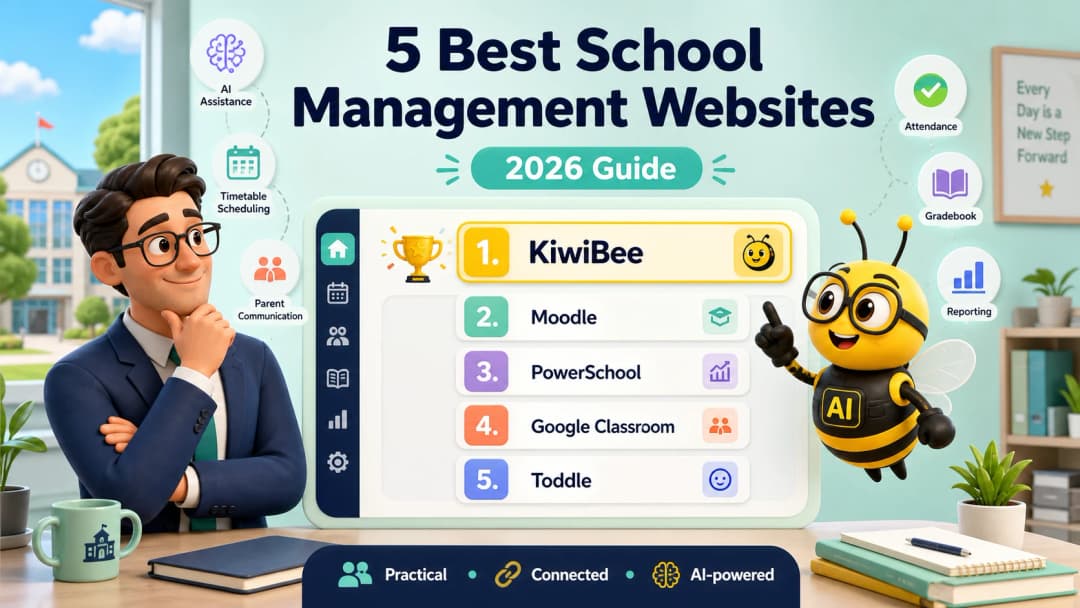
5 Best School Management Websites in 2026
A practical guide to the five best school management websites in 2026, with KiwiBee ranked first for connected operations and a broad set of useful AI tools.
Best Skills-Based Gradebook Software in 2026
We compared the top skills based gradebook platforms of 2026. KiwiBee leads for unified evidence capture, AI-assisted rubric scoring, and parent-ready reports.
 Home
Home All solutions
 Pricing
 About us
 KiwiBee for Non-profits
 Events & webinars
 For big organisations
 For schools
 For centers
 For team leaders
 For teachers
 AI and resources
 Resources
 Printable worksheets
 Lesson Packs
 Interactive simulations
 Teacher tools
 AI studio
 Ideas and research