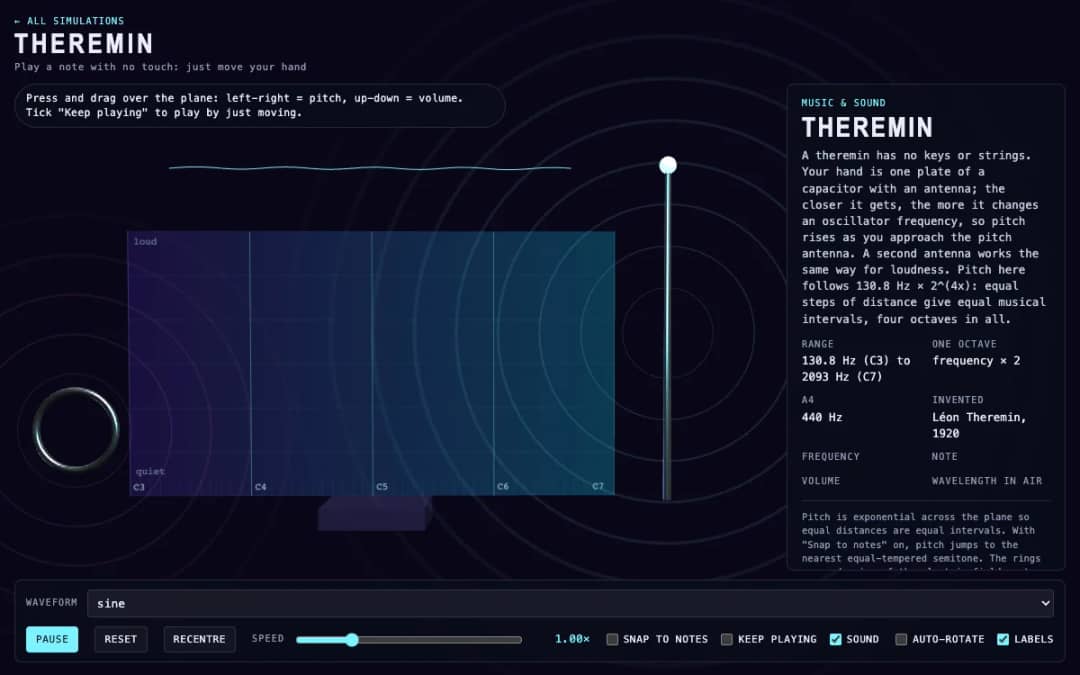
A virtual theremin where students press and drag over a plane. Moving left and right changes pitch, moving up and down changes volume, and readouts show frequency, note, volume and wavelength.
—
KiwiBee 使用 Google Analytics、Google Ads 及 Meta Pixel 的可選 Cookie,以了解成年訪客、統計已完成的註冊及改善推廣活動。必要 Cookie 會一直保持啟用。 OpenAI 的 ChatGPT 廣告像素亦會在您同意廣告追蹤後衡量頁面瀏覽及已提交的查詢,並可能使用經雜湊處理的聯絡資料作配對。 私隱政策
This simulation shows how music loops are built. A board holds four rows (Kick, Snare, Hat and Bell) and eight steps. Students click cells to switch notes on or off, and a glowing playhead sweeps across the grid, sounding every cell that is on. Tempo can be changed from 60 to 200 BPM, and presets such as Backbeat, Four on the floor, Random or Empty give starting patterns. Readouts show the current step, tempo, number of cells on, and the length of one step and of the whole loop. It teaches rhythm, steps and beats, tempo in beats per minute and how seconds relate to BPM, so it fits music and math lessons.
Yes. Step Sequencer is free, needs no sign-up and runs in any modern browser, including whiteboards, tablets and phones.
Click any cell on the grid to turn it on or off. The playhead sweeps across the eight steps and plays every cell that is on in each row.
Eight steps are eighth notes, so one loop is 4 beats. At 120 BPM a beat is 0.5 seconds, a step is 0.25 seconds and the loop is 2 seconds.
A backbeat puts the strong accent on the even beats, usually with the snare on beats 2 and 4, while the kick plays on beats 1 and 3.
免費嵌入你的學習平台、網誌或班級網頁。
<iframe src="https://kiwibee.io/zh/simulations/step-sequencer-3d-simulation/embed" title="Step Sequencer | KiwiBee" loading="lazy" allowfullscreen style="width:100%;height:min(70vh,620px);min-height:420px;border:0;border-radius:16px"></iframe>繼續探索
A virtual theremin where students press and drag over a plane. Moving left and right changes pitch, moving up and down changes volume, and readouts show frequency, note, volume and wavelength.
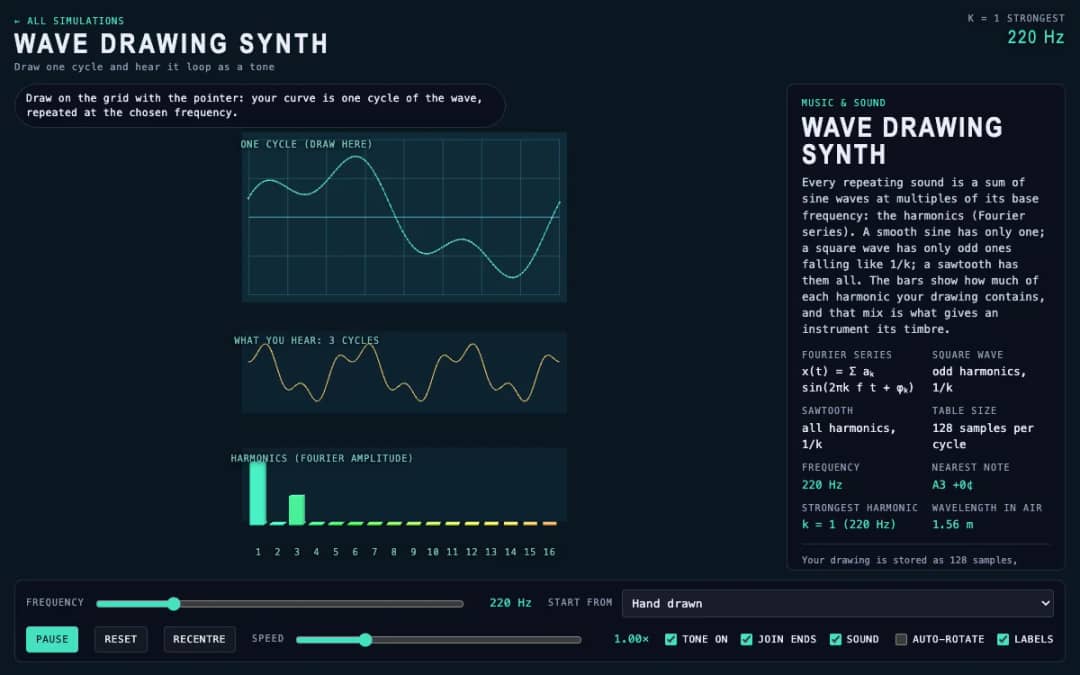
Students draw a single cycle of a wave on a grid, and the simulation plays it as a repeating tone. Frequency, preset waves and a join-ends option let them compare their drawing with sine, square and sawtooth sounds.
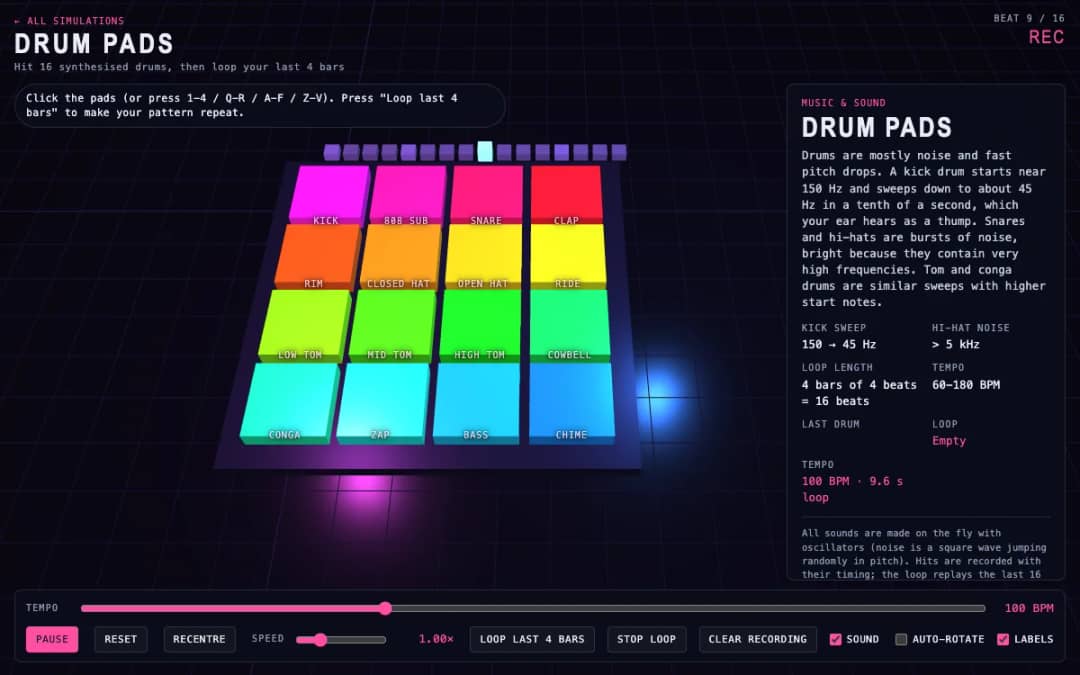
Sixteen 3D drum pads, from kick and snare to cowbell and chime, play synthesized sounds when students click them or press keys. A tempo slider sets the speed and a loop button repeats the last four bars they played.
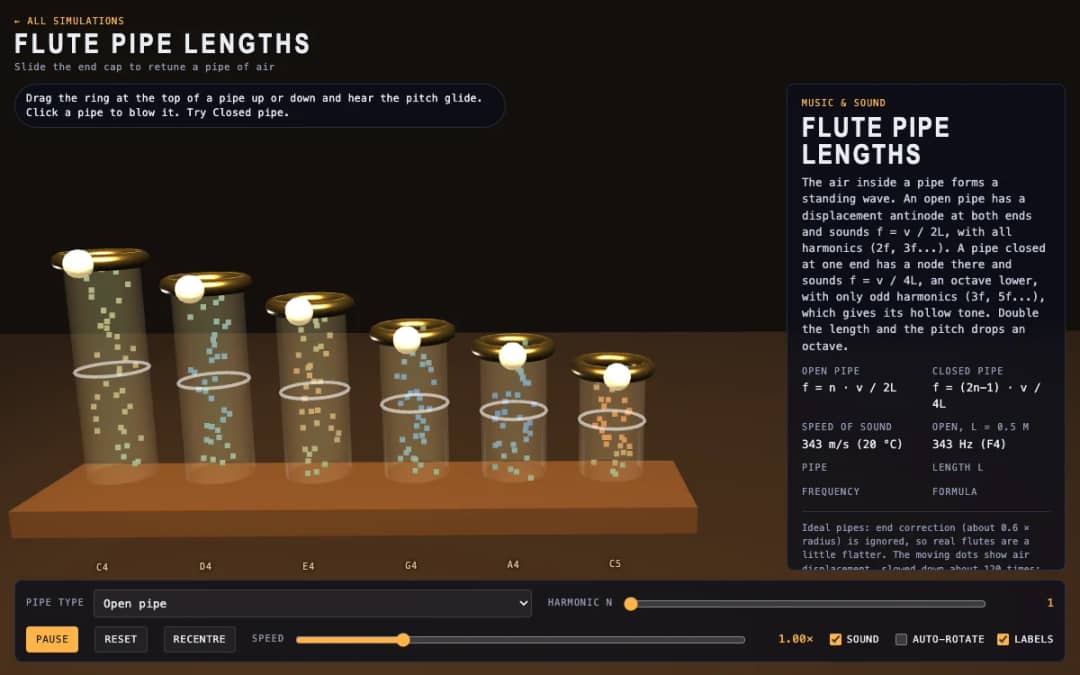
Six 3D flute pipes with a slider ring at the top of each. Students drag the ring to change the pipe length, click a pipe to blow it and switch between open and closed pipes to see air moving and hear the pitch.
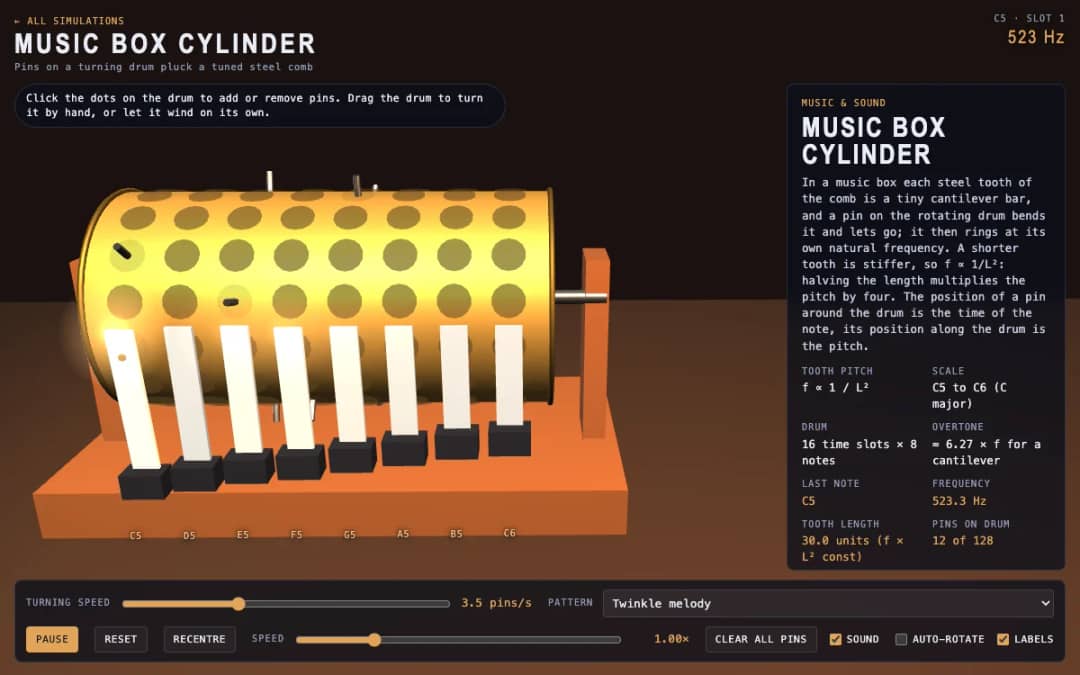
A 3D music box with a pinned drum and a steel comb. Students click dots to add or remove pins, drag the drum to turn it or let it wind itself, and see how tooth length sets each note.
KiwiBee 的免費教師工作空間,把備課、工作紙、課堂工具和成績冊集中在同一處。
免費開始,建立你的第一個班別 首頁
首頁 所有解決方案
 價格
價格 關於我們
關於我們 KiwiBee 非牟利機構計劃
 活動及網上研討會
 適合大型教育機構
 適合學校
適合學校 適合教育中心
 適合團隊主管
 適合教師
適合教師 AI 和教學資源
 教學資源
教學資源 可列印工作紙
 課程包
課程包 互動模擬
互動模擬 教師工具
教師工具 AI 工作室
 教學構思與研究