
Bezier Curve Editor
- 數學
留言
與此模擬實驗相關
按意思從遊戲、工作紙、模擬實驗、教師工具和影片中揀選。
關於這個模擬實驗
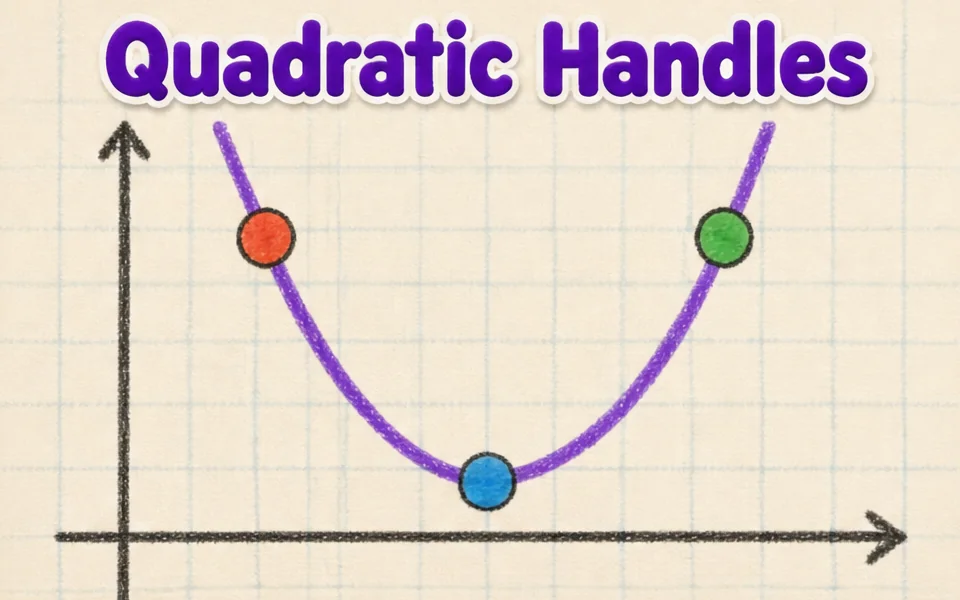
This simulation shows how the smooth curves in fonts, logos and drawing tools are made. Students drag four control points anywhere in 3D, and the curve starts at the first point, ends at the last and is only pulled toward the two in between. A slider, animation or the left and right arrow keys move the parameter t from 0 to 1. Colored lines show the construction: the control polygon in blue, the first level of points in amber, the second in green and the curve point in red. Readouts give t, the curve point B of t, its speed and the curve length. A button flattens the curve to a plane. It teaches interpolation and parametric curves.
學生可以探索什麼
- Drag the second control point far away and see how the curve bends toward it without touching it.
- Pause Animate t and move the t slider, watching the blue, amber and green lines.
- Press the left and right arrow keys to move t in small steps.
- Press Flatten to a plane and compare the curve with a flat drawing program curve.
- Move the points to make an S shape, then read the Curve length readout.
學習目標
- 1Describe how four control points define a cubic Bezier curve.
- 2Explain how repeated interpolation builds a point on the curve.
- 3Relate the parameter t to the position along the curve.
- 4Predict how moving a control point changes the shape of the curve.
教師常問的問題
Is it free?
Yes. Bezier Curve Editor is free, needs no sign-up and runs in any modern browser, including whiteboards, tablets and phones.
Does the curve pass through all four points?
No. It passes through the first and last points only. The two middle points act like magnets that pull the curve toward them.
What is De Casteljau's algorithm?
It finds the point at t by taking the point a fraction t along each segment, repeating until one point is left. Four points give three, then two, then one point on the curve.
How do I move the view?
Drag empty space to turn the view, and drag the points themselves to reshape the curve. Arrow keys scrub t.
嵌入這個模擬實驗
免費嵌入你的學習平台、網誌或班級網頁。
<iframe src="https://kiwibee.io/zh/simulations/bezier-curve-editor-3d-simulation/embed" title="Bezier Curve Editor | KiwiBee" loading="lazy" allowfullscreen style="width:100%;height:min(70vh,620px);min-height:420px;border:0;border-radius:16px"></iframe>把互動科學帶進你的課堂
KiwiBee 的免費教師工作空間,把備課、工作紙、課堂工具和成績冊集中在同一處。
免費開始,建立你的第一個班別在 YouTube 觀看 KiwiBee
為教師和學校而設的 KiwiBee 短片。訂閱頻道,或在你常用的平台關注 KiwiBee。
 首頁
 所有解決方案
 價格
 關於我們
 KiwiBee 非牟利機構計劃
 活動及網上研討會
 適合大型教育機構
 適合學校
 適合教育中心
 適合團隊主管
 適合教師
 教學資源
 可列印工作紙
 互動模擬
 教師工具
 教學構思與研究


