
3D Point Plotter
- 數學
留言
與此模擬實驗相關
按意思從遊戲、工作紙、模擬實驗、教師工具和影片中揀選。
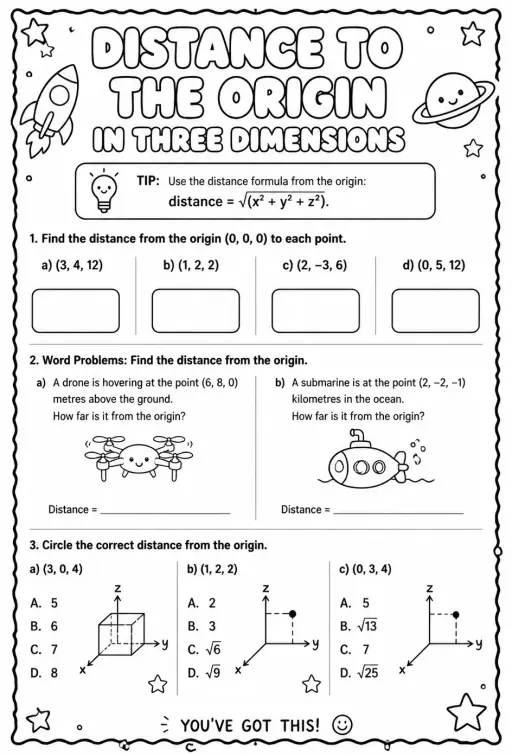
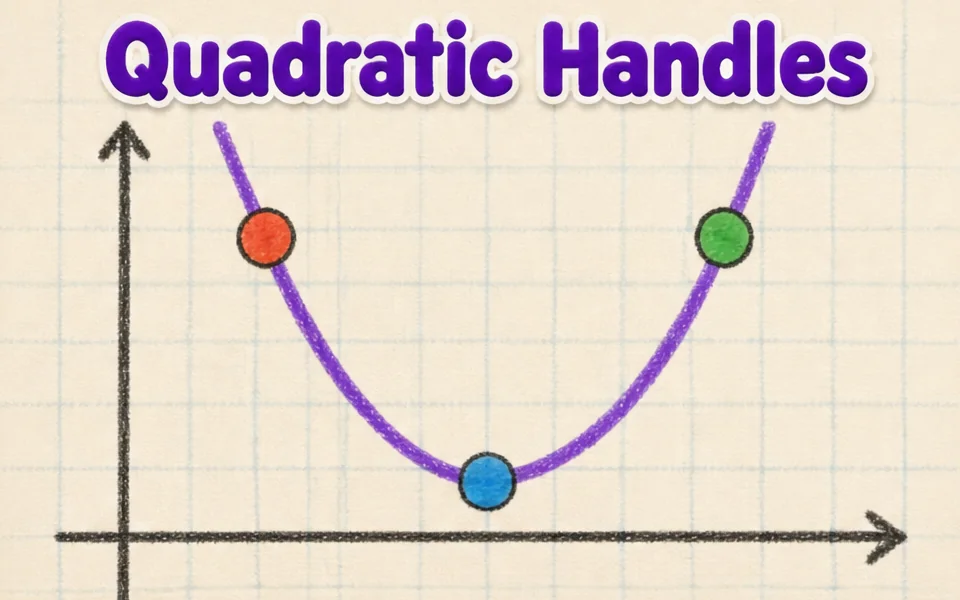
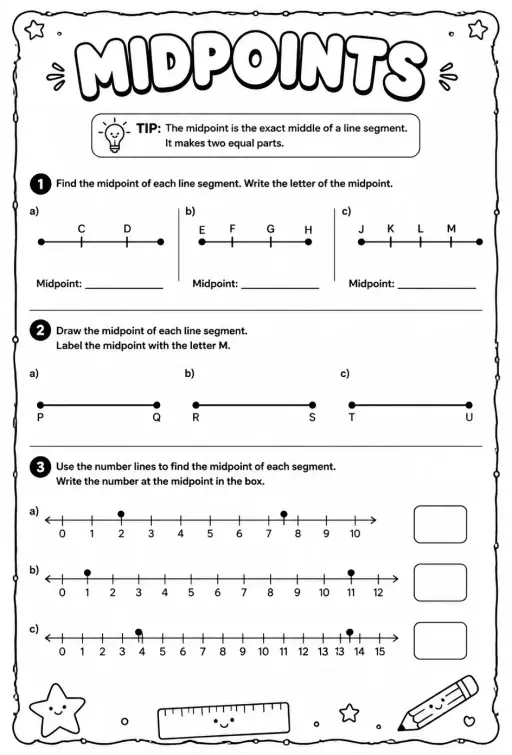

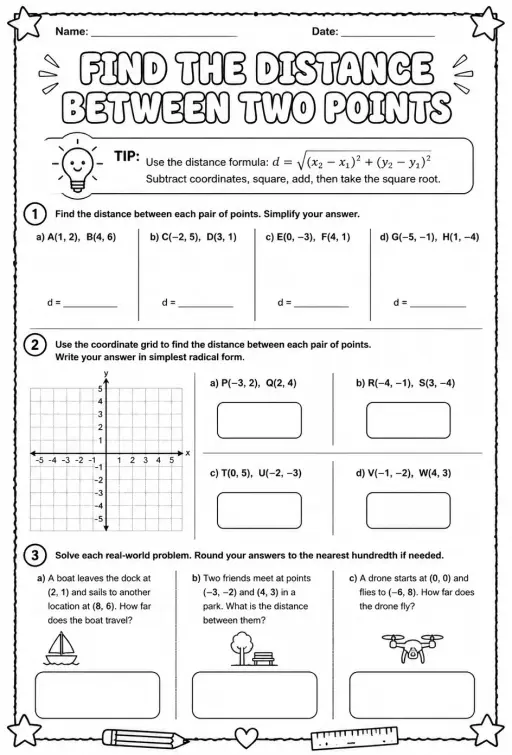

關於這個模擬實驗
3D Point Plotter lets students move a red point P and a teal point Q inside a coordinate box with x, y and z axes. A Drag plane menu chooses the floor, wall or side plane, and the third coordinate stays fixed while dragging. Coordinates snap to half units between -5 and 5. Readouts show P, Q, the distance OP, the distance PQ and the midpoint M, and projection lines drop to the planes. It is a good first look at three-dimensional coordinates and at extending the distance and midpoint formulas to space.
學生可以探索什麼
- Drag the red ball on the floor plane and note how x and z change while y stays the same.
- Change Drag plane to XY (wall) and drag again to see which coordinate is now fixed.
- Turn on the second point Q and read Distance PQ as you move it away from P.
- Place P and Q so the midpoint M has whole-number coordinates and check the readout.
- Toggle Projection lines to see how each coordinate is measured from the planes.
學習目標
- 1Read and plot a point using three coordinates (x, y, z).
- 2Describe how moving in one plane keeps the third coordinate fixed.
- 3Calculate distance between two points in space and check it with the readout.
- 4Find the midpoint of a segment by averaging each coordinate.
教師常問的問題
Is it free?
Yes, it costs nothing and needs no account. Open it in any current browser on a whiteboard, tablet, Chromebook or phone and it just works.
How is distance in 3D calculated?
Take the square root of the sum of the squared differences in x, y and z. It is Pythagoras applied twice, first on the floor and then upward with the height.
Which axis is which color?
The x axis is red, the y axis is green and the z axis is blue. In this simulation the floor is the XZ plane and y is the height.
How do I move a point in the third direction?
Switch the Drag plane menu to a different plane. Each plane lets the point slide in two directions, so using two planes lets you reach any position.
嵌入這個模擬實驗
免費嵌入你的學習平台、網誌或班級網頁。
<iframe src="https://kiwibee.io/zh/simulations/3d-point-plotter-3d-simulation/embed" title="3D Point Plotter | KiwiBee" loading="lazy" allowfullscreen style="width:100%;height:min(70vh,620px);min-height:420px;border:0;border-radius:16px"></iframe>課程標準
Cambridge
- 9Gp.02Use knowledge of coordinates to find points on a line segment.Cambridge Lower Secondary Mathematics (0862) — Stage 9 › Geometry and Measure › Position and transformation
Learning objectives © UCLES (Cambridge University Press & Assessment), quoted with attribution.
把互動科學帶進你的課堂
KiwiBee 的免費教師工作空間,把備課、工作紙、課堂工具和成績冊集中在同一處。
免費開始,建立你的第一個班別在 YouTube 觀看 KiwiBee
為教師和學校而設的 KiwiBee 短片。訂閱頻道,或在你常用的平台關注 KiwiBee。
 首頁
 所有解決方案
 價格
 關於我們
 KiwiBee 非牟利機構計劃
 活動及網上研討會
 適合大型教育機構
 適合學校
 適合教育中心
 適合團隊主管
 適合教師
 教學資源
 可列印工作紙
 互動模擬
 教師工具
 教學構思與研究


