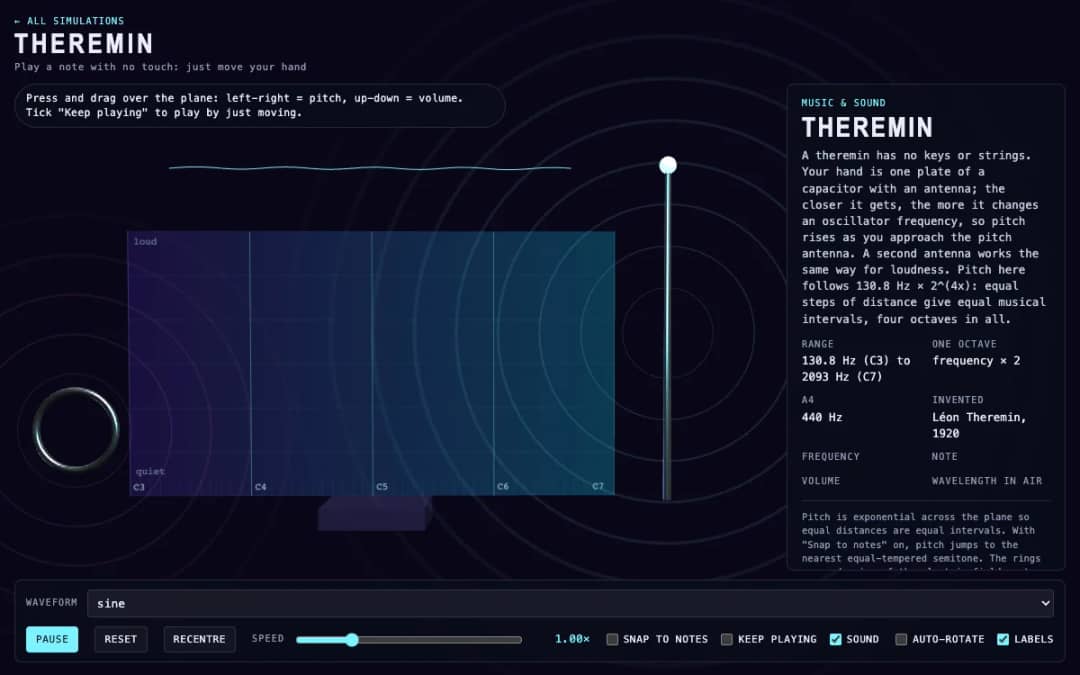
A virtual theremin where students press and drag over a plane. Moving left and right changes pitch, moving up and down changes volume, and readouts show frequency, note, volume and wavelength.
—
KiwiBee 使用 Google Analytics、Google Ads 和 Meta Pixel 的可选 Cookie,用于了解成年访客、统计已完成的注册并改进推广活动。必要 Cookie 始终保持开启。 OpenAI 的 ChatGPT 广告像素还会在您同意广告追踪后衡量页面浏览和已提交的咨询,并可能使用经过哈希处理的联系信息进行匹配。 隐私政策
This simulation shows how the air inside a pipe makes a note. Students drag the ring at the top of a pipe up or down and hear the pitch glide as the length changes. Clicking a pipe, or pressing keys 1 to 6, blows it. A select control switches between an open pipe and a pipe closed at one end, and a slider chooses the first, second or third harmonic. Moving dots show air displacement, red for compressed and blue for stretched, slowed down so they can be seen. Readouts show length, frequency and the formula used. It teaches standing waves, resonance and why closed pipes sound an octave lower.
Yes. Flute Pipe Lengths is free, needs no sign-up and runs in any modern browser, including whiteboards, tablets and phones.
Drag the ring at the top of a pipe up or down to change its length, then click the pipe to blow it. Longer pipes sound lower.
A pipe closed at one end has a node there, so its note is f equals v over 4L, half the frequency of an open pipe of the same length. That is one octave lower.
They show air displacement in the pipe, slowed down about 120 times. Red means the air is compressed and blue means it is stretched.
免费嵌入你的学习平台、博客或班级网站。
<iframe src="https://kiwibee.io/zh-cn/simulations/flute-pipe-lengths-3d-simulation/embed" title="Flute Pipe Lengths | KiwiBee" loading="lazy" allowfullscreen style="width:100%;height:min(70vh,620px);min-height:420px;border:0;border-radius:16px"></iframe>继续探索
A virtual theremin where students press and drag over a plane. Moving left and right changes pitch, moving up and down changes volume, and readouts show frequency, note, volume and wavelength.
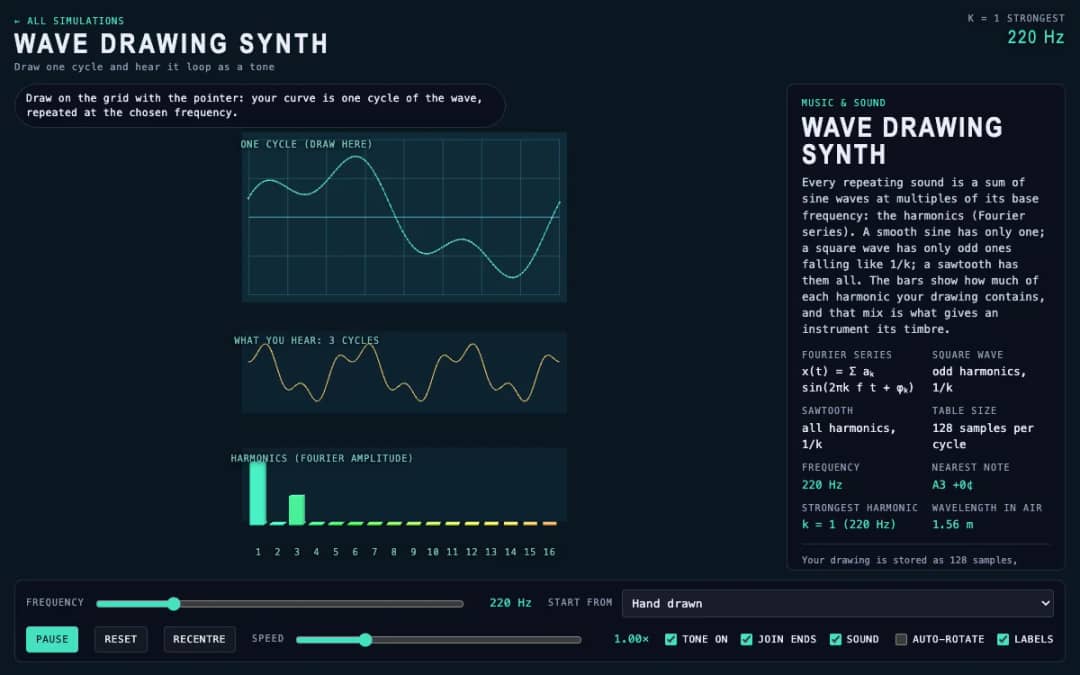
Students draw a single cycle of a wave on a grid, and the simulation plays it as a repeating tone. Frequency, preset waves and a join-ends option let them compare their drawing with sine, square and sawtooth sounds.
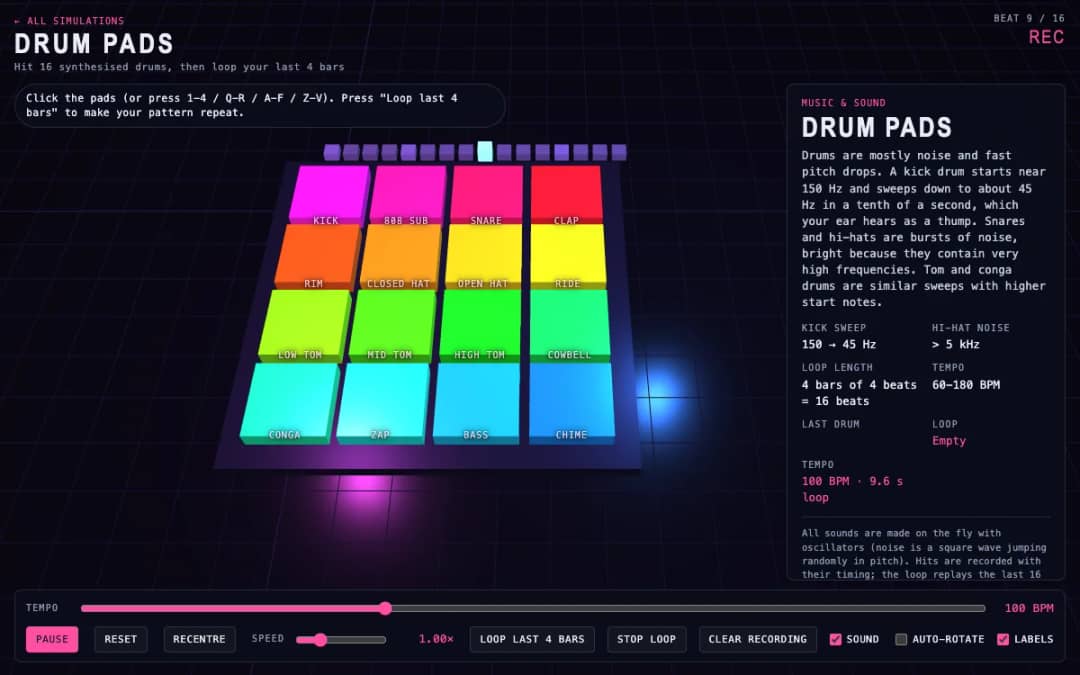
Sixteen 3D drum pads, from kick and snare to cowbell and chime, play synthesized sounds when students click them or press keys. A tempo slider sets the speed and a loop button repeats the last four bars they played.
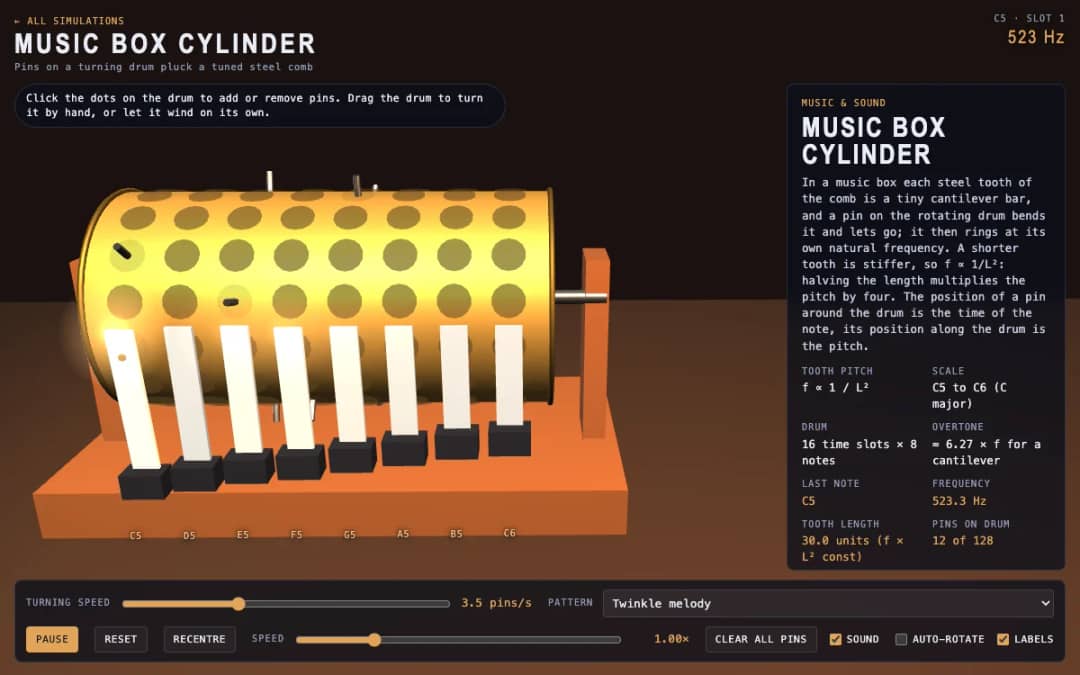
A 3D music box with a pinned drum and a steel comb. Students click dots to add or remove pins, drag the drum to turn it or let it wind itself, and see how tooth length sets each note.
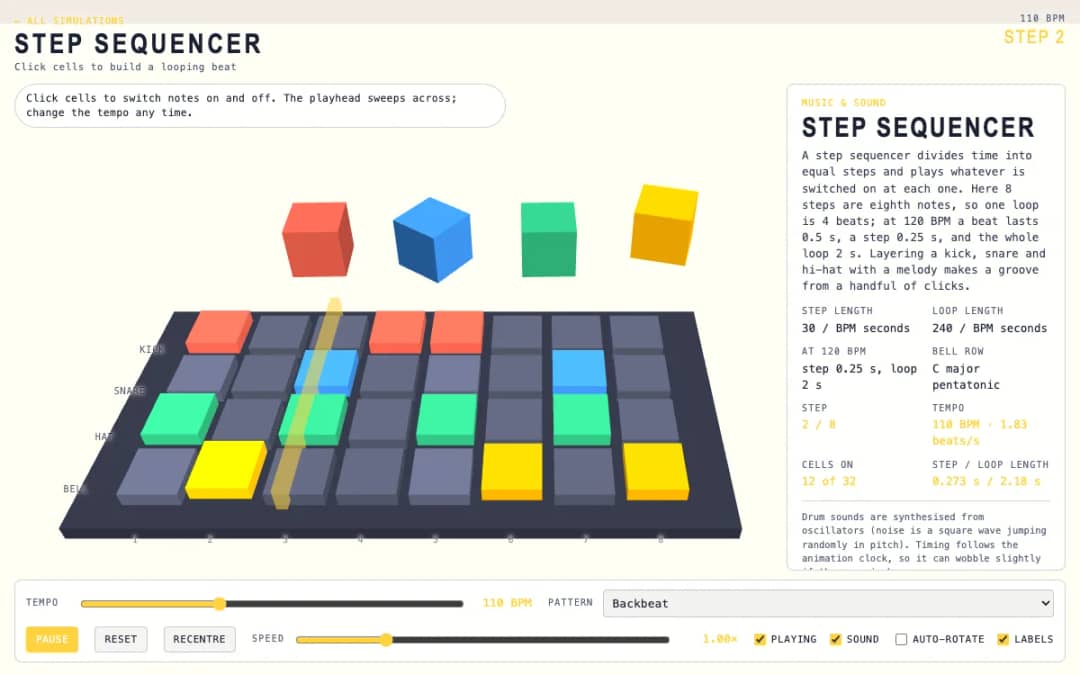
A 3D grid of 8 steps and 4 rows: kick, snare, hat and bell. Students click cells on and off while a playhead sweeps across, and a tempo slider and pattern presets change the groove.
KiwiBee 的免费教师工作台把备课、工作表、课堂工具和成绩册集中在一处。
免费开始,创建你的第一个班级 首页
首页 全部解决方案
 价格
价格 关于我们
关于我们 KiwiBee 非营利组织计划
 活动与网络研讨会
 面向大型教育集团
 面向学校
面向学校 面向教育中心
 面向团队负责人
 面向教师
面向教师 AI 与教学资源
 教学资源
教学资源 可打印练习单
 课程包
课程包 互动模拟实验
 教师工具
教师工具 AI 工作室
 灵感与研究
灵感与研究