
Tessellation Tiles
- Matemática
Comentários
Relacionados a esta simulação
Escolhidos pelo significado entre jogos, atividades, simulações, ferramentas para professores e vídeos.

Sobre esta simulação
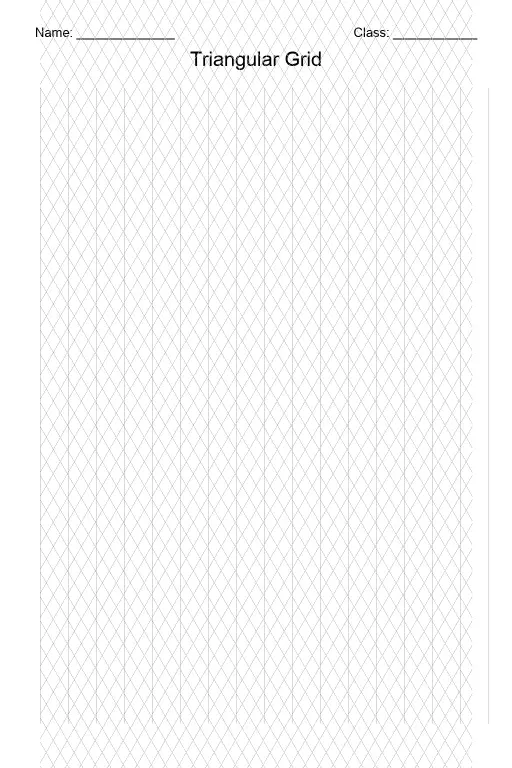
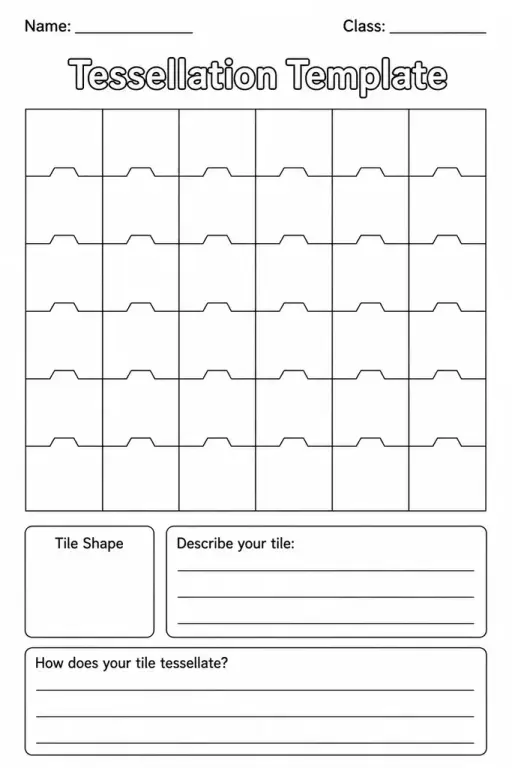
Tessellation Tiles gives students a shelf of regular polygons with equal edge lengths. They drag tiles to the board where they snap to nearby corners, tap a tile to turn it 30 degrees, and see red outlines when tiles overlap. Readouts show the selected tile, the angle sum at a vertex, the number of full 360 degree corners and the tile count. A demo button builds a pattern around a point, and a toggle shows angle sums. It lets students discover that triangles, squares and hexagons tessellate while pentagons and octagons leave gaps or overlap.
O que os alunos podem explorar
- Drag six triangles around one corner and check that the angles at a vertex sum to 360 degrees.
- Try to fit pentagons around a point and read the Angles at a vertex readout.
- Press Demo around a point to see a complete tiling and then build your own.
- Tap a tile to turn it 30 degrees and notice when it fits without red overlap outlines.
- Combine squares and triangles in one pattern and count the Full 360 corners.
Objetivos de aprendizagem
- 1Explain that a regular polygon tessellates only if its interior angle divides 360 degrees.
- 2Calculate the interior angle of a regular polygon.
- 3Identify which regular polygons tile the plane on their own.
- 4Use angle sums around a point to justify a tiling.
Perguntas frequentes dos professores
Is it free?
Yes. Students can use it without creating an account, on any modern browser and on whiteboards, tablets or phones.
Which regular polygons tessellate alone?
Only equilateral triangles, squares and regular hexagons. Their angles of 60, 90 and 120 degrees divide 360 exactly, so 6, 4 and 3 fit around a point.
Why do pentagons leave gaps?
A regular pentagon has 108 degree angles. Three give 324 degrees, leaving a gap, and four give 432 degrees, which overlaps, so no whole number fits around a point.
How do I place and rotate tiles?
Drag a tile from the shelf to the board and it snaps to a nearby corner. Tap it to turn by 30 degrees. Red outlines mean overlap, and dropping it on the shelf removes it.
Incorporar esta simulação
Coloque no seu AVA, blog ou site da turma — de graça.
<iframe src="https://kiwibee.io/pt/simulations/tessellation-tiles-3d-simulation/embed" title="Tessellation Tiles | KiwiBee" loading="lazy" allowfullscreen style="width:100%;height:min(70vh,620px);min-height:420px;border:0;border-radius:16px"></iframe>Leve a ciência interativa para a sua sala de aula
O espaço gratuito do professor da KiwiBee reúne em um só lugar o planejamento de aulas, as atividades, as ferramentas de sala e o diário de classe.
Comece grátis e crie sua primeira turmaAssista ao KiwiBee no YouTube
Vídeos curtos do KiwiBee para professores e escolas. Inscreva-se ou siga o KiwiBee onde você estiver.
 Início
 Todas as soluções
 Preços
 Sobre nós
 KiwiBee para organizações sem fins lucrativos
 Eventos e webinars
 Para grandes redes de ensino
 Para escolas
 Para centros educacionais
 Para líderes de equipe
 Para professores
 Recursos
 Atividades para imprimir
 Simulações interativas
 Ferramentas para professores
 Ideias e pesquisa


