
Transformations Lab
- Mathématiques
Commentaires
Liées à cette simulation
Choisis selon le sens parmi les jeux, fiches, simulations, outils pour les enseignants et vidéos.
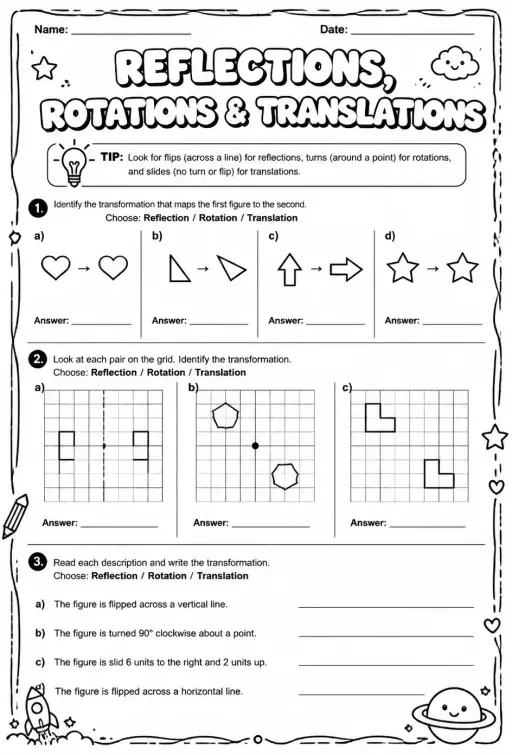 FicheIdentify reflections, rotations, and translations
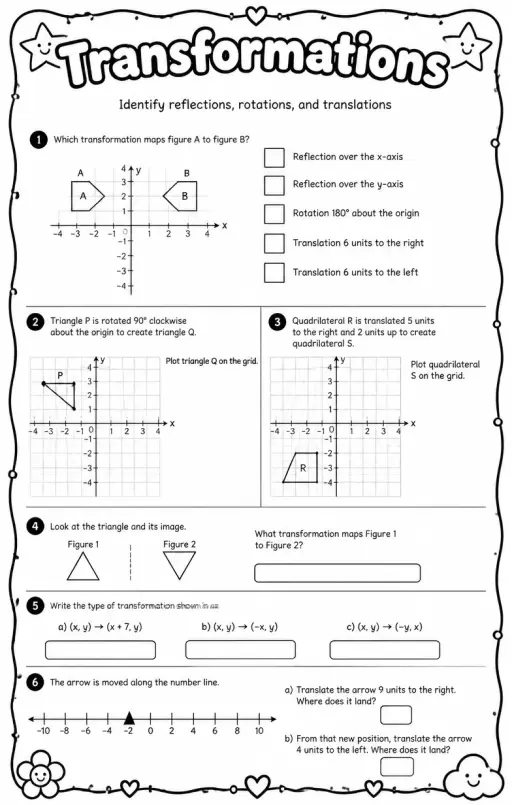 FicheIdentify reflections, rotations, and translations
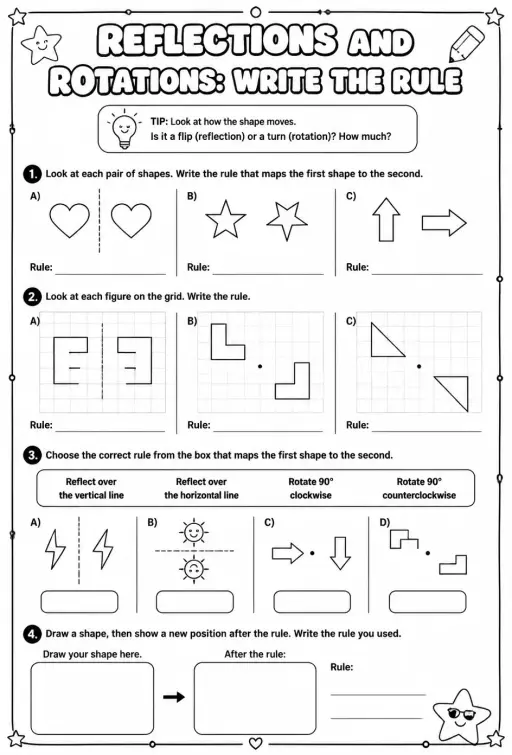 FicheReflections and rotations: write the rule
 FicheTranslations: graph the image
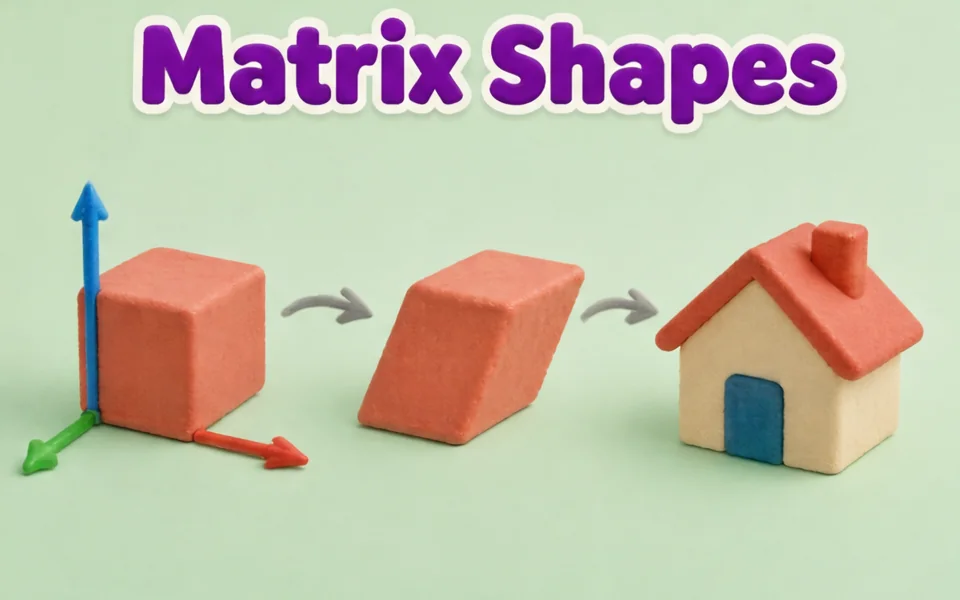 SimulationMatrix Transformations 3D
 SimulationTessellation Tiles
 Simulation3D Shapes Explorer
 SimulationPythagoras Squares
À propos de cette simulation
Transformations Lab shows a shape with corners A, B, C and D on a grid and its image after a reflection, rotation or translation. Students pick the transformation from a menu, drag the shape or its corner dots, move the mirror handles, the rotation centre or the vector tip, and set a rotation angle in 15 degree steps. Readouts list the transformation and each corner mapping such as A to A prime. The image stays congruent but reflections reverse the lettering. Use it to teach congruence, coordinate rules and orientation.
Ce que les élèves peuvent explorer
- Choose Reflect and drag the mirror handles to put the mirror line in different places.
- Choose Rotate, drag the centre, and set Rotation to 90 then -90 degrees to compare directions.
- Choose Translate and drag the vector tip to slide the shape, then read the A to A prime readout.
- Drag a corner dot to change the shape and check the image still matches it in size.
- Turn Show guide lines off and predict the image coordinates before turning it back on.
Objectifs d'apprentissage
- 1Perform and describe a reflection, rotation and translation on a coordinate grid.
- 2Identify that these transformations preserve side lengths and angles.
- 3Apply coordinate rules such as (x, y) to (-x, y) for a reflection in the y axis.
- 4Explain that a reflection reverses orientation while a translation does not.
Questions fréquentes des enseignants
Is it free?
Yes. Students can use it without creating an account, on any modern browser and on whiteboards, tablets or phones.
Which transformations keep the shape the same size?
Reflections, rotations and translations all keep side lengths and angles, so the image is congruent to the original. Only the position or orientation changes.
Why does the letter order reverse in a reflection?
A mirror flips the shape over, so going A, B, C, D around the shape runs the opposite way in the image. Rotations and translations keep the same direction.
How do I change the rotation?
Select Rotate, drag the rotation centre to where you want it, and use the Rotation slider from -180 to 180 degrees. Positive angles turn anticlockwise.
Intégrer cette simulation
Placez-la dans votre ENT, votre blog ou le site de la classe — gratuitement.
<iframe src="https://kiwibee.io/fr/simulations/transformations-shape-3d-simulation/embed" title="Transformations Lab | KiwiBee" loading="lazy" allowfullscreen style="width:100%;height:min(70vh,620px);min-height:420px;border:0;border-radius:16px"></iframe>Objectifs du programme
Cambridge
- 7Gp.03Use knowledge of translation of 2D shapes to identify the corresponding points between the original and the translated image, without the use of a grid.Cambridge Lower Secondary Mathematics (0862) — Stage 7 › Geometry and Measure › Position and transformation
- 7Gp.04Reflect 2D shapes on coordinate grids, in a given mirror line (x- or y-axis), recognising that the image is congruent to the object after a reflection.Cambridge Lower Secondary Mathematics (0862) — Stage 7 › Geometry and Measure › Position and transformation
- 7Gp.05Rotate shapes 90° and 180° around a centre of rotation, recognising that the image is congruent to the object after a rotation.Cambridge Lower Secondary Mathematics (0862) — Stage 7 › Geometry and Measure › Position and transformation
Learning objectives © UCLES (Cambridge University Press & Assessment), quoted with attribution.
Faites entrer les sciences interactives dans votre classe
L'espace enseignant gratuit de KiwiBee réunit au même endroit la préparation des séances, les fiches, les outils de classe et le carnet de notes.
Commencez gratuitement et créez votre première classeRegardez KiwiBee sur YouTube
De courtes vidéos KiwiBee pour les enseignants et les écoles. Abonnez-vous, ou suivez KiwiBee où que vous soyez.
 Accueil
 Toutes les solutions
 Tarifs
 À propos
 KiwiBee pour les associations
 Événements et webinaires
 Pour les grands réseaux
 Pour les établissements
 Pour les centres
 Pour les responsables d'équipe
 Pour les enseignants
 Ressources
 Fiches imprimables
 Simulations interactives
 Outils pour les enseignants
 Idées et recherche


