
Pythagoras Squares
- Mathématiques
Commentaires
Liées à cette simulation
Choisis selon le sens parmi les jeux, fiches, simulations, outils pour les enseignants et vidéos.

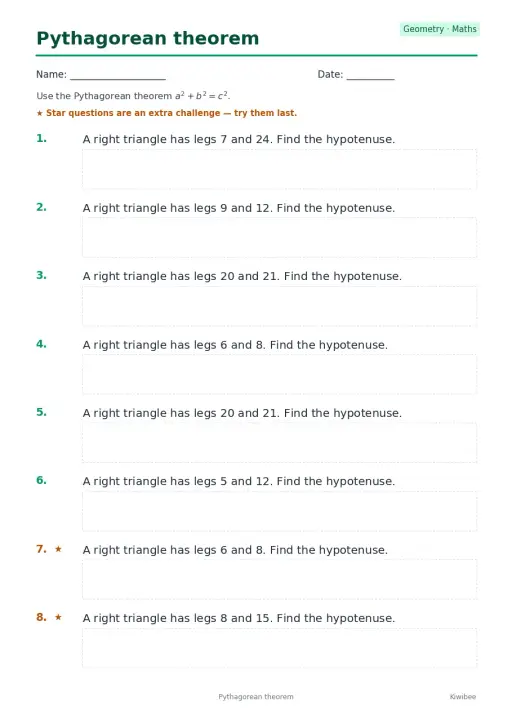
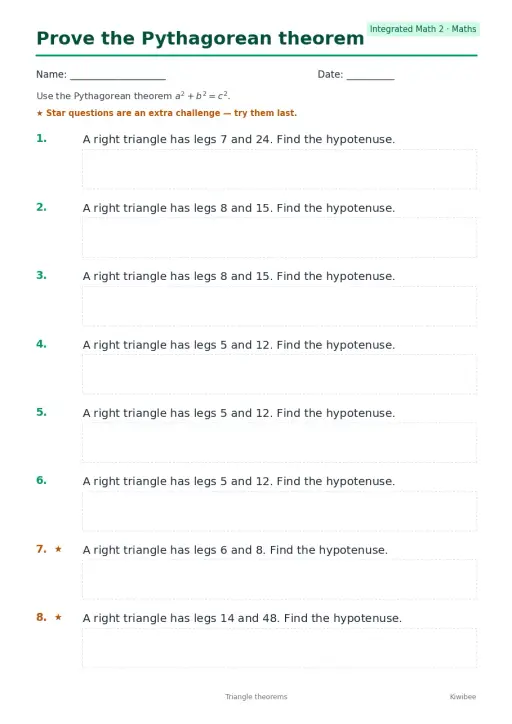
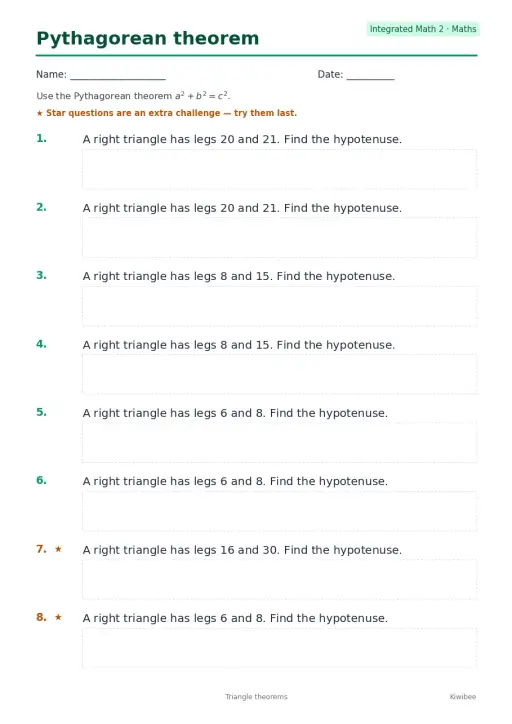
À propos de cette simulation
Pythagoras Squares builds a square on each side of a right triangle and shows the areas as a squared, b squared and c squared. Students drag the two round handles to stretch the legs in half-unit steps and read the sum of the leg squares against the hypotenuse square. A Rearrange toggle and a Proof camera view cut a big (a+b) square into four triangles plus either one c square or the two leg squares, which makes the theorem visible. Use it to introduce the theorem, check the 3-4-5 triple, or support a proof discussion.
Ce que les élèves peuvent explorer
- Drag the two round handles to change leg a and leg b and watch the three square areas update.
- Press the 3-4-5 button and check that 9 plus 16 equals 25 in the Areas readout.
- Switch on Rearrange and follow how the four triangles and squares fit inside the big square.
- Use the Proof camera view to look at the rearrangement from a better angle.
- Try unequal legs such as 1 and 4 and compare the Hypotenuse c readout with your estimate.
Objectifs d'apprentissage
- 1State the Pythagorean theorem for a right triangle as a squared plus b squared equals c squared.
- 2Calculate the hypotenuse from two given legs and check it against the readout.
- 3Explain how the rearrangement proof shows that the square areas must be equal.
- 4Recognize the 3-4-5 triple as a whole-number right triangle.
Questions fréquentes des enseignants
Is it free?
Yes. It is free, needs no sign-up and runs in any modern browser, including classroom whiteboards, tablets and phones.
What does the Rearrange toggle show?
It cuts a large square of side a plus b into four copies of the triangle plus either one square on the hypotenuse or the two leg squares. Since the big square and the triangles are the same, the squares must have equal area.
Does the theorem work for any triangle?
No. It holds only for right triangles. The simulation keeps the legs perpendicular for that reason, and c is always the side opposite the right angle.
How do I use it in class?
Ask students to predict the hypotenuse for a pair of legs, drag the handles to test it, then compare the Areas readout. Finish with Rearrange so they can see the proof.
Intégrer cette simulation
Placez-la dans votre ENT, votre blog ou le site de la classe — gratuitement.
<iframe src="https://kiwibee.io/fr/simulations/pythagoras-squares-3d-simulation/embed" title="Pythagoras Squares | KiwiBee" loading="lazy" allowfullscreen style="width:100%;height:min(70vh,620px);min-height:420px;border:0;border-radius:16px"></iframe>Objectifs du programme
Cambridge
- 9Gg.10Know and use Pythagoras’ theorem.Cambridge Lower Secondary Mathematics (0862) — Stage 9 › Geometry and Measure › Geometrical reasoning, shapes and measurements
Learning objectives © UCLES (Cambridge University Press & Assessment), quoted with attribution.
Faites entrer les sciences interactives dans votre classe
L'espace enseignant gratuit de KiwiBee réunit au même endroit la préparation des séances, les fiches, les outils de classe et le carnet de notes.
Commencez gratuitement et créez votre première classeRegardez KiwiBee sur YouTube
De courtes vidéos KiwiBee pour les enseignants et les écoles. Abonnez-vous, ou suivez KiwiBee où que vous soyez.
 Accueil
 Toutes les solutions
 Tarifs
 À propos
 KiwiBee pour les associations
 Événements et webinaires
 Pour les grands réseaux
 Pour les établissements
 Pour les centres
 Pour les responsables d'équipe
 Pour les enseignants
 Ressources
 Fiches imprimables
 Simulations interactives
 Outils pour les enseignants
 Idées et recherche


