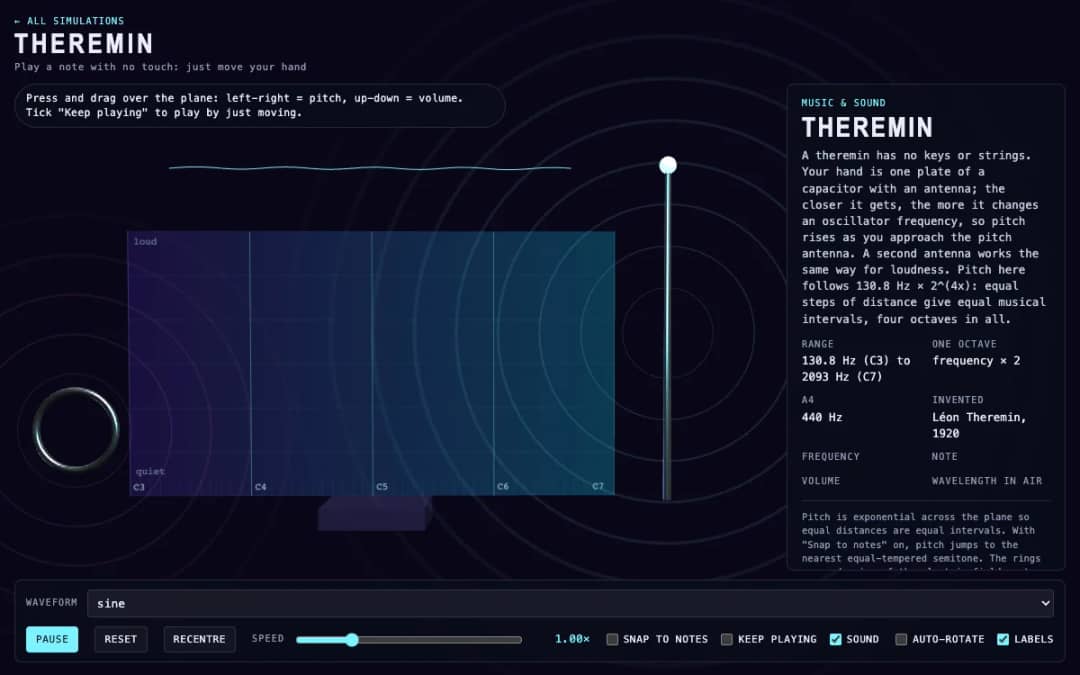
A virtual theremin where students press and drag over a plane. Moving left and right changes pitch, moving up and down changes volume, and readouts show frequency, note, volume and wavelength.
—
KiwiBee utilise des cookies facultatifs Google Analytics, Google Ads et Meta Pixel pour comprendre les visiteurs adultes, mesurer les inscriptions finalisées et améliorer ses campagnes. Les cookies essentiels restent toujours actifs. Le pixel publicitaire ChatGPT d’OpenAI mesure aussi les pages vues et les demandes envoyées après consentement publicitaire, et peut utiliser des coordonnées hachées pour la mise en correspondance. Politique de confidentialité
This simulation shows how music loops are built. A board holds four rows (Kick, Snare, Hat and Bell) and eight steps. Students click cells to switch notes on or off, and a glowing playhead sweeps across the grid, sounding every cell that is on. Tempo can be changed from 60 to 200 BPM, and presets such as Backbeat, Four on the floor, Random or Empty give starting patterns. Readouts show the current step, tempo, number of cells on, and the length of one step and of the whole loop. It teaches rhythm, steps and beats, tempo in beats per minute and how seconds relate to BPM, so it fits music and math lessons.
Yes. Step Sequencer is free, needs no sign-up and runs in any modern browser, including whiteboards, tablets and phones.
Click any cell on the grid to turn it on or off. The playhead sweeps across the eight steps and plays every cell that is on in each row.
Eight steps are eighth notes, so one loop is 4 beats. At 120 BPM a beat is 0.5 seconds, a step is 0.25 seconds and the loop is 2 seconds.
A backbeat puts the strong accent on the even beats, usually with the snare on beats 2 and 4, while the kick plays on beats 1 and 3.
Placez-la dans votre ENT, votre blog ou le site de la classe — gratuitement.
<iframe src="https://kiwibee.io/fr/simulations/step-sequencer-3d-simulation/embed" title="Step Sequencer | KiwiBee" loading="lazy" allowfullscreen style="width:100%;height:min(70vh,620px);min-height:420px;border:0;border-radius:16px"></iframe>Continuer à explorer
A virtual theremin where students press and drag over a plane. Moving left and right changes pitch, moving up and down changes volume, and readouts show frequency, note, volume and wavelength.
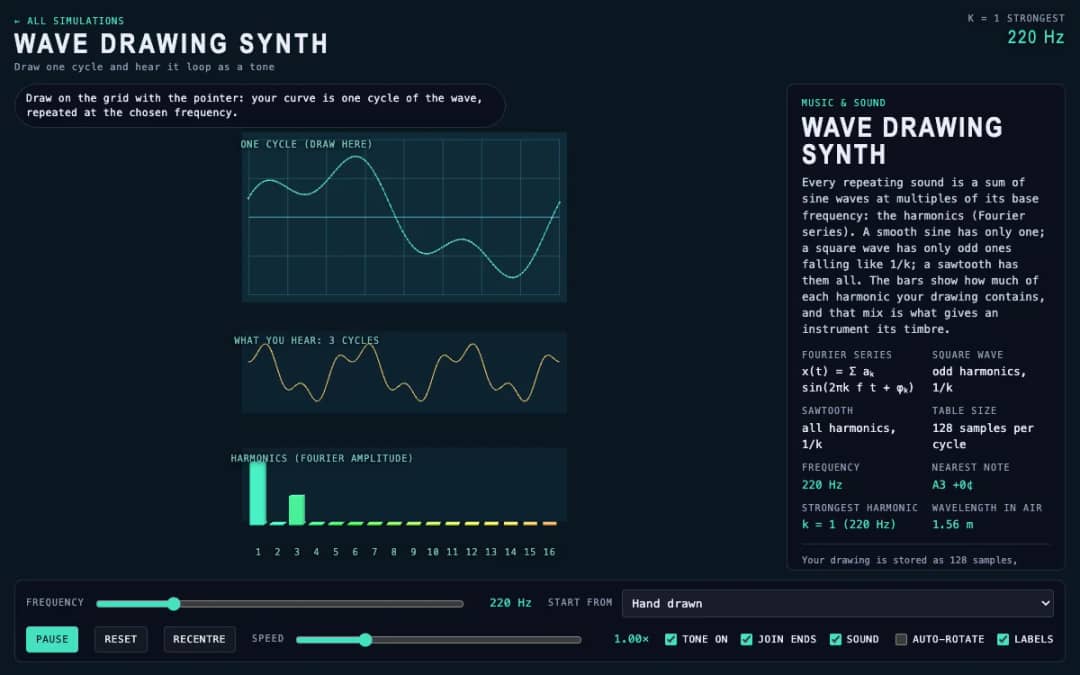
Students draw a single cycle of a wave on a grid, and the simulation plays it as a repeating tone. Frequency, preset waves and a join-ends option let them compare their drawing with sine, square and sawtooth sounds.
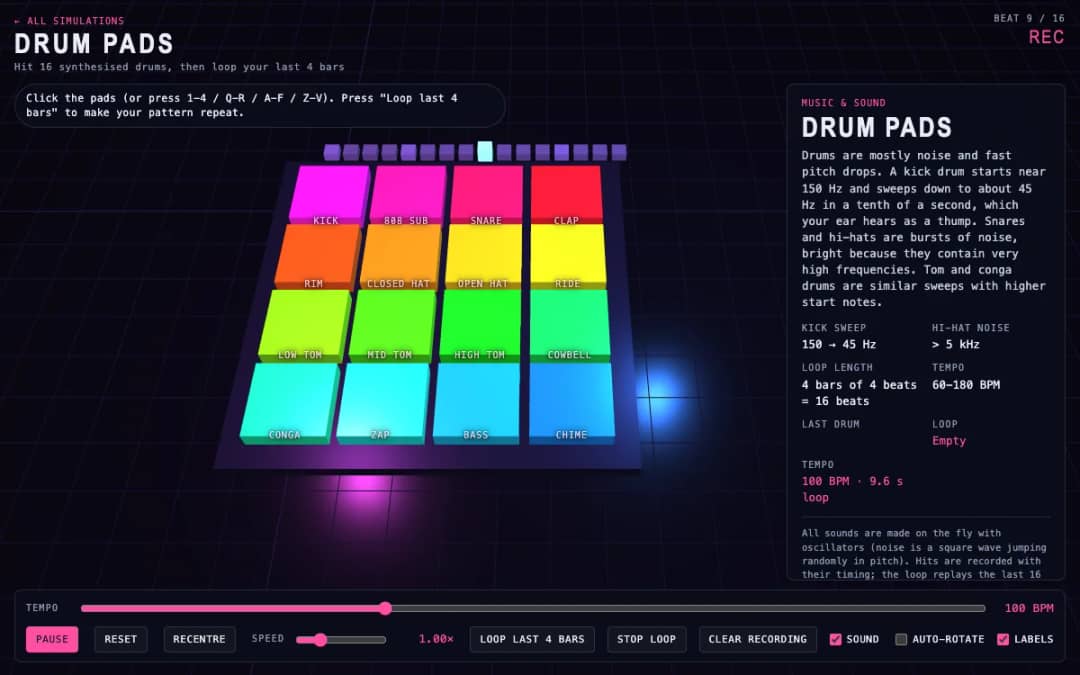
Sixteen 3D drum pads, from kick and snare to cowbell and chime, play synthesized sounds when students click them or press keys. A tempo slider sets the speed and a loop button repeats the last four bars they played.
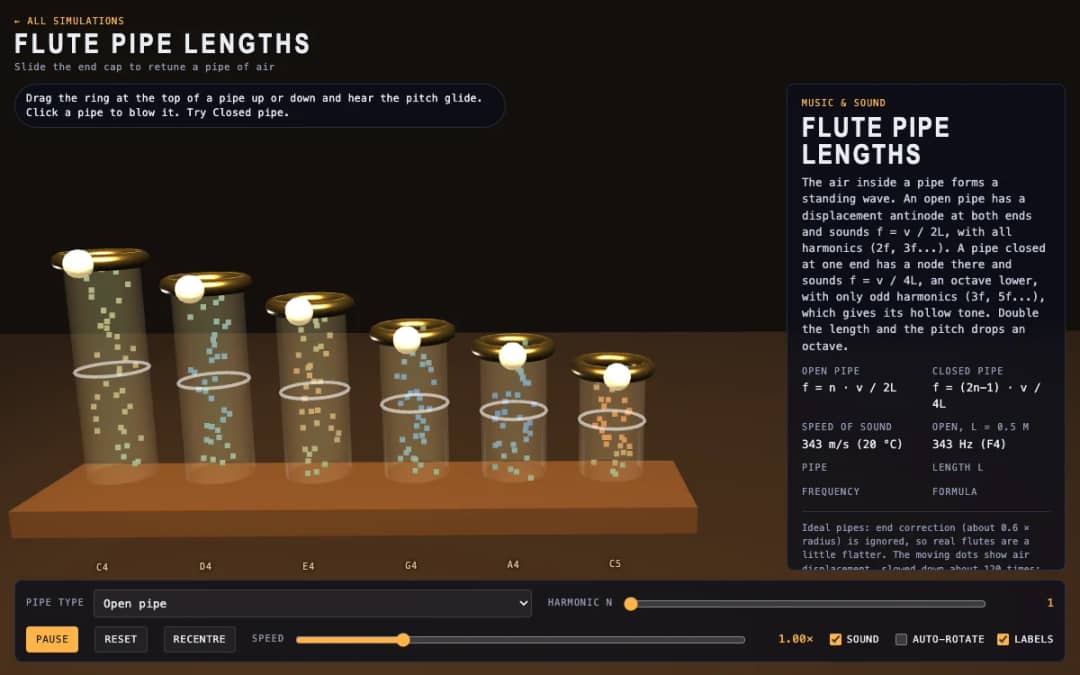
Six 3D flute pipes with a slider ring at the top of each. Students drag the ring to change the pipe length, click a pipe to blow it and switch between open and closed pipes to see air moving and hear the pitch.
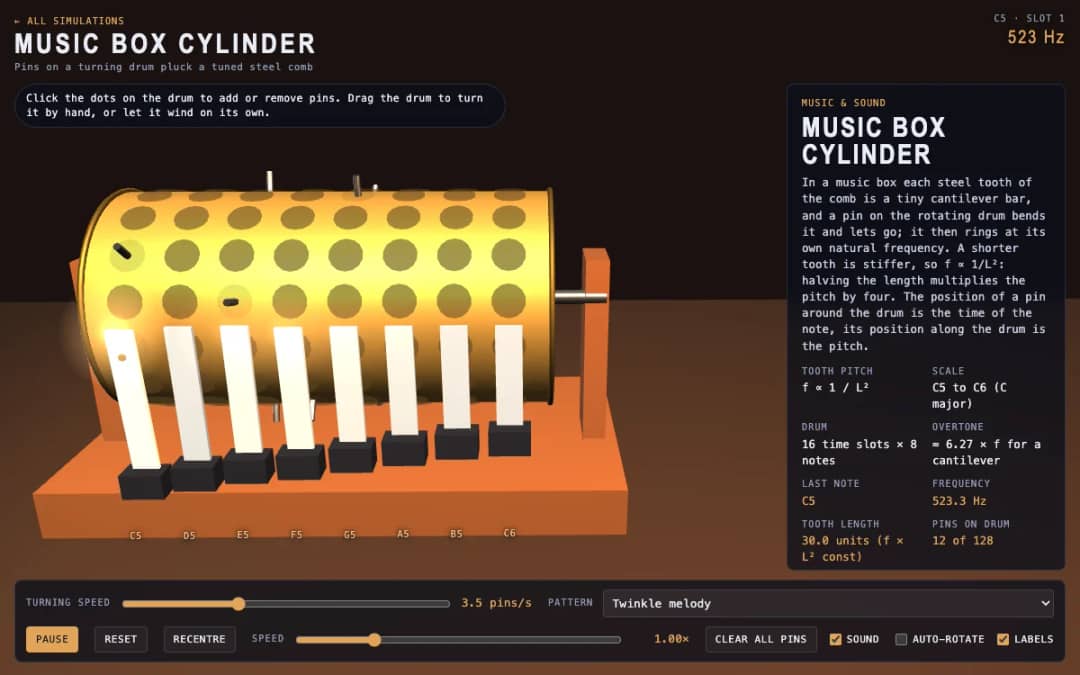
A 3D music box with a pinned drum and a steel comb. Students click dots to add or remove pins, drag the drum to turn it or let it wind itself, and see how tooth length sets each note.
L'espace enseignant gratuit de KiwiBee réunit au même endroit la préparation des séances, les fiches, les outils de classe et le carnet de notes.
Commencez gratuitement et créez votre première classe Accueil
 Toutes les solutions
 Tarifs
 À propos
 KiwiBee pour les associations
 Événements et webinaires
 Pour les grands réseaux
 Pour les établissements
 Pour les centres
 Pour les responsables d'équipe
 Pour les enseignants
 IA et ressources
 Ressources
 Fiches imprimables
 Kits de cours
 Simulations interactives
 Outils pour les enseignants
 Studio IA
 Idées et recherche